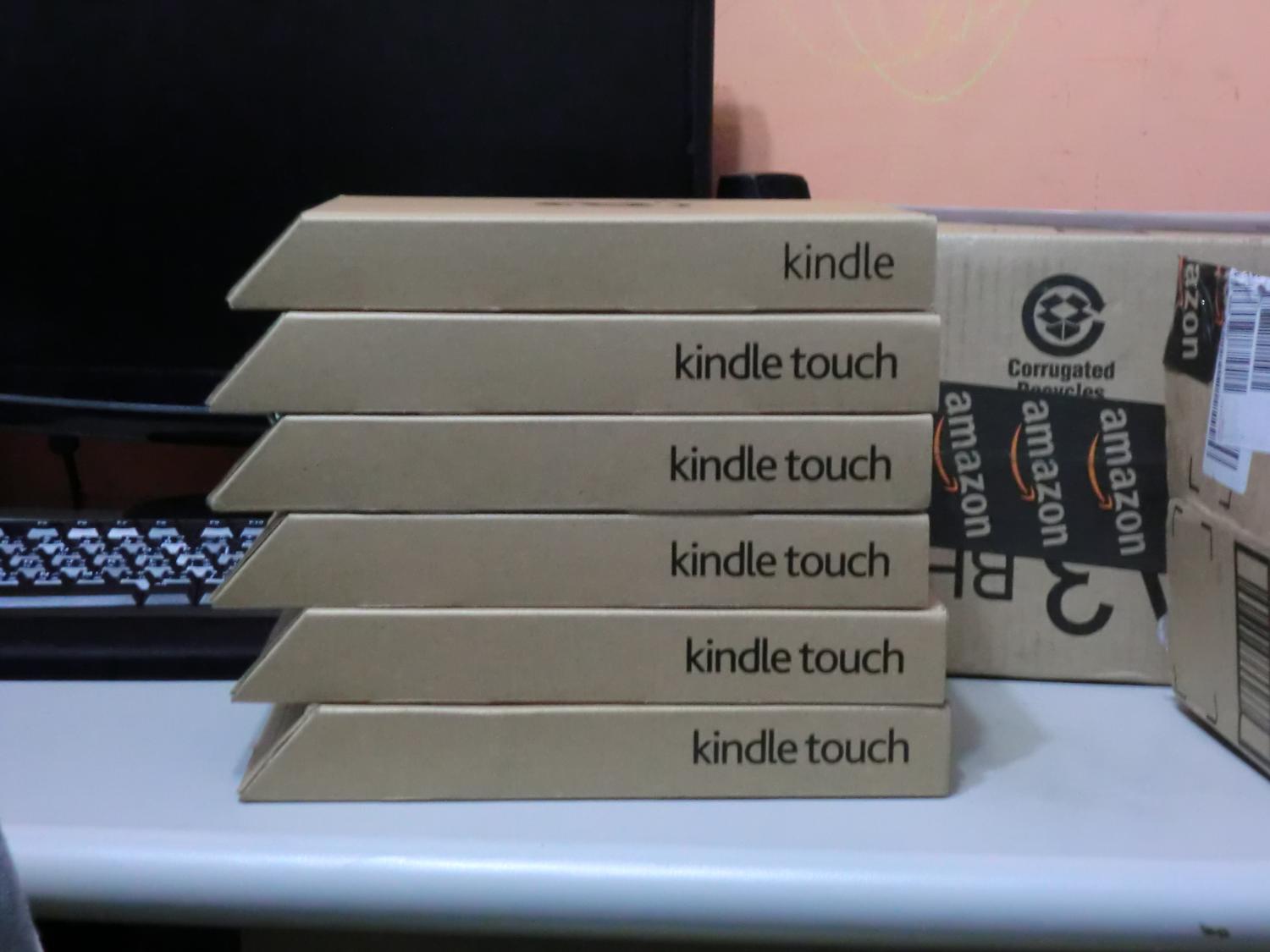
Right after New Year’s, I bought a Kindle Touch from Amazon in the US. I had read lots of articles online, both praise and criticism. The most common complaints are these three: it has a black-and-white screen, it has too few features, and the e-paper responds too slowly. These three were also my biggest worries XD. But once the device actually arrived in Taiwan, I realized my worries were unnecessary!
It’s true that a black-and-white screen and limited features (it can only be used for reading) make many people feel that buying a Kindle is a loss. But for someone who truly needs and wants to read, limited features are actually an advantage. As for the black-and-white screen, I can only say there’s really no difference. You’re reading either way, and the gap between color and black-and-white is small. It’s just a matter of enjoyment!!
Why do I say limited features are an advantage? Because for someone who wants to read, too many features are distracting. For example, an iPad can be used for reading, games, and checking email… It can do many things. But when you try to read on an iPad, you’ll find you can’t concentrate at all. You might read for a few minutes and then end up playing games xD. The Kindle, on the other hand, only does reading, so it’s easy to focus.
Some people say e-paper responds slowly. Going by my own experience of using a Kindle for over a month, compared with a regular LCD screen it is indeed “slow,” but the slowness isn’t unbearable. It’s roughly the same as the speed at which you turn pages in a book, so it doesn’t really cause much of a problem. Only if you read at a ridiculously fast pace would you notice a difference…
I personally think the Kindle has a few advantages: the e-paper, the weight, and the integration with Amazon’s bookstore. First, the e-paper is a masterpiece! When many people first see a Kindle, their reaction is, “Is this a demo unit?” or maybe, “Is this just packaging paper?” The screen really feels like paper and doesn’t reflect light at all, so it’s very comfortable for the eyes. Unlike an iPad, where your eyes get tired after looking at the screen for too long, the Kindle never has that problem, thanks to the e-paper! Also, because the e-paper only uses power when you turn pages, its battery life is ridiculously good. I read an average of 2 hours a day, and it takes about two weeks before it runs out of battery. With a phone or tablet, you’d probably need to charge it every two days.
As for weight, the Kindle is probably lighter than every type of phone on the market. That makes it great to take outside, or to read while walking. The iPad is already quite light, but holding it for a long time is still tiring. The Kindle is different: it weighs about a third of an iPad (just over 200 grams), and it’s roughly the size of a jacket pocket. I’m in the habit of keeping it in my pocket, which makes it really convenient to take out XD.
Also, since the Kindle is Amazon’s e-book reader, it naturally integrates with Amazon’s online bookstore. Many books have Kindle editions, and they’re very cheap, usually around 50% of the print price, and sometimes as low as 40% or 30%!! But almost all of them are in English, and there are hardly any Chinese books, so it’s better suited to people who are good at English. If your English isn’t good, that’s fine too. You can look for e-books online and import them into the Kindle yourself.
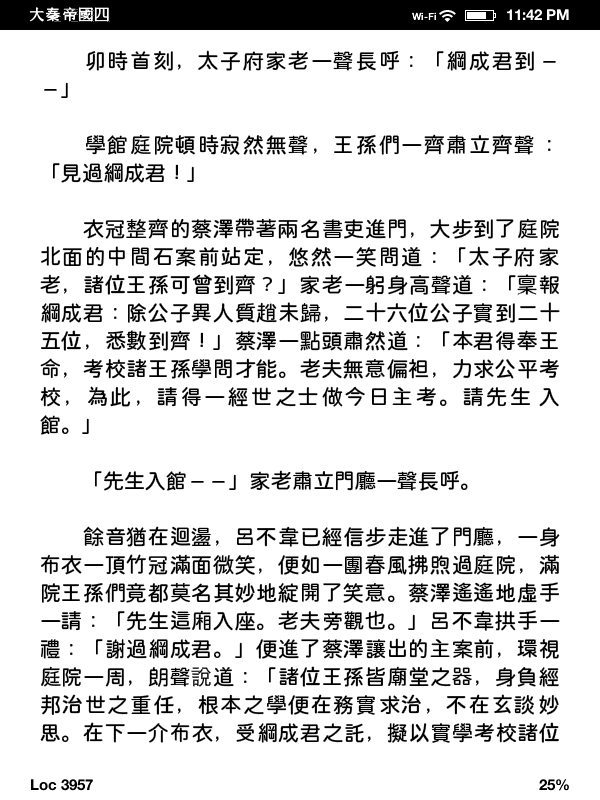
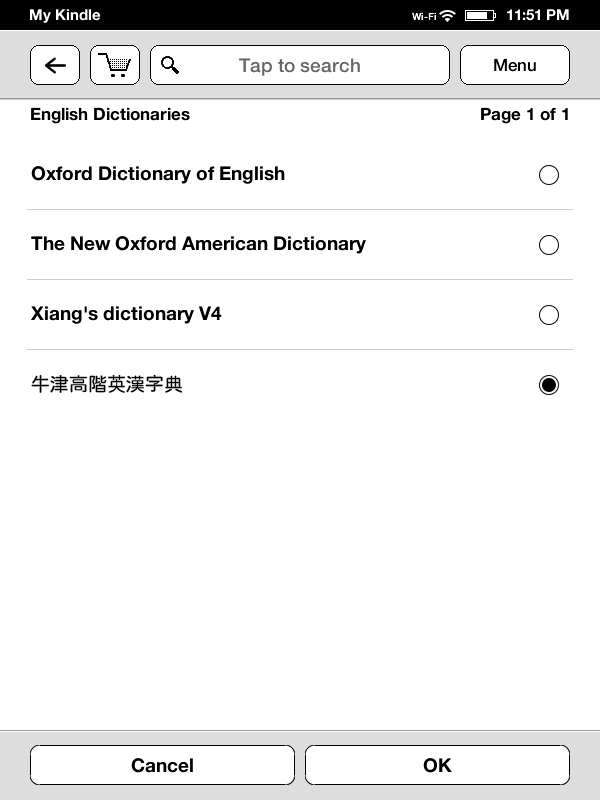
I mostly use the Kindle for novels, and my reading speed is about the same as with paper books. At first I wasn’t used to not feeling the pages turn, but later I stopped minding. The Kindle has already gotten me to go a whole week without stepping into Eslite Bookstore, and a whole week without reading the newspaper while eating. I’ve been going to bed after midnight every night for a week!! During the school term, I usually go to a bookstore once a week to read, or I feel unhappy XD. Especially now during winter break, I go to the bookstore almost every day. But since I got the Kindle, I can’t even finish the e-books I have, so when would I have time to go to Eslite! Also, because the Kindle has a built-in dictionary, you can find an English-Chinese dictionary online and transfer it to the Kindle, which turns it into a handy electronic dictionary XD. For the past few days, I’ve been relying on the Kindle to look up words for my English homework, hehe. I also have a habit of organizing my notes. Before exams, I usually put the important material into a DOC file and print it out. Now I can just send it straight to the Kindle, which saves the hassle of printing, and it’s very easy to carry around~
▼▼ You can install a dictionary~
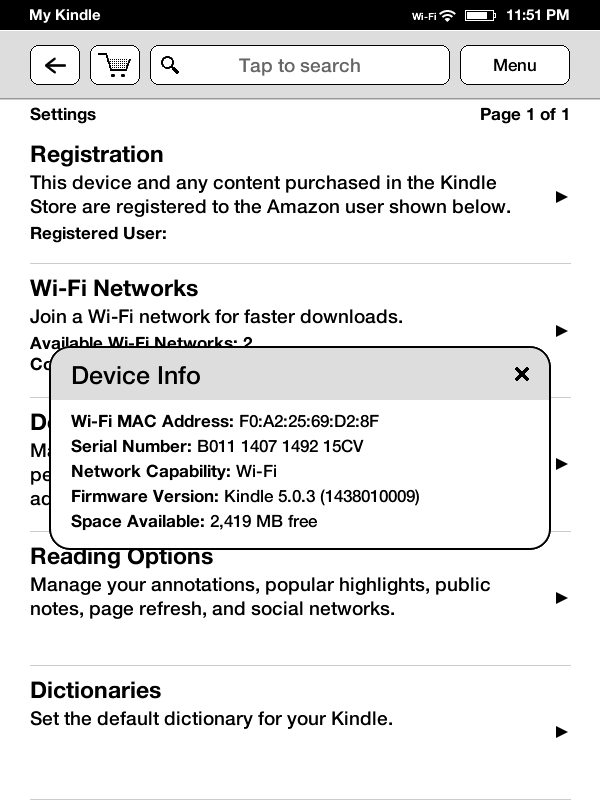
So does the Kindle have any drawbacks? After using it for a while, I think the biggest one is that the operation design isn’t good enough. For example, it organizes books with Collections, which you can think of as folders. The feature itself is great and makes managing books easy, but there’s a big problem: you can only manage Collections on the Kindle itself. If you want to create a category or add books to one, you can only do it on the Kindle. You can’t do it on a PC and sync it to the Kindle, which is very inconvenient when you have a lot of books. Also, because the Kindle only has an English input method, Collection names can only be in English. And because the Kindle has no Chinese input method, you can only search for books in English. If a book’s title is in Chinese, you’re out of luck…. This is the main drawback I can see at the moment. There’s another problem that many people complain about: there’s no SD card slot. If the built-in storage fills up, there’s nothing you can do. But it’s actually quite hard to fill the built-in storage. For example, the Kindle Touch has 4GB (4096MB) built in. If we assume an average book is about 1MB (unless you’re reading PDFs, which are larger), you could store about 4,000 books. The official figure is about 3,500 books. Even if it’s only 3,000 books, can you find that many? I guess our school library probably has about 3,000 books. Being able to read more than three thousand books really is pretty impressive XD.
▼▼ Remaining capacity: 2,419MB~
The Kindle Touch also has two major drawbacks. One is that there are no page-turn buttons, so you can only turn pages by touching the screen. That’s sometimes inconvenient, but the impact isn’t very serious. The other is that the screen can’t rotate, and that one really frustrates me. Non-touch Kindle models can all rotate their screens, so why can’t the touch version? The result is that reading PDFs is inconvenient, because the width isn’t enough and you have to zoom in. Even if you rotate it, you still have to zoom in to read clearly… But there is still a difference!! Screen rotation can be unlocked on the Kindle Touch through a hack XD.
So what kind of person is suited to buying a Kindle?
- Students
- People who love reading, especially novels
- People with lots of books who have run out of shelf space...
People who love novels are the ones who need a Kindle the most. Right now, the most common Chinese e-books online are novels. For example, there’s Haodoo, a well-known site in Taiwan. If it ever gets shut down, I would be really sad! Haodoo has lots of e-books, mostly novels. You can also find lots of novels from mainland China. They’re in Simplified Chinese, but you can convert them to Traditional with some programs, or just read the Simplified versions, which is fine too XD. If you don’t like reading books, then the Kindle is not very necessary for you, because the Kindle can only be used for reading~
If you have lots of books and no room on your shelves, that’s exactly me! There’s a Japanese company called Bookscan that scans physical books into e-books for you and provides OCR. The price is ridiculously cheap: processing a book of up to 350 pages costs less than NT$40. I was planning to send all my computer books to them to make into e-books. But keep in mind that the company is in Japan, so you have to mail the books to Japan, and the shipping is expensive and terrifying….. That’s what I’m troubled about right now. I’ve considered buying a scanner to do it myself, but a machine specialized for scanning books costs at least NT$20,000. A regular all-in-one printer won’t work, because its scanning speed is too slow and its resolution is too low. You’d need a machine designed for document scanning, with a resolution of at least 300 dpi and an automatic document feeder. Anything that meets those requirements costs at least NT$20,000 Orz.
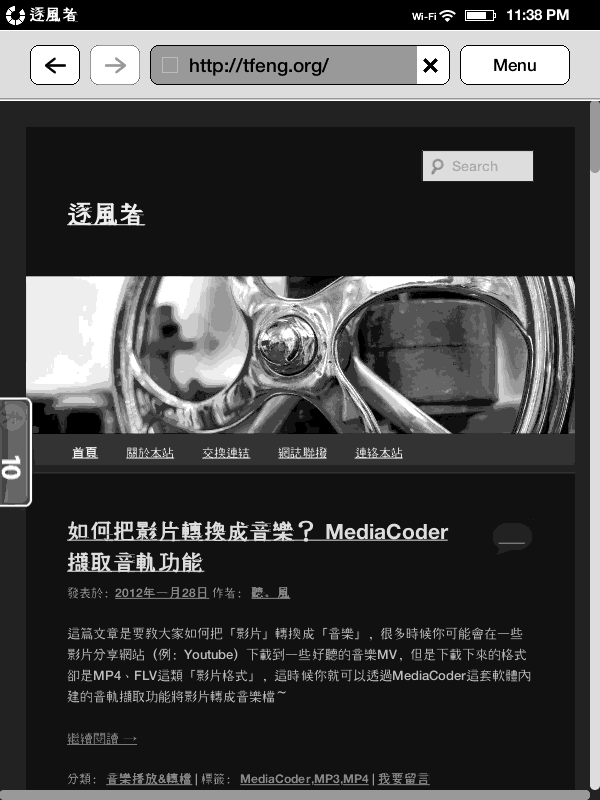
The Kindle also has a built-in browser and music player. To be honest, both features are practically worthless. The browser is decent, though. It’s handy for reading the news, and when you’re out and need to check email or Facebook, it’s good enough. Just don’t open regular web pages. Please use the mobile versions XD. As for Flash, don’t even hope for it…. Given the Kindle’s performance, even if you hack it, you’ll never get Flash to run, and its screen isn’t suited to moving content anyway.
The Kindle comes in an ad-supported version and an ad-free version, and also in 3G and WiFi versions. Personally, I recommend the ad-supported version. Although it has ads, they’re very small and won’t get in the way of reading. The ads are also quite tasteful: the whole ad looks like a screensaver, and it’s not ugly at all. Even if you really don’t want to see ads, you can hack the device to remove them. As for the 3G version, it depends on whether you need it. Its 3G works in Taiwan, and I would buy the 3G version myself, because internet access is very convenient XDD.
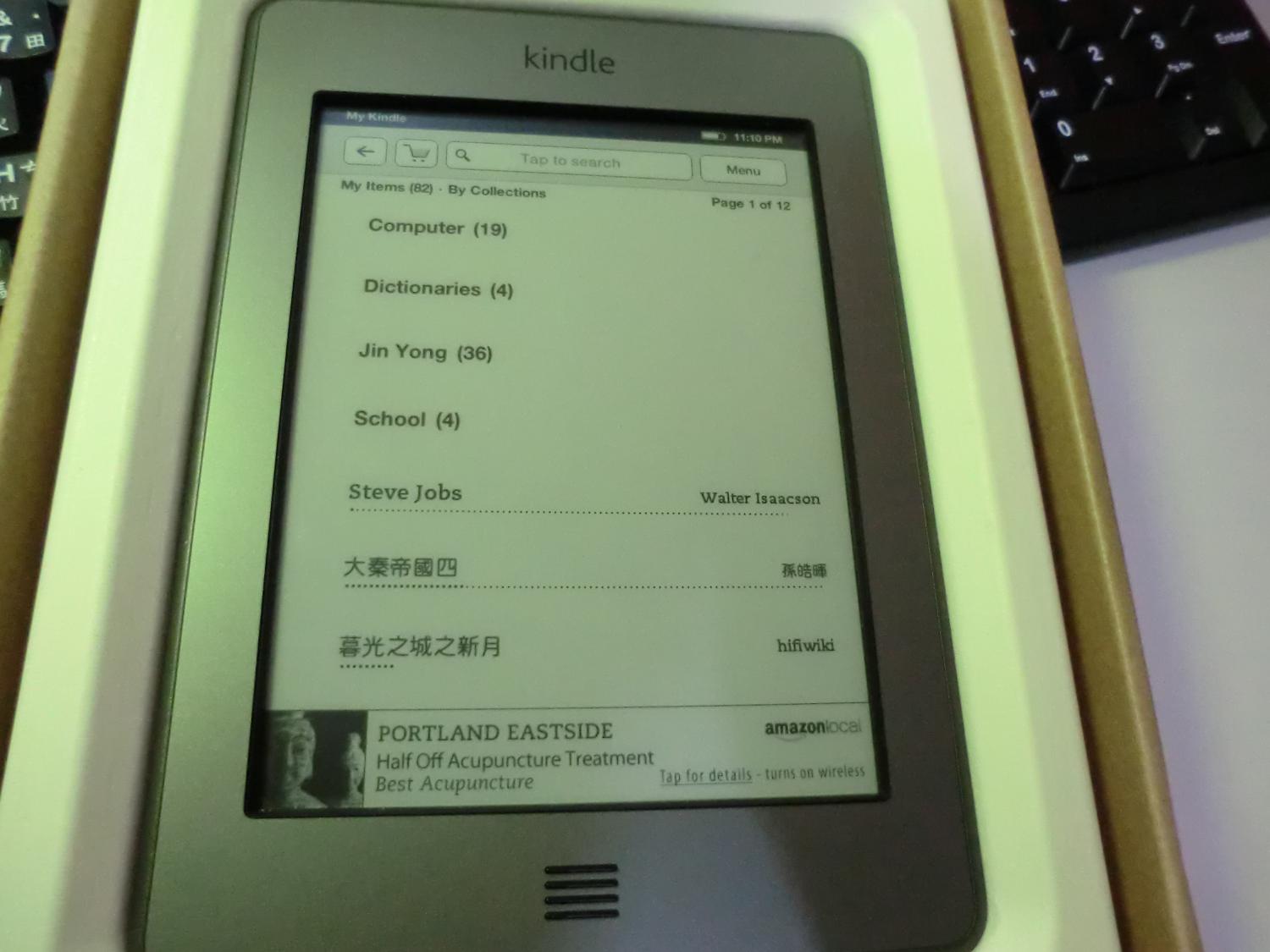
▲▲ The small block at the bottom is the ad. It isn’t shown while you’re reading.
Finally, here are a few unboxing photos of the Kindle Touch~~ I’ll add a detailed usage tutorial another day :)
Also, once you get your Kindle, be sure to register it, so you can use Collections to categorize your books.
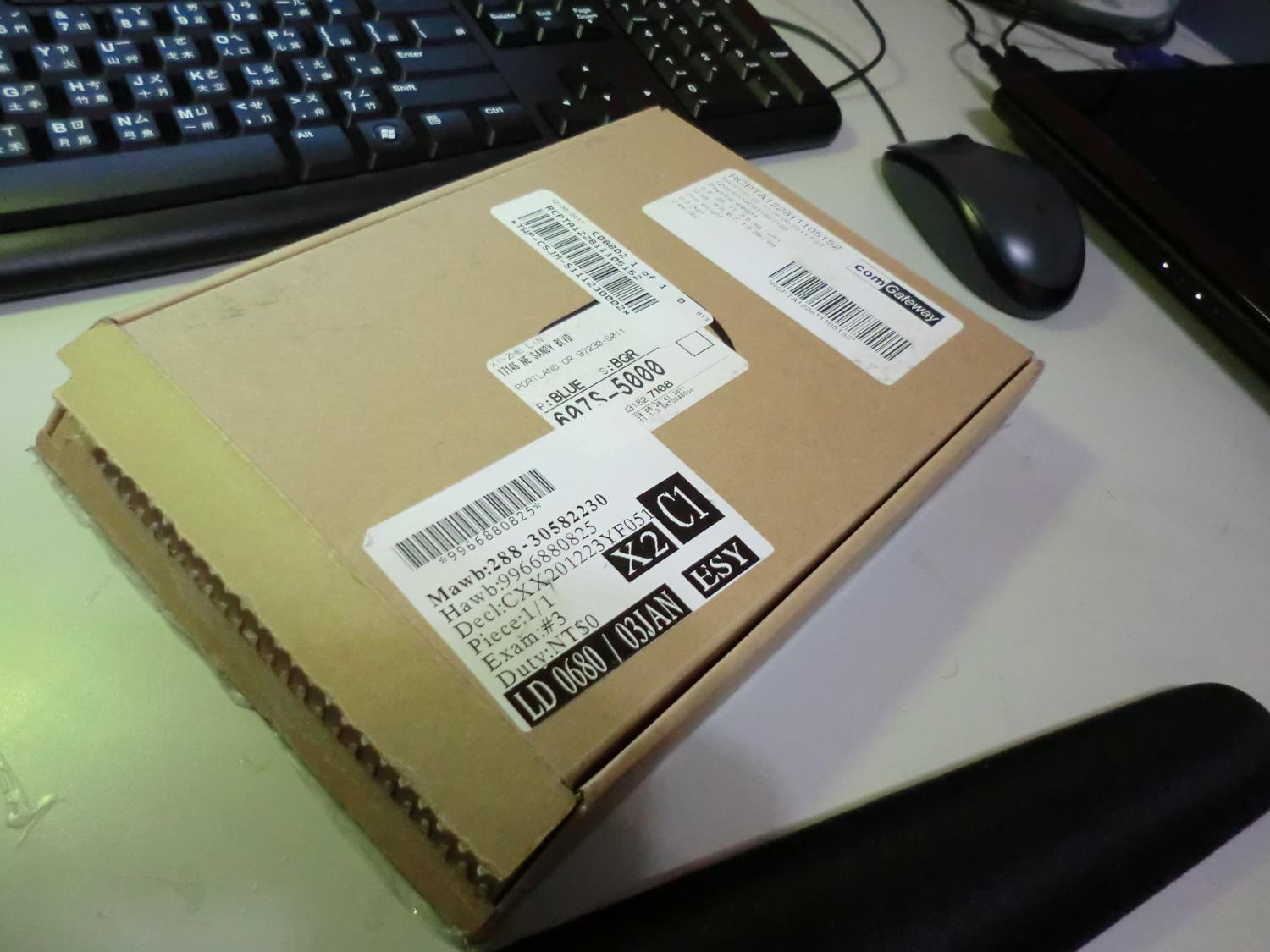
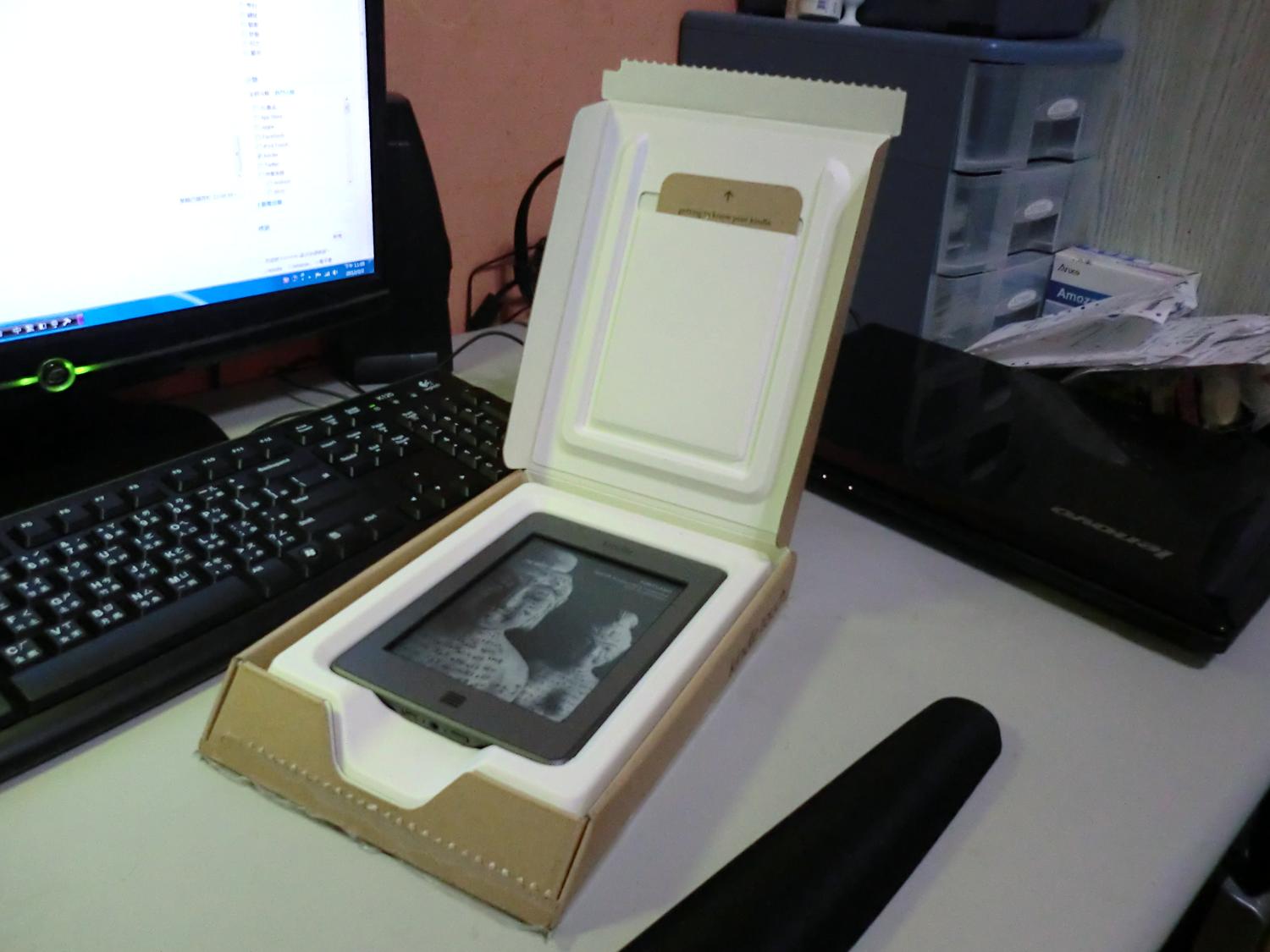
▼▼▲▲ The packaging is very minimal. The contents are just a USB cable and the device itself. There’s no power adapter, so just buy one at Nationwide Electronics. A regular USB charger will do, or you can use an iPad or iPhone charger.
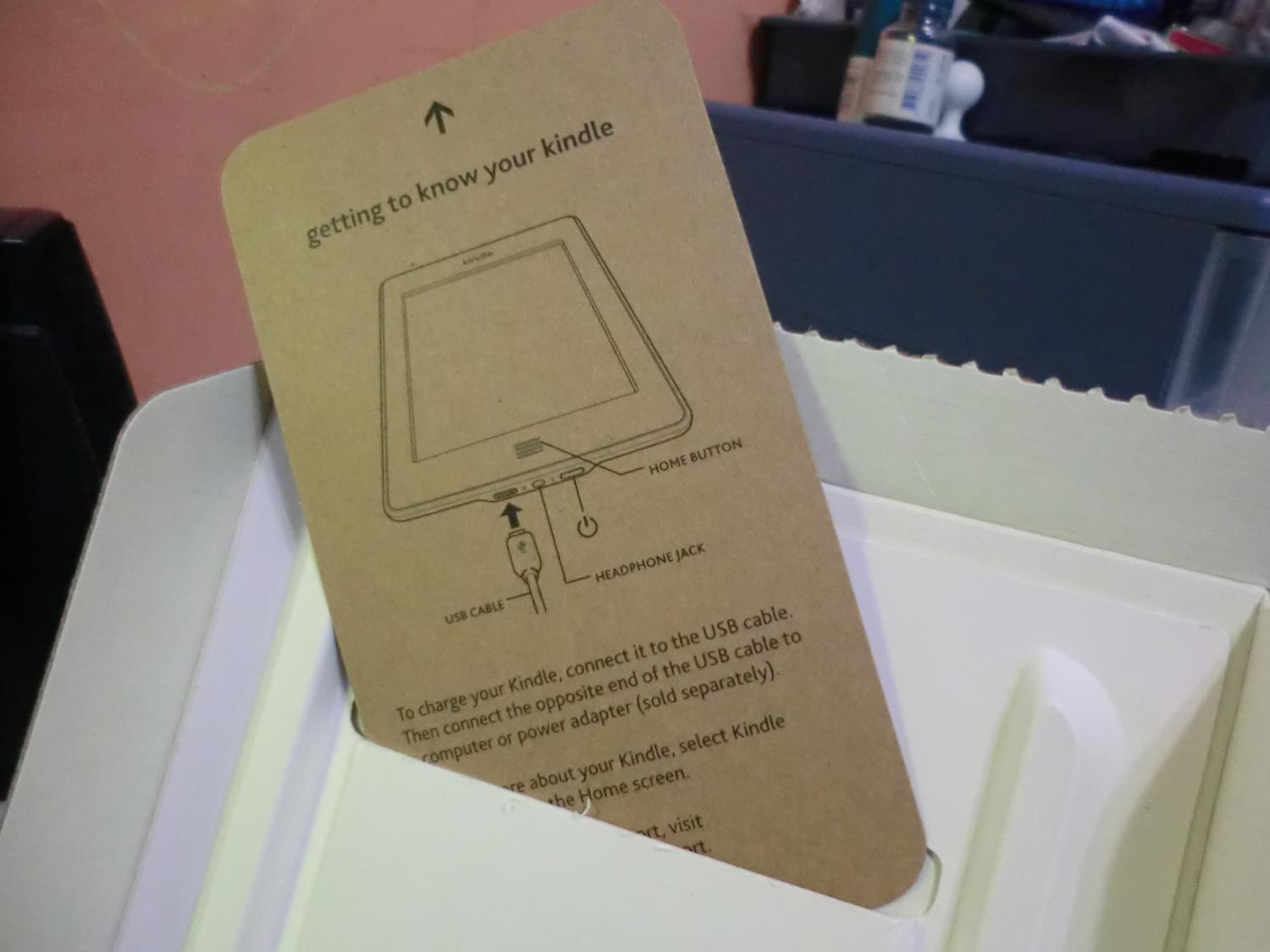
▲▲ This counts as a user guide, I guess XD. It roughly tells you which button is the power button and where the plug goes. The real user manual is shown as an e-book when you turn the device on.
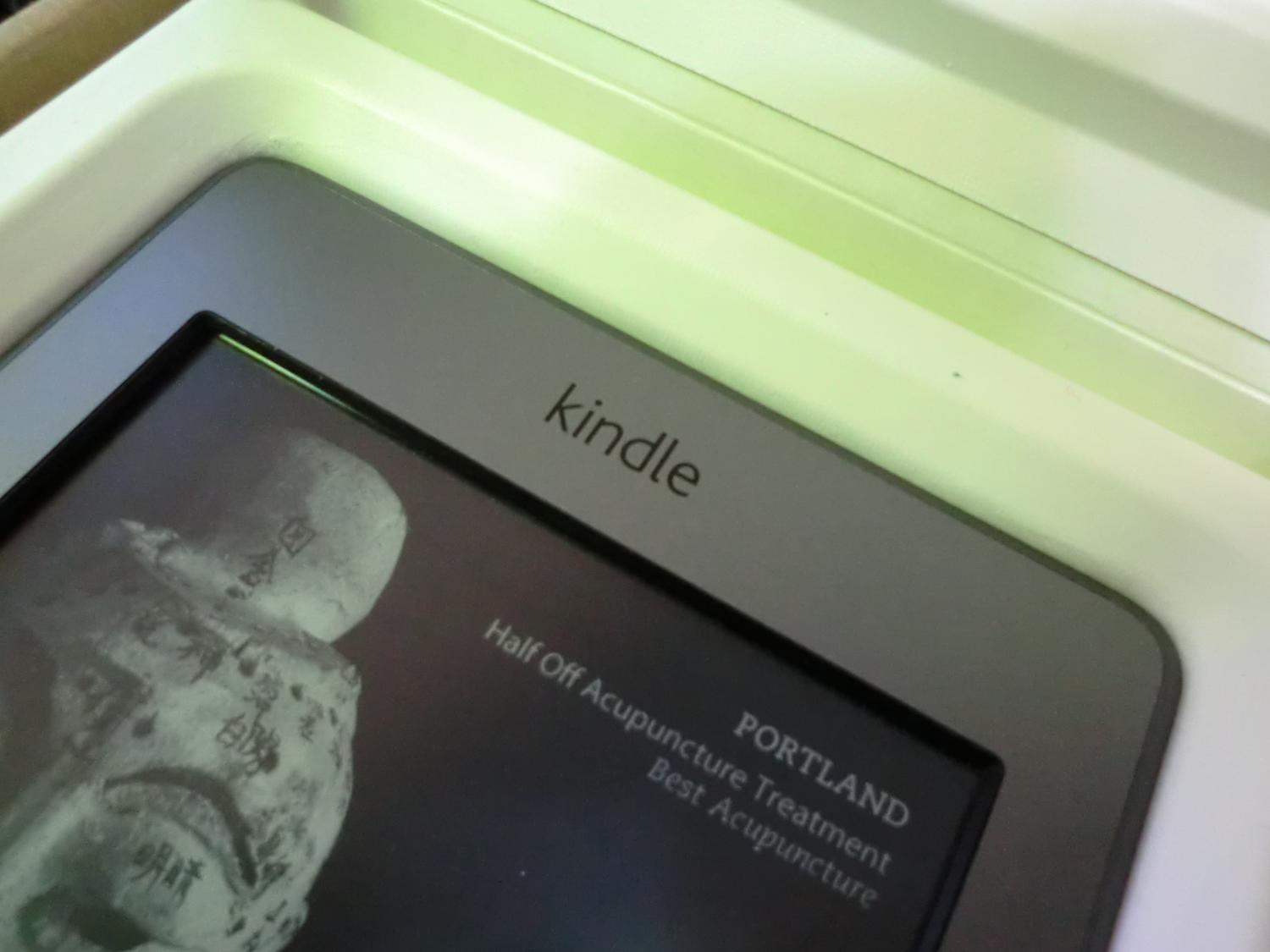
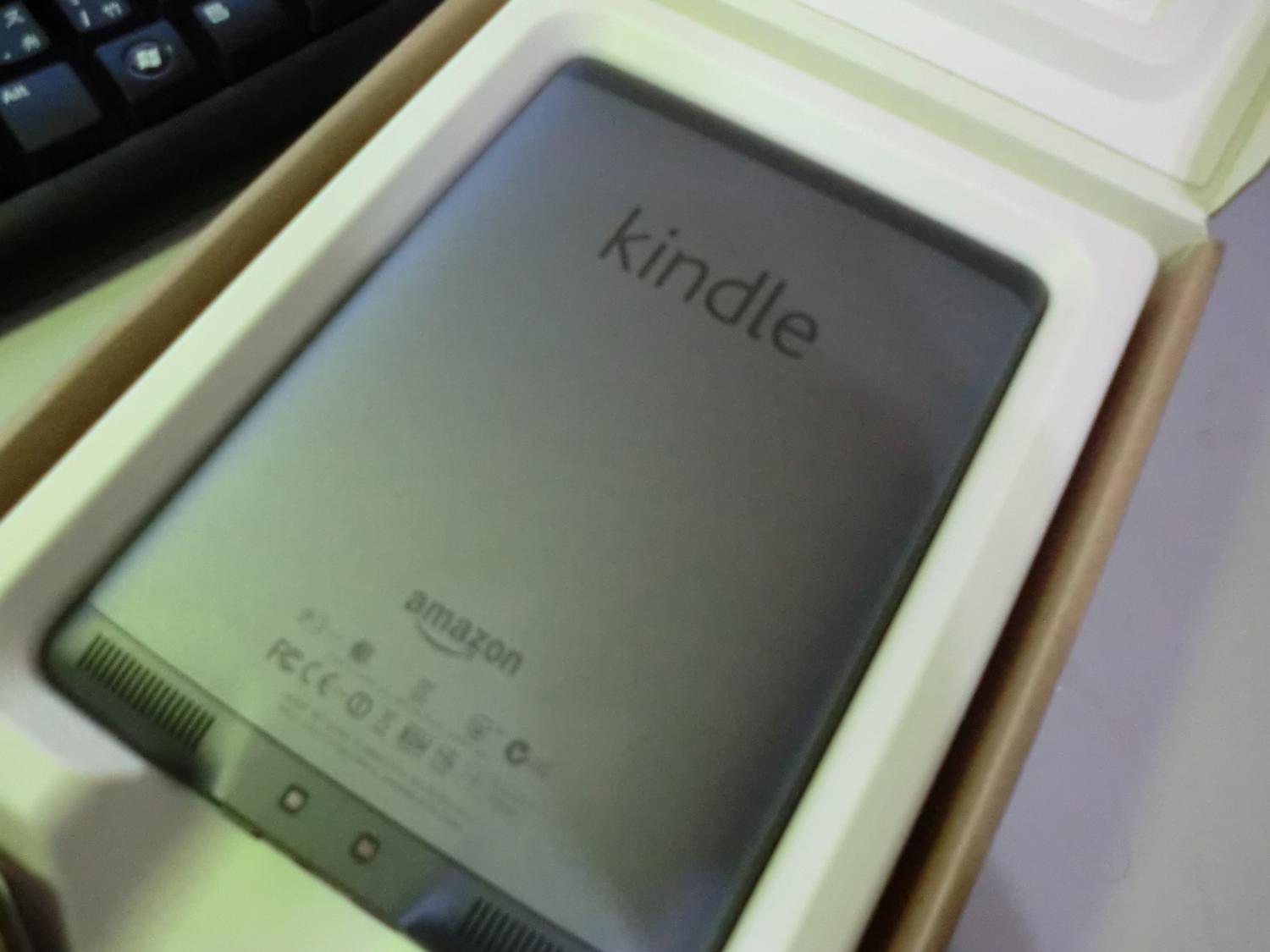
▲▲▼▼ “Kindle” is written in big letters on both the front and back. The overall design is simple and elegant!!
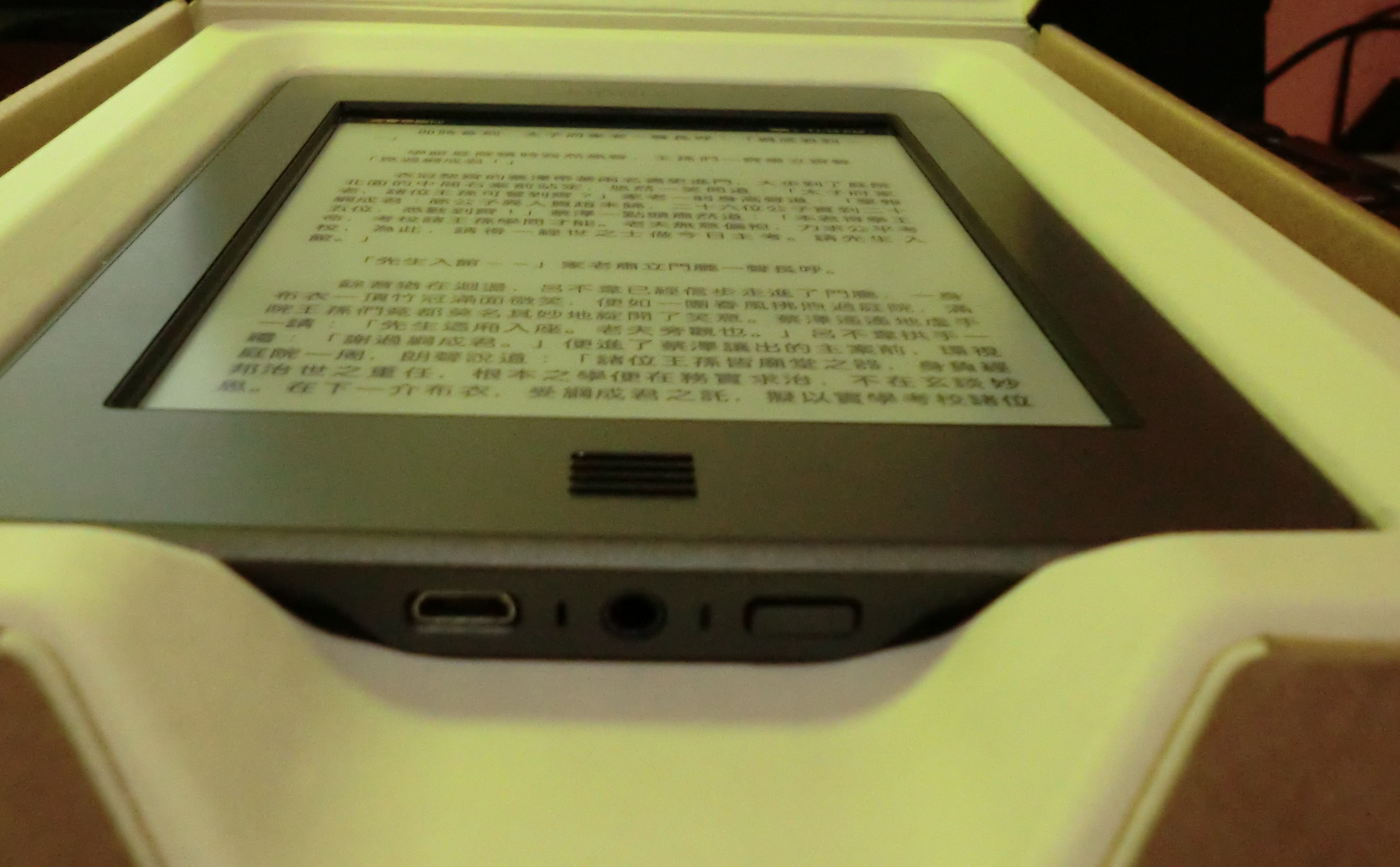
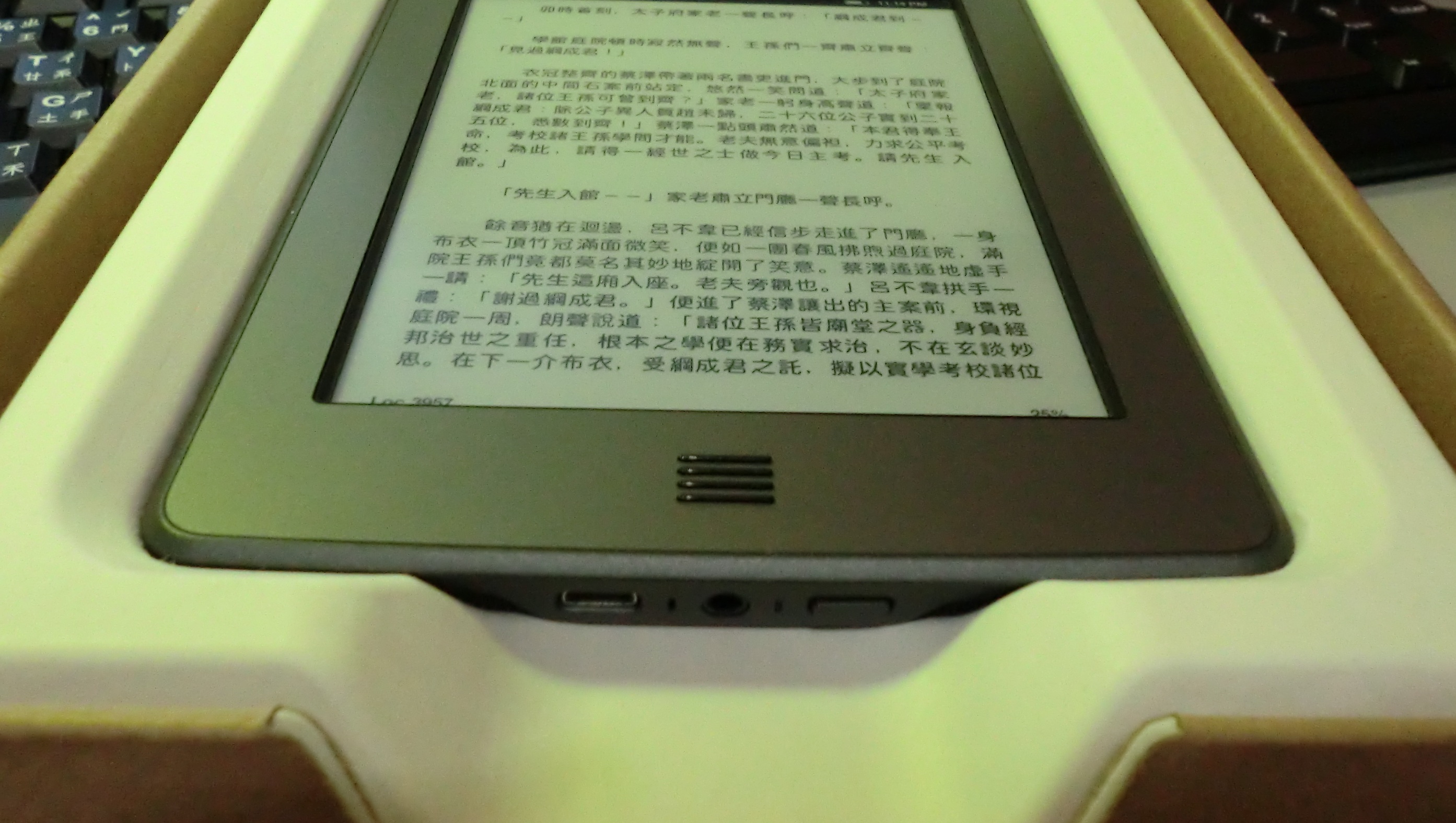
▲▲▼▼ Even from a strange angle, the text is still clearly visible (please forgive the low camera resolution…
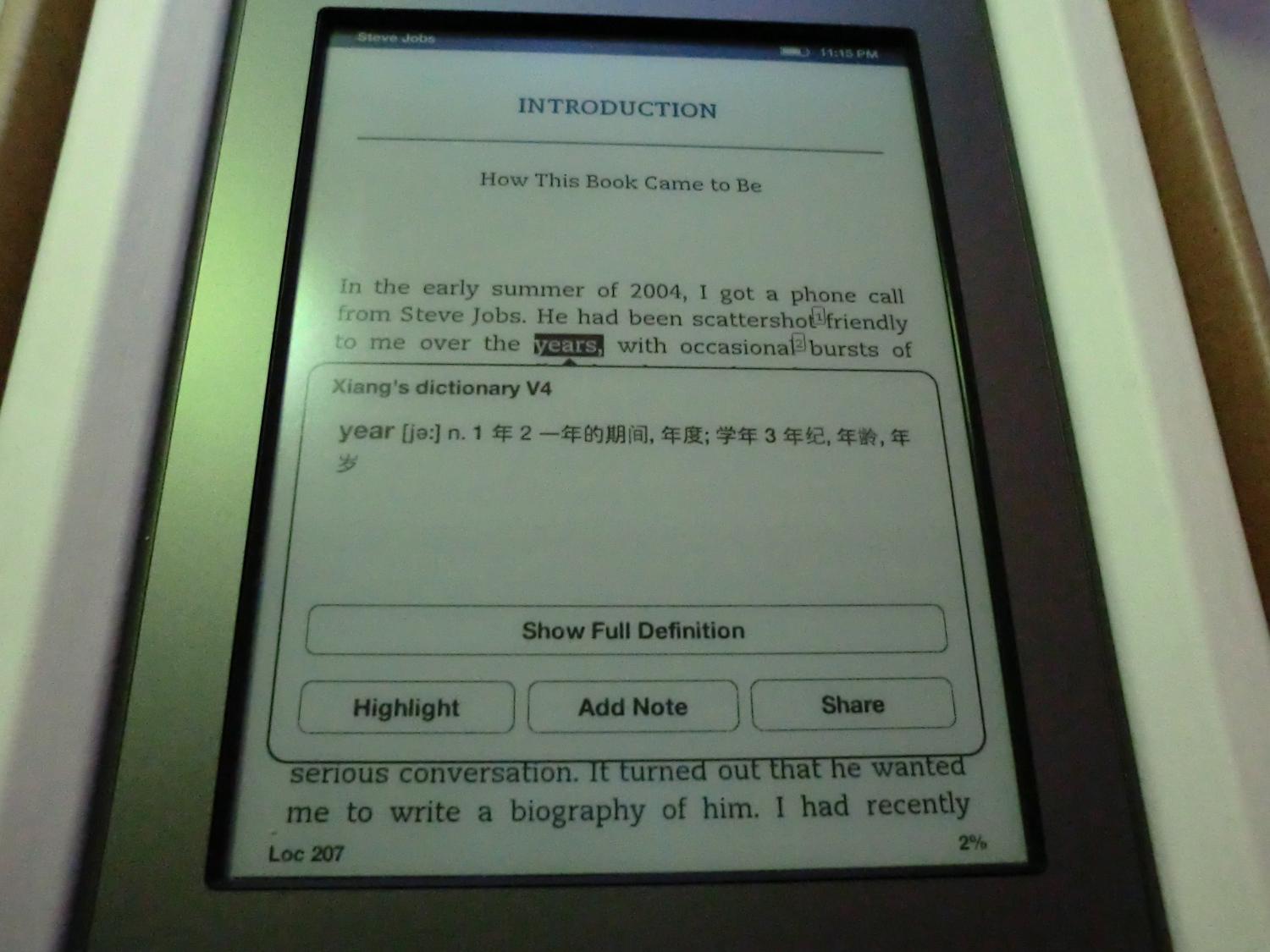
▲▲ You can take notes and look up words~ It has two English-English dictionaries built in, and you can import your own English-Chinese dictionary.
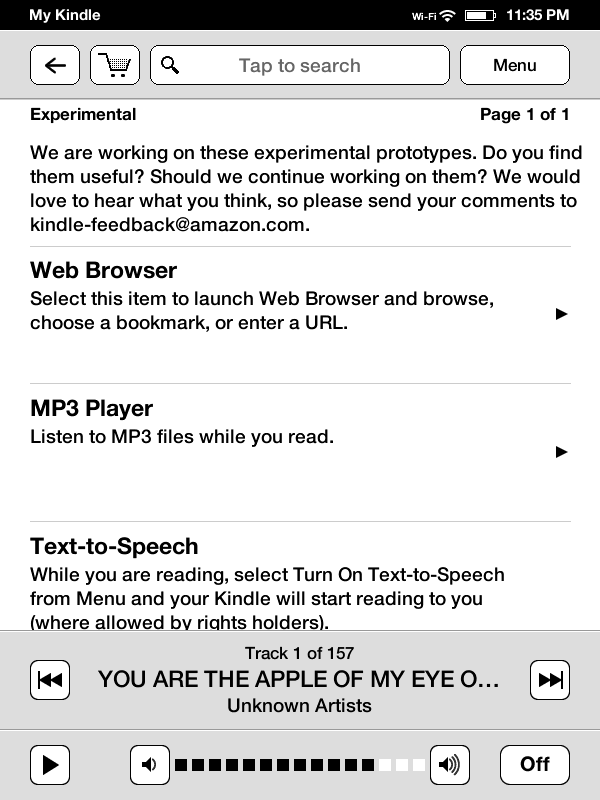
▲▲ The built-in music player only plays songs in its preset order. You can’t pick a song directly from the list.
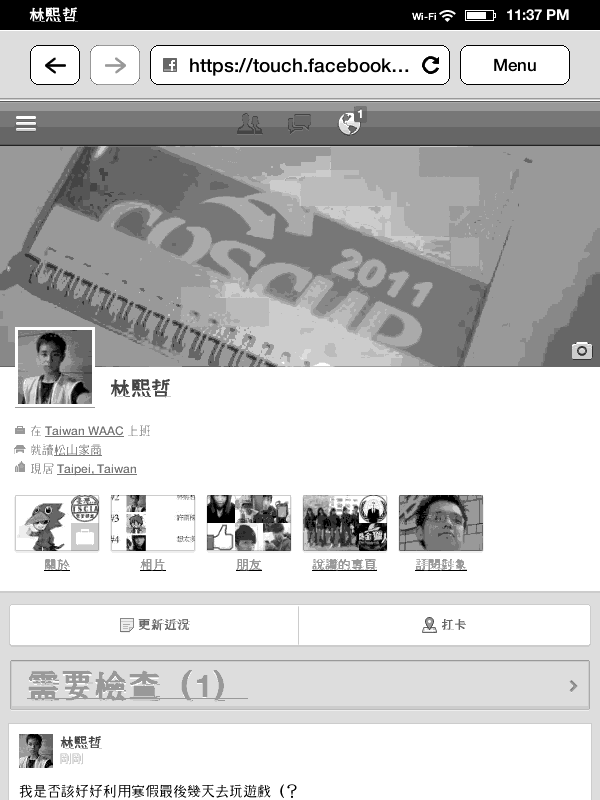
▲▲▼▼ The Kindle’s built-in browser~
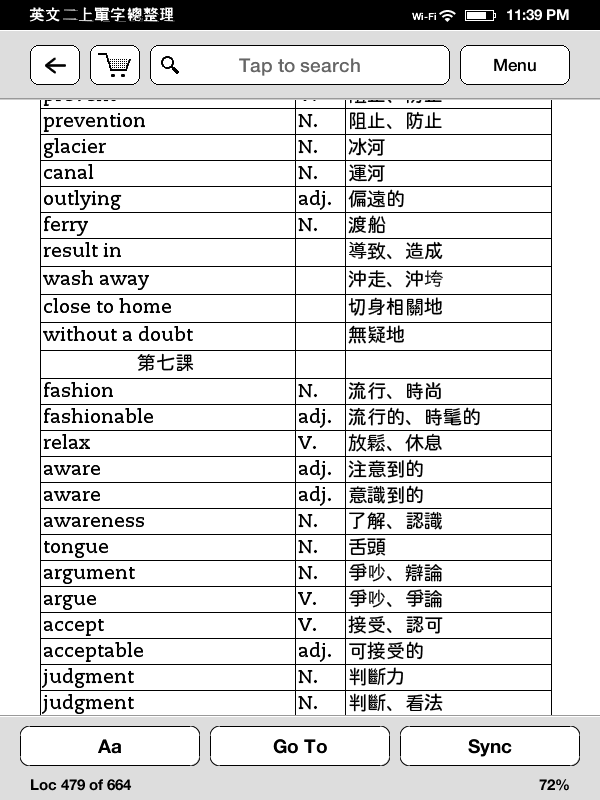
▲▲ My own English vocabulary notes XD
▼▼ The Great Qin Empire, what a fantastic novel!