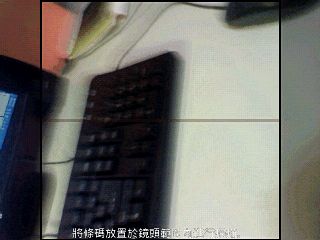
 You often see people recommend Android apps online without giving a URL, just a barcode to scan for the download. That barcode is actually a QR Code, and a decoder app on Android can read the download link stored inside it. Apple Daily’s Animated News app also offers a square barcode like this. It’s also a QR Code, so you need special software to decode it into a URL.
There are many apps on Android that can decode QR Codes, but the Barcode Scanner I’m introducing today works on most phone resolutions (if it works on my oddball IDEOS resolution, it should work on other phones…). Barcode Scanner is also the most popular barcode scanner. It supports batch scanning too, so you can keep scanning barcodes without recording each URL after every scan. The app saves the barcodes automatically.
Barcode Scanner Info
- Official site: http://code.google.com/p/zxing/
- Download: http://code.google.com/p/zxing/downloads/detail?name=BarcodeScanner3.53.apk
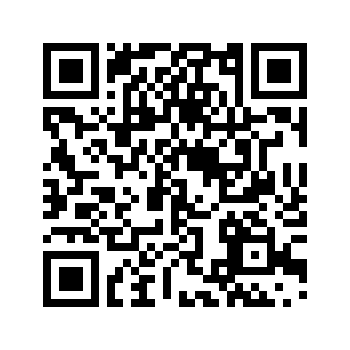
- QR Code:
How to Use Barcode Scanner
1. Search for Barcode Scanner in the Android Market and install it.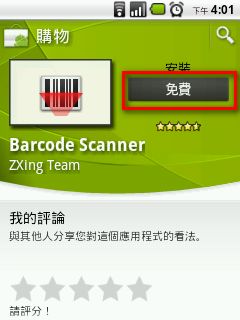
- Open Barcode Scanner.
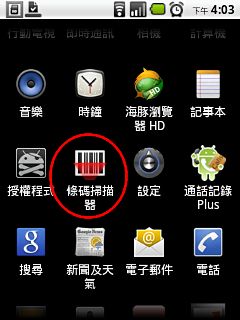
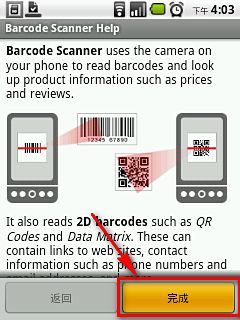
- The first time you use it, you’ll see this welcome screen. Tap Finish to skip it.
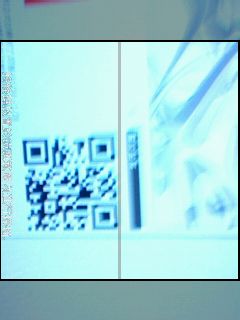
- Point the camera lens at the barcode. It scans automatically, so you don’t need to press any buttons.
- After a successful scan, this window appears. You can choose to open the URL in the browser or share it with others. If you want to install an Android app, choose Open Browser.