Zhengdian Toolbox really is handy! It bundles the features that most Android users need, including data usage, app lock, and app management, and you can put its widget on your home screen for quick management. Things that would normally require installing a bunch of separate apps, it handles all at once! This is very convenient for people who just got an Android phone, since they don’t need to download a pile of apps to get the everyday features working~ And even though it packs in so many features, the app itself is only about 2 MB.
Zhengdian Toolbox Info
- Language: Traditional Chinese
- Price: Free
- Size: 2.2 MB
- Download page: https://market.android.com/details?id=com.zdworks.android.toolbox

Zhengdian Toolbox Introduction
▼▼ The status bar you can pull down from the top shows important phone information, such as battery level and the number of running apps.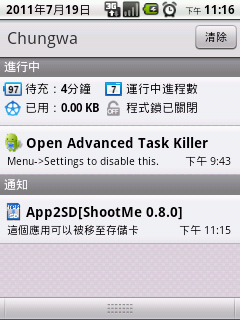
▼▼ When you open its main app, you can see lots of information right away~ Such as battery and network usage, and more.
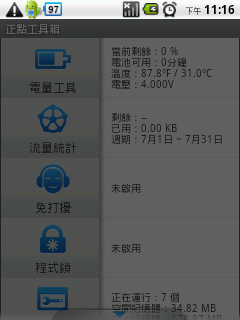
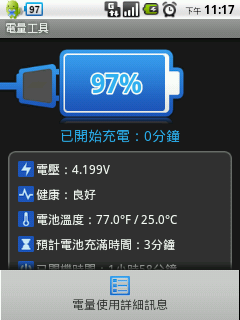
▼▼ The battery section shows a lot of data. The one I think matters most is the “Estimated time to full charge” (when the phone is plugged in, it shows the estimated time; when it isn’t, it shows the usable time).
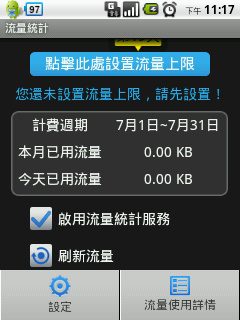
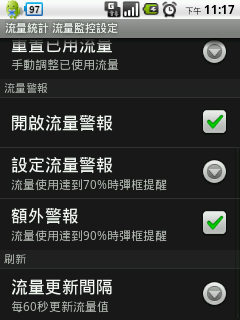
▼▼ The data section not only shows usage, but also lets you set a usage limit and data alerts! That way you can avoid accidentally using too much data and getting a surprise bill…
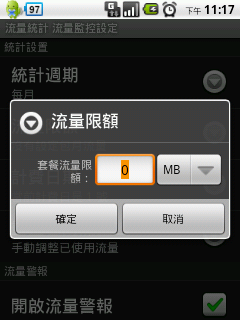
▼▼ You can set a data cap and change the statistics period (usually monthly).
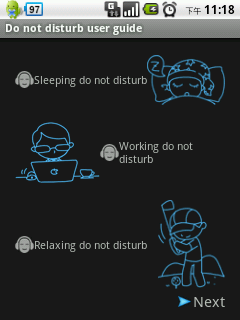
▼▼ The first time you use Do Not Disturb, an introduction appears. Just tap Next in the bottom right corner~
What Do Not Disturb does is let you set time periods during which the phone goes silent, switches to airplane mode, and so on.
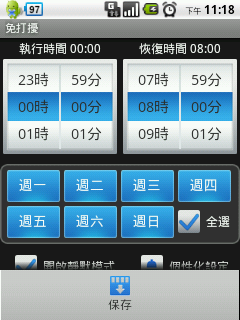
▲▲ Setting a time period~
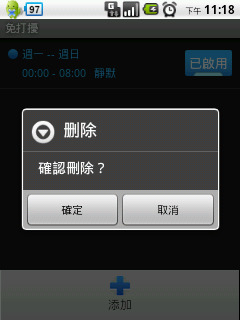
▼▼ You can long-press (press and hold) a Do Not Disturb time period you’ve set to delete it, and you can set as many time periods as you like~
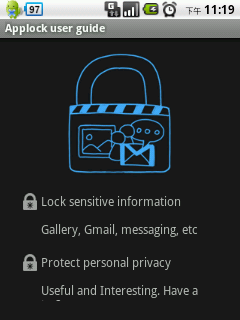
▼▼ This is the first-run screen for the next feature. Just tap the screen to continue.
App lock lets you require a password before opening certain apps. It’s a fine-grained setting, and students especially need it XD, because some people love to snoop through your text messages and photos…
▼▼ The first time you use it, tap “Set Password” and enter a 4-digit number. You’ll need to enter it twice~
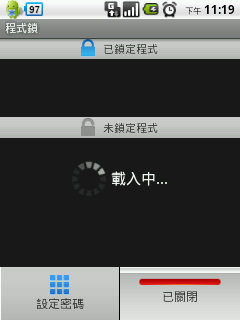
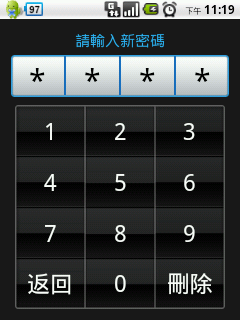
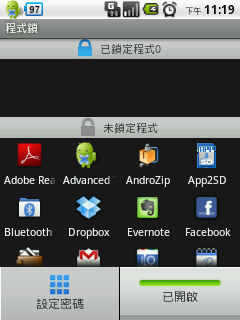
▼▼ Next you can choose which apps should require a password~
▼▼ Zhengdian Toolbox has a built-in task manager, which can clear apps running in the background. It’s practically a must-have feature on Android!
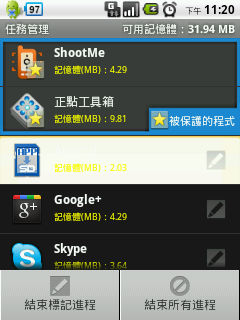
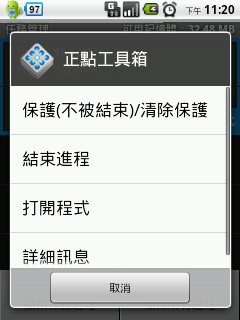
▼▼ Press and hold a process (for about 2 to 3 seconds), and an interface appears where you can set protection. This keeps it from being closed by accident. For example, a music player often needs to run in the background, so you can protect it, and then the music won’t stop as soon as the screen turns off xD
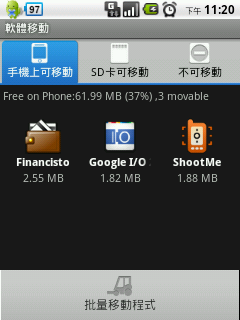
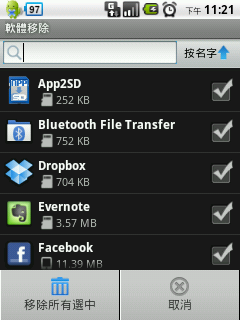
▲▲ App move means moving apps to the SD card. It’s more convenient because it supports batch moves. Android’s built-in option makes you move apps one at a time… that would take forever!?
▼▼ There’s also a batch uninstall feature. Android’s built-in uninstall is really hard to use…