I had some spare money lying around, and I’d put up with my old D-Link wireless router for a long time. It kept dropping the connection, and especially whenever my iPad opened the App Store, it would disconnect immediately = = So with both the motive and the budget in place, I decided to buy a new wireless router~ At first I thought about going to Guanghua (Taipei’s electronics market), but then I figured it’s easy to get ripped off there, and Guanghua generally doesn’t accept returns. If the router I bought didn’t meet my needs, I’d be furious. So I went browsing on PChome instead xD
The reason I chose this ASUS RT-N13U is that the moment I entered PChome, its title hooked me: “A wireless router that does three jobs in one. It can also download BT and HTTP, and even act as an FTP server!” That makes it half a NAS, and the price was unbelievably low, only 16xx NT dollars. Later I searched online for articles about the ASUS RT-N13U and found the reviews were pretty good. The only drawback was weaker Chinese-language support, but that’s no big deal, right!?
Also, the ASUS RT-N13U uses an internal antenna design, so the antennas aren’t exposed! Some people might worry that the signal will be weak, but in my 30-ping (about 100 square meters) home, I get full signal bars everywhere~ So you don’t need to worry about signal. It also has a built-in USB port. If you want to use FTP, downloads, and similar features, you must first connect a USB device to the N13U’s main unit.
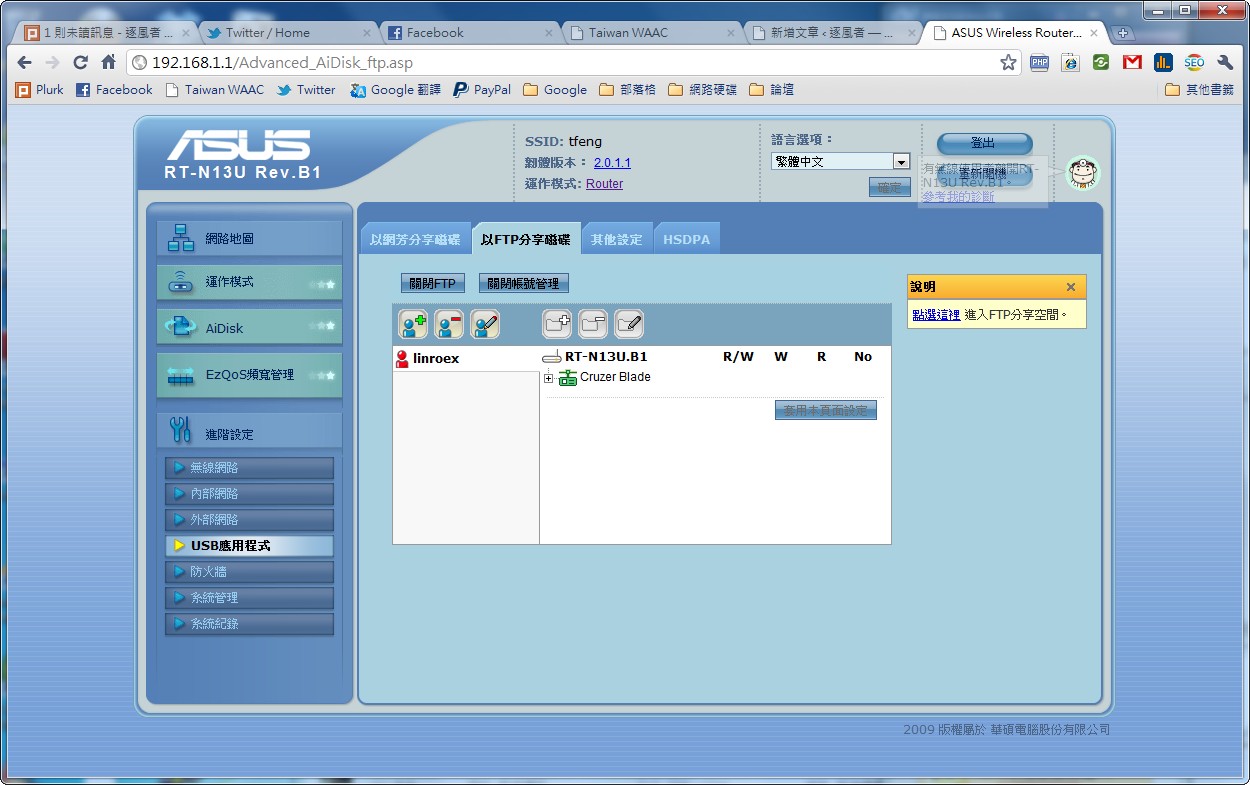
Finally, the ASUS RT-N13U has very strong management features. You can easily set up the firewall and set priorities for different types of packets. For example, you can give game packets top priority, so your game lags less when the network is saturated. The firewall section can also block specific network card (MAC) addresses from connecting, which is really handy. My younger brother sometimes stays online too late, so I can just cut off his network…
By the way: the default username and password are both admin, and the management interface is http://192.168.1.1
Unboxing Photos
▼▼ Looking at this photo, I can't help but say that PChome really loves over-packaging. They put it in such a big box, but about 50% of the packaging inside is unnecessary...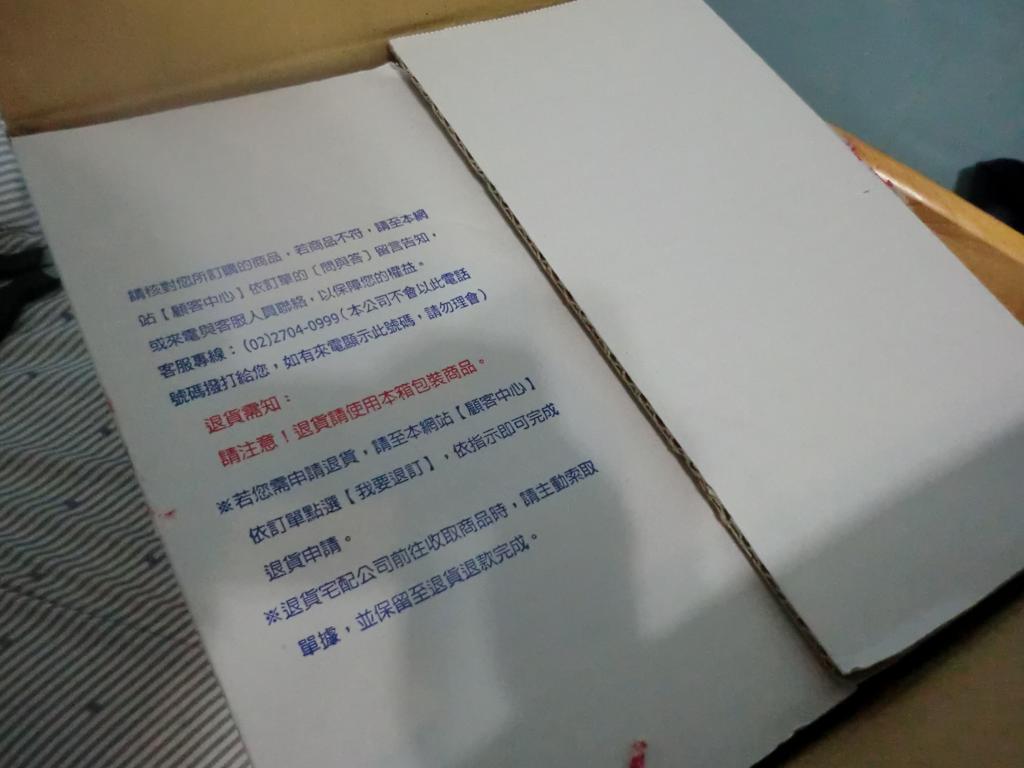
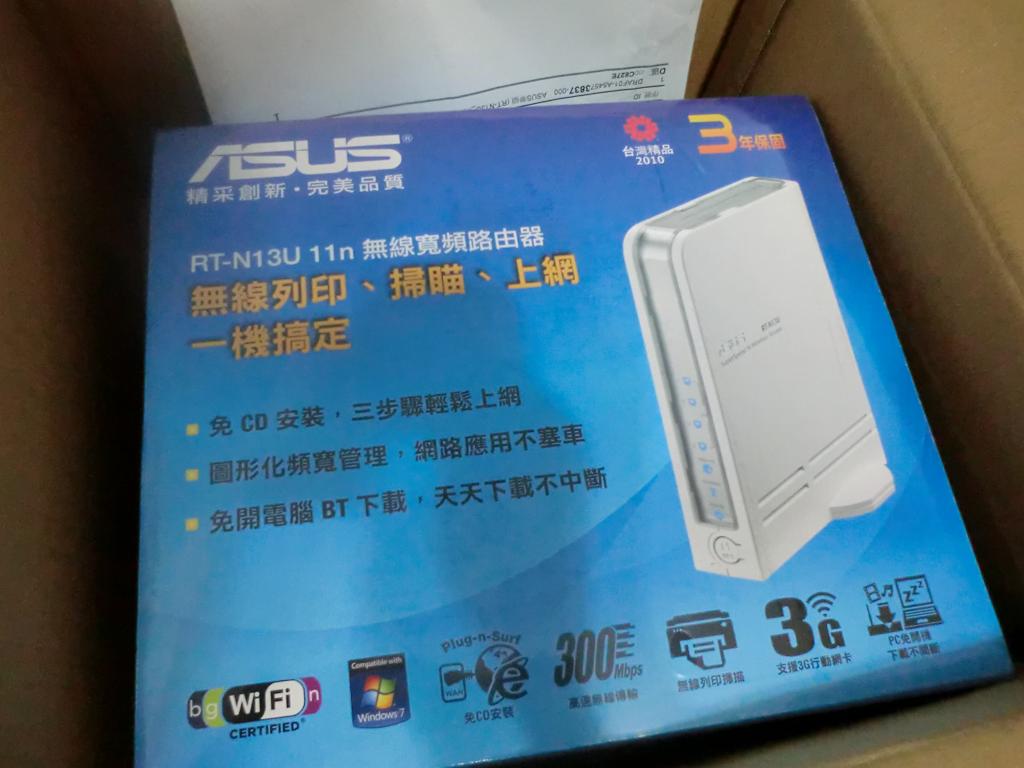
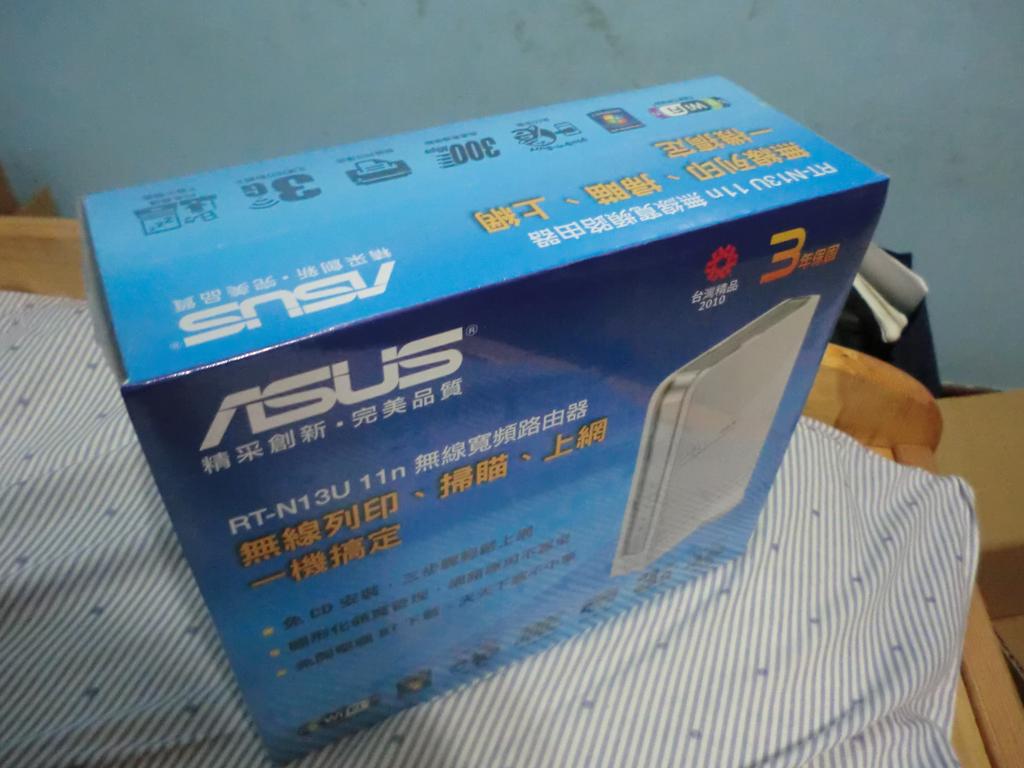
▼▲ Outer box
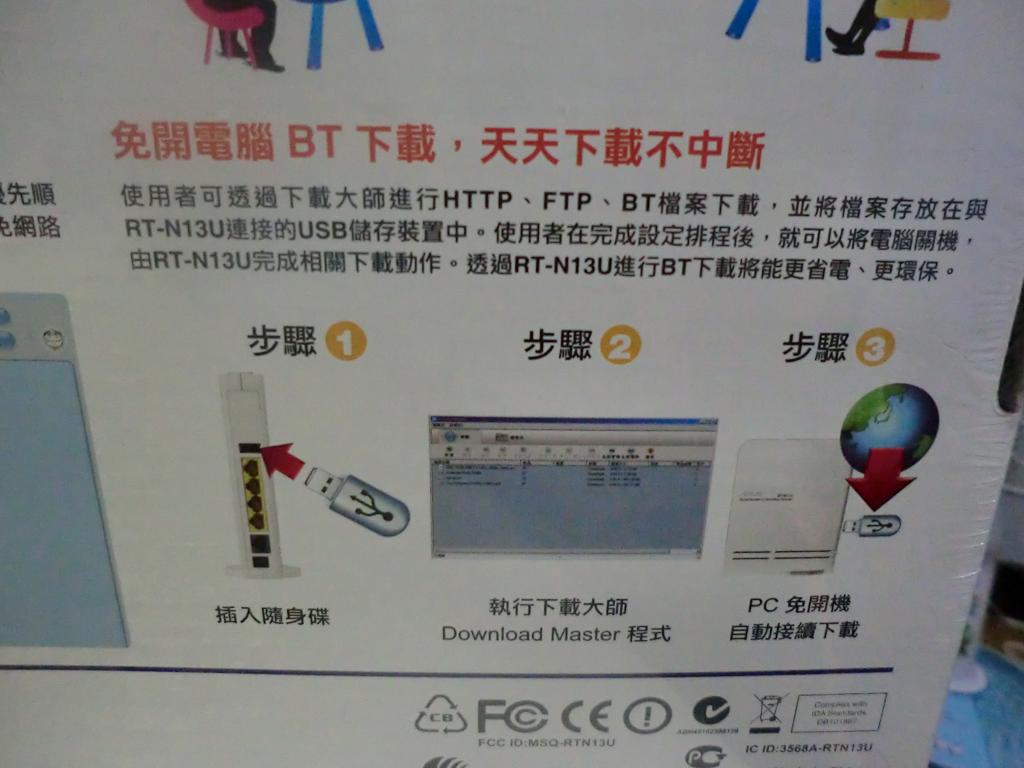
▲▲ It can also handle HTTP, FTP, and BT downloads (but don’t expect much from the BT downloads….)
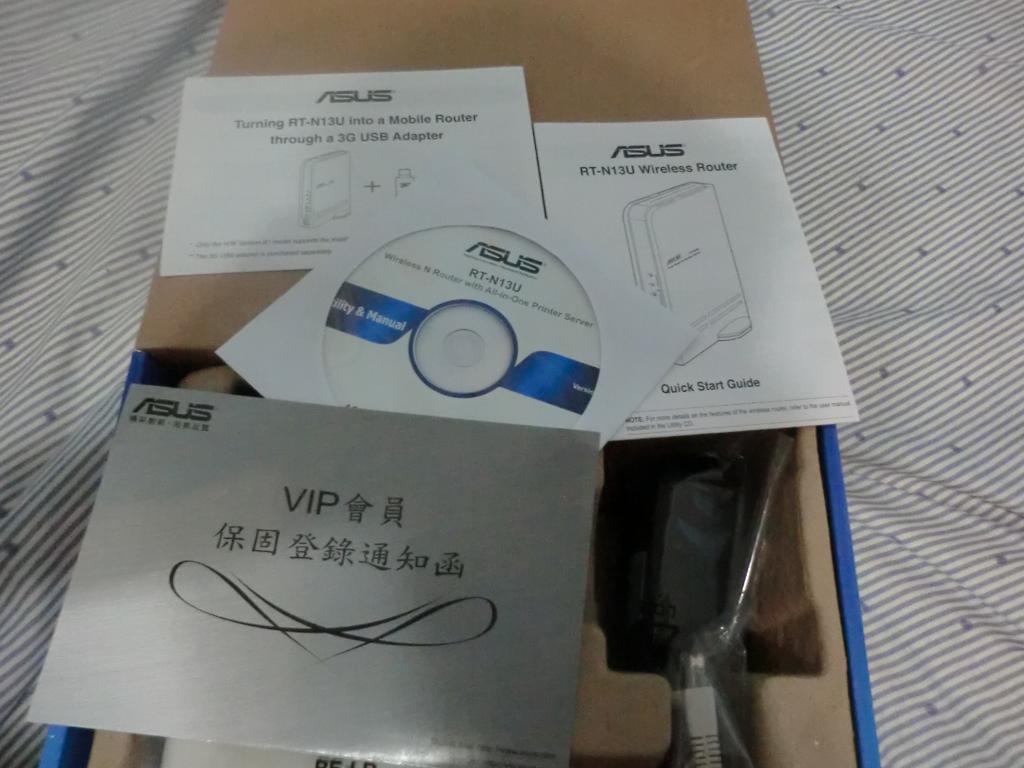
▲▲ The contents include the unit, a CD, the manual, the warranty card, a power cable, and an Ethernet cable, among others.
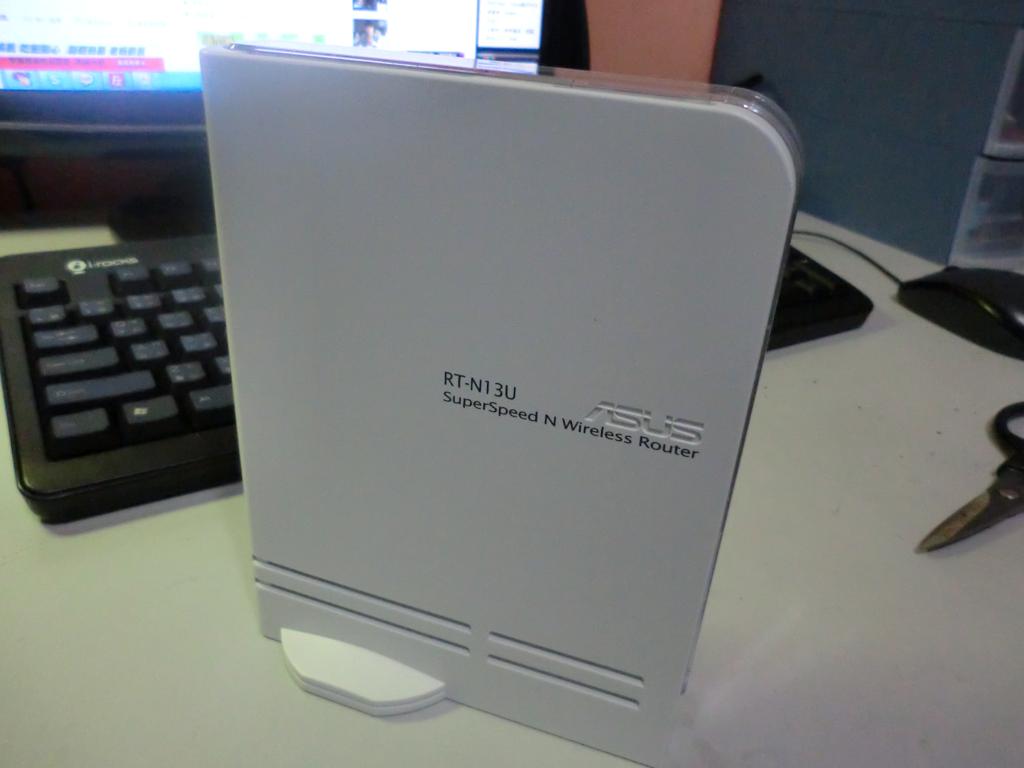
▲▲ The unit is all white and can only stand upright, because its base is fixed.
▼▼ The base is fixed and can’t be changed.
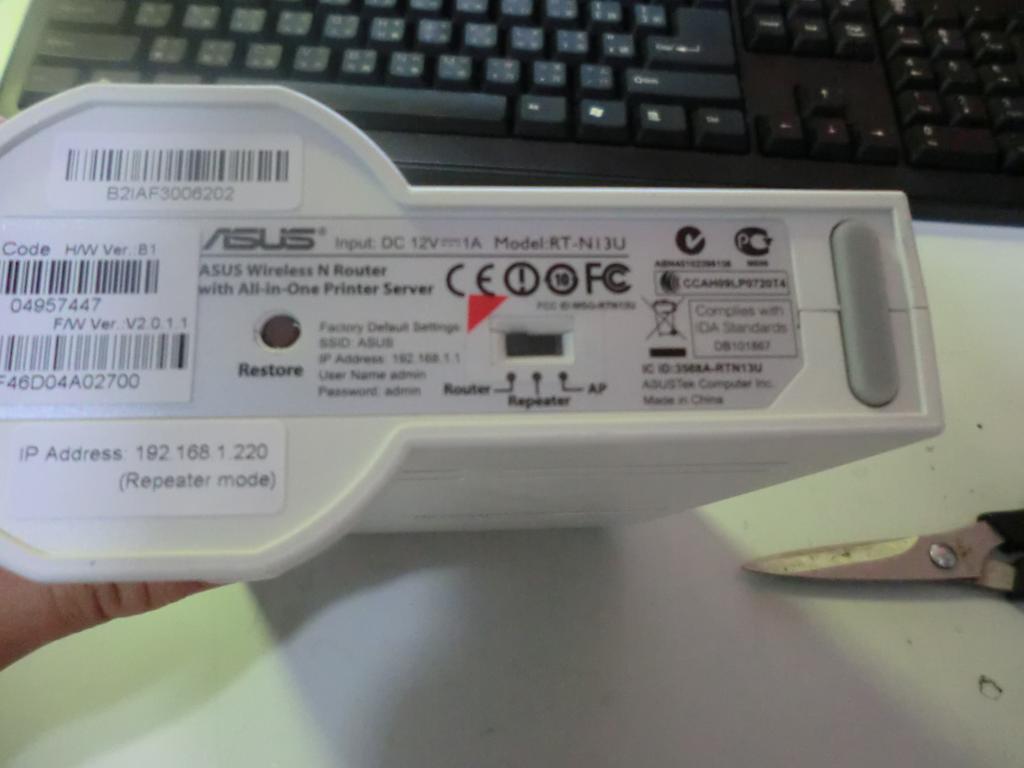
▼▼ It has one USB port. If you want to use FTP or the download features, you have to plug in a USB storage device first. I used an 8 GB flash drive xD
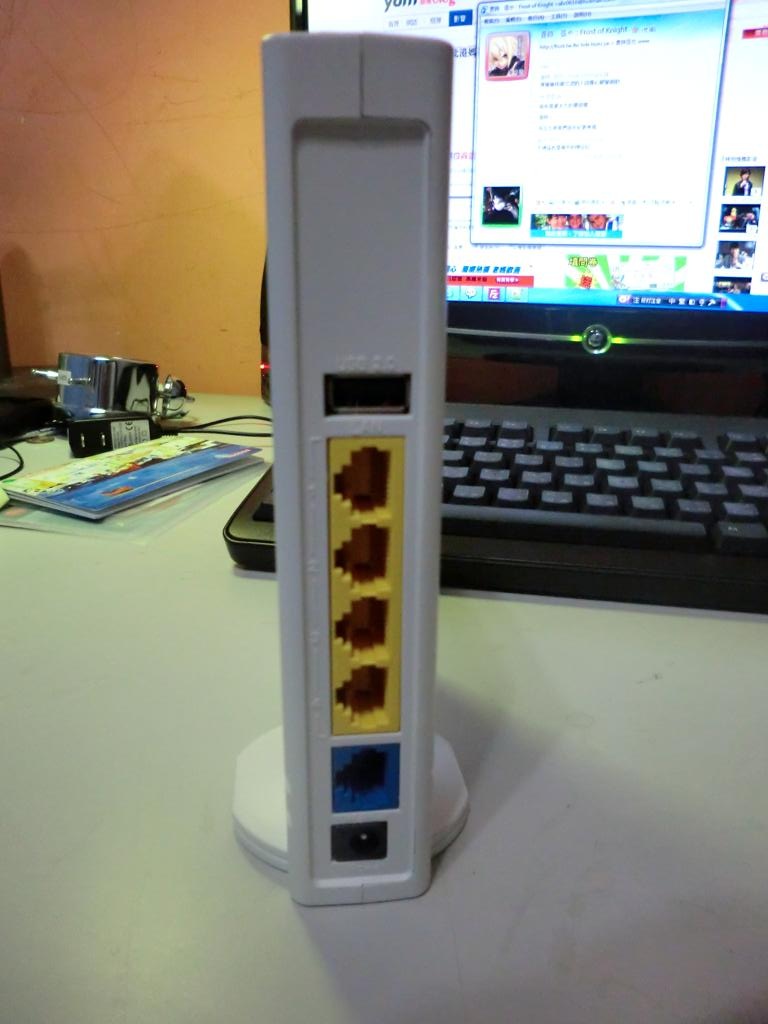
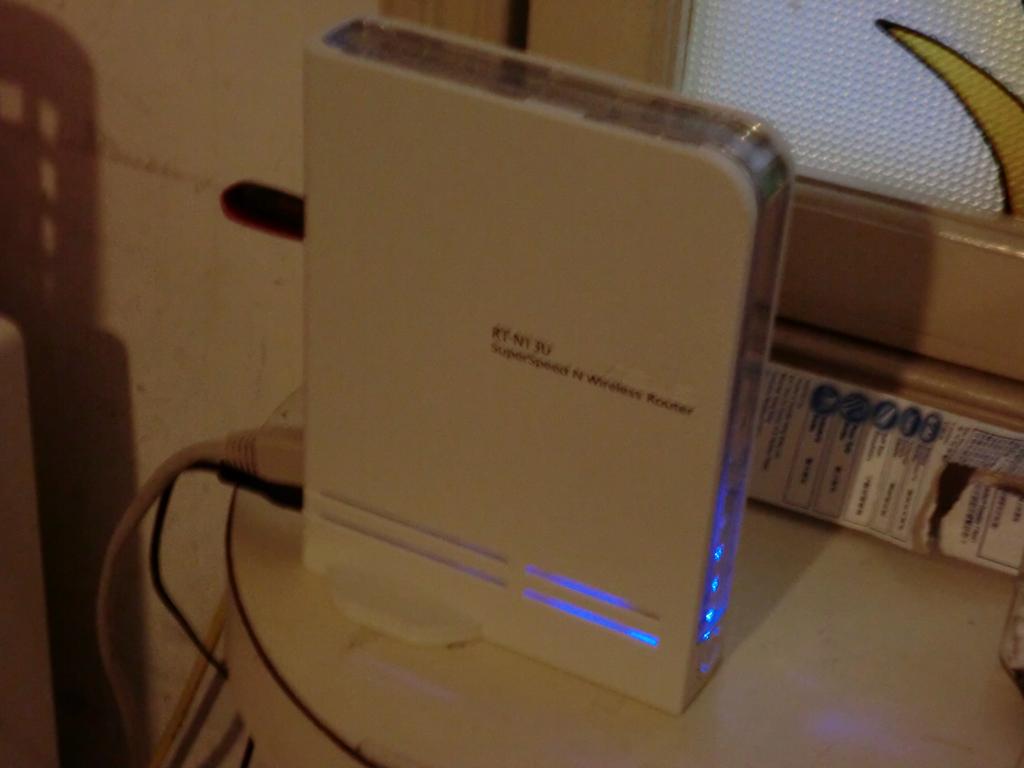
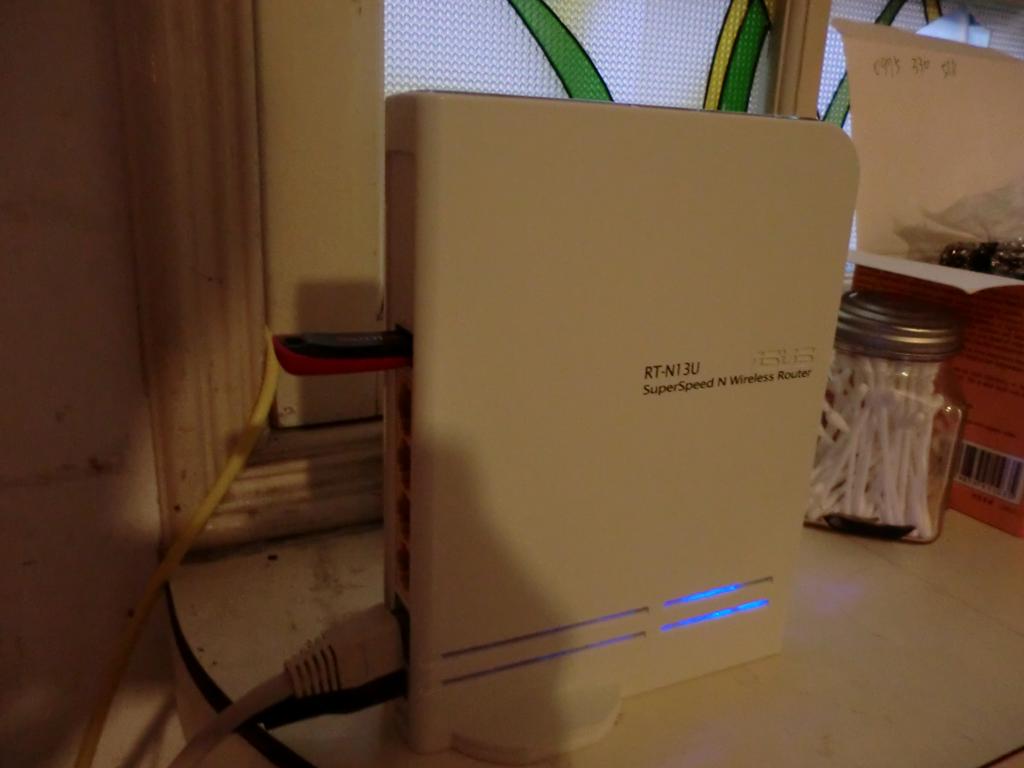
▼▲ The photo after installation. The lighting was a bit poor 0.0
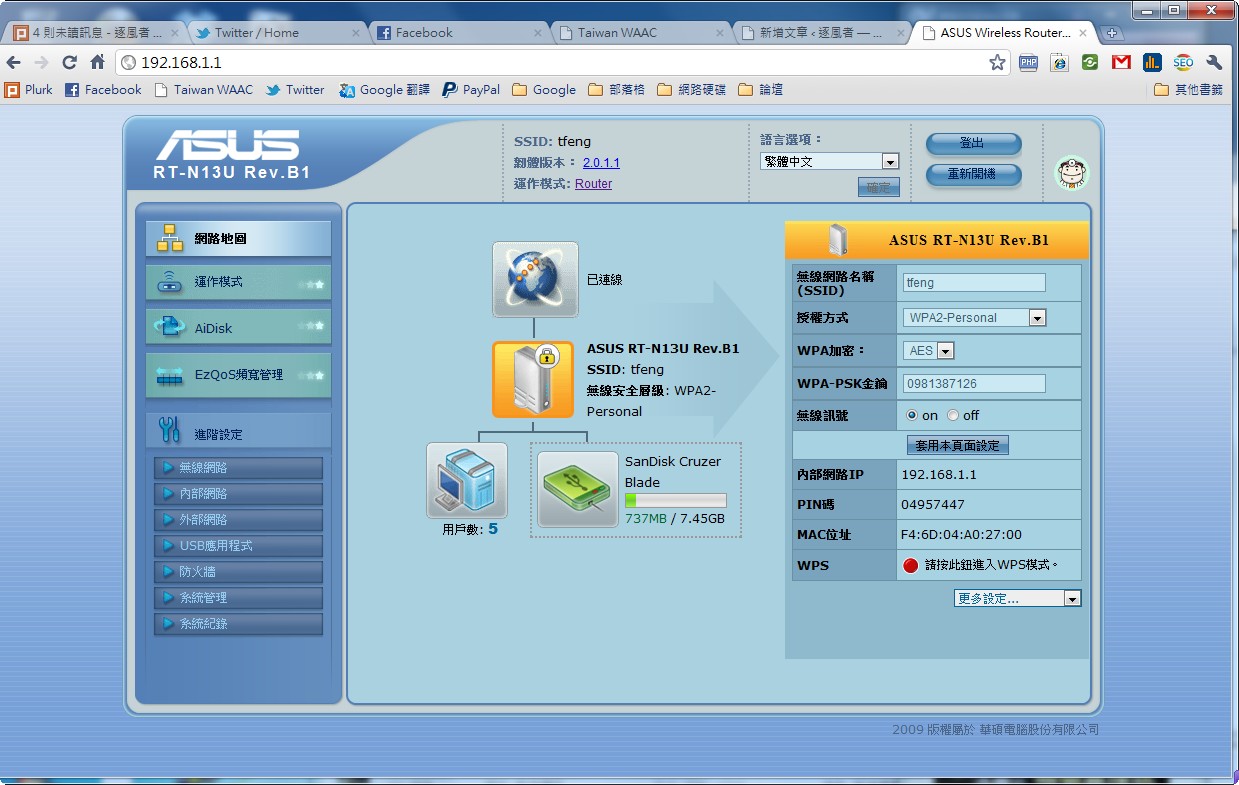
▲▼ Its web management interface. Very convenient, and the features are powerful~