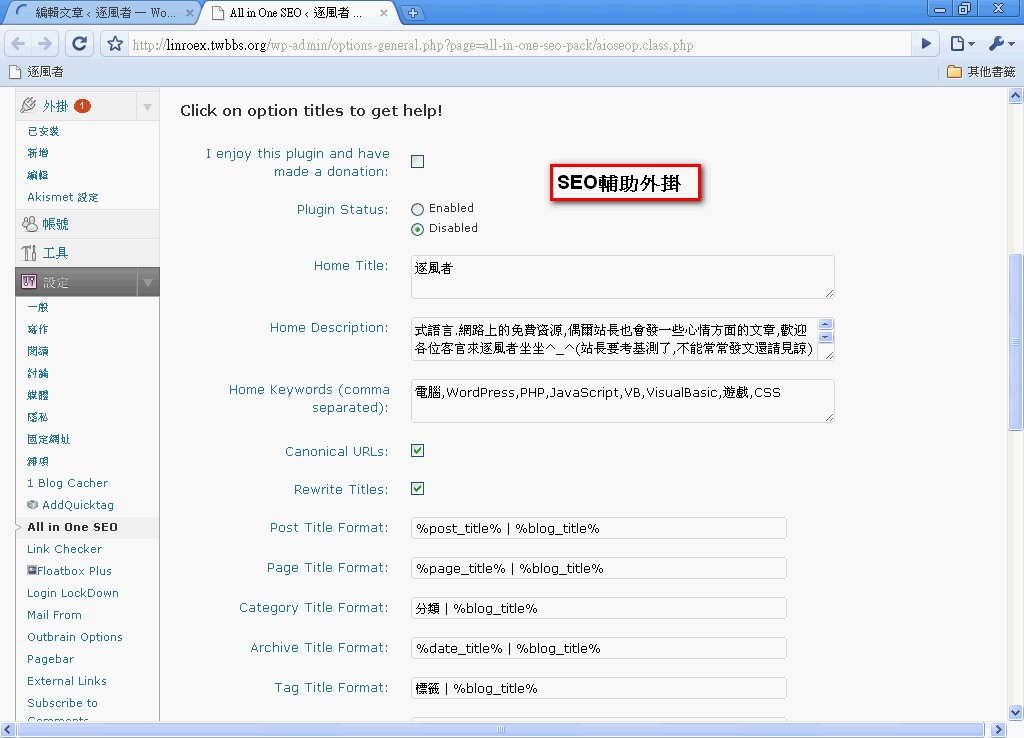
In this post, I’m going to share a few SEO tasks that I think are essential when setting up a blog. But first, a disclaimer: I’m not an expert, so some of what I say may be wrong. I’d appreciate your corrections (not criticism). Also, most of the methods in this post don’t apply to BSPs (blog service providers) such as Wretch and Yam Sky Blog……
Most people who run a blog probably want to be popular, with lots of readers visiting their posts instead of writing only for themselves. But how do you get people to read your posts? That’s what SEO is for! (If you don’t know whatSEOis, you can read about it onWikipedia) However, SEO isn’t a simple technique. Doing it well might even require hiring a designer, which is a bit too much trouble for a blogger. But learning SEO yourself isn’t easy either. So in this post, I’ll share the techniques I’ve tried.
- Avoid abbreviations for keywords in your article
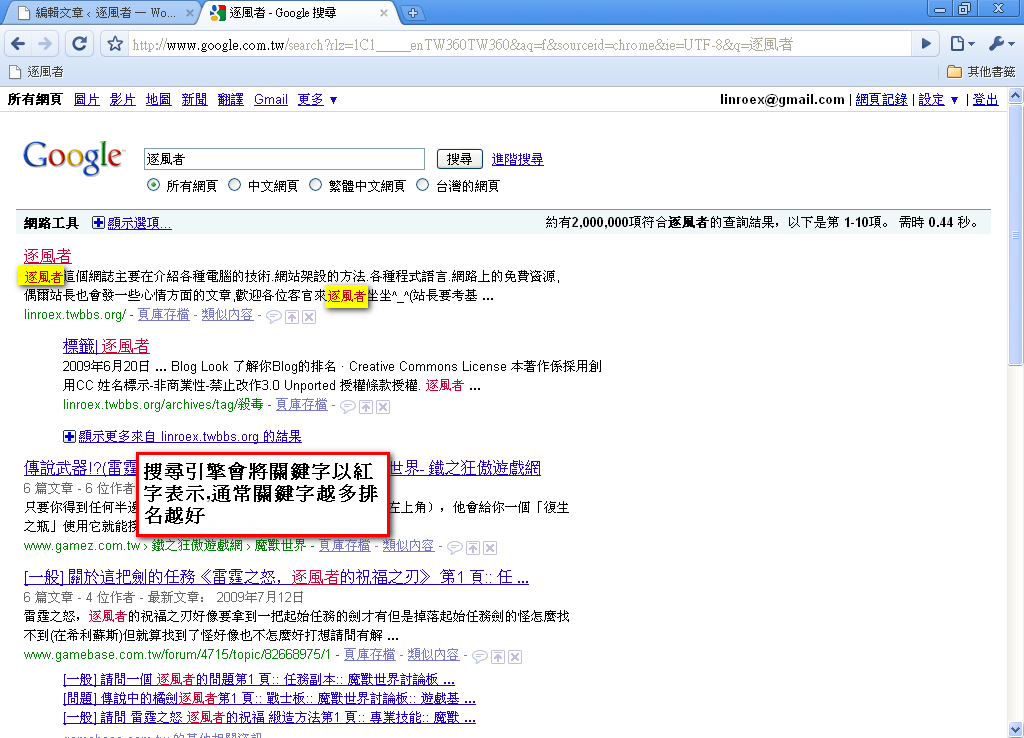
For example, say I’m writing an article about WordPress. That article will definitely mention the keyword WordPress, right? In real life, we only write out the full name the first time we mention WordPress. After that, we usually use a pronoun like “it,” or write “WP.” But in SEO, this is a serious problem, because search engines aren’t people. A search engine doesn’t know that “it” or “WP” means WordPress. If you use pronouns, it’s as if you’ve removed a keyword from your article, and keywords are arguably the most important part of search ranking. So I recommend using fewer pronouns.Thanks to Sister Yu for the correction: the number of times the same keyword appears has nothing to do with SERP.
2. Be sure to submit your URL and sitemap to search engines
I covered the importance of this in my article "Google Webmaster Central – Helping You Analyze Where Your Site's SEO Falls Short & Submit a Sitemap". If you don't submit your URL, all your SEO work is just an empty shell. Also, even if you do submit your URL, it may not be enough, because search engines don't automatically crawl every page on your site, and some may be missed. That's when you need a sitemap to tell search engines which pages on your site should be indexed. When I first submitted my URL, Google had only indexed 60 of my articles. Things went back to normal after I submitted a sitemap = =. Also, if you use WordPress, you can submit a sitemap with the XML-Sitemap plugin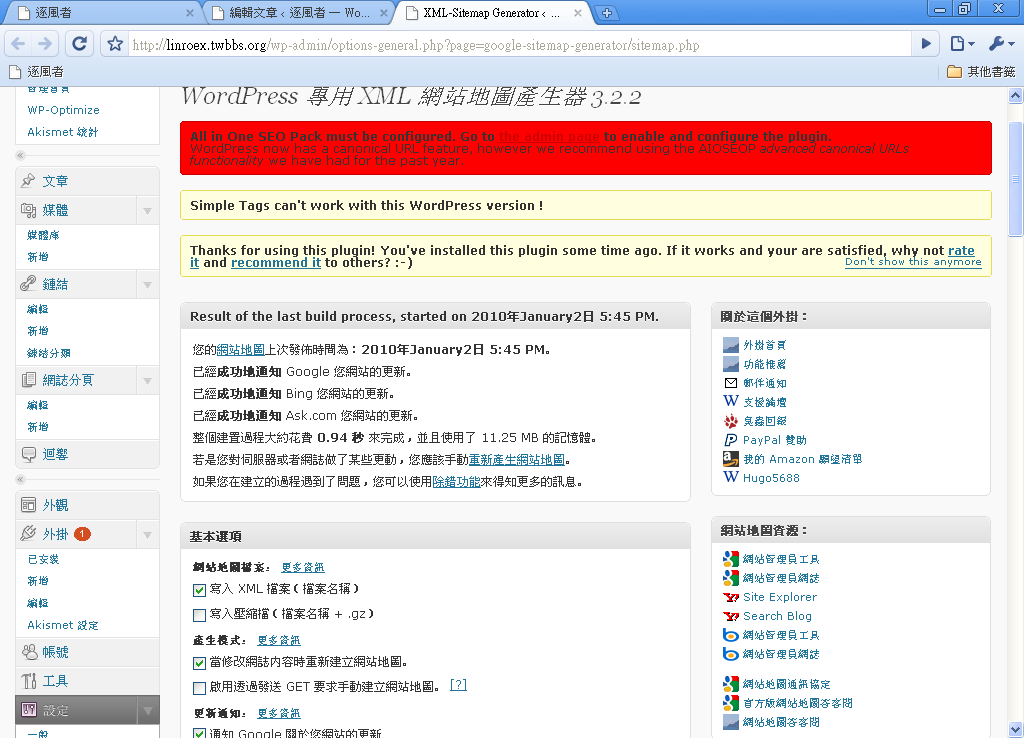
3. If you run a forum, add your blog URL to your signature (as a link)
Anyone with a little SEO knowledge knows that, besides keywords, links are a very important factor in the algorithms search engines use for ranking. Generally, the more sites that link to yours, the higher your score. However, if the sites linking to you have low scores themselves, they can drag your score down too. In short:A link from a high-scoring site to your site → your site’s score goes up
A link from a low-scoring site to your site → your site’s score stays the same
This is mainly a method search engines use to prevent spam links. But I’ve wandered a bit off topic. What does this have to do with signatures? Plenty! Most forums allow links in signatures. Just make your URL into a link, put it in your signature, and then go to the backend settings so that the signature is added to every post. That way, every time you post or reply, you add one more link.
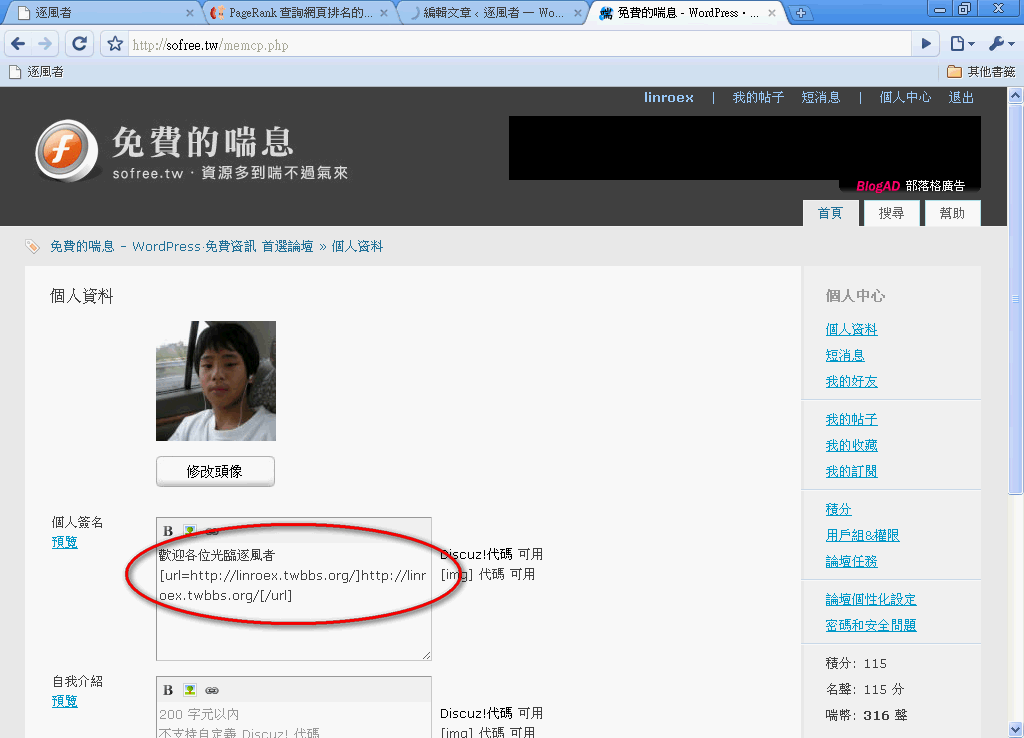
Note: The number of links isn’t directly proportional to PR, but adding links does help your PR to some extent.
4. Choose appropriate tags and categories
Tags and categories were actually created with SEO in mind. When you write a post, you can usually set tags for it, and those tags also appear within the article. This isn't just to help readers find related posts. More importantly, it increases the number of keywords in your article. However, not every theme displays tags within the article, so go check whether your theme does~ Also, a reminder: choose your tags carefully rather than choosing a lot of them. If you assign too many tags to a post, readers may find it strange, and search engines may even blacklist you.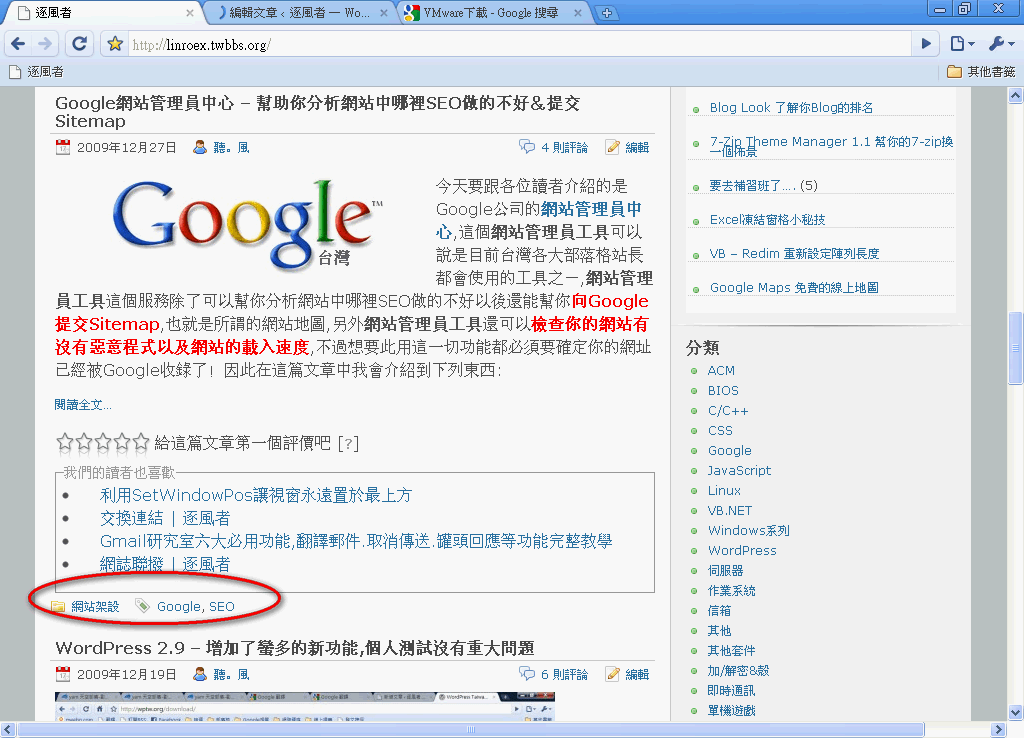
5. Split long articles into pages
Splitting long articles into pages reduces the load on search engines. Although technology has advanced and search engines no longer fail to index long pages the way they used to, a very long article is still not ideal for search engines. It's also quite unfriendly to readers. So I suggest setting a length threshold for yourself, and once an article reaches that length, adding a page-break tag. As far as I know, among BSPs, only Wretch doesn't offer paging; the others do. WordPress also has paging built in. Just switch to HTML mode and add the code where you want the page to break: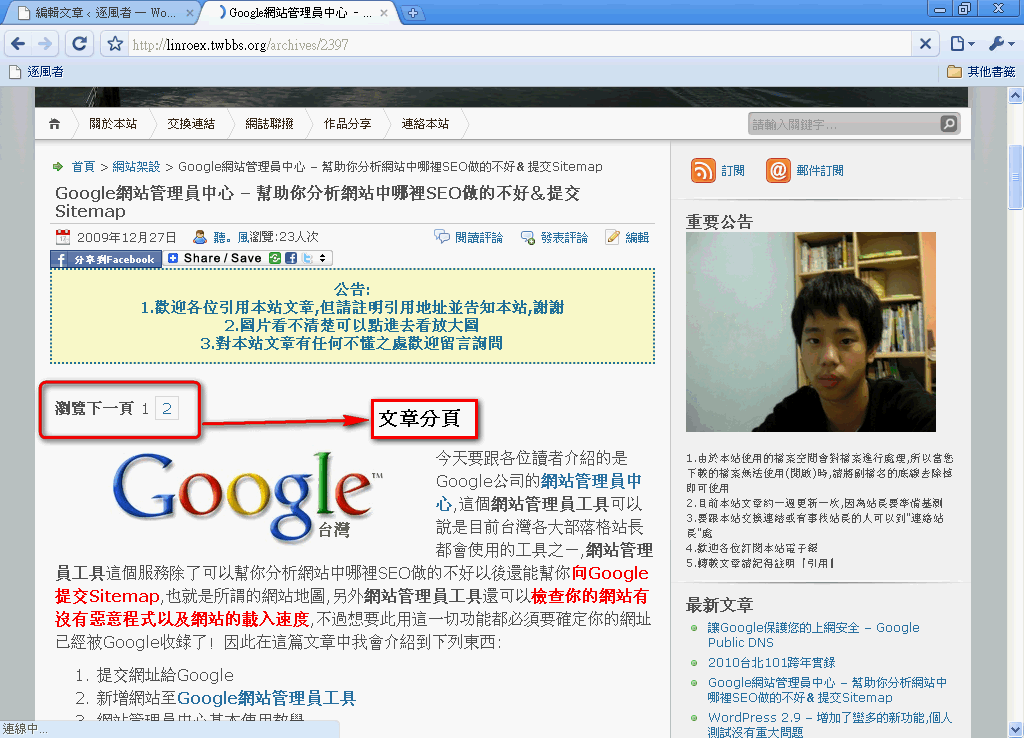
6. Show keywords in bold
As far as I know, search engine algorithms treat bold text and heading text (h1–h6) as emphasis. They interpret bold text as meaning you want to stress that word, so marking keywords in bold should help your SEO. However, the more bold text there is in an article, the less each bold word helps, so don't try to make the whole article bold xD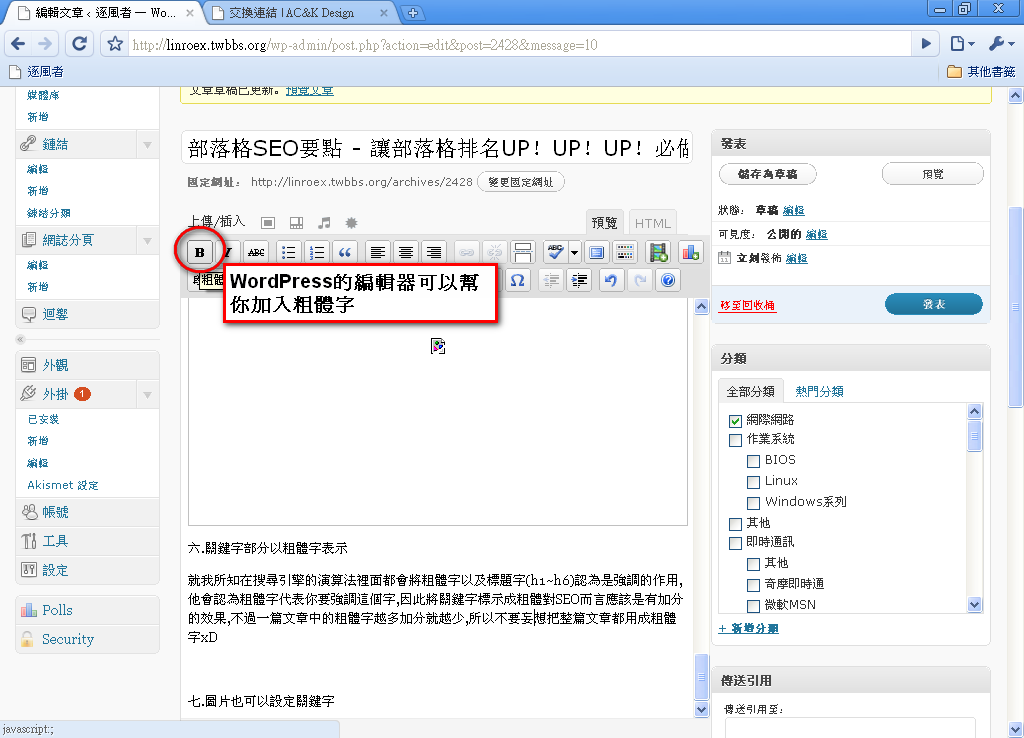
7. You can also set keywords for images
Did you know? Images and videos can also have keywords set for them. There are many ways to do this. Here I'll introduce two main methods.- Using HTML to add keywords
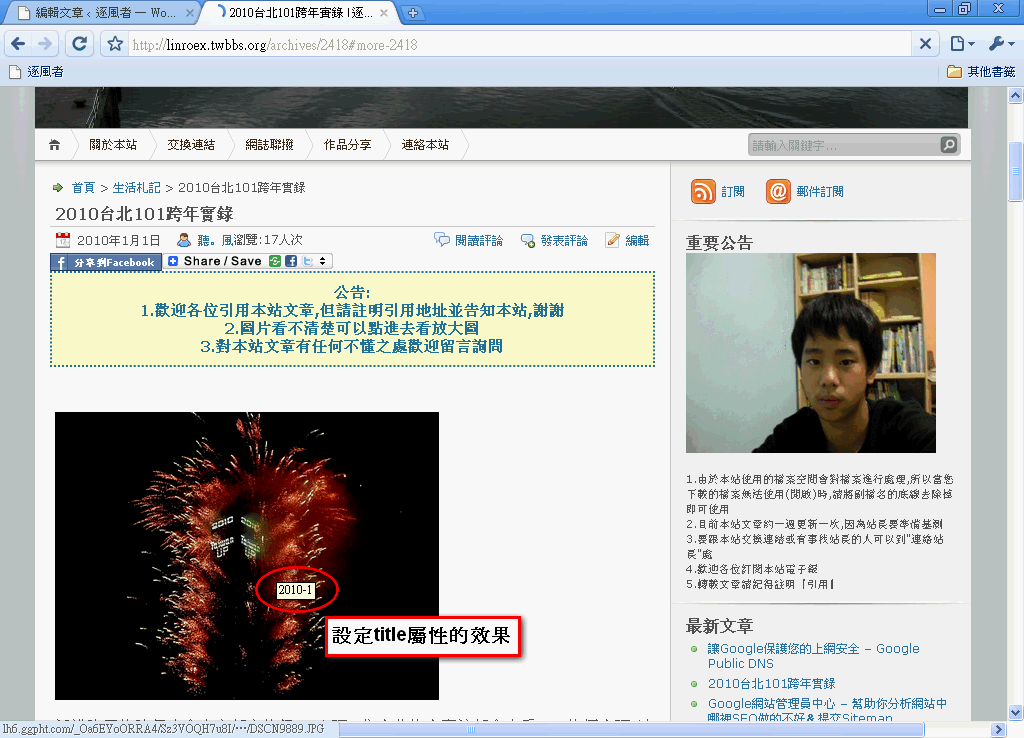
This method mainly uses the image’s title attribute. In HTML, the title attribute is meant to be a title, but when you add it to an image, it becomes an annotation: the text that appears when you move your mouse over the image. Setting keywords with HTML isn’t difficult. Just insert an alt=“annotation” attribute into the img tag. Example:
Result:
- Adding annotations next to images or videos
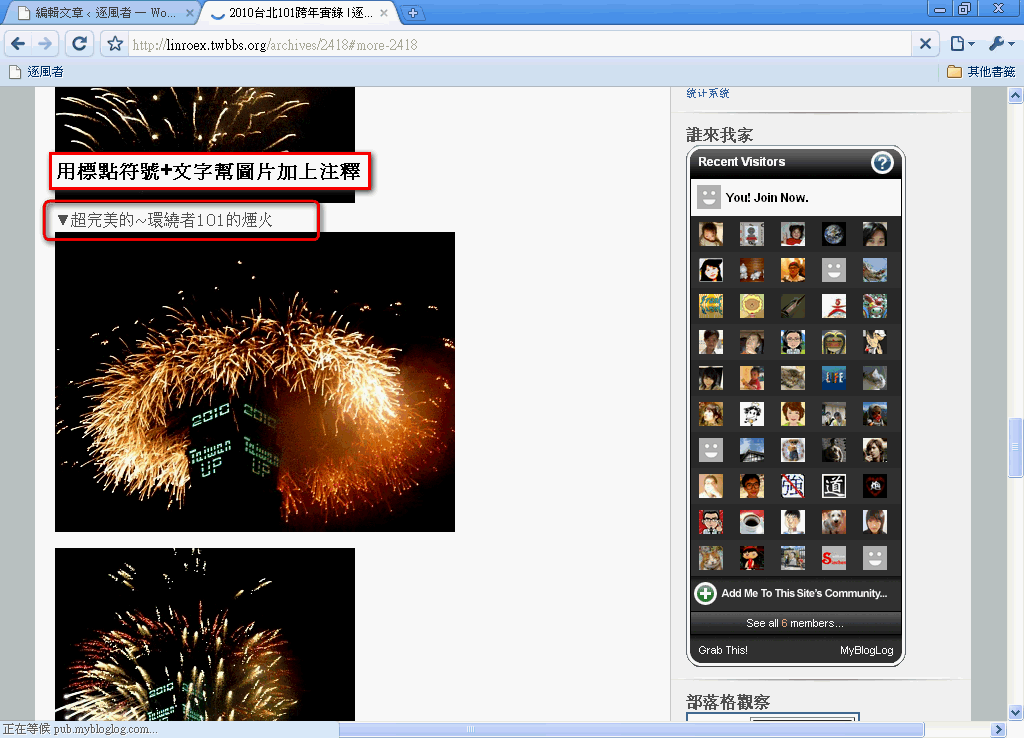
I think this is a method many people like to use. I used it in my article “Ringing in 2010 at Taipei 101,” so feel free to take a look at how I did it.