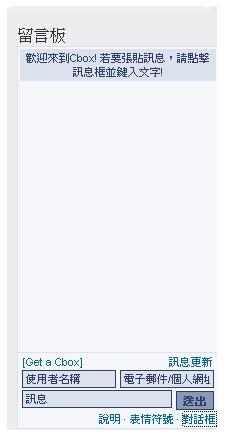
I’m sure you’ve often seen a guestbook plugin in the sidebar of other people’s blogs and wanted one for yourself, right? Today I’m introducing Cbox, one of the best free guestbook services on the web. Cbox is excellent in many ways, but the maximum number of comments is 100, so you have to delete old comments regularly. Its anti-spam is also weak, so it’s easy for advertising comments to flood it. = = Even so, Cbox has some advantages, such as letting you use emoticons. Below, I’ll show you how to sign up for Cbox.
URL: http://www.cbox.ws/
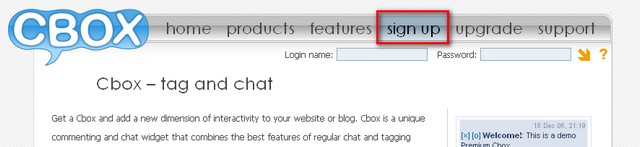
- Go to the Cbox homepage and click Sign up.
- Fill in the required information (if you can’t read English, see the explanations below).
Cbox name is the account name you want.
Email address is your email address.
Password is the password you want.
Confirm Password is where you enter your password again.
Website is your website URL (your blog’s address).
Language is the language you use. Choose “Chinese(trad)”.
Style is the look you want (the default is fine).
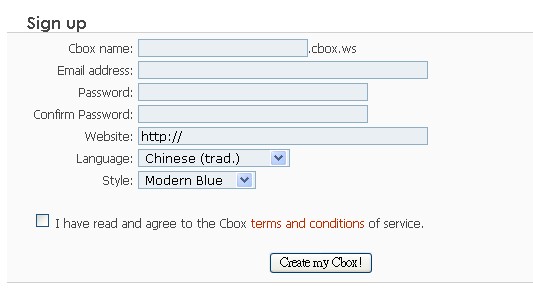
After filling in your information, check the box next to “I have read and agree to the Cbox terms and conditions of service.” Then click the “Create my Cbox!” button to finish signing up.
If the sign-up succeeds, they’ll send an email to your inbox.
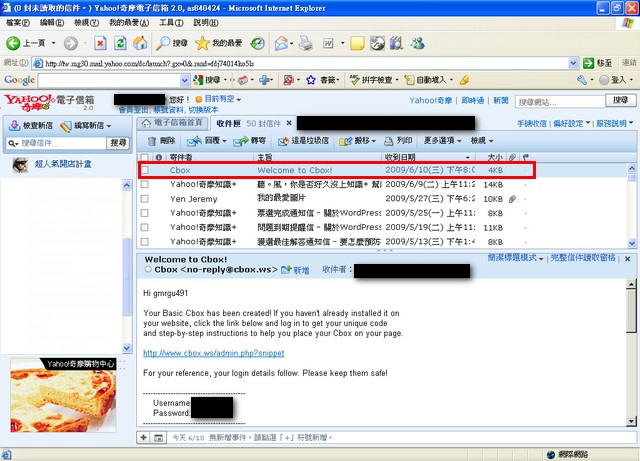
Click the link in the email to complete verification.
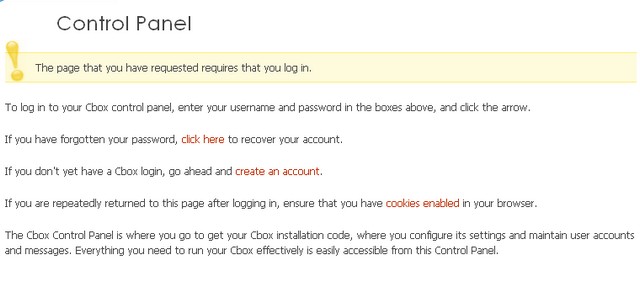
Once verification is done, of course, the next step is to log in! Enter your account name and password in the upper right, then click the arrow to log in.

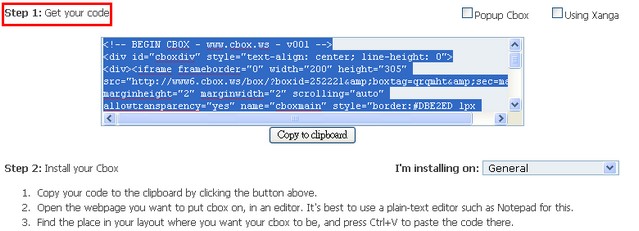
After logging in, you’ll see a page called Code Generator.
There’s a field labeled “Step 1: Get your code”. Copy the code in it and paste it into your blog.
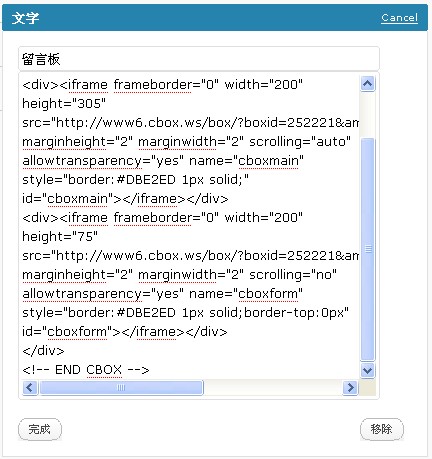
Result