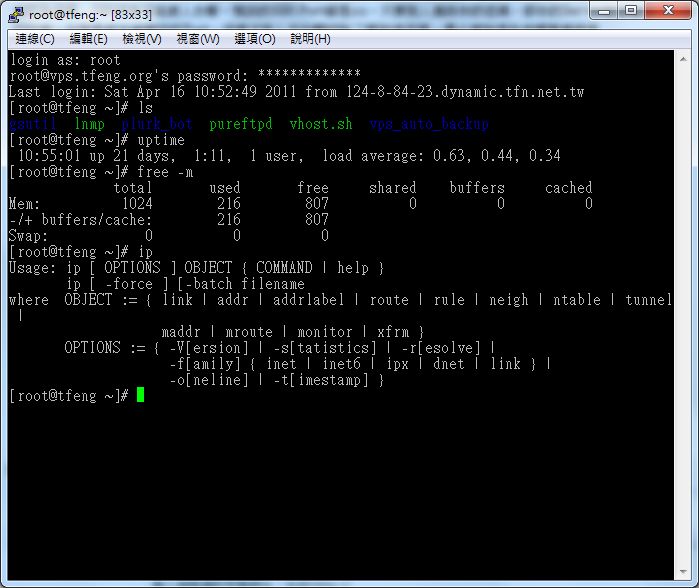
 ▲▲With SSH, you can do a lot of work on a remote host
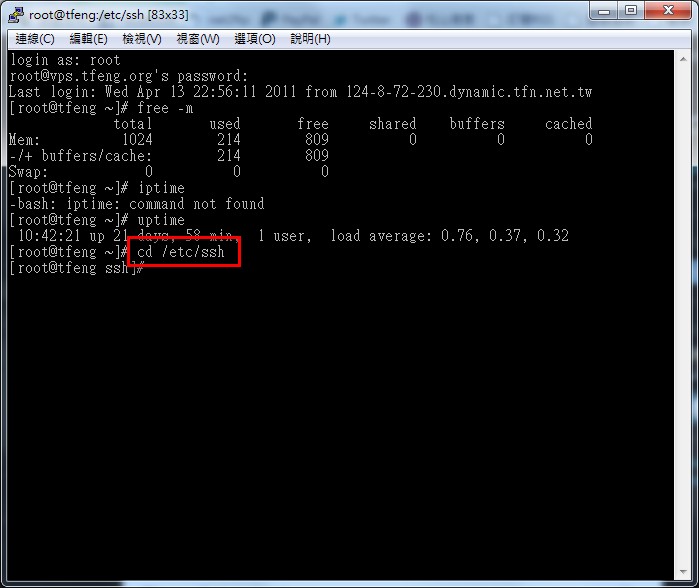
Step 1: Log in to your host and go to the /etc/ssh folder.
Command: cd /etc/ssh
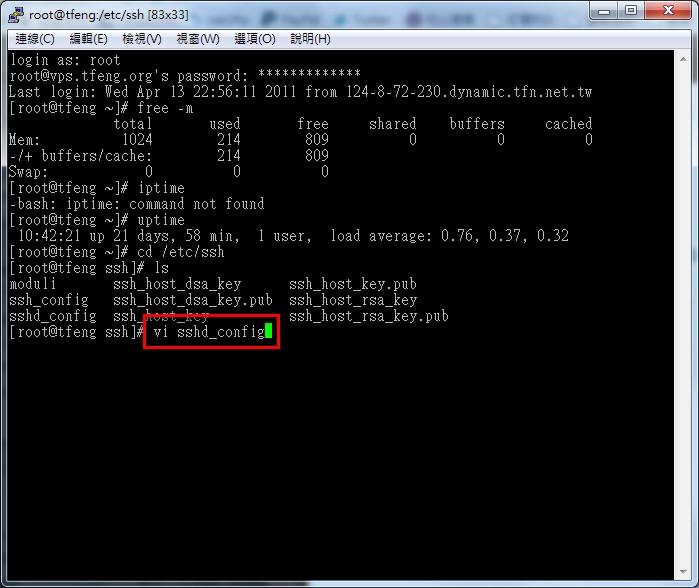
Step 2: Open the sshd_config configuration file.
Command: vi sshd_config
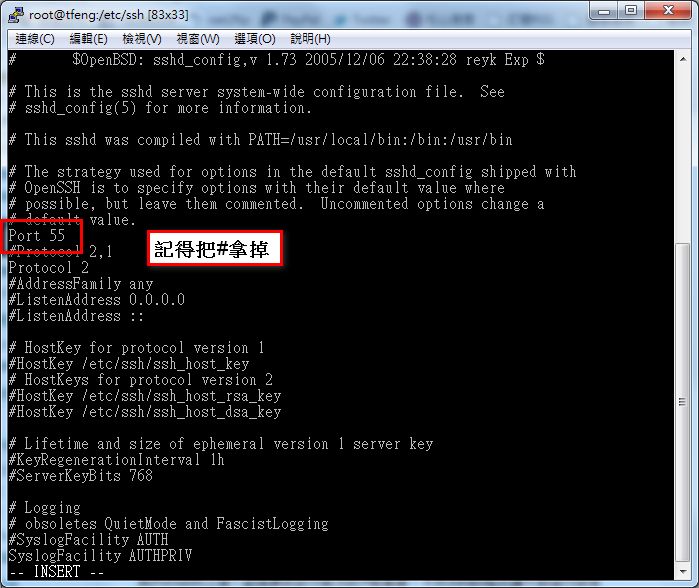
Step 3: Near the top of the file, there should be a line that reads Port 22. Change 22 to the port you want to use. Keep in mind that ports such as 80, 20, 21, and 25 may already be used by other services, so you need to choose a port that no other service is using.
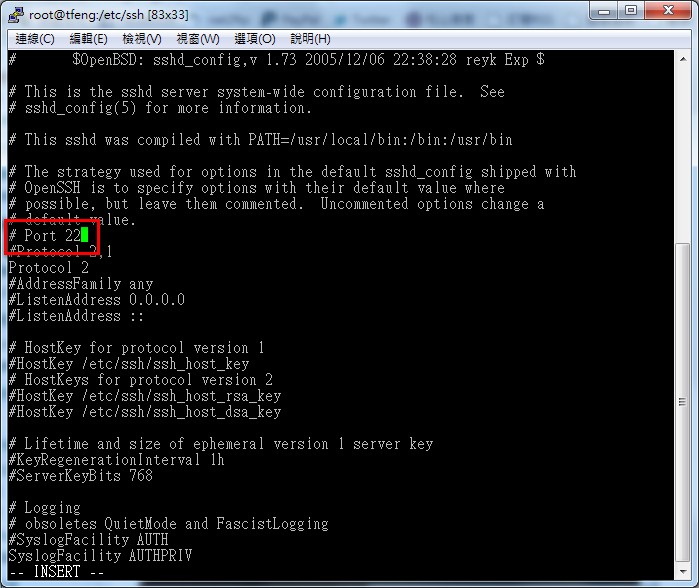
After you change the port, remember to remove the # at the beginning of that line. Otherwise, the SSH program will not read the setting.
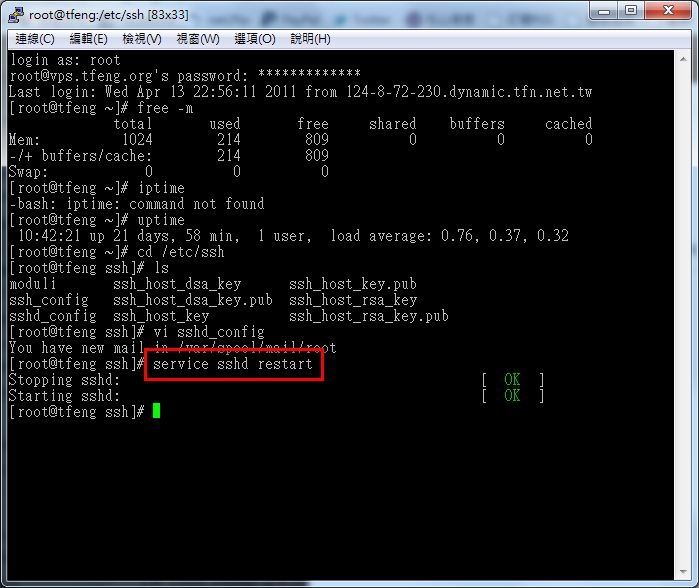
Step 4: Save the sshd_config file, then restart the sshd service.
Command: service sshd restart
Step 5: From now on, you can no longer connect over SSH on the default port 22. Connect using the port you just set instead.