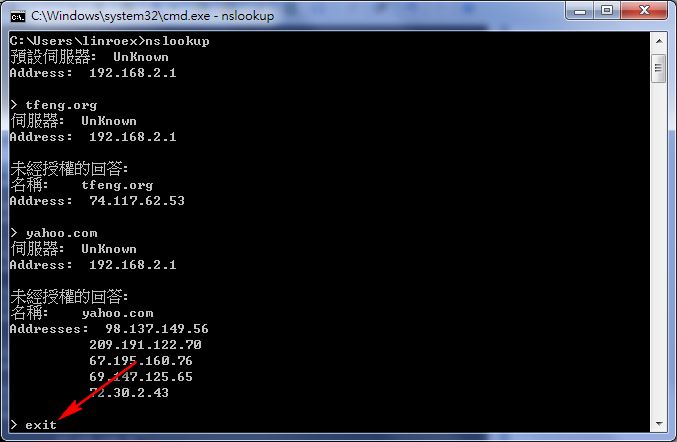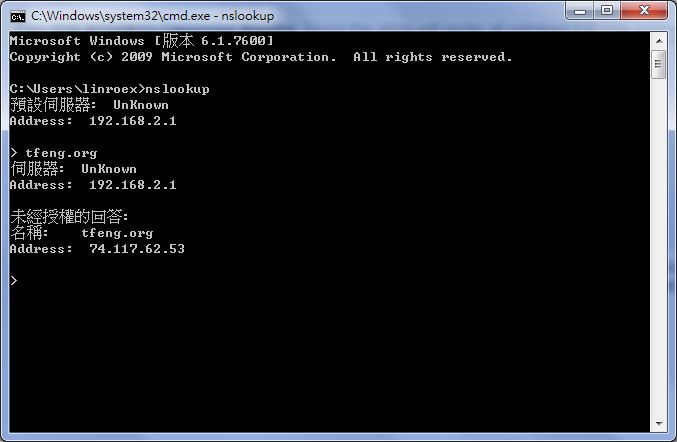
Anyone who runs a website has probably set up DNS records for a domain many times. You probably also know that after you change DNS, it takes 12 to 24 hours before the change takes effect. That is because ISPs need to clear their DNS caches. A DNS mapping is not applied instantly. It takes some time before it works. So today I want to introduce a command that lets you check whether a given domain points to the correct IP address.

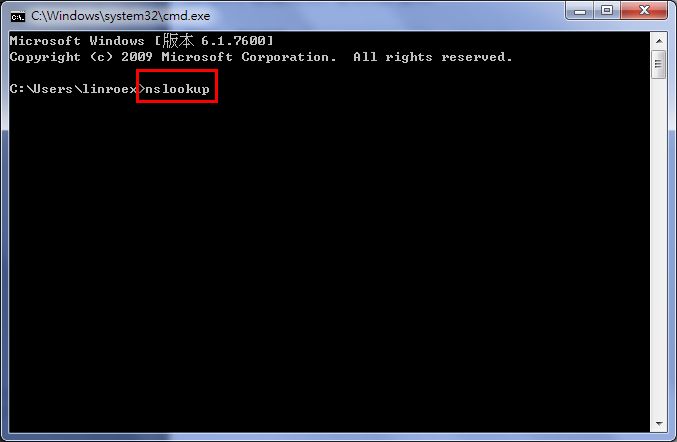
Step 1: Open cmd (Command Prompt) and type nslookup.
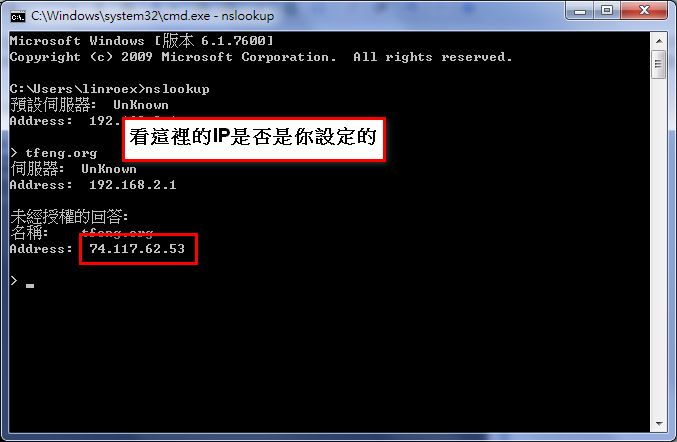
Step 2: Once you are in nslookup, just type your domain name and check whether the IP address it returns is correct. There is no need to use Ping for this. (Writing this just gave me an idea, XD)
Step 3: After you finish checking one domain, you can move on to the next one. Just type each domain name directly.
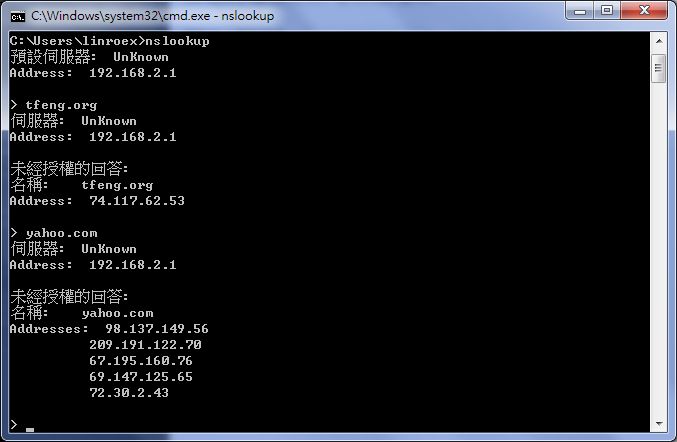
Step 4: When you are done, type exit to leave.