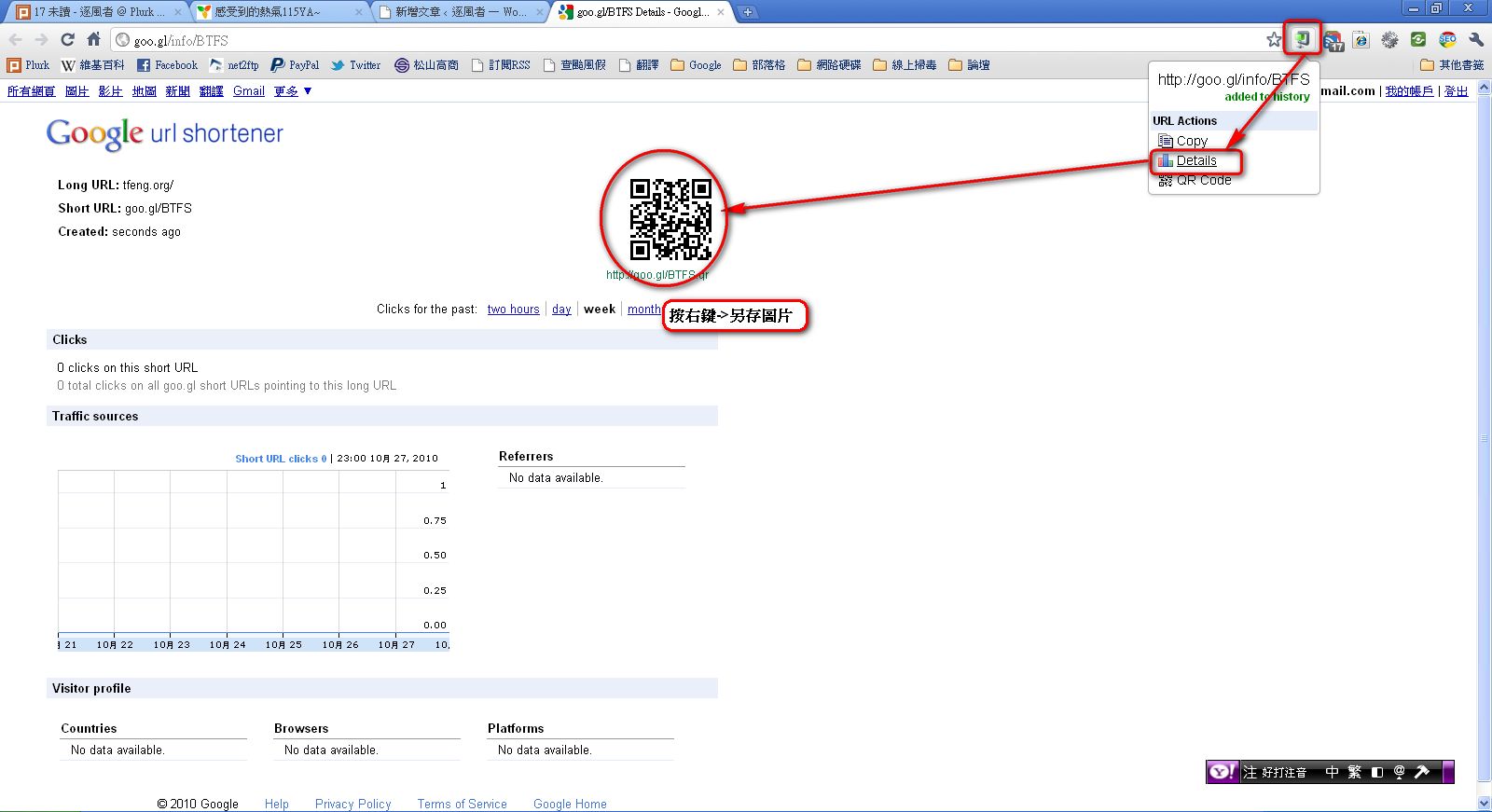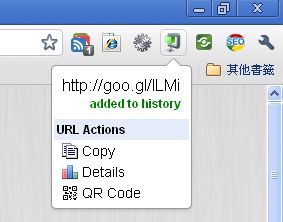
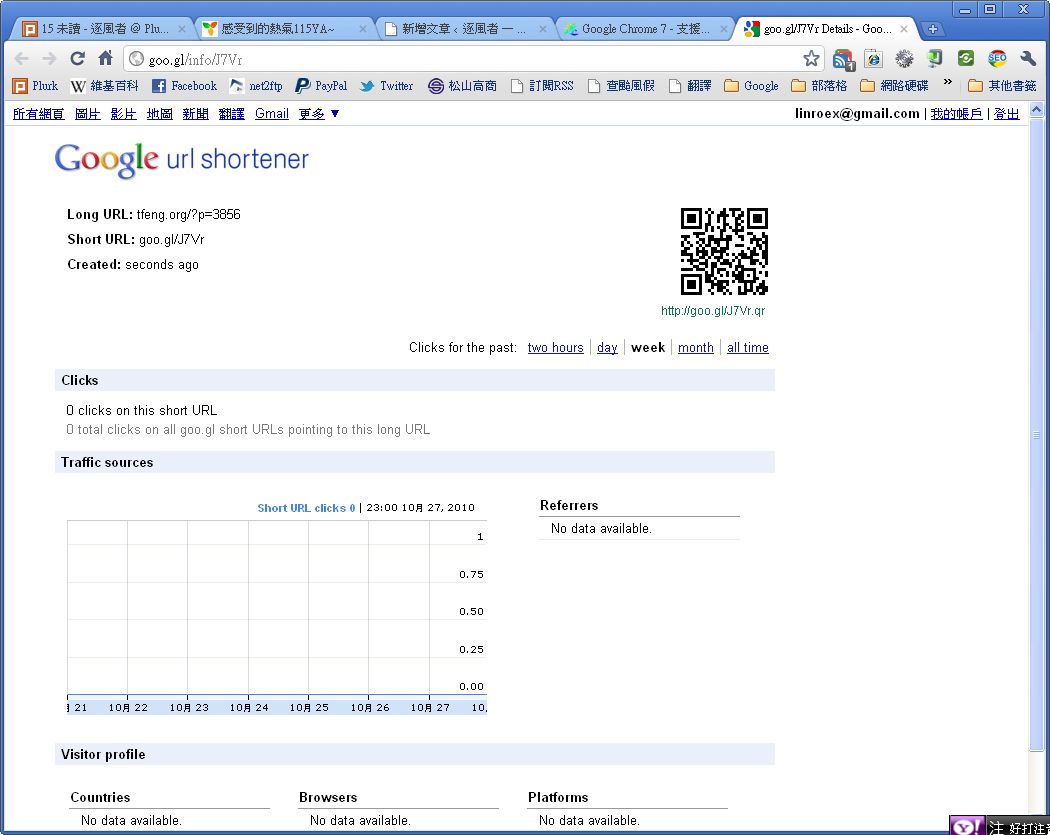
Many of you have probably seen URLs in the form of goo.gl, right? This is a URL shortening service provided by Google. Sometimes you find a really funny post on a forum and want to show it to a friend. Then you have to copy its URL, but forum URLs are usually very long, and copying them takes forever.... That is when a short URL comes in handy. With the goo.gl shortener, you can turn a URL of several dozen characters into one with fewer than 10 characters. It is also useful when you want to share a file with a friend. So how do you create a goo.gl short URL? Just open the site you want to shorten, then click the button of the Chrome extension called "goo.gl URL Shortener." The "goo.gl URL Shortener" extension also lets you copy the short URL, view its information, and get a QR code.

↑↑ You can look up the original URL from a short URL.

How to Use goo.gl URL Shortener

Step 1: Go to the installation page for goo.gl URL Shortener and install it.

https://chrome.google.com/extensions/detail/iblijlcdoidgdpfknkckljiocdbnlagk
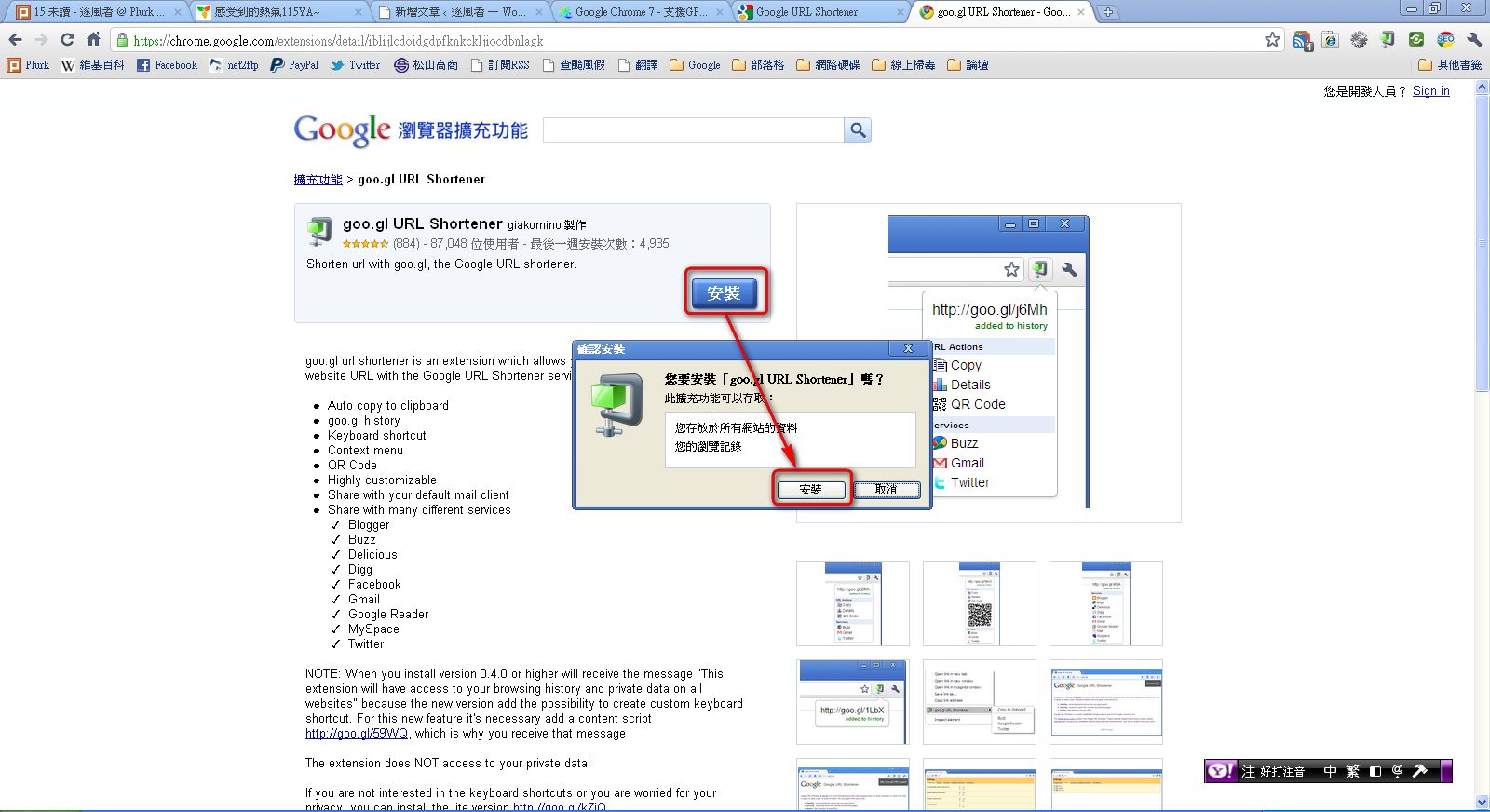
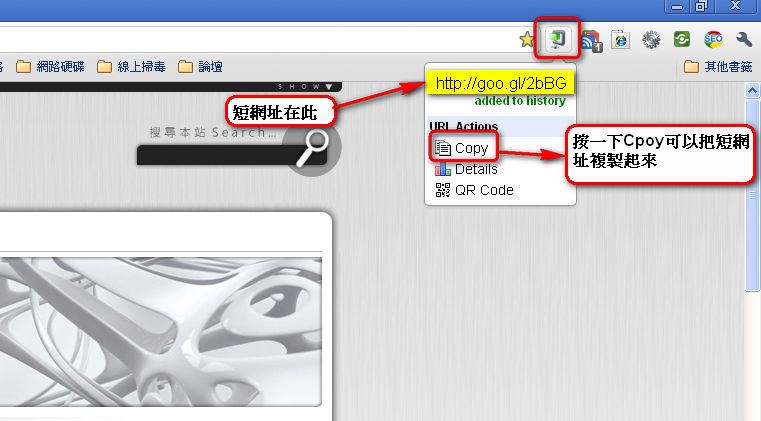
Step 2: Next, go to the site you want to shorten. For example, to create a short URL for https://coder.tw/, first open https://coder.tw/, then click the goo.gl URL Shortener button to generate the short URL.
Step 3: If you want to share the short URL with a friend as a QR code, click Details. This opens another page. Just right-click the QR code and save it.