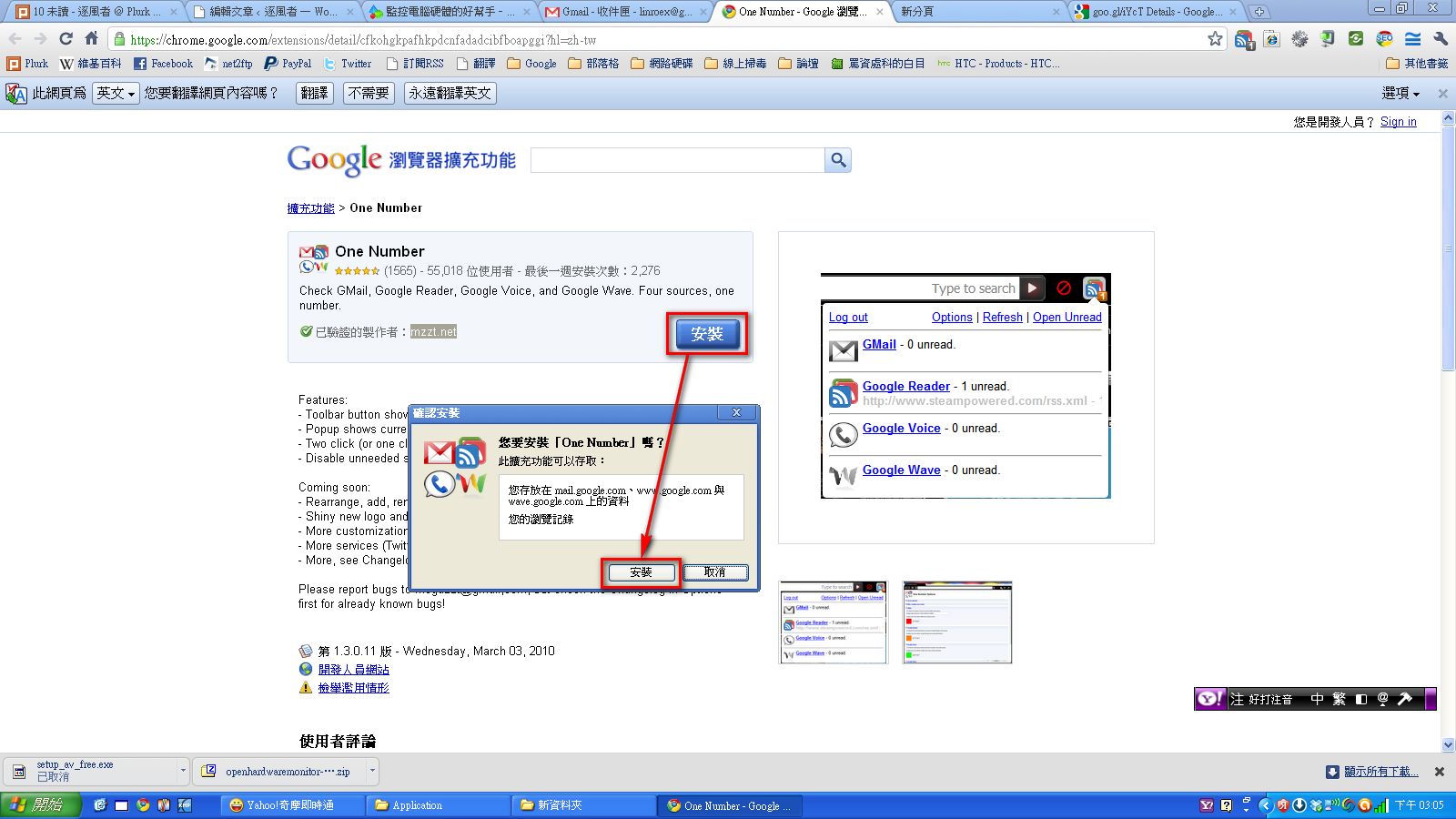
How to Use One NumberStep 1: Go to http://goo.gl/iYcT and click Install to finish the installation.
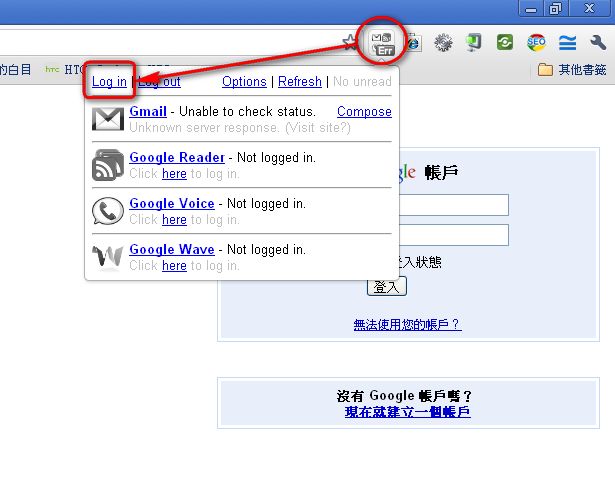
Step 2: After installing, you also need to log in so that One Number can get the information it needs (whether there are new messages). Click the One Number icon, then click Log in and enter your account and password.
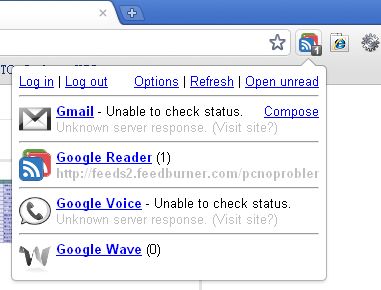
Step 3: After you log in, One Number checks for new messages at regular intervals. You can also click Refresh to have One Number check manually.
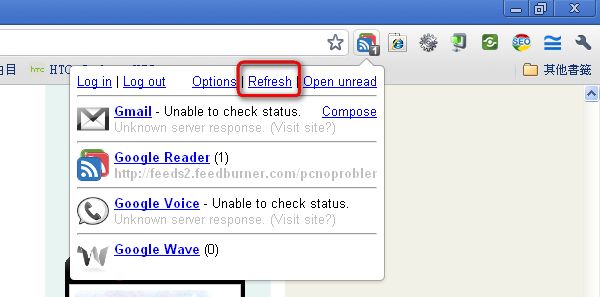
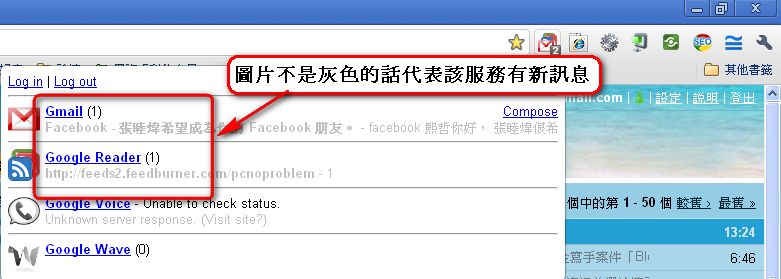
Step 4: When a new message arrives, the One Number icon changes from gray to color. Click the button to see which service has new messages. It also shows how many new messages there are.