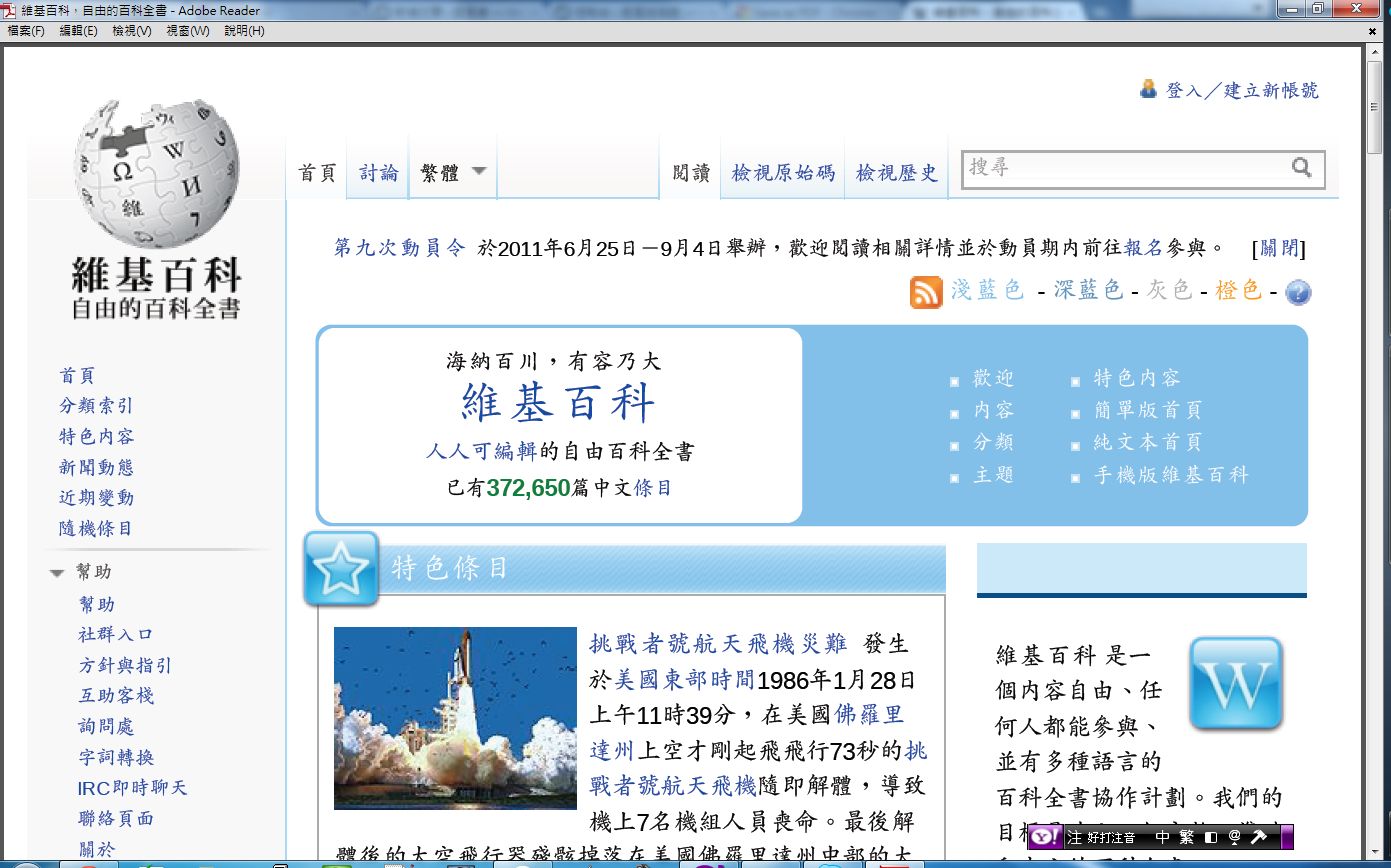
Sometimes you bookmark content you like, but if the site goes down or the article is removed, the bookmark is useless and you can no longer read the article. In that case, saving it as a PDF is a good choice. PDFs are also a great fit when you want to read offline~
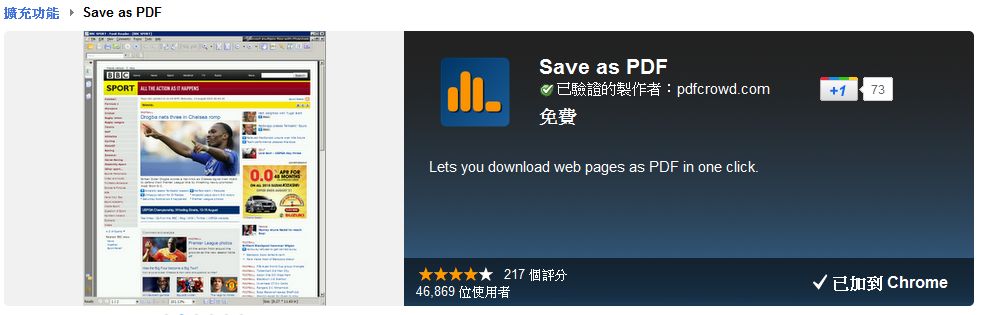
Save as PDF is a Chrome extension from pdfcrowd.com. It quickly sends the web page you are viewing to the pdfcrowd.com server, converts it to PDF, and then lets you download the file to your computer. It also offers an HTML to PDF API, so developers can give it a try~ As long as pdfcrowd.com stays online, this feature should keep working, I hope XD
Save as PDF Info
- Install URL: https://chrome.google.com/webstore/detail/kpdjmbiefanbdgnkcikhllpmjnnllbbc
- Version at the time of writing: 1.6
- Author: pdfcrowd.com
How to Use
After you install Save as PDF, its icon appears in the upper-right corner. Click the button, and it automatically saves the web page you are viewing as a PDF~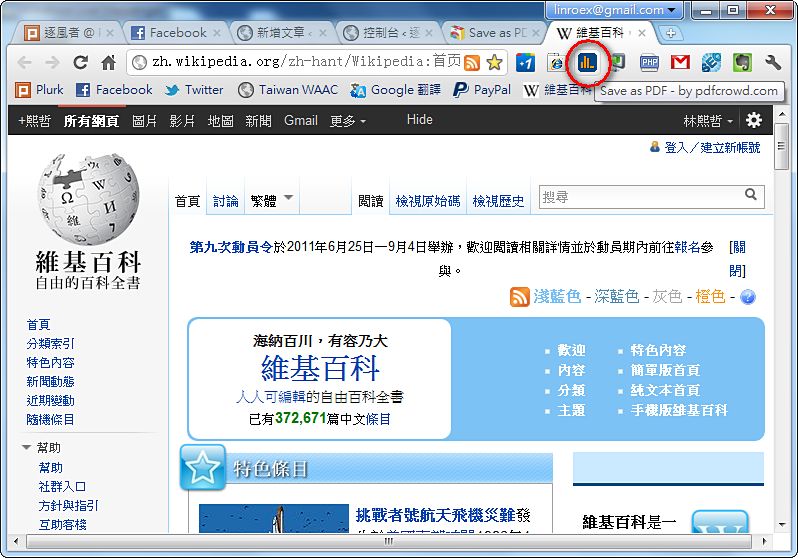
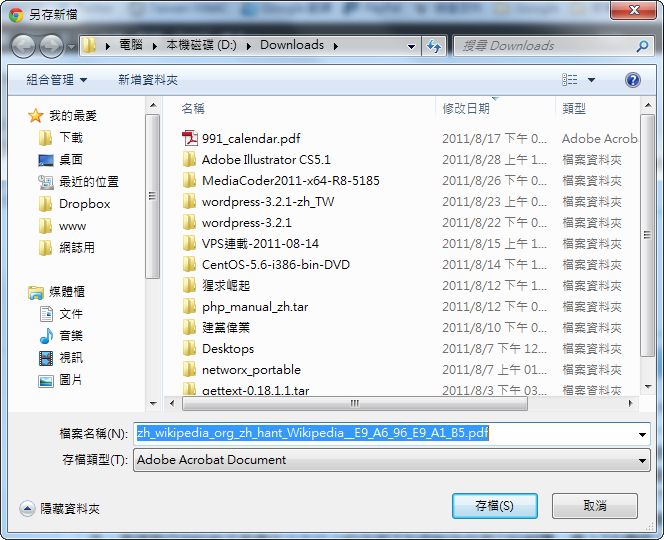
The icon starts spinning, which means it is processing the PDF conversion request. When it finishes, it asks where you want to save the file.
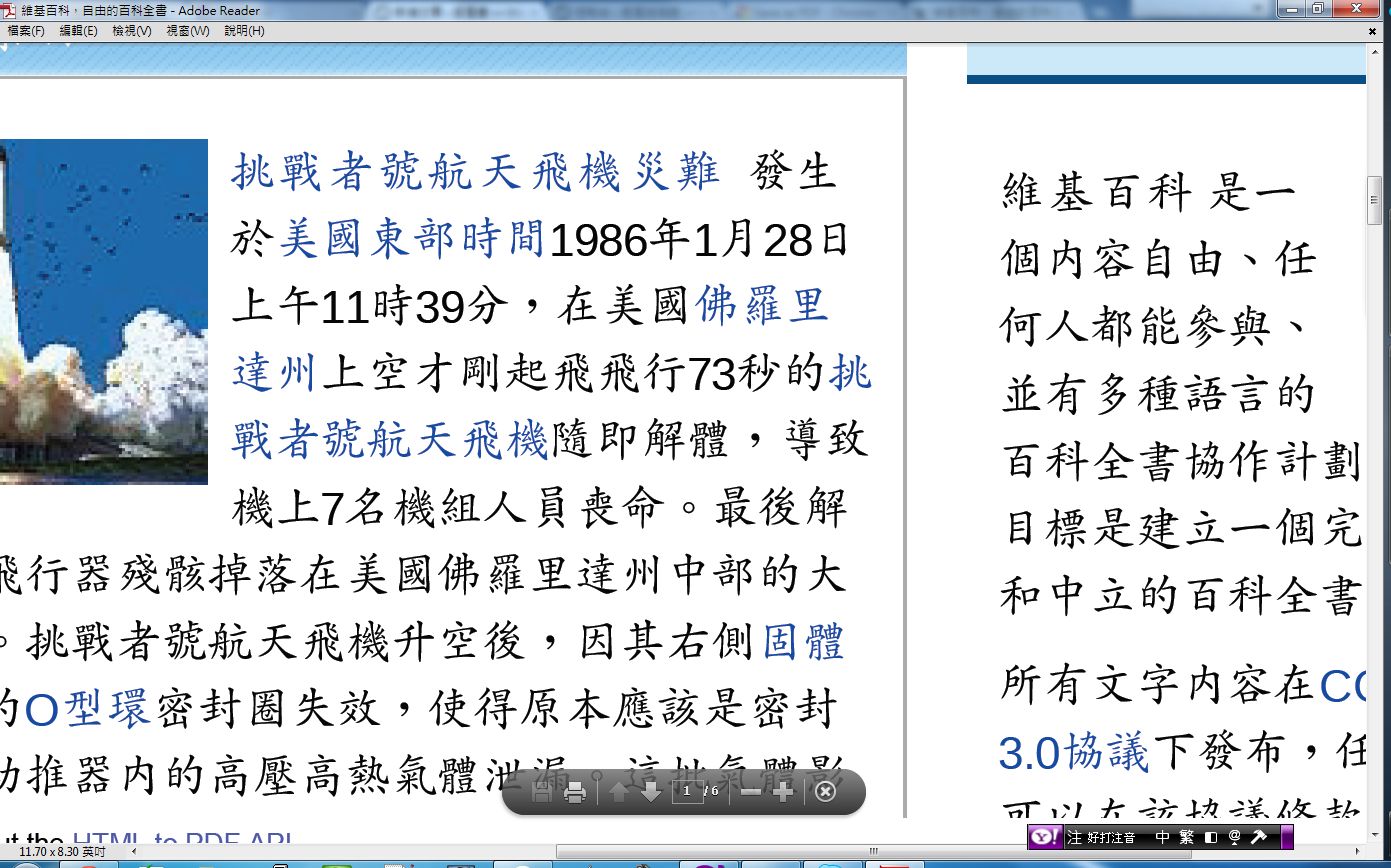
The result looks pretty good, and the text does not get blurry when you zoom in.