Firefox 4 has finally joined the ranks of browsers with streamlined interfaces~ Now the three major browsers on the market, Chrome, IE, and Firefox, have all made their interfaces quite minimal. But Firefox was a bit late. A big reason I switched from Firefox to Chrome back then was that Google Chrome’s interface was fresh, stylish, and clean, which made it feel fast (a psychological bonus…). Still, Firefox has many advantages. For example, customizability! Although Chrome can install extensions, Chrome’s extension library is nowhere near the size of Firefox’s, so with Firefox you can do so much more XD
The biggest change in this Firefox 4 update is the interface. Unlike all previous versions, Firefox looks completely different! It’s also six times faster than Firefox 3.6 (according to the official site), but it still loses to Chrome… I’m not sure whether this is new in Firefox 4, but there’s Firefox Sync, which syncs bookmarks, browsing history, passwords, and other data across different Firefox installs. It’s now built into Firefox, and you can use it just like Chrome’s sync.
Firefox 4 Info
- Official website: http://www.mozilla.com/zh-TW/firefox/
- Download links: official download | 4Shared |Box.net
Introduction to Firefox 4
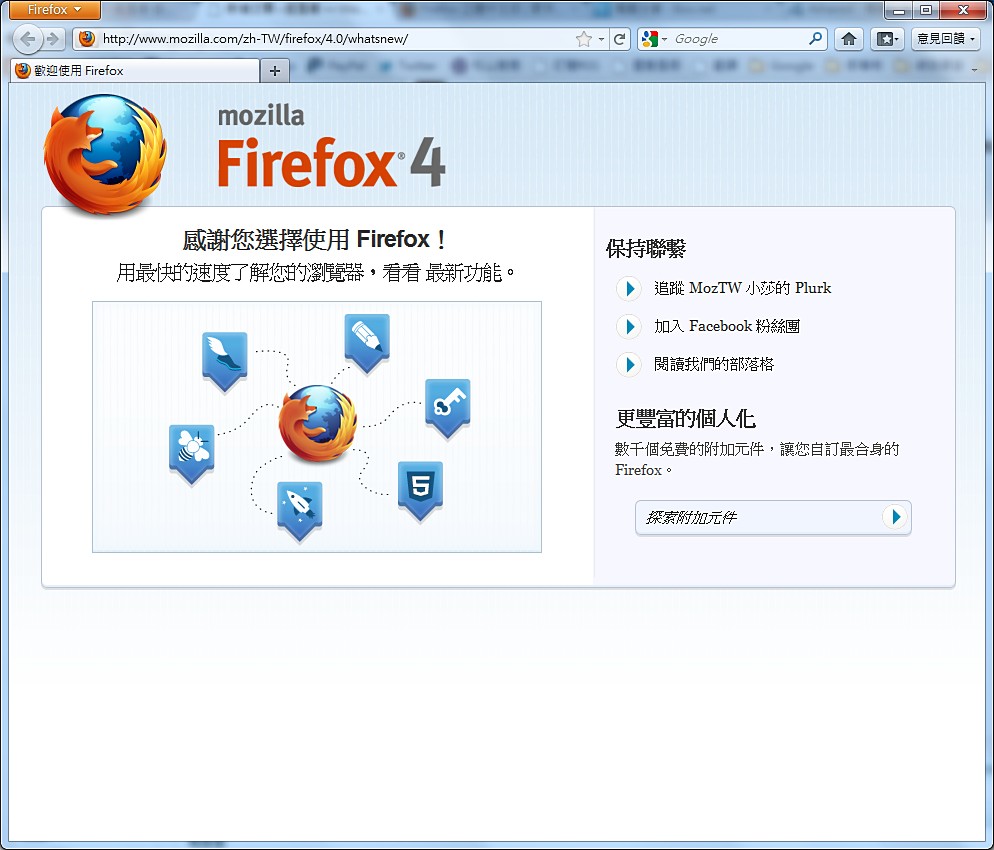
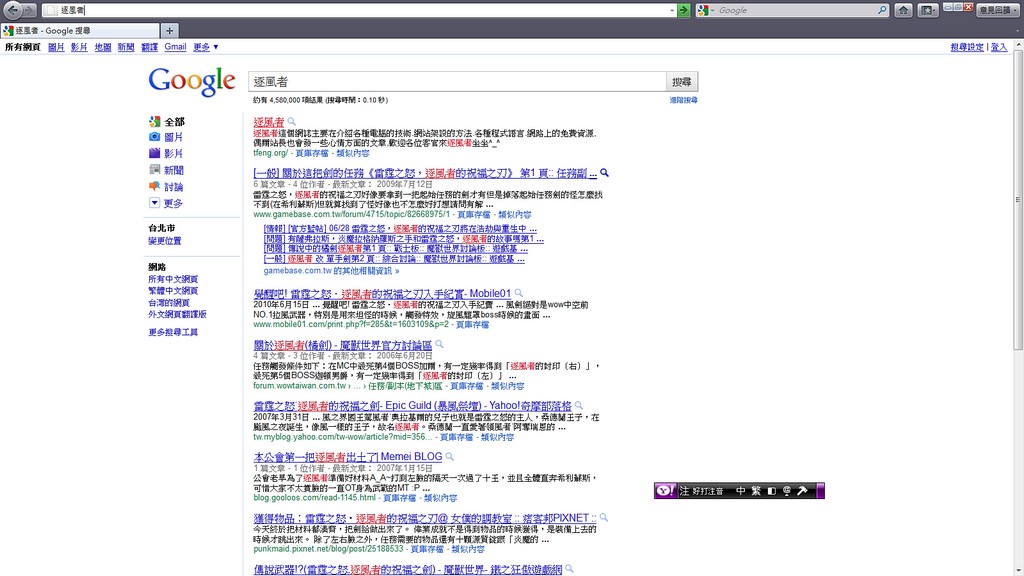
▲▲The overall interface is super clean!!
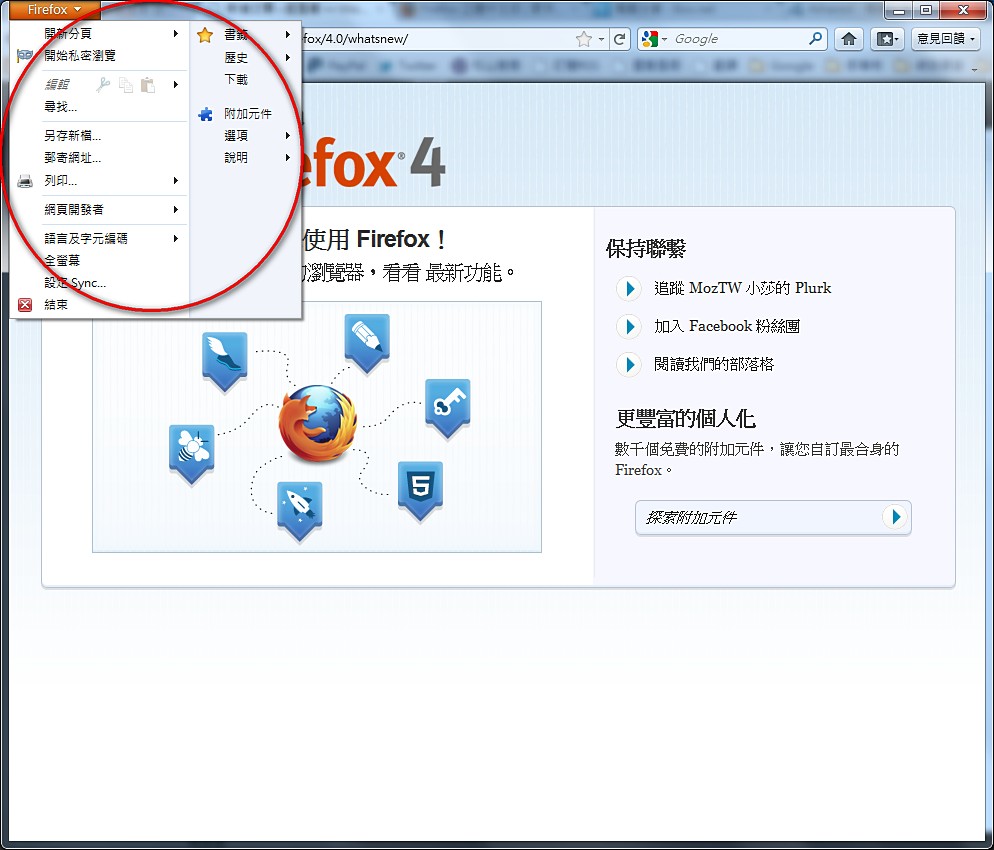
▼▼The main menu has been consolidated into the upper-left corner
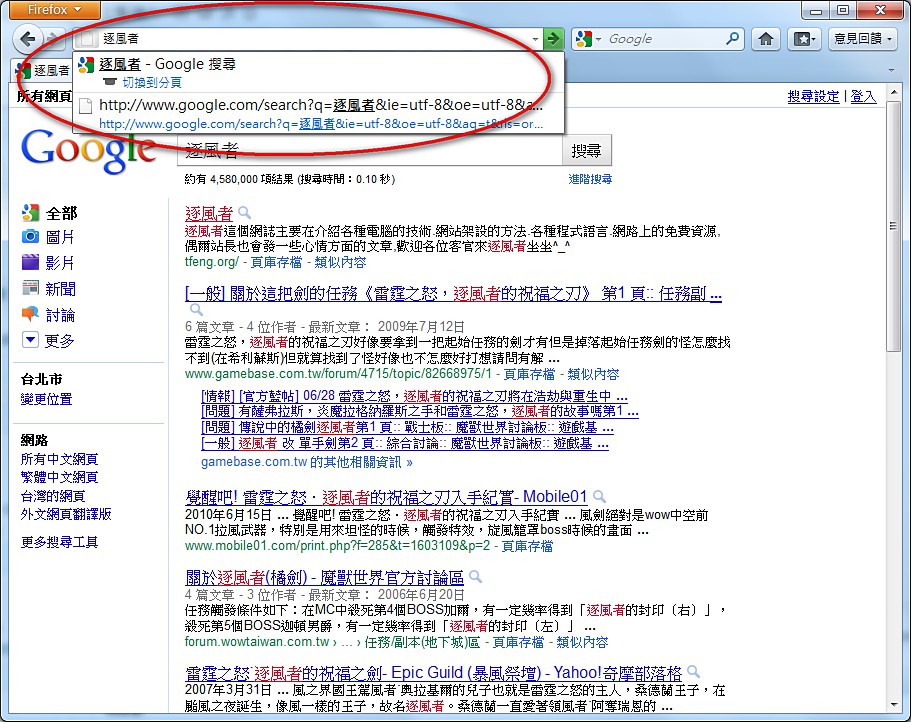
▼▼Just like Google’s browser, you can search directly from the address bar
▼▼What it looks like in full-screen browsing
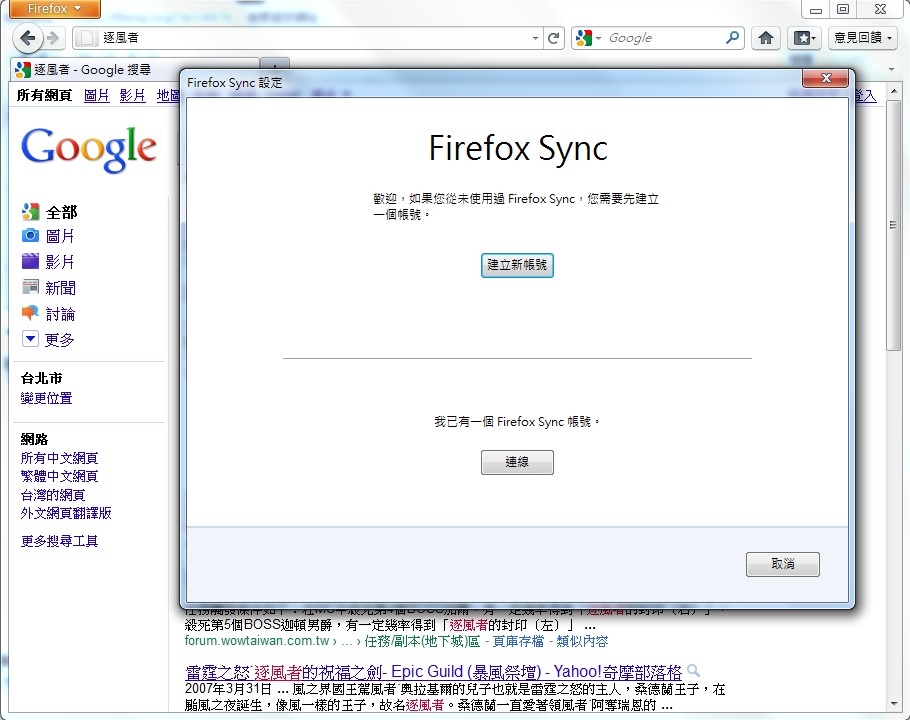
▲▲Firefox Sync is built in
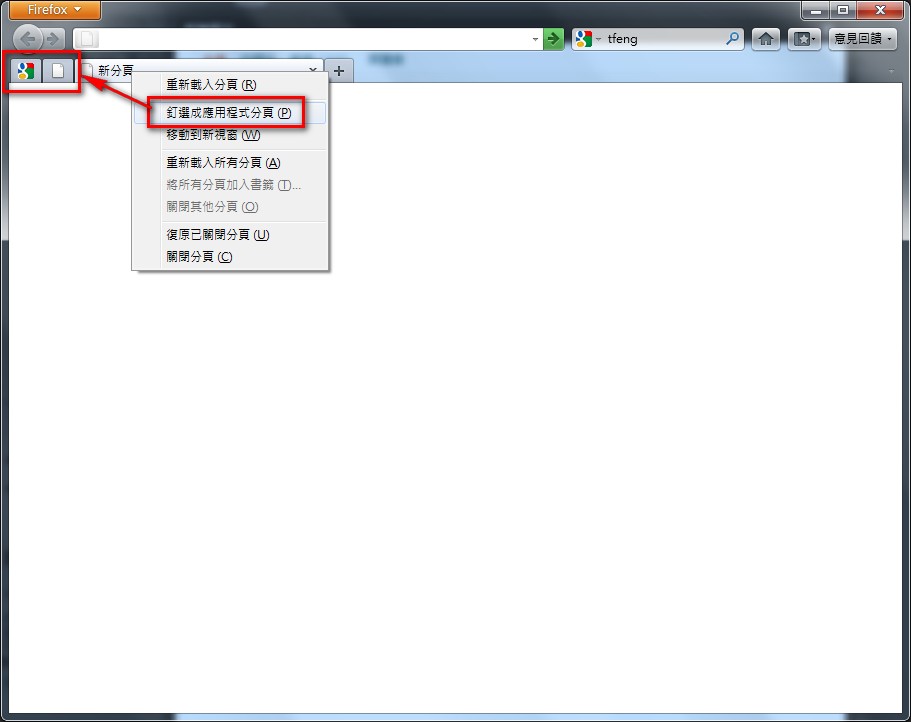
▼▼You can turn web pages into app tabs, and they will open automatically when you start Firefox
About app tabs: http://support.mozilla.com/zh-TW/kb/what-are-app-tabs
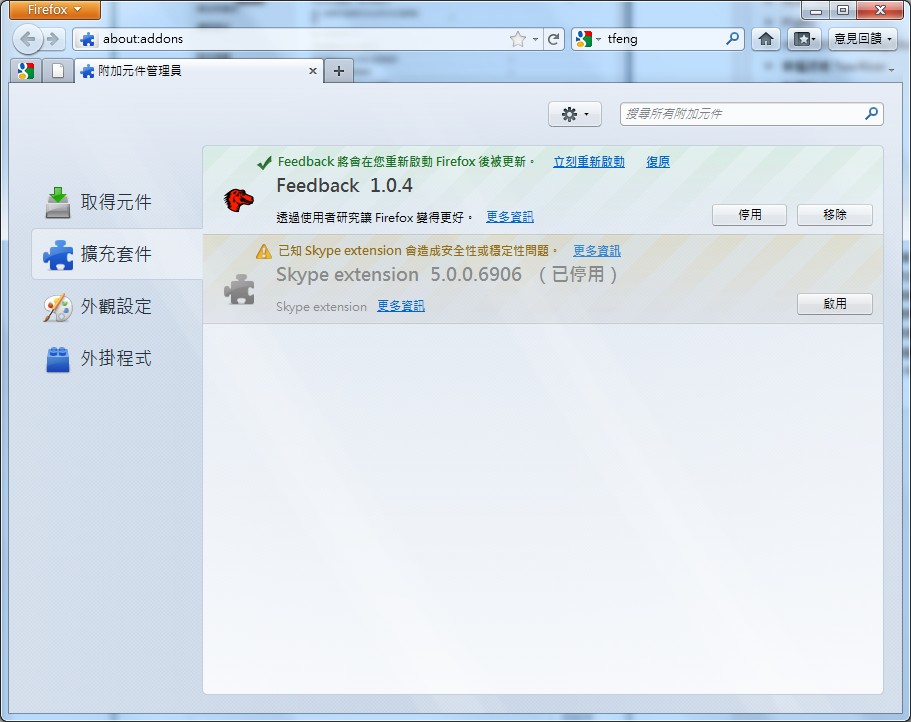
▼▼The Firefox 4 Add-ons page (extensions)
Firefox 4 Installation Tutorial
1. First download the Firefox 4 installer, then run it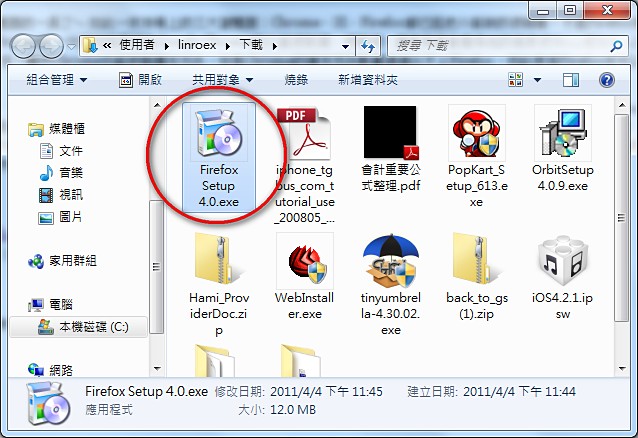
- The installer looks the same as always… Click 【Next】
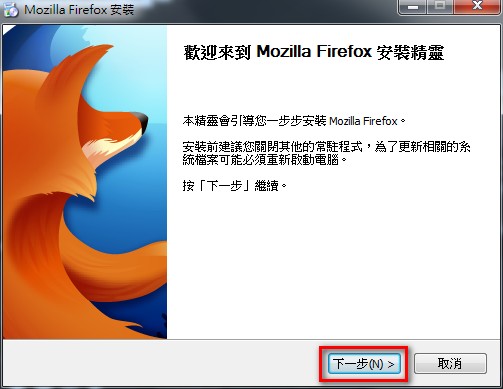
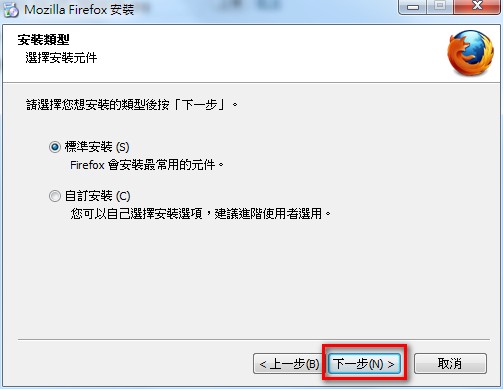
- Usually you just click 【Next】, unless you want to make different settings
- If you’re like me, installing Firefox 4 just to try it out while your main browser is something else, don’t check 【Set Firefox as my default browser】, then click 【Install】
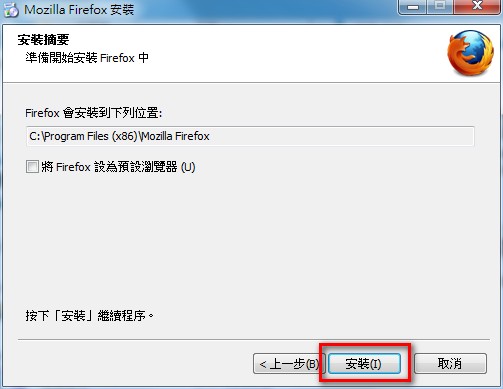
- Installing, please wait (it only takes a few seconds XD)
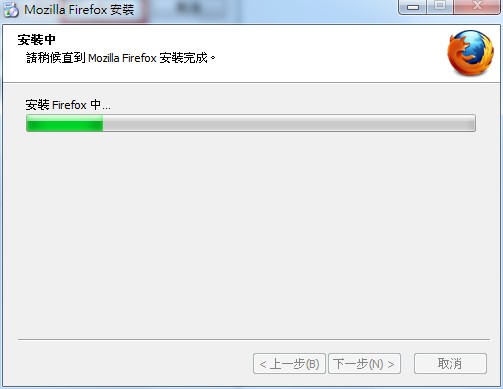
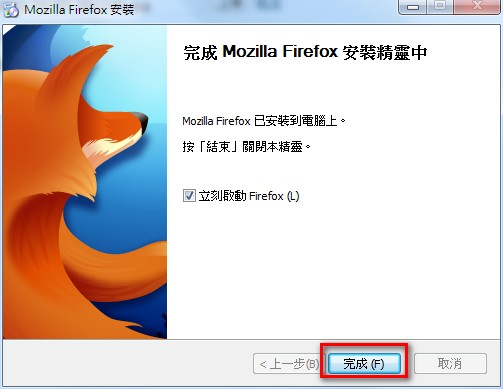
- Installation complete~