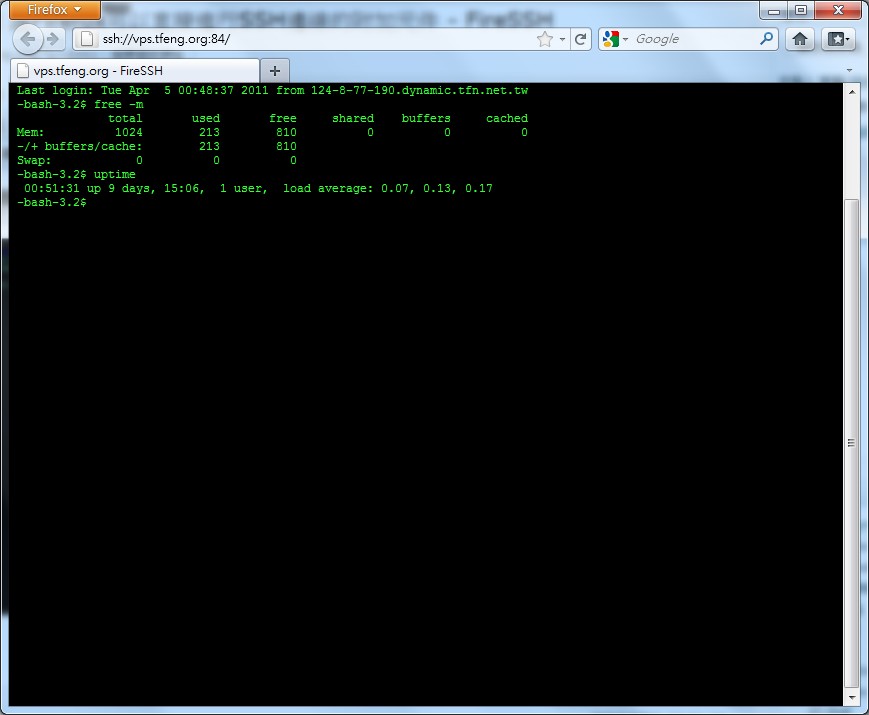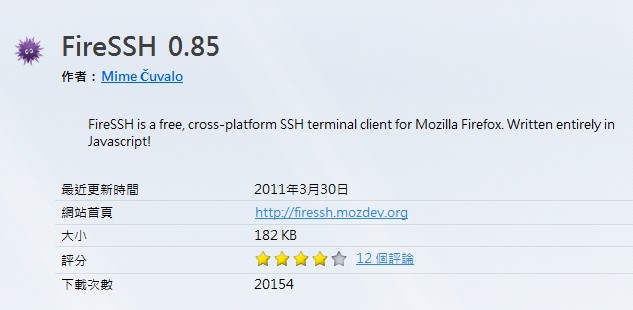
FireSSH Installation TutorialP.S. FireSSH currently only works on Firefox 4.0.
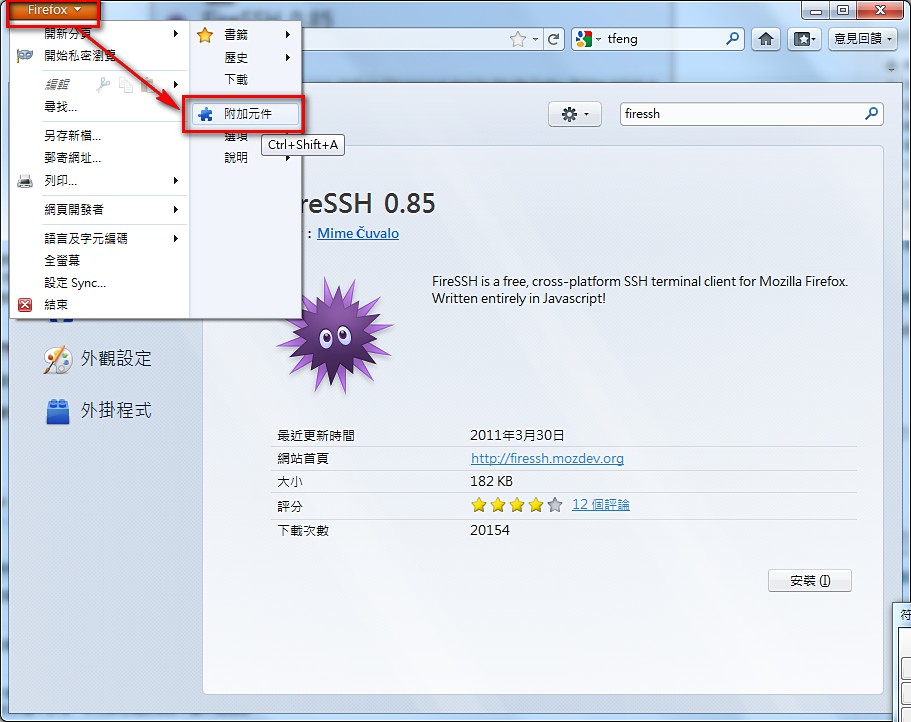
- Open Firefox, then go to the add-ons page
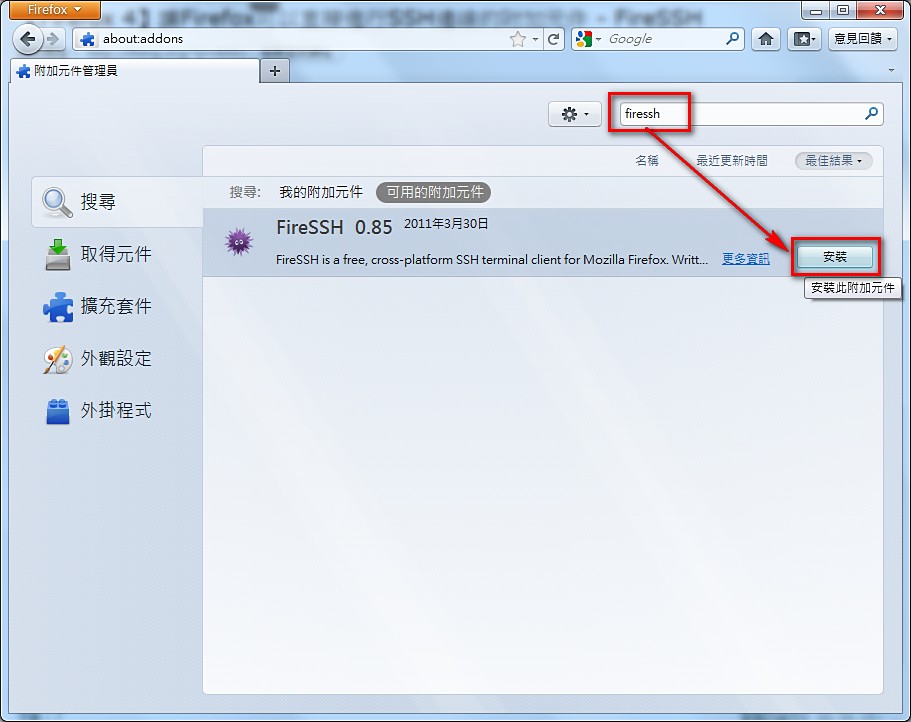
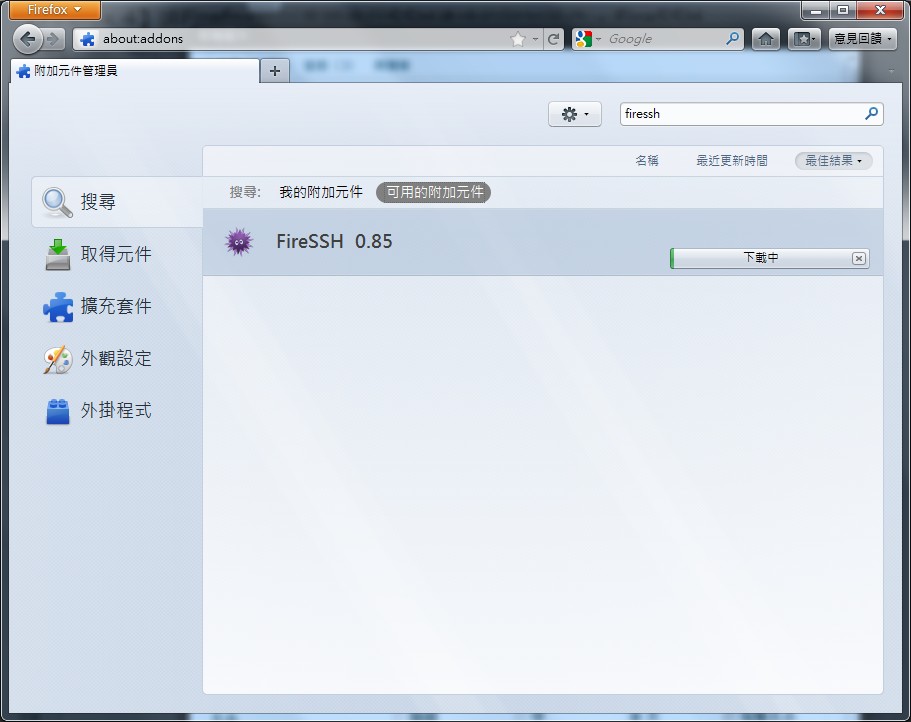
- Search for 【FireSSH】 and click 【Install】
- Installing….
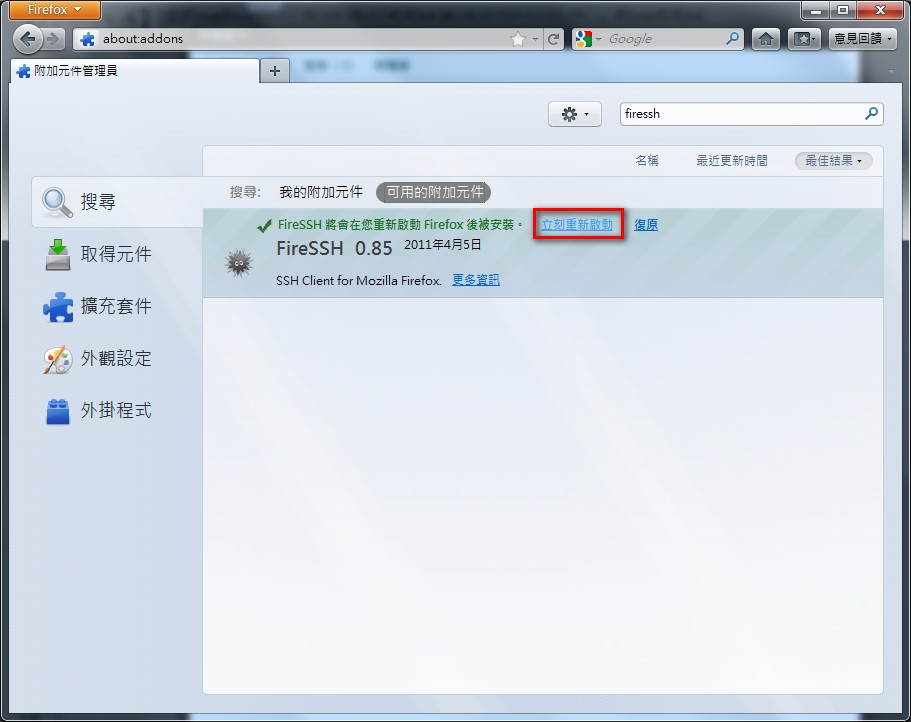
- You need to restart Firefox after installing for it to take effect
FireSSH Usage Tutorial
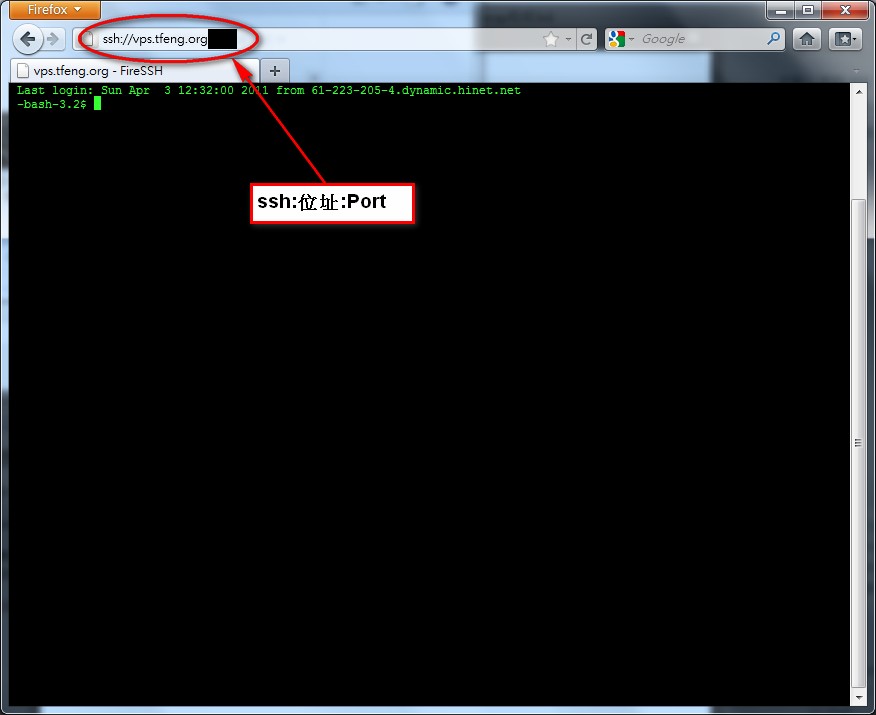
1. Just type ssh:address:port in the address bar.Here is what ssh:address:port means:
- address is the destination IP address or hostname for the SSH connection
- port is the port your SSH uses. The default is 22, so unless you have changed it, you don't need to specify a port
ssh:localhost:66
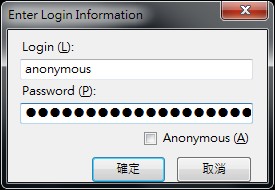
- It will ask you for your username and password
- Connecting
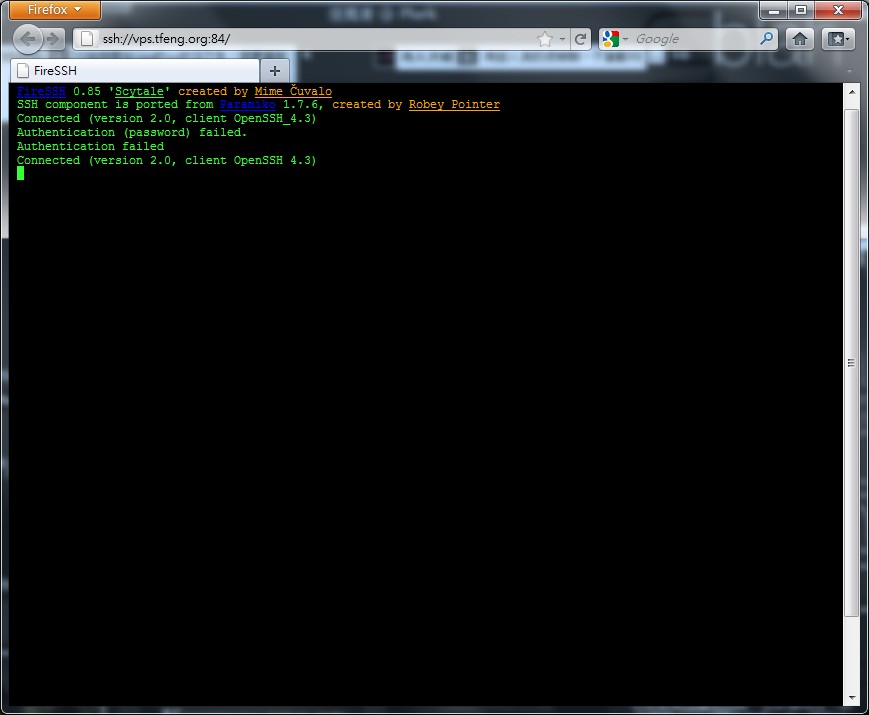
- Connected successfully~ Commands work normally too