Google Analytics has a hidden feature called exception tracking. It collects error messages from a website’s front end or back end (or from an app) so you can analyze them. Here’s an example from my recent project. When a user fills out a form and submits it, I validate the information they entered. If they forgot to fill in a field, the error message is sent to GA. Afterward, I check how many times that error message appeared in GA. To some extent, this can suggest whether the interface design is poor and causing users to skip that field.
Reference: Exception Tracking | Analytics for Web (analytics.js) | Google Developers
The explanation below focuses on front-end JavaScript. If you want to send data from a website’s back end or from an app, see the Measurement Protocol.
Sending an exception to GA is very simple, similar to event tracking:
ga('send', 'exception', {
  'exDescription': err_message,
  'exFatal': false
});- exDescription parameter: the error message to send to GA. Think carefully about what this message should say, since different collection needs call for different approaches. Don't just send a meaningless message like "Required field not filled in." Who knows which field that is!
- exFatal parameter: whether the error is fatal.
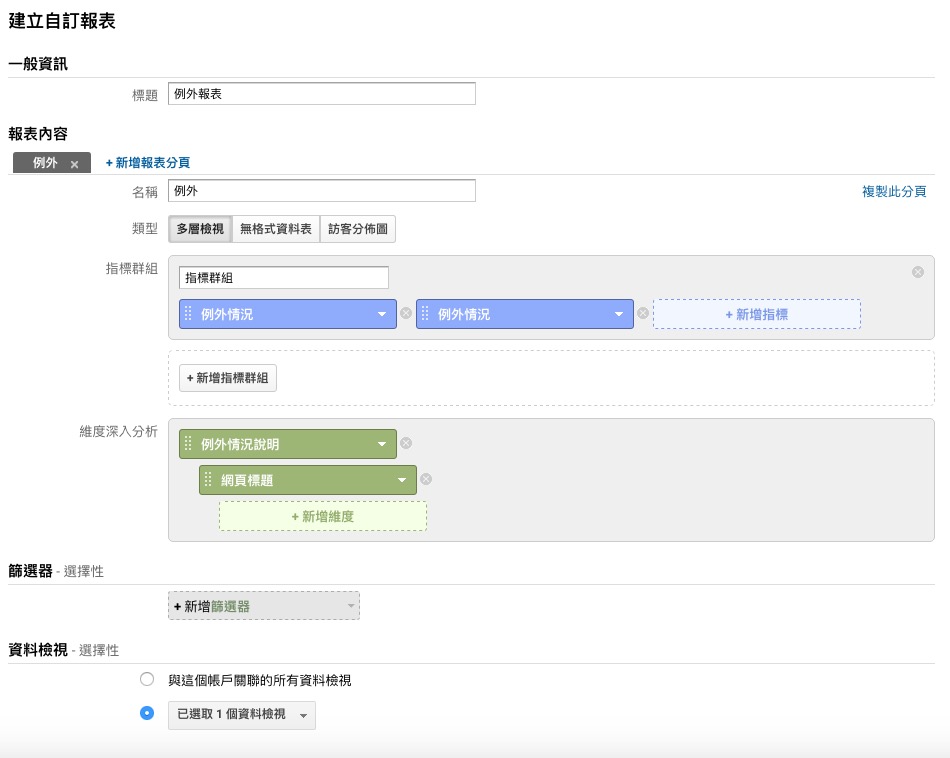
In summary, the Exception Tracking that Google Analytics provides is very basic. It can only record a piece of text. But for some situations, that’s enough. If you need more powerful features, such as error notifications or recording users, you can try Rollbar.