In this post, I’ll show you how to make QR codes with the Google Chart API. A QR code is the two-dimensional barcode that’s very popular right now. Generating a 2D barcode used to be a hassle, but with the Google Chart API, you can quickly generate a QR code from just a URL. I originally planned to write a post dedicated to the Google Chart API, but I decided to split it up instead~ (I also happened to come across the site Shadow’s Tech Database, which introduces it, and I couldn’t resist writing about it~)
QR code format with the Google Chart API:
https://chart.googleapis.com/chart?[parameters]Parameters:
- cht=Chart type; just set it to qr
- chs=Barcode size; enter width x height. Note that the separator between width and height is the letter x
- chl=The data to store in the barcode
- choe=Encoding; UTF-8 is recommended
- chld=Error correction level; there are four levels: L, M, Q, and H
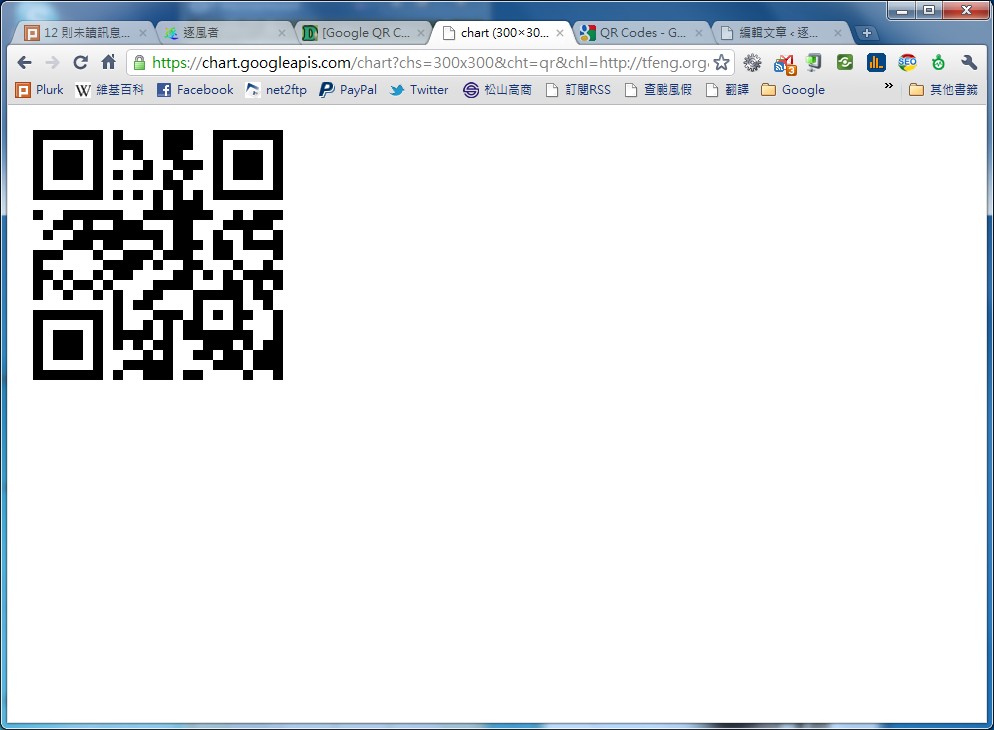
I want to generate a 120*120 QR code containing the string linroex
https://chart.googleapis.com/chart?chs=300x300&cht=qr&chl=linroex&choe=UTF-8
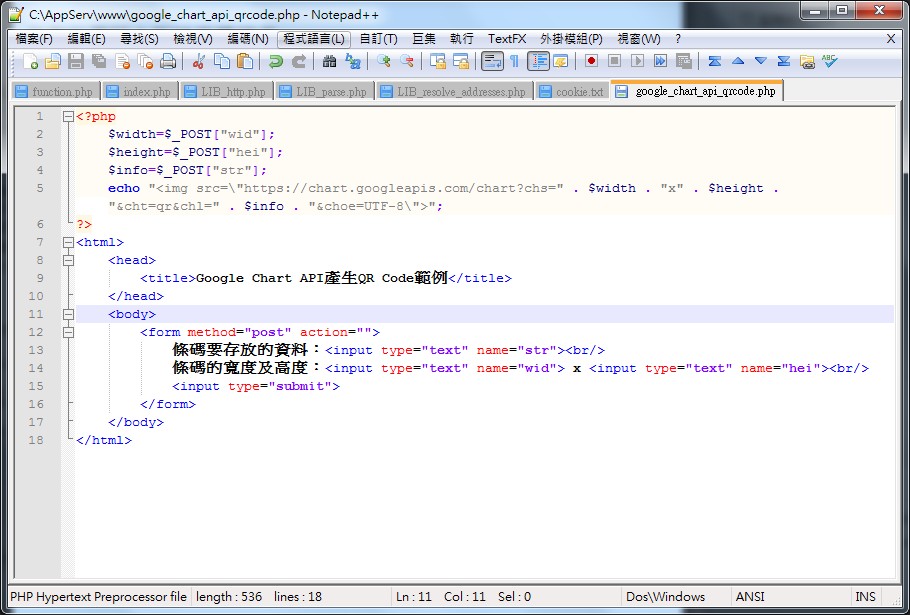
Example PHP code:
Download: Box.net|4Shared|Dropbox|Google