Because the credit card I registered with GCP is a “VISA debit card,” the automatic monthly payment can sometimes fail when my bank balance is too low. GCP’s current approach is to send an email reminder after a failed charge and retry the charge one day later. If it still fails, GCP asks you to log in to the GCP console and pay manually once you’ve fixed the problem. I had never had trouble paying through the GCP console before, but this time the flow seems to have changed. Following their link takes you to the billing page, but you can’t actually make a payment there. Even when you find the right payment button, using Chrome Canary causes a frontend problem where the payment dialog keeps loading forever. You have to switch to the regular version of Chrome to pay successfully. I’m really curious what the latest and greatest technology behind this payment dialog is…
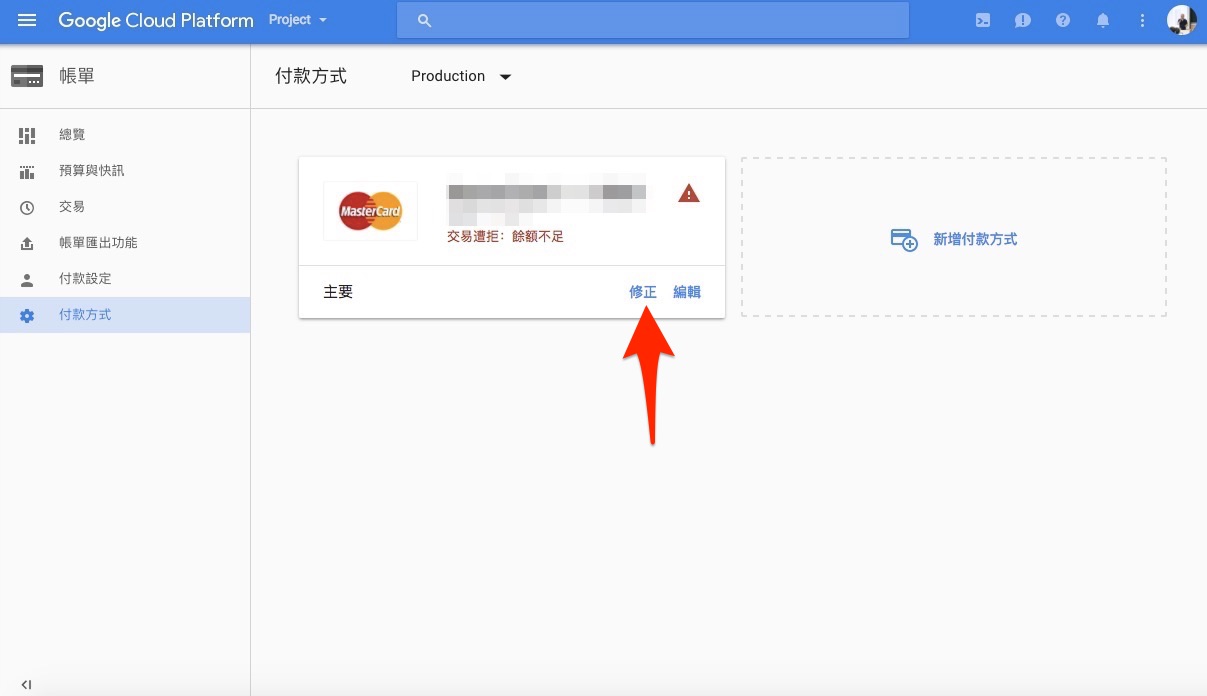
After a failed GCP payment, you’ll get an email like this one. Following its instructions takes you to the “Payment methods” page, where clicking “Fix” resolves the “insufficient balance” problem.
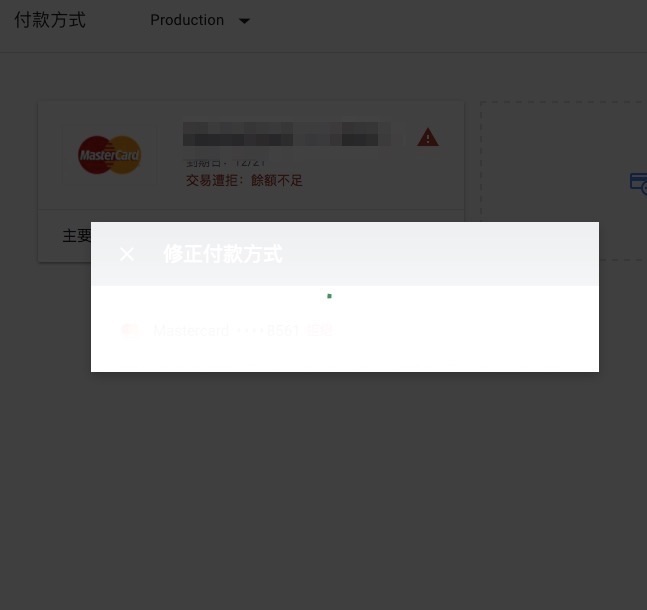
If you use Chrome Canary, though, the dialog just keeps spinning. I let it spin for 10 minutes and it never appeared. The solution is to switch to the regular version of Chrome.
Chrome Canary is the official nightly build of Chrome.
Also, if you log in directly to the GCP billing page, you’ll see a notice like this:
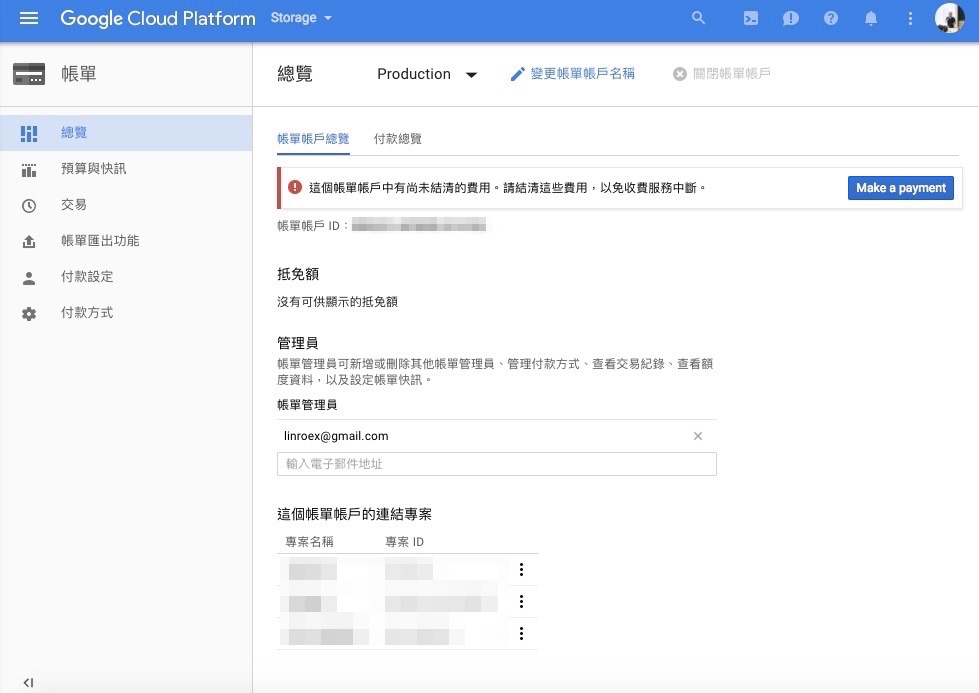
Clicking “Make a Payment” takes you to the billing page, but you can’t make a payment on that page!!!
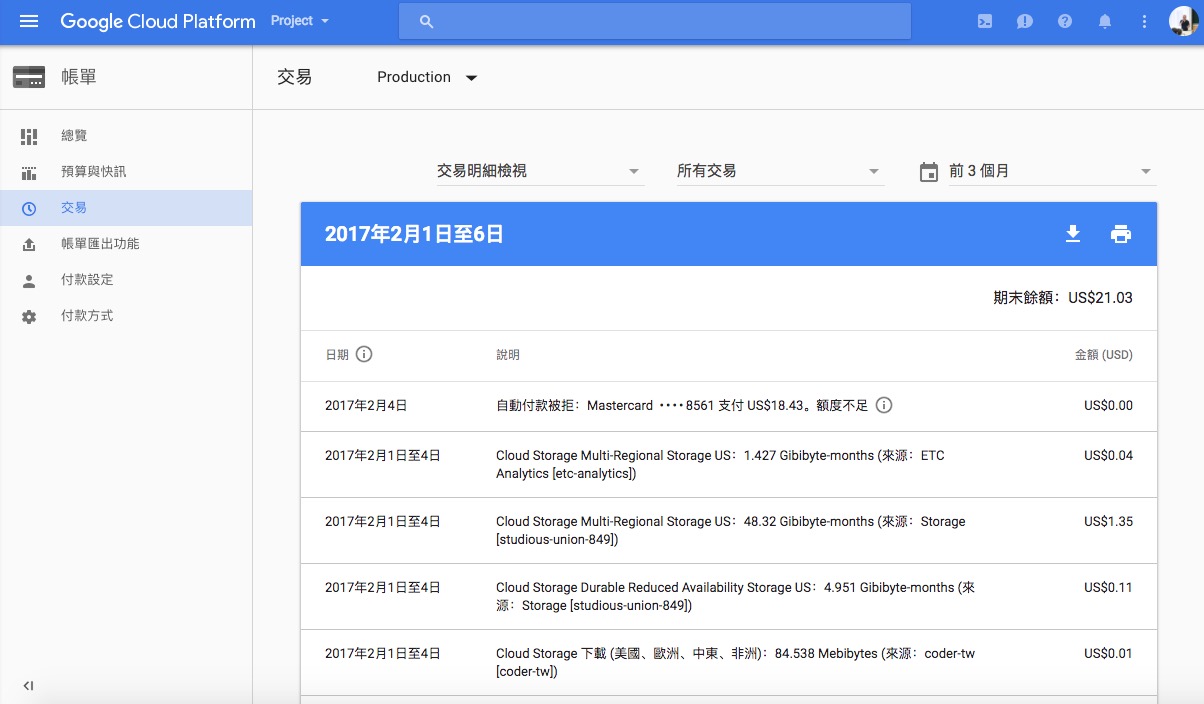
I have to admit that even Google makes mistakes. Or maybe there’s some deeper meaning here that I just don’t get T_T All I know is that I spent a huge amount of time trying to figure out a way……