A few days ago, Google Dictionary was shut down without warning, and a lot of people panicked. We had all gotten used to looking up unfamiliar words on Google Dictionary whenever we came across them. Google said the dictionary’s features had been merged into Google Search and Google Translate, so the dictionary had completed its phased mission and it was time to say goodbye~
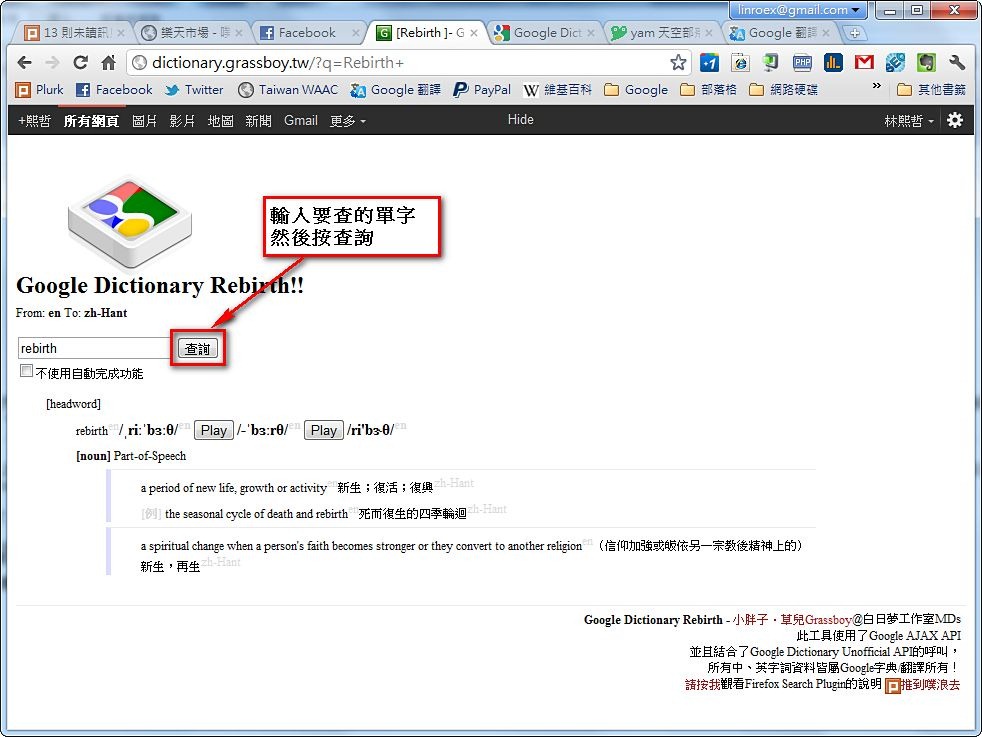
Many people feel that looking up words with Google Translate or Google Search isn’t very good, though, because it’s not detailed enough. So someone made a program called Google Dictionary Rebirth. As the name suggests, it’s the rebirth of Google Dictionary. It’s built on the Google Dictionary Unofficial API, a set of APIs provided by a third party (not Google) that can retrieve Google Dictionary content. Now let me briefly introduce Google Dictionary Rebirth~
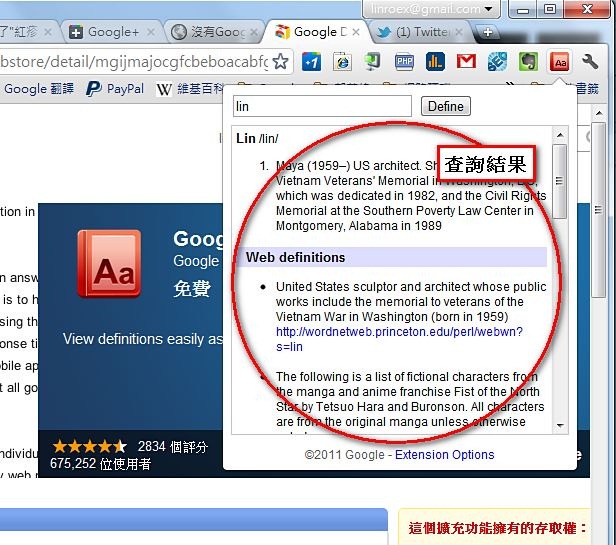
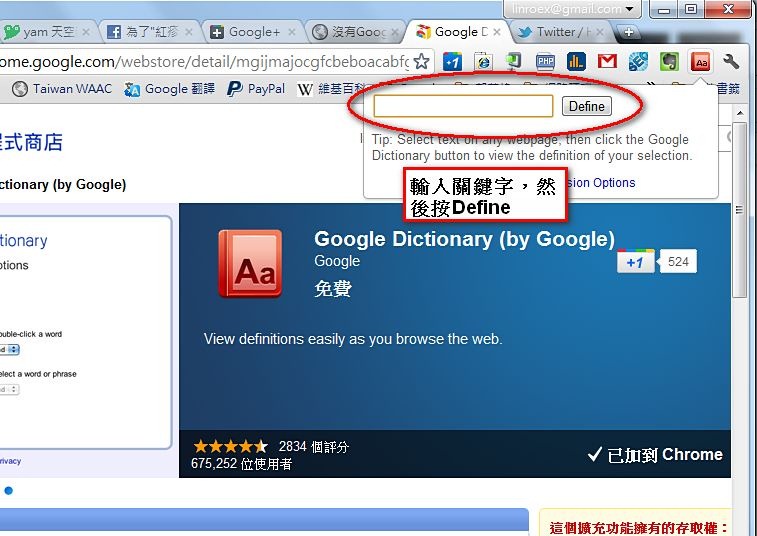
Also, if you’re a Chrome user, you can install the Google Dictionary extension. It’s made by Google itself, and I tested it: even after Google Dictionary was shut down, this extension still works fine.
Google Dictionary Rebirth Information
- Google Dictionary Rebirth website: http://dictionary.grassboy.tw/
- Author: Daydream Studio MDs
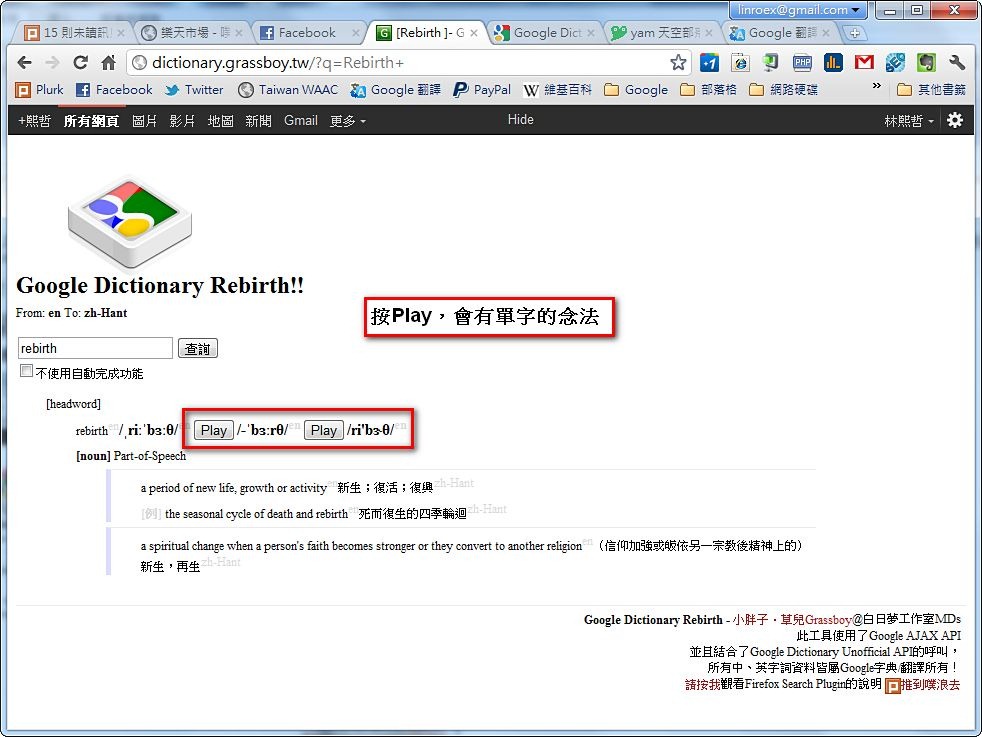
You can also click “Play” to hear the pronunciation.
Google Dictionary for Chrome
URL: https://chrome.google.com/webstore/detail/mgijmajocgfcbeboacabfgobmjgjcojaOnce it’s installed, an “Aa” button appears in the upper-right corner of Chrome. Click it, type in a keyword, then click “Define,” and you’re all set.
Search results