According to the latest news on Google’s official blog (see this page), Google plans to stop fully supporting old browsers starting on 8/1. The reason is that these older browsers don’t support the latest technologies well. For example, HTML5 and CSS3 aren’t supported, and they may run JavaScript too slowly. As a result, Google’s services (Gmail, Google Reader, and so on) run into many problems on old browsers, so Google has decided to stop supporting them.
The “old browsers” I’m referring to here are roughly the following (<=):
- IE 7 and below
- Firefox 3.5 and below
- Safari 3 and below
I doubt anyone would claim that Google is doing this to grow Chrome’s market share, right? In fact, Google doesn’t require you to use Chrome to access its services. If it did, that would go against its “Don’t be evil” principle, and it would be roasted to death. What Google really wants is for you to use a browser that supports new technologies when you access its services. Google uses a lot of new technology these days, and sticking with old browsers would limit the development of Google Apps.
Which Browser Should You Switch To?
Here are a few browsers I find decent that support Google's new technologies~Internet Explorer 9

If you’re a diehard IE and Microsoft fan, IE9 is the right choice~ It supports many new technologies (HTML5), has a cleaner interface, and its performance is way up. In particular, opening tabs no longer freezes your computer the way it did in earlier versions…
IE9 information:
- IE9 official website
- Internet Explorer 9 - A new version of IE that supports hardware acceleration, HTML5, and anti-tracking features
- [Download] Internet Explorer 9 final version, faster browsing!
Firefox 4

Firefox 4 is hot off the press. Like IE9, it has a simpler interface, and it also supports new technologies (HTML5, CSS3, and more). The downside is that its performance is still a bit weak. In my testing, Firefox 4 is much slower than IE9. But Firefox’s real strength is its extensibility. With Firefox you can do many things that are hard to imagine, such as installing an SSH add-on so you can make SSH connections right inside the browser. Many browsers support extensions, but Firefox has the most and most complete extension ecosystem!
Firefox 4 information:
- Firefox 4 official website
- About Firefox 4: 17 problems you might run into, with quick answers
- Firefox 4 - Six times faster than Firefox 3.6, with a more streamlined interface!
Google Chrome
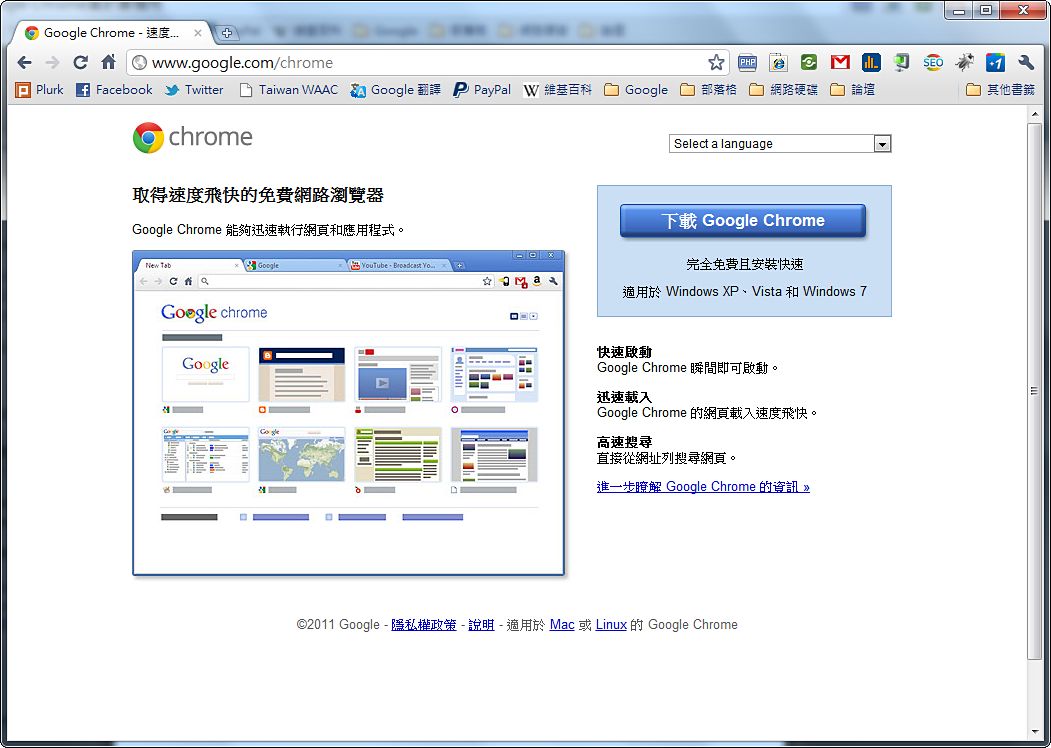
Chrome is the newest of the three browsers covered in this article. Google launched it in September 2008, so it’s only been about three years (three years already!?). Although it’s relatively new, Chrome is actually the fastest and best-performing of the three browsers in this article, and its support for CSS3 and HTML5 is excellent. It’s the browser I use most these days. It also led everyone else (IE, Firefox) toward a cleaner, minimalist style~ It supports extensions too, which can add many features that browsers don’t have built in. Of course, since it’s newer, its number of extensions can’t compare with Firefox’s.
P.S. Chrome is Google’s own browser, so many of Google’s exclusive new technologies are tested in Chrome first, such as some protocols that speed up browsing. In other words, logging into Google’s services with Chrome is the smartest choice~
Chrome information: