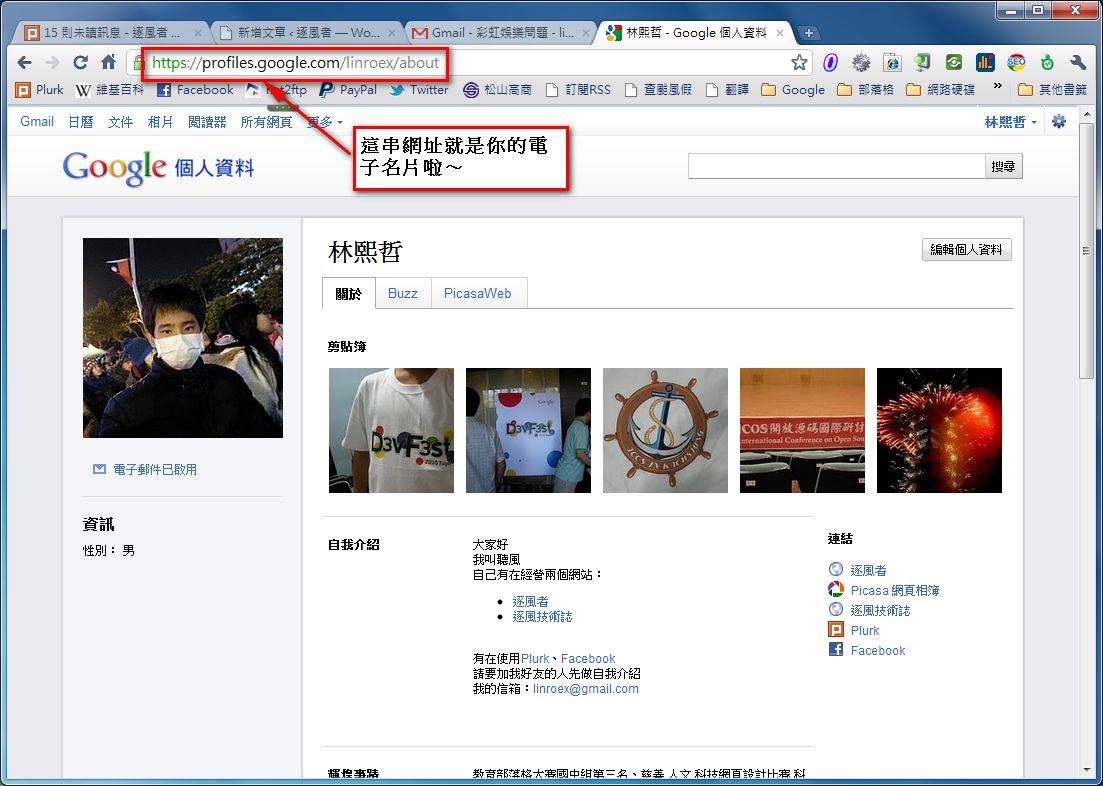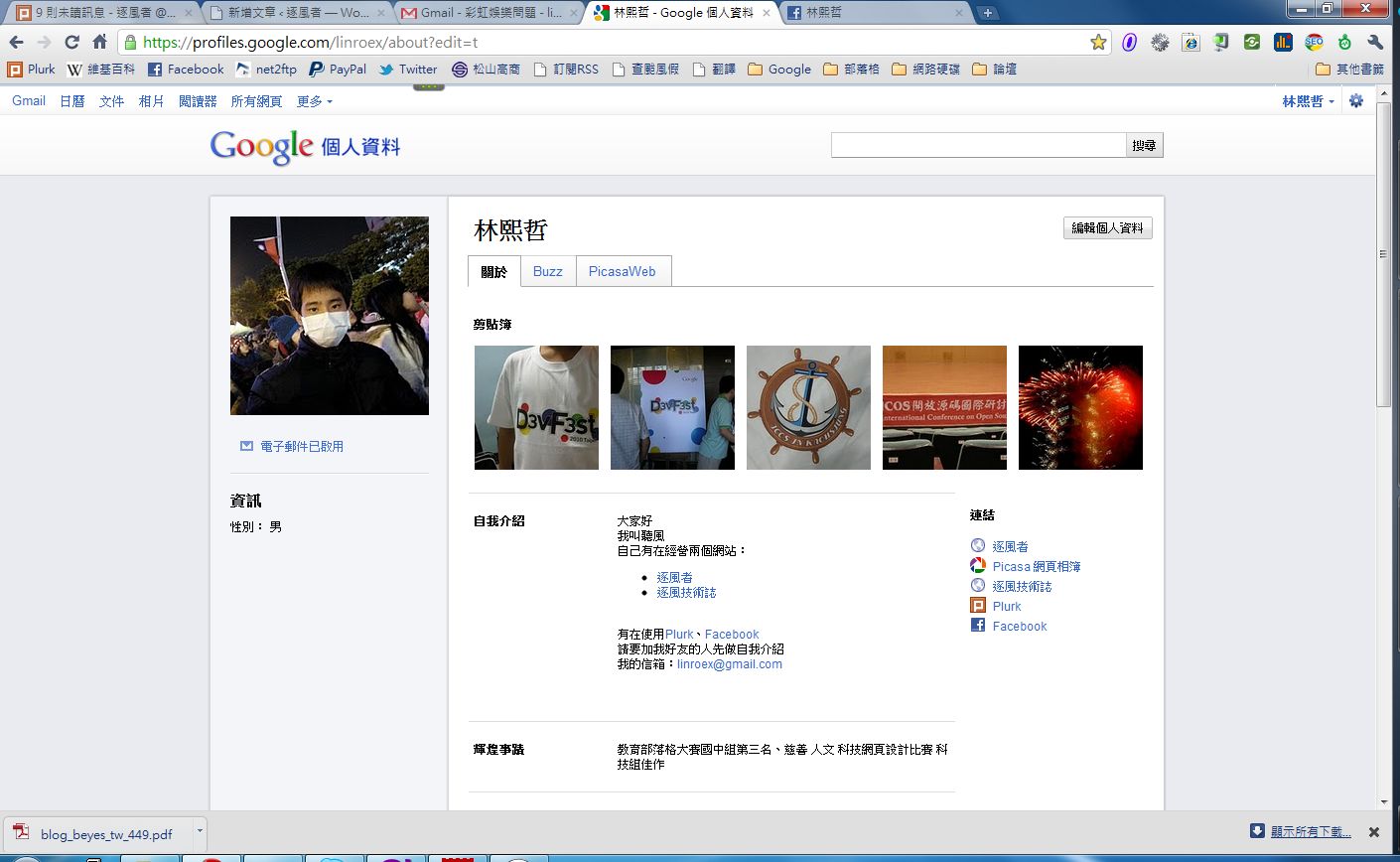
For a long time I’ve wanted to make an online business card with some of my info on it, like my email, contact details, education, birthday, and so on. But I never had time to build a site like that. Then I came across the “Google Profile” feature online, which was pretty close to what I had in mind. The “Google Profile” feature we’re introducing in this post is actually a lot like Facebook’s “Info” section. It shows some of your personal details, such as education, occupation, birthday, gender, photo albums, email, and so on. My approach is to print the URL of my online business card on my physical business card, which reduces how much information I have to fit on the physical card.
Since I don’t have time to build a digital business card, I’m using Google Profile as my online business card for now. I find it pretty useful. The one shortcoming is that customization is very limited. You can’t change the style, add custom fields, and so on. But I suppose that’s also to keep ad spam out, so you don’t end up with random ads all over your page….
My online business card: http://profile.coder.tw
Let's Play with Google Profile
1. First, sign in to your Google account, go to this URL: https://profiles.google.com, and click "Edit profile"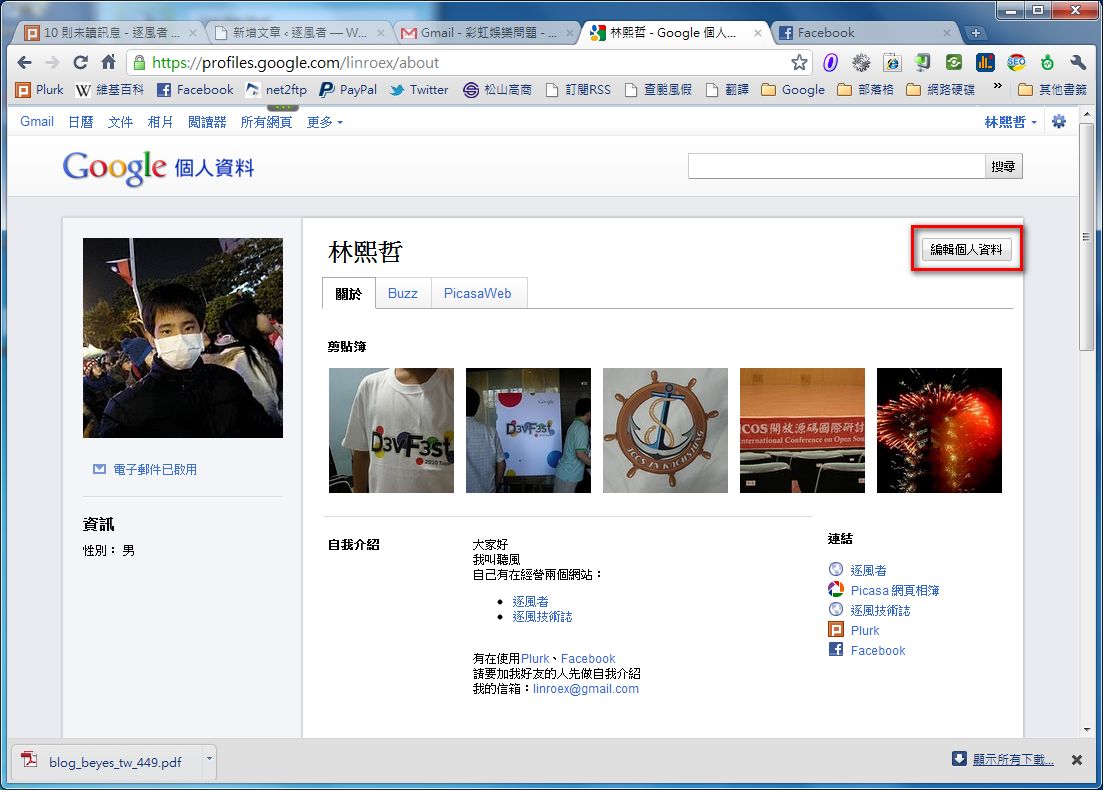
- The first step is of course changing your profile picture~ Whether you use a real photo or a cartoon, either is fine XD. Just click “Change photo” on the left.
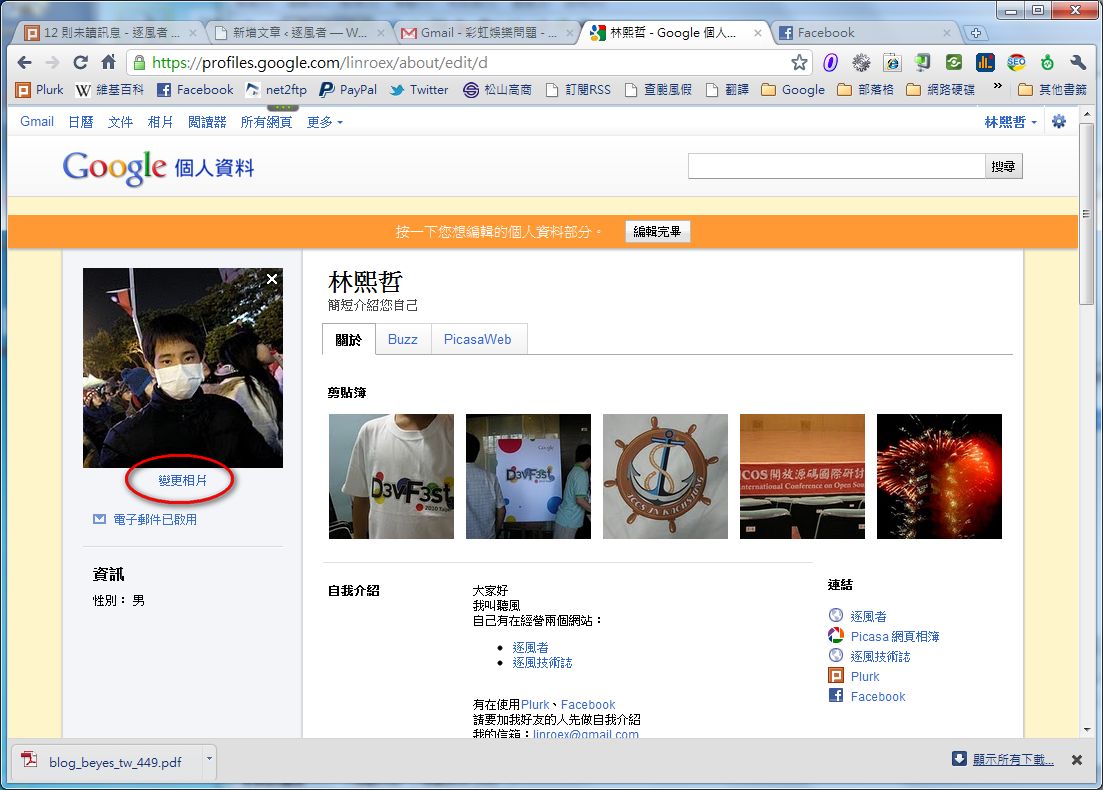
- Next, just click on whichever info you want to change. For example, if I want to edit my self-introduction, I click the self-introduction section with the mouse, and that’s it~
The built-in editor is pretty powerful!
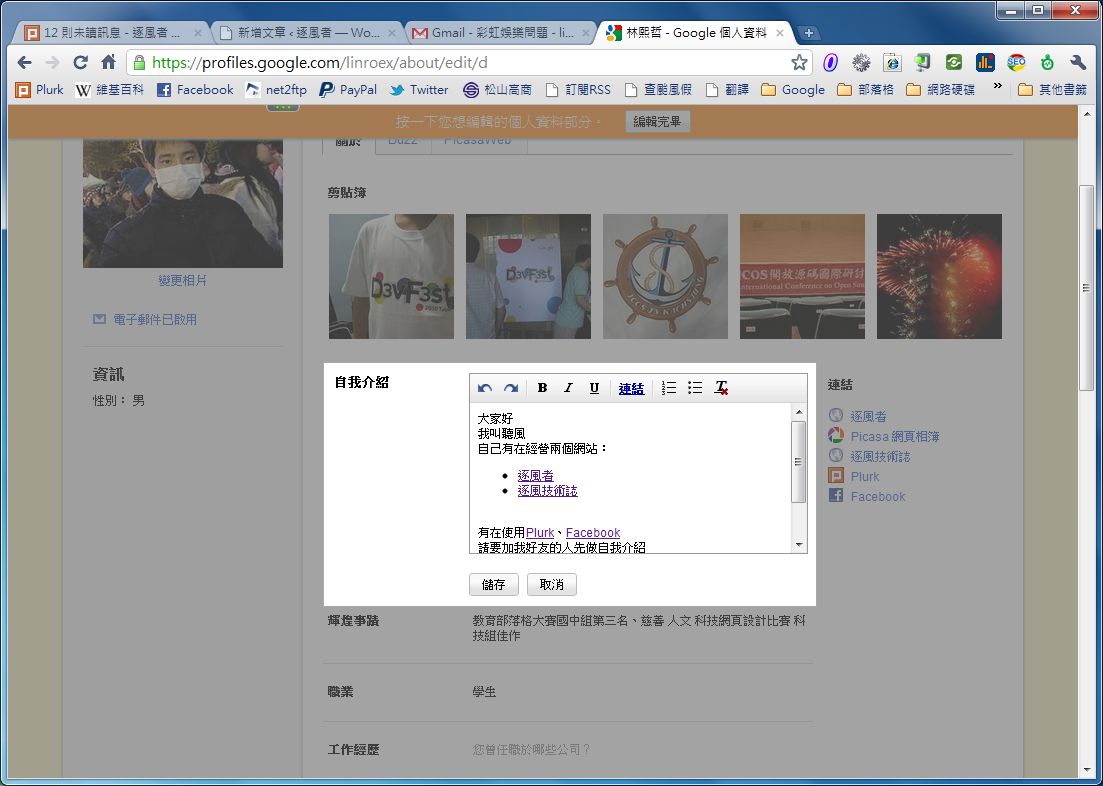
- Once everything is set up, click “Done editing” to save.
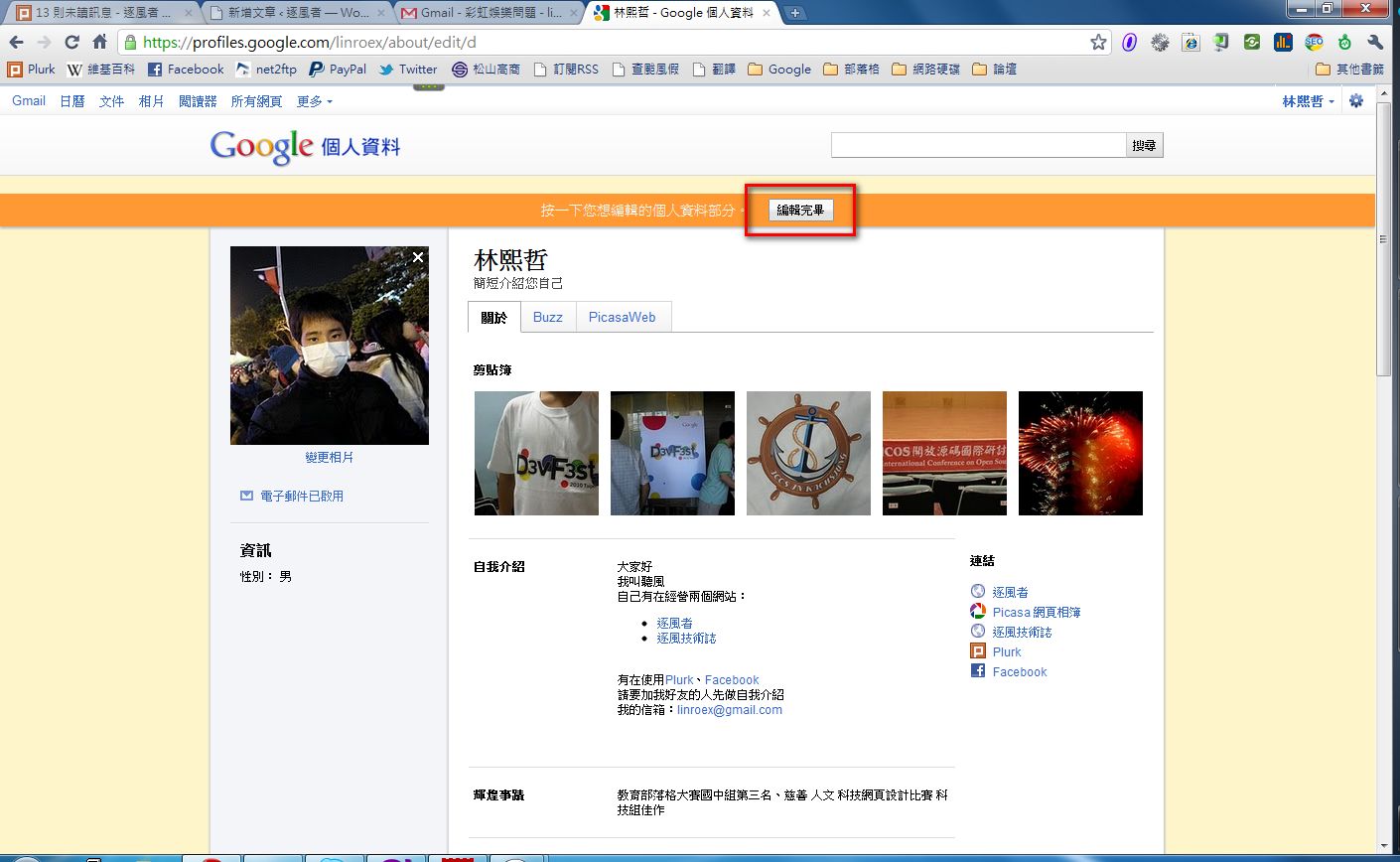
- After that, just send the URL shown in your browser to your friends and clients, and they can see your business card~
https://profiles.google.com/your-google-account/
Only the part of your Google account before the @ is used. Leave out everything after the @.