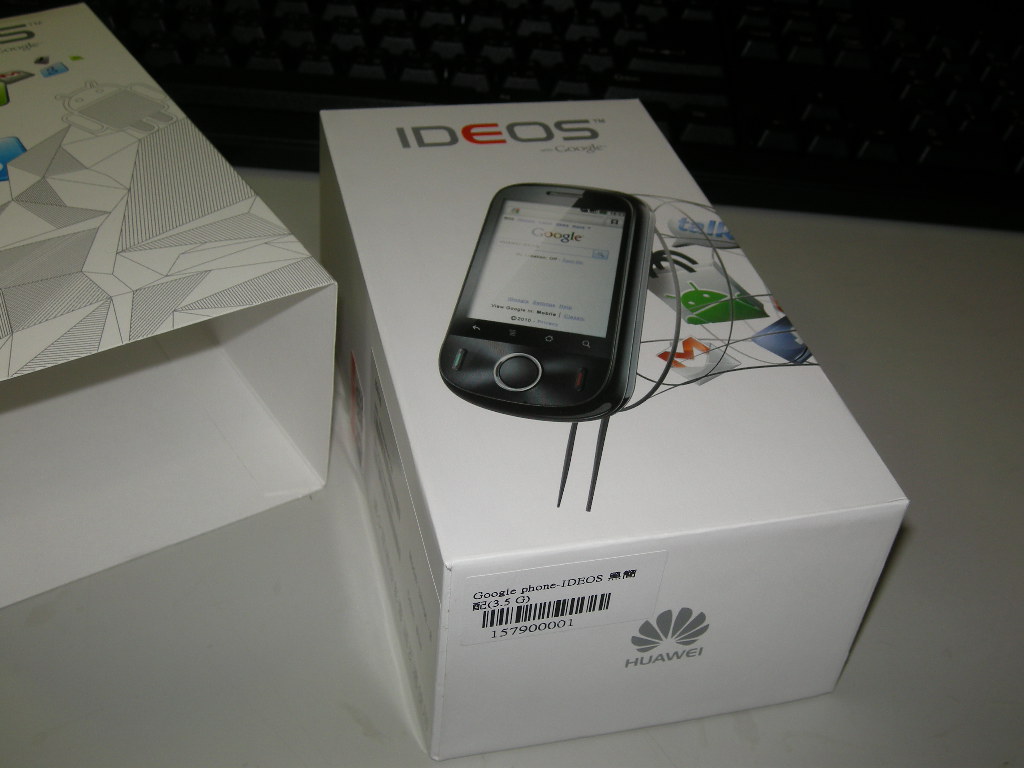
Recently I needed a new phone. This is actually my first mobile phone. To pay for it, I even sold the iPod Touch I bought last year. I had bought the iPod Touch because the school had a rule against phones. But now that I’ve moved on to vocational high school, the school doesn’t really care about phones, and it even has WiFi. My mom also set up a phone plan for me, so I saved up and bought this little IDEOS phone~ To be honest, the story is pretty funny… Buying an HTC Hero would have meant waiting until December, when I’d have NT$4,000 in income. But since I had sold the iPod Touch, I had nothing to get online with, and that was really hard to put up with…… I’m used to pulling the iPod Touch out of my pocket to go online whenever I want, so I couldn’t stand it and rushed to the phone shop to buy the cheapest IDEOS. I’ll save next month’s NT$4,000 instead~
At first I spent a long time deciding at the phone shop, because the IDEOS’s specs really look bad…. Its price is the lowest in Taiwan, but the specs are cut down quite a bit (thankfully, not the worst specs in all of Taiwan XD). Its hardware is about the same level as the HTC Tattoo. The difference is that its screen is capacitive, while the Tattoo’s is resistive, which responds more slowly. But the Tattoo runs Android 1.6, while this IDEOS runs 2.2. From my experience with the iPod Touch, I knew higher version numbers meant more performance drain, so when I bought it, I was really worried its hardware was too weak. But after actually using it, I found my worry was unnecessary. Android seems to run better with higher version numbers. At 528MHz, there’s not a hint of lag. For the price, it’s a great deal.
The IDEOS’s main advantage is that it runs Android 2.2, so it supports many new features, such as moving apps to the SD card, tethering (sharing the network), a PIN lock screen, and Flash 10.1. Its capacitive touchscreen also makes touch response very fast. The back cover can be swapped, and the manufacturer includes three colored covers. I haven’t seen any aftermarket accessories for it on the market yet. As for RAM, 256MB is enough. Now for the downsides. First, it doesn’t support multi-touch, which really annoys me. They gave us a capacitive screen, so why no multi-touch… Also, the camera has no autofocus, and it’s only 3.2 megapixels, so the photos are okay, I guess. The last downside is that the screen is small, only 2.8 inches, so the virtual keyboard is a bit hard to hit. I recommend using handwriting input. Android’s handwriting input surprised me: its accuracy is close to 100%, and it works for both Chinese and English, unlike iOS, which only handles Chinese. Also, because the screen and resolution are small, some games won’t run at all, so if you want to play games, this phone isn’t for you. A netizen also mentioned that if the battery dies later, it’ll be a hassle. Unless you send it back to the manufacturer, replacement batteries are hard to find, so buy one now while it’s still new on the market, and get a spare battery with next month’s NT$4,000~ I recommend the full package. The basic package only comes with one battery.
IDEOS Specifications
The IDEOS has 256MB of built-in RAM, but only about 70MB is actually used while running, because Android itself takes up memory. So there's no need to worry too much about running out of memory, since its RAM is the same size as the iPhone 3G's.
CPU Qualcomm MSM7225, 528MHz RAM 256MB ROM 512MB Camera 3.2 megapixels, no flash and no autofocus Screen size 2.8 inches Resolution 320*240 Bluetooth Bluetooth 2.1 Weight 100g Battery capacity 1200mAh
IDEOS Unboxing Photos
↑↑ The IDEOS box
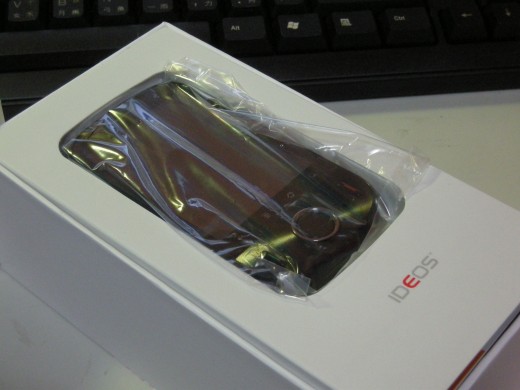
↑↑ The phone lying in its paper box~
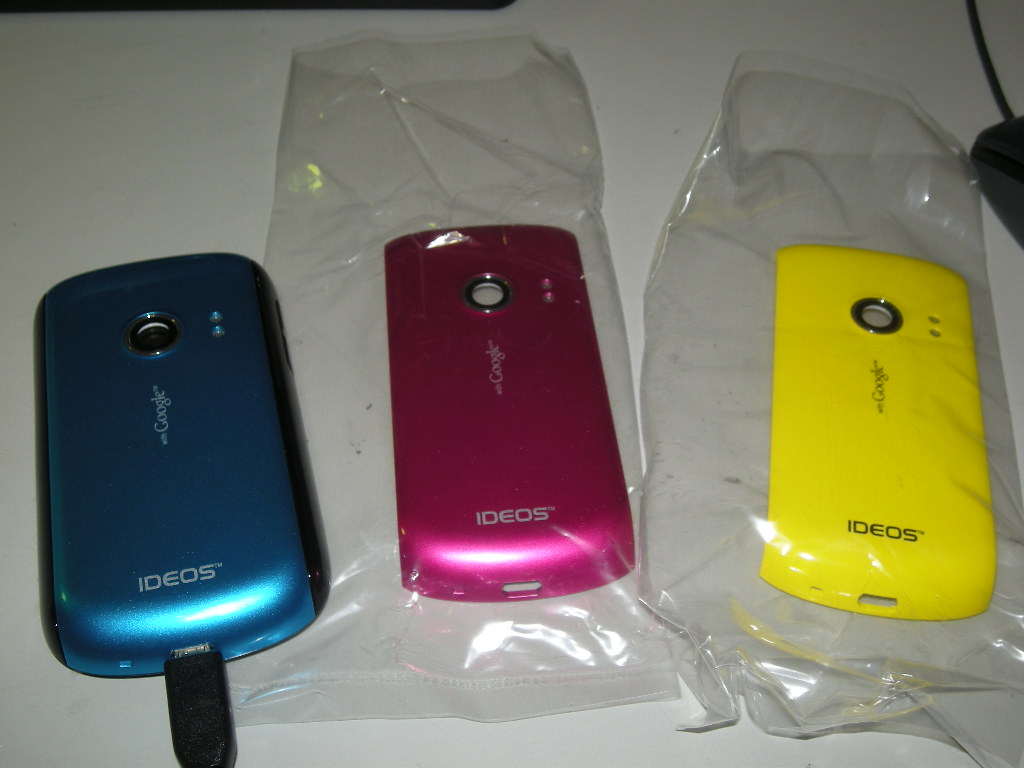
↑↑ The manufacturer includes these three covers in both the basic and full packages
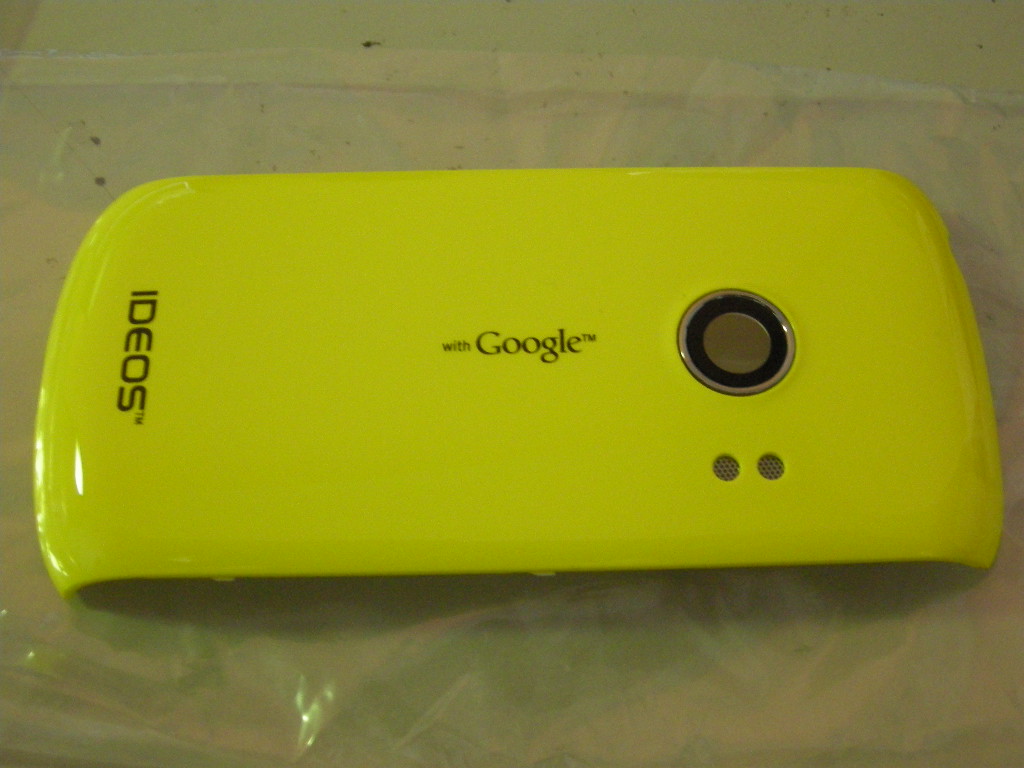
↑↑ The covers say “with Google,” which is awesome XDD. No Apple logo, but at least there’s “with Google” to enjoy!
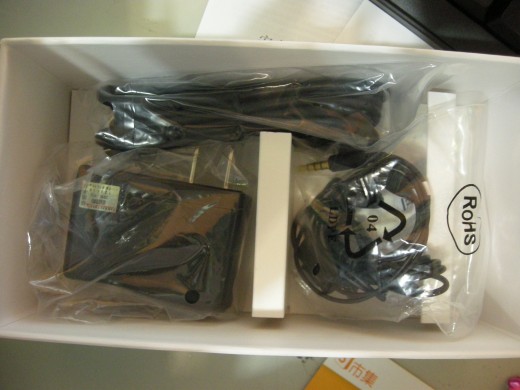
↑↑ The basic package includes a USB cable, a charger, and a pair of earphones
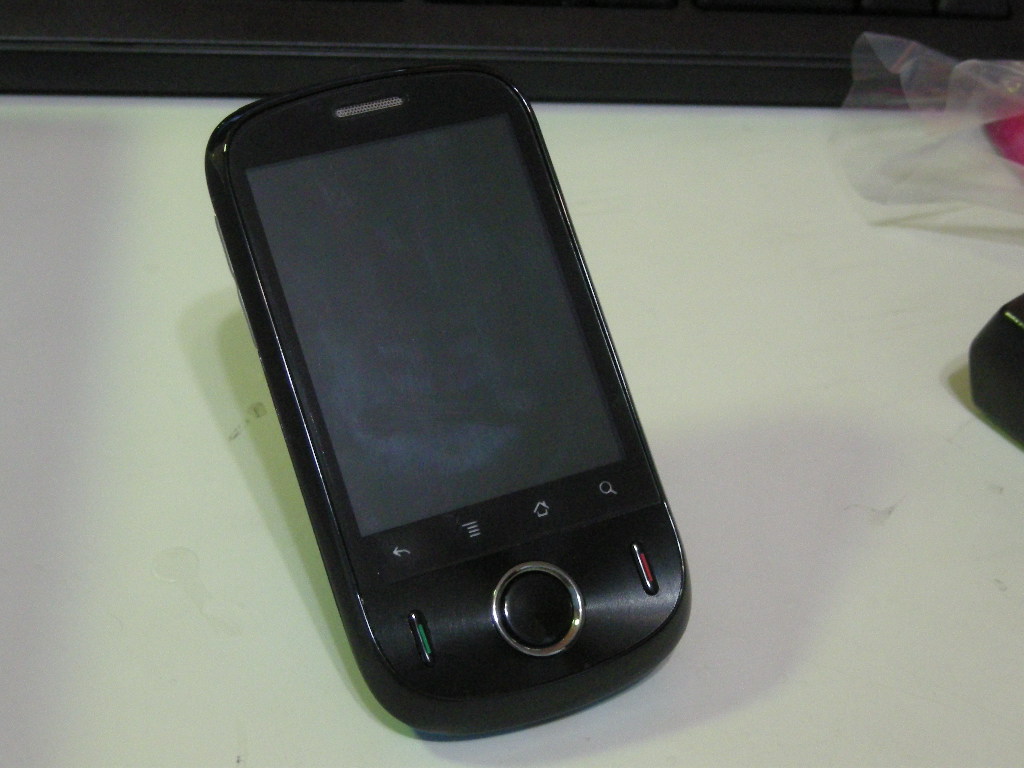
↑↑ The screen protector I put on is glossy, so it shows fingerprints and looks a bit ugly
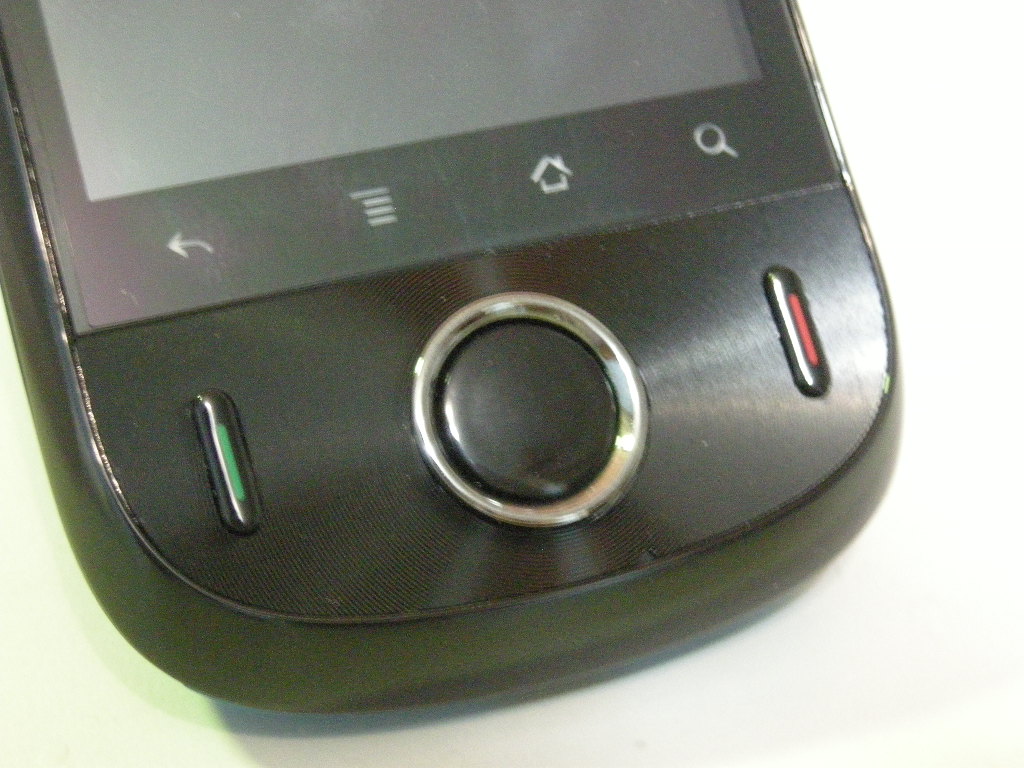
↑↑ The IDEOS has 3 physical buttons in total
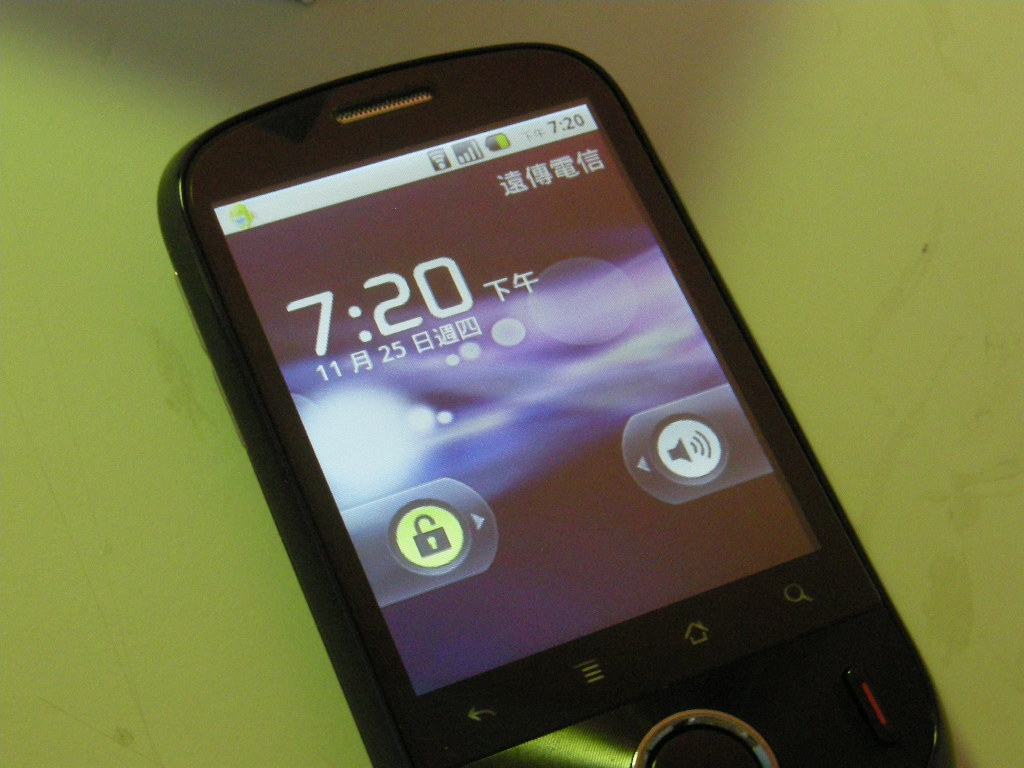
↑↑ The actual boot screen. By the way, Android’s interface is so much cooler than iOS~
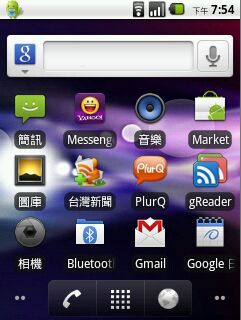
↑↑ The Android interface is so pretty~
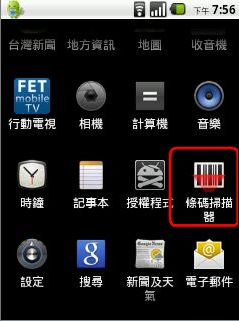
↑↑ The barcode scanner is handy. When you want to download a program from the Market, just scan it
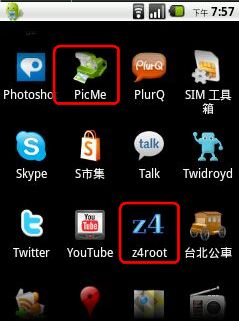
↑↑ Just secretly gained root access with z4root XDD, and also installed the handy PicMe app