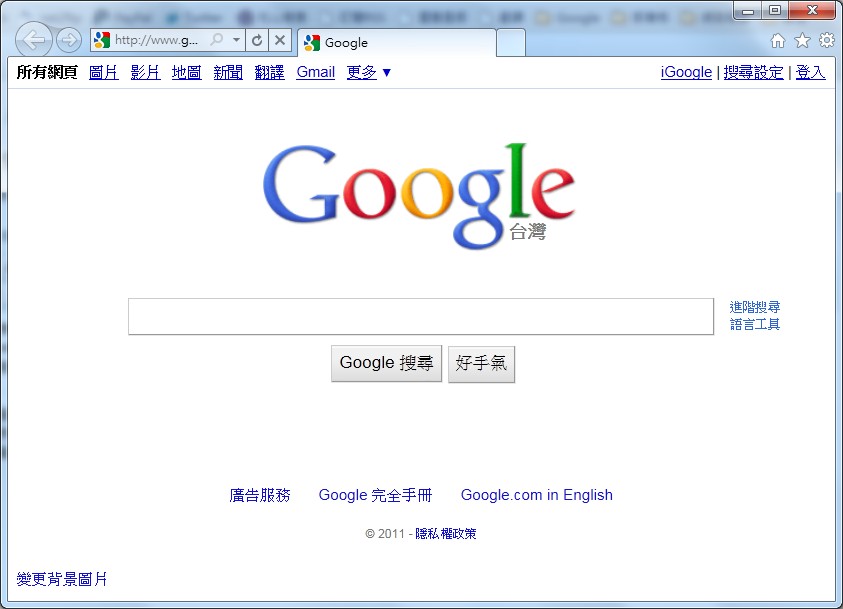
Microsoft has finally delivered something respectable this time. There’s no denying that each Microsoft update brings some progress, but the progress has usually been small. When it comes to IE, the difference between IE7, IE8, and IE6 was really minor. Unlike Firefox and Chrome, which almost always deliver a shock with every update, IE9 is honestly a big step forward. At the very least, it’s fast enough now. Security has improved too. And the tabbed browsing, which IE8 was heavily criticized for, is now much more usable. Opening tabs in IE8 could even make it crash…
Actually, IE9 doesn’t just perform better. It also supports HTML5, hardware acceleration, and other features of the new generation of browsers. It is also the first to include built-in tracking protection. Tracking protection stops websites from collecting data about you while you browse, such as your IP address, browser, and city. I think this feature will have a big impact on the whole web… It has both pros and cons. It greatly strengthens privacy protection, but it may also make it harder for webmasters to analyze visitor data to improve their sites, and some advertisers will be affected too. Beyond the functional improvements, IE9 has finally decided to keep up with the trend and make its interface much cleaner. I remember this trend was started by Chrome, and now Firefox 4 and IE9 are both following that path~ The downside, though, is that people who are used to the old interface will find it hard to adjust.
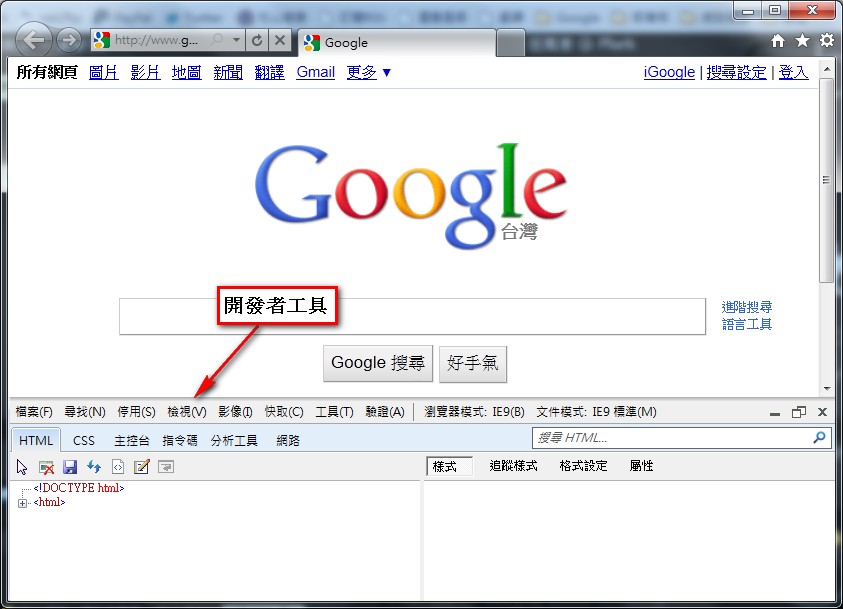
So much for the impact on ordinary users. Are there any new features for developers and web designers? The answer is yes~ In IE9, just press F12 to open developer mode and check CSS and JavaScript for problems. The features are pretty complete, too~
IE9 Download and Installation Guide
1. First, go to the Internet Explorer 9 website and download the Traditional Chinese installer. Choose your version and click Download now. Currently, only Windows 7 users can use it.Download page: http://windows.microsoft.com/zh-TW/internet-explorer/downloads/ie
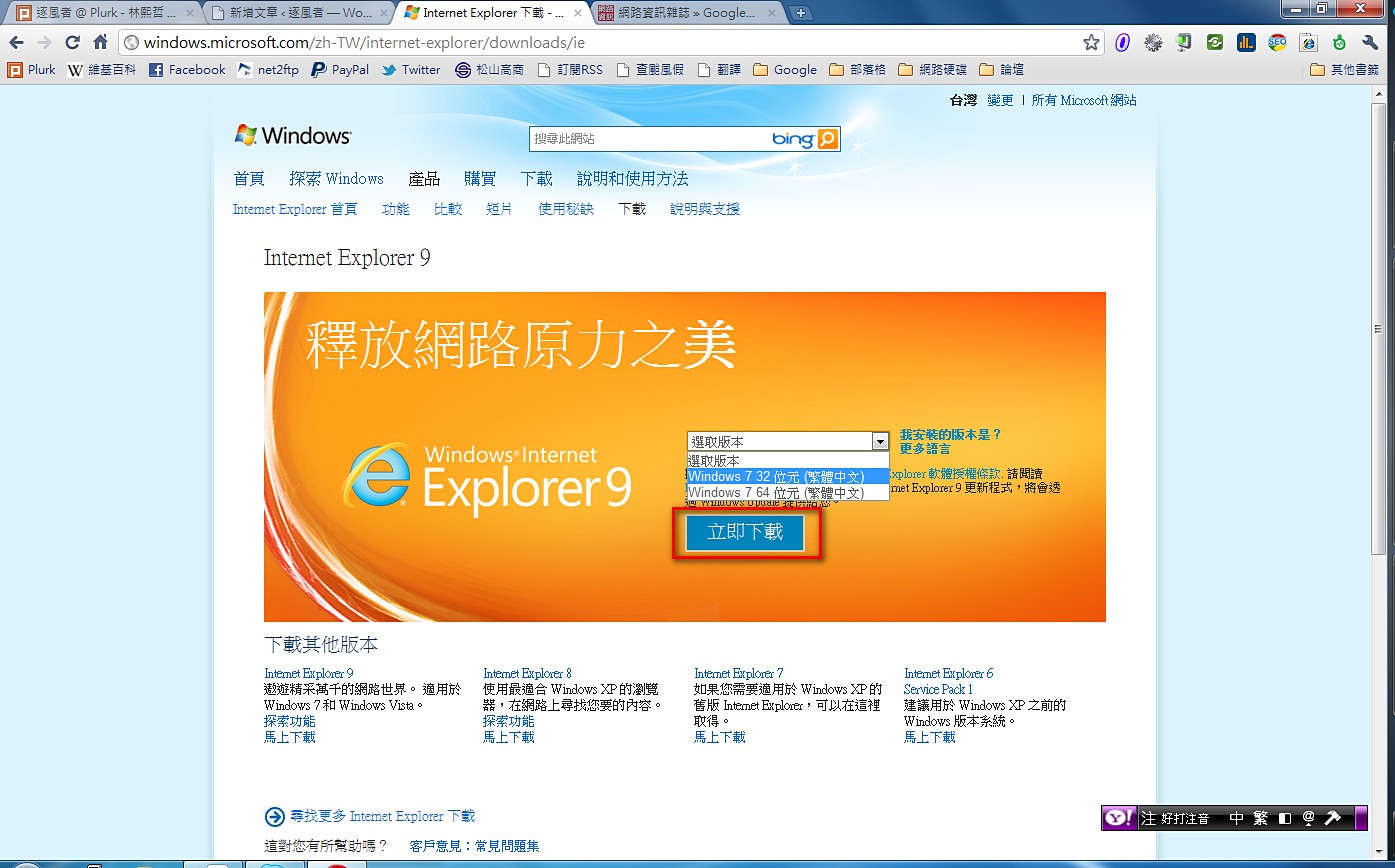
- Run the installer while you’re connected to the internet. It will download automatically.
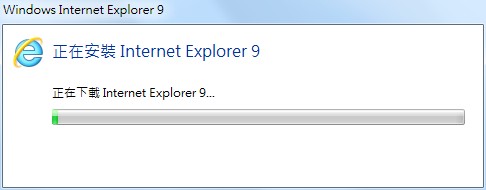
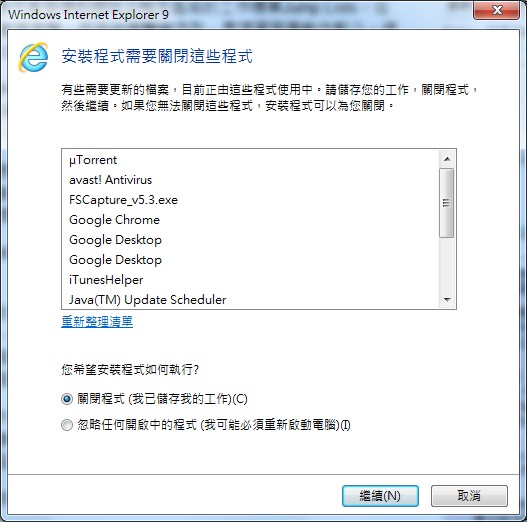
- Once the download finishes, the window below appears. It says some programs need to be closed before installation can continue, or you can restart. The two options let you choose.
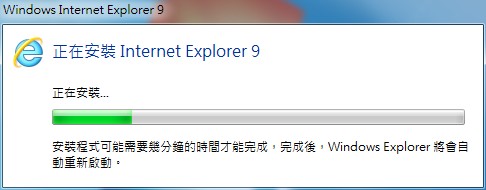
- It installs automatically.
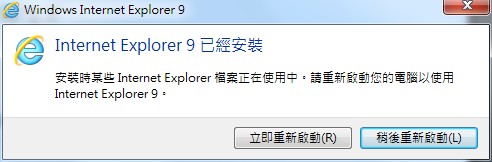
- After installation, it asks whether you want to restart your computer. It’s up to you~
Conclusion: Internet Explorer 9 has improved a lot, but compared with Chrome and Firefox, there’s still a big gap. Its browsing speed has improved, but next to other browsers it’s still a world apart. Its HTML5 support is also the lowest among well-known browsers. So unless you have a special preference for IE, I suggest trying Firefox or Chrome. You’ll discover that you don’t have to wait to browse the web, thanks to lightning-fast page loads!