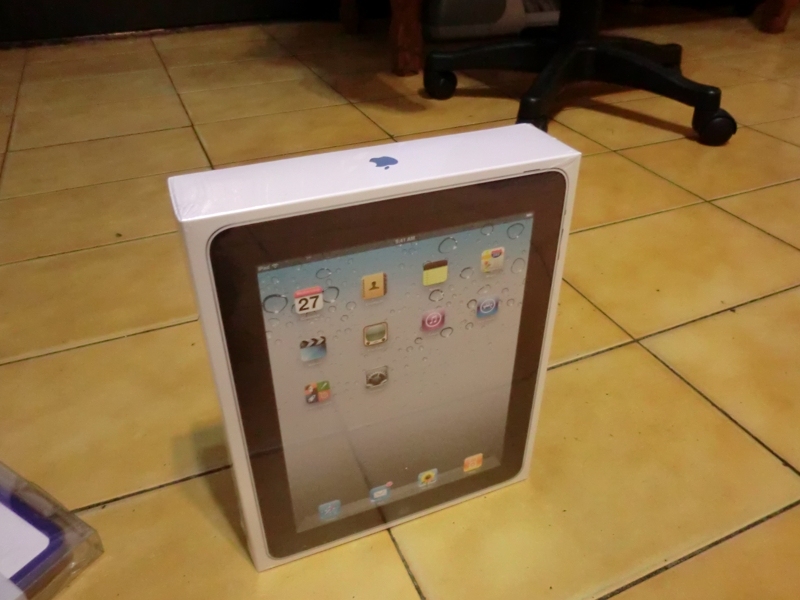
As the title says, this unboxing post is two days late. I bought this iPad on Thursday night (3/10), but then I got so busy that I didn’t have time to write the unboxing post… Actually, I’ve wanted one since the iPad first came out, and I kept saving money until now, when there was a special offer~ So I went for it. Some people asked why I didn’t buy the iPad 2, since it’s cheaper and faster, right? I think the news media may have spread the wrong idea. As soon as the iPad 2 was announced, Apple cut the price of the iPad to a minimum of NT$12,900, while the iPad 2 was expected to cost around NT$16,000. Yes, the iPad 2 does perform better, but my own experience with the iPad 1 is that its performance is already good, and you rarely run into lag or crashes. If only you could turn off iOS multitasking…
Apple products are already expensive. The iPad is one of those products where the main unit is relatively cheap, but the accessories are relatively expensive. For example, the most basic accessories, a screen protector and a case, can cost around NT$1,000 for both. If you buy higher-end stuff, it can reach NT$2,000. There’s also the Bluetooth keyboard, which costs over NT$2,000. So I had no choice but to buy the iPad 1 and spend the leftover money on accessories~
Also, if you’re planning to buy an iPad and you usually buy books at Eslite, get an Eslite accumulation card. The card tracks your spending, and once you reach NT$10,000, it upgrades to a membership card. After you get the accumulation card, buy the iPad at the Apple booth inside Eslite, and you’ll become a member right away xD
iPad Unboxing
1. I bought it at Eslite's Studio A. The paper bag looks really classy~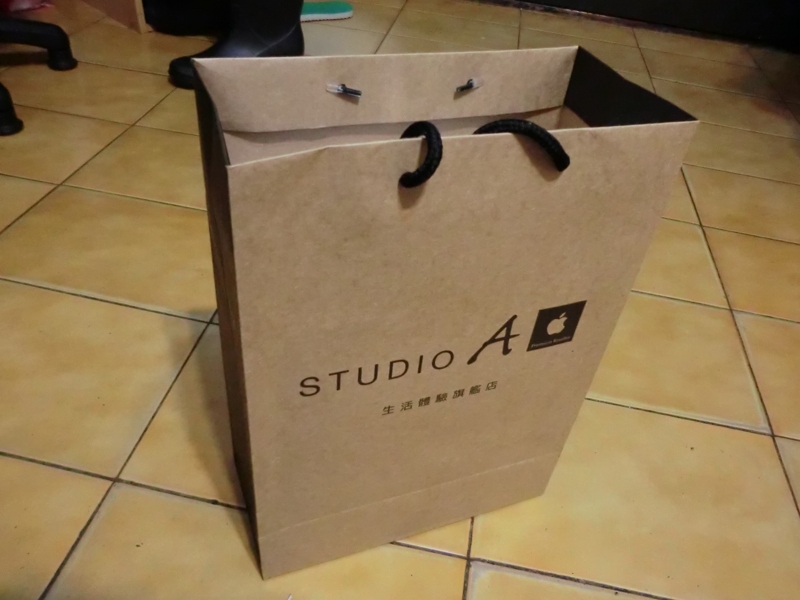
- Because the iPad 2 had come out, buying an iPad 1 came with a free case from the store~ (clearing out inventory)
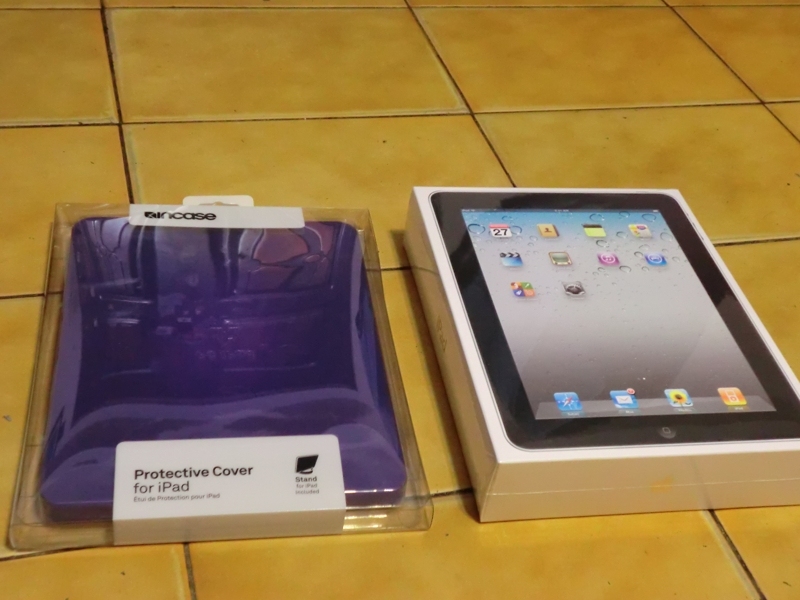
- This time I slowly cut it open with a utility knife, unlike before when I just ripped it open by force 0.0
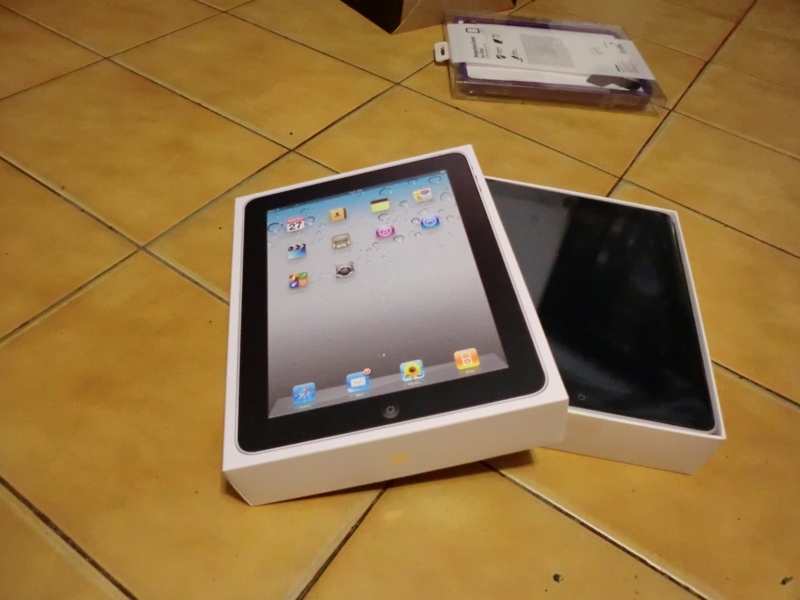
- The main unit makes its debut!!
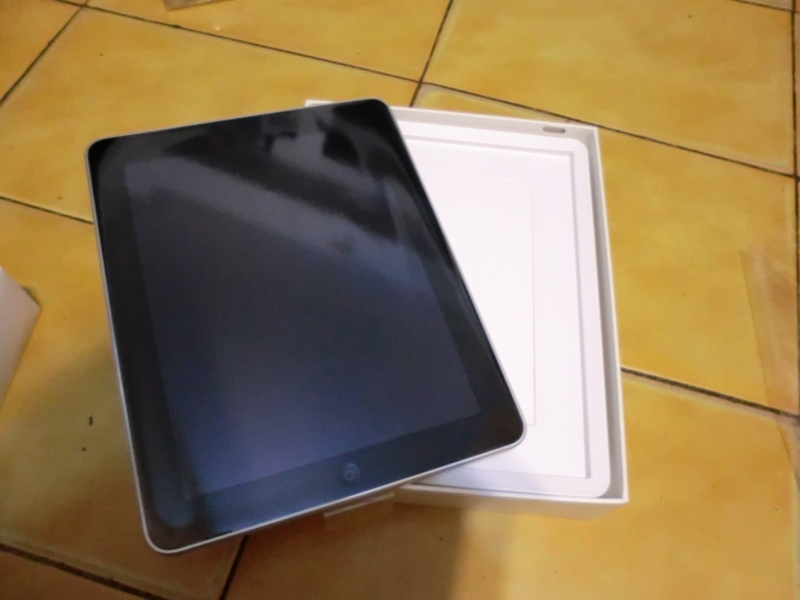
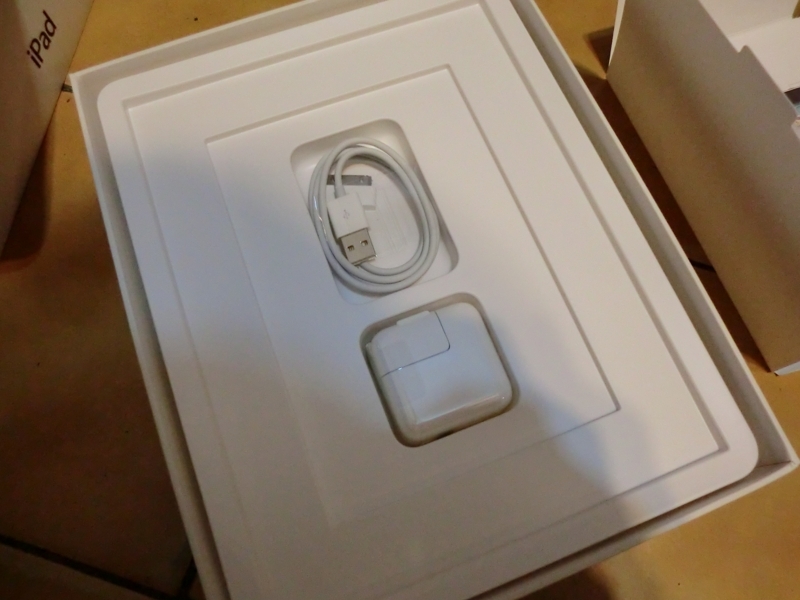
- Unlike when I bought the iPod Touch, which only came with a charging cable, this one includes the plug~~ (no need to buy one separately)
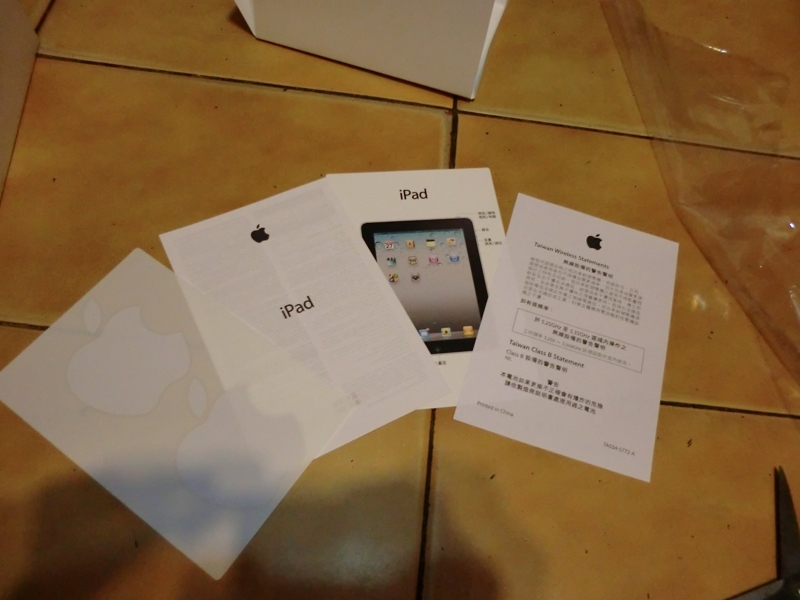
- As usual, it came with a manual, stickers, and other items. Some people might wonder about the lack of a warranty card? In fact, Apple products don’t come with warranty cards, so this is normal~
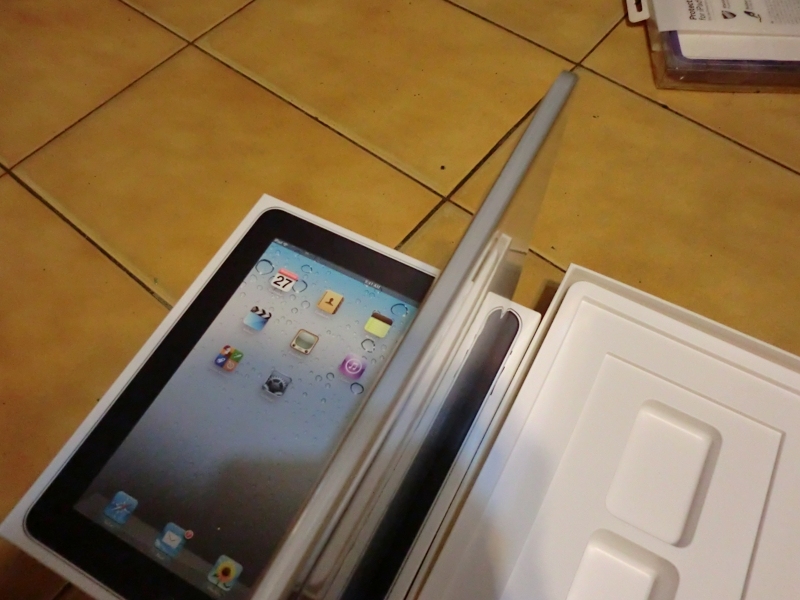
- The thickness is really appealing. I heard the iPad 2 is even thinner, close to the thickness of an iPod Touch. My impression: Apple is seriously intense.
- I really want to run my fingers over the back panel… The aluminum feels so premium
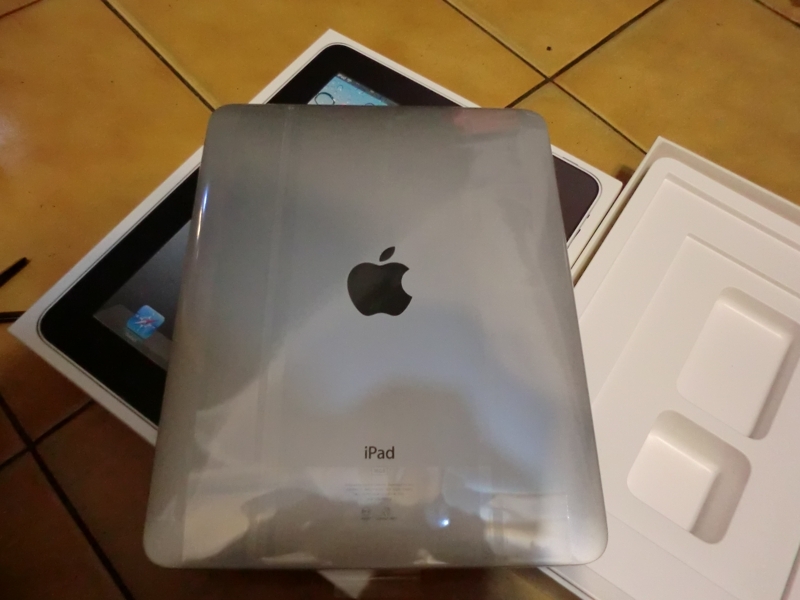
- How the iPad looks with the case on
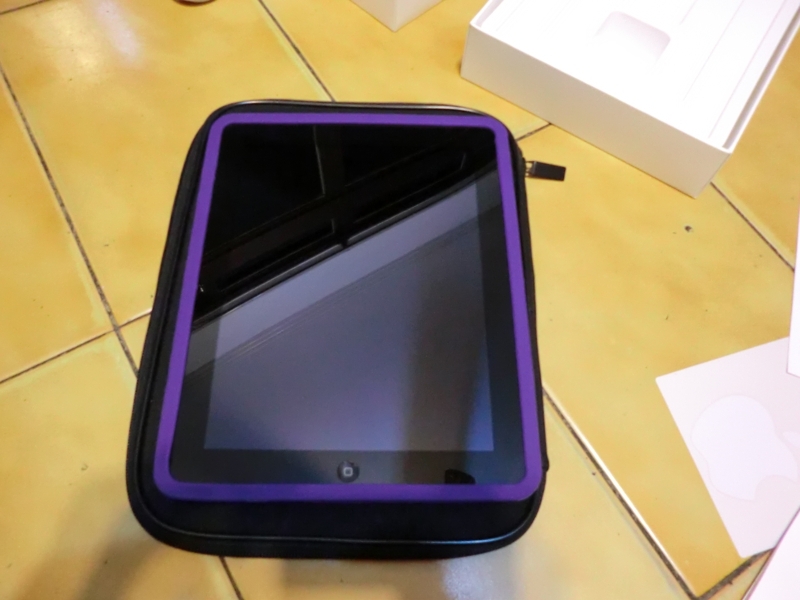
- With the case on, the iPad’s thickness… has grown several times over. But to keep it from getting bumped or dropped by accident, I’d better put it in obediently.
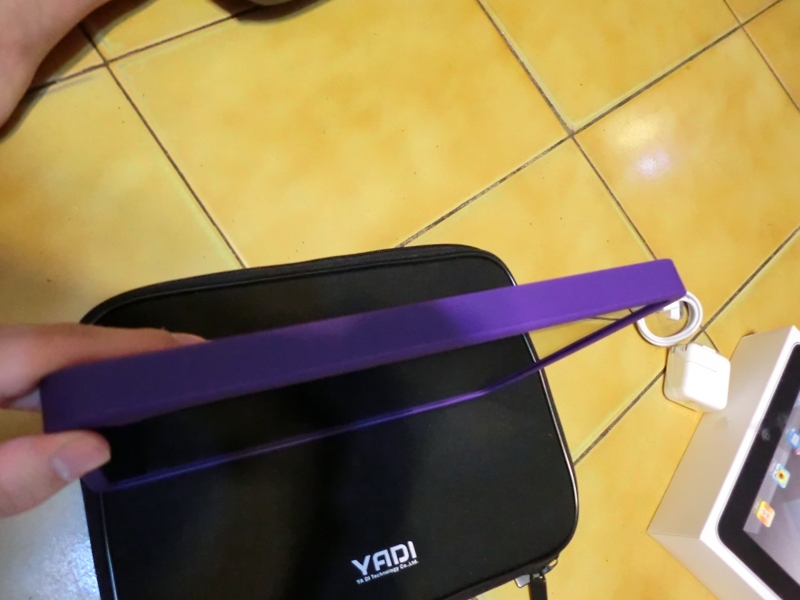
- The netbook bag I bought earlier is still around, so I don’t need to buy a dedicated iPad bag~
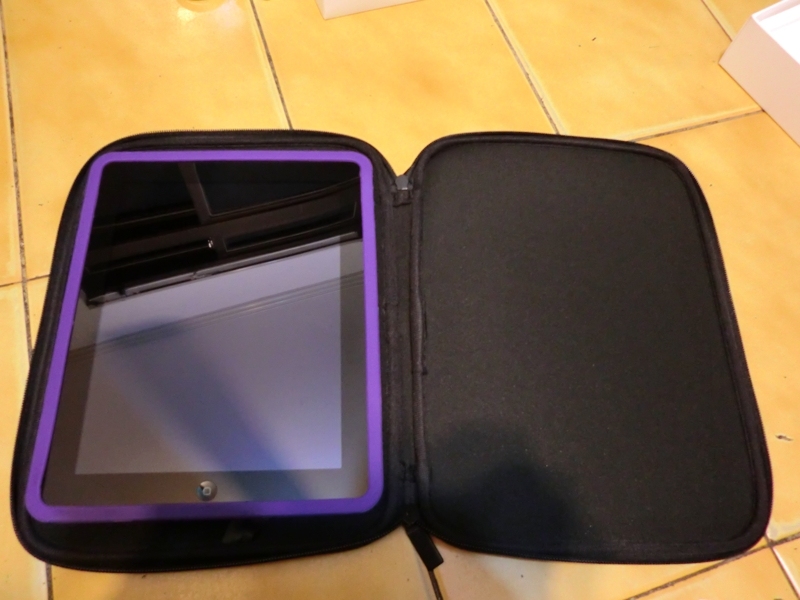
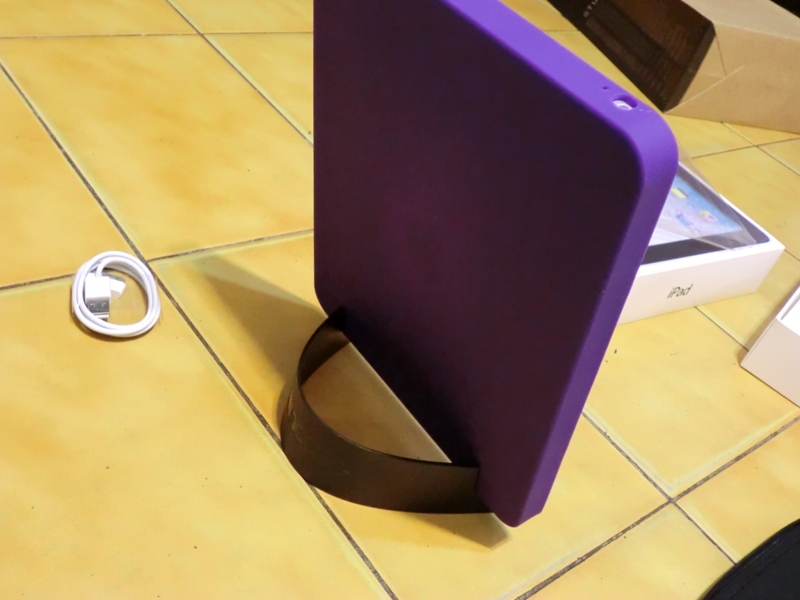
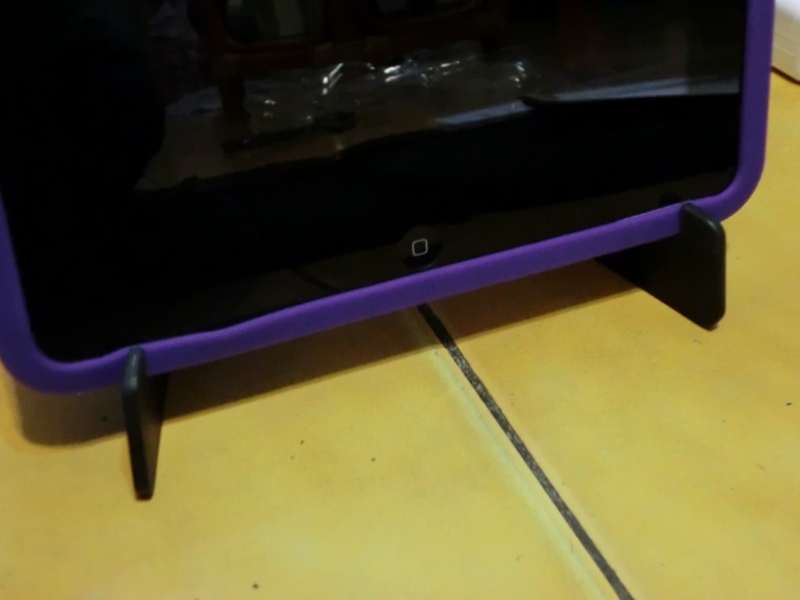
- The nice thing about this case is that it lets the iPad stand up
- Jailbreaking…
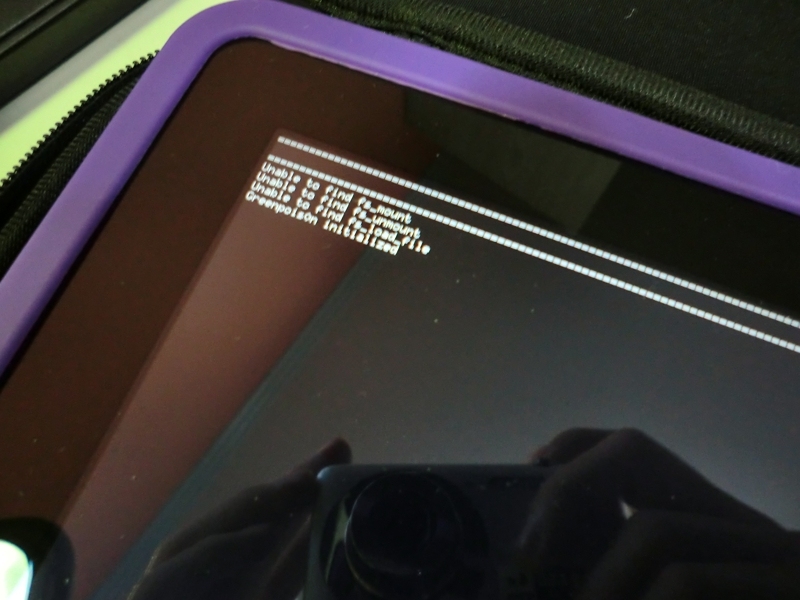
Afterword: Actually, I jailbroke the iPad as soon as I got it home. But yesterday, while downloading an app from Cydia, I seem to have touched something… and it got stuck on the white Apple logo. I had to open iTunes to restore it, but the restore ended up installing iOS 4.3, so I can’t jailbreak it for a while. Also, if you’re thinking of buying an iPad 1, hurry up, because some stores have already sold out.