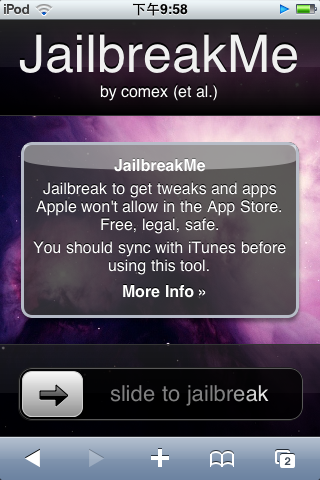
The method is very simple. Take out your iPhone or iPod Touch and connect to http://www.jailbreakme.com/, then slide the slider to the right, and it will start jailbreaking automatically. Don’t touch the device during this process, or I can’t say what will happen…. Also, a US court recently ruled that jailbreaking is legal. The only catch is that you lose warranty eligibility after jailbreaking (screw it xD), so everyone doesn’t need to worry about being sued for jailbreaking. But it seems nobody has actually worried about it…
After the jailbreak finishes, the system will automatically install Cydia for you, and you can download the software you want from there. Also, it seems iOS 4 can’t run the Backgrounder multitasking tool yet, because I couldn’t download it when I tried. But themes (WinterBoard) work, and OpenSSH is definitely a must-install~
Must-install apps after the jailbreak:
- OpenSSH (lets you access the system folders of your iPhone or iPod Touch)
- WinterBoard (theme software)
- SBsetting
- iAccess (a better input method app)
- Usb Drive (turns your iPhone or iPod Touch into a flash drive)
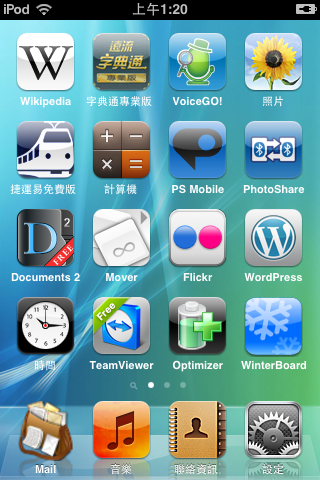
By the way, everyone could go to an Apple store, grab an iPhone, and try jailbreaking it… I just wonder what happens if you get caught 0.0