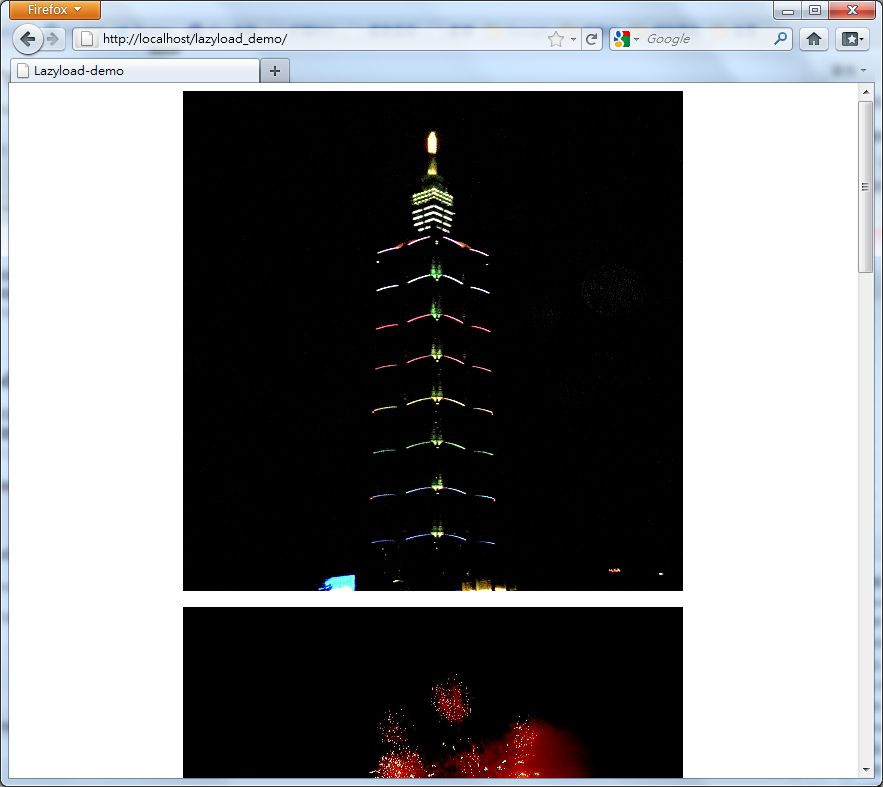
Photography websites often have a lot of images. When visitors browse these sites, it takes quite a while to load because so many photos have to be loaded. This has a big impact on the website’s host traffic, and it also increases the CPU time on the visitor’s side a lot. Here I want to introduce Lazyload, a jQuery plugin that delays image loading. In other words, when you enter a website, it doesn’t load all the images at once. It only loads some of them, and as you scroll the browser, it loads “the images in the section you are looking at,” so the page loads faster.
Lazyload Information:
If you want to download lazyload.js, please download the example file. lazyload.js is included in it~Common Syntax:
1. Load the lazyload function:$("img").lazyload();2. Set the lazy-loading delay$("img").lazyload({ threshold : 200 });
//Change 200 to your own delay value (in milliseconds)3. Set a background image to show before the image loads$("img").lazyload({ placeholder : "圖片路徑" });To use multiple parameters at once, separate them with commas. For example, to use both lazy loading and a background image:$("img").lazyload({ placeholder : "img/grey.gif",threshold:200 });