I remember seeing news about a year ago that the classic game KartRider would also come to iOS devices, meaning you could play it on an iPhone or iPad. But after I saw that news, I rarely paid attention to it. Then a few days ago, a classmate of mine was playing it on an iPhone, and that’s when I found out it had already arrived on the App Store! The iOS version of KartRider has an Item Race and a Time Trial, and you can even battle over Bluetooth. The only shortcoming is that there aren’t many maps built in, and if you want to play more, you have to pay…. But the game itself is free!
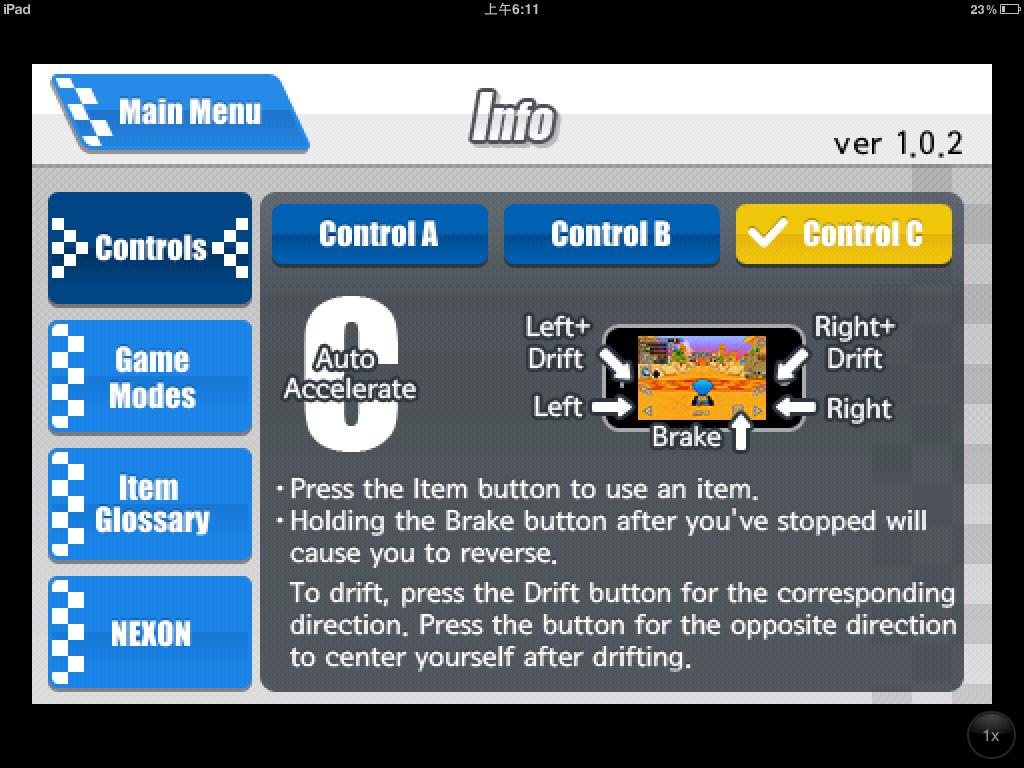
KartRider Rush is currently only released for iPhone, but in my testing, if you install it on an iPad, you can still play it by using the zoom feature. The resolution is pretty good too, so iPad players can download it as well~ It has three built-in control schemes:- Control A: Turn by tilting the iOS device
- Control B: Turn using virtual buttons, and drift with a single button plus a drift direction (in other words, a combo: you press the drift button first, then press a direction)
- Control C: Turn using virtual buttons, and drift by pressing the drift direction directly (that is, you press left or right directly to drift)
KartRider Rush Information:
- Game name: KartRider Rush
- Platform: iOS
- Language: English
- App price: Free, but many maps require payment
- Payment method: Linked with Facebook
- Download link: http://itunes.apple.com/us/app/kartrider-rush/id422264960?mt=8
KartRider Rush Features:
- Like the PC version, it supports Item Race and Time Trial
- You can unlock new cars and new maps through "achievements"
- You can play Bluetooth battles with friends
KartRider Rush Screenshots:
▲▲Just tap anywhere on the screen to get in
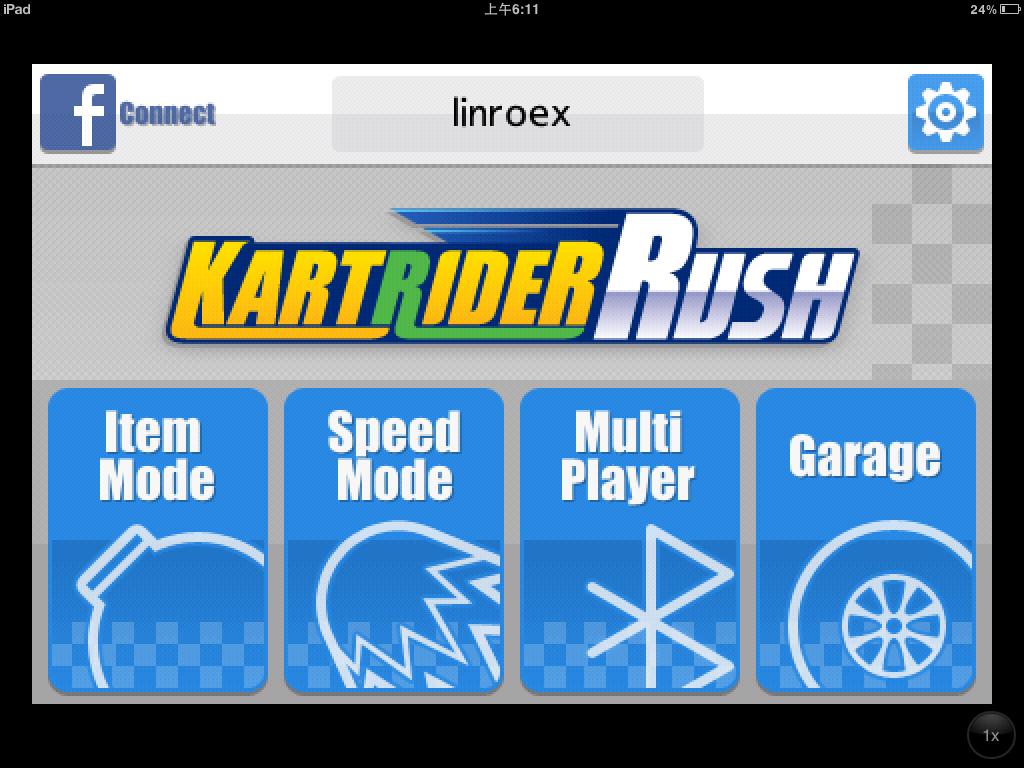
▲▲There are three built-in modes. From left to right: Item Race, Time Trial, and Bluetooth Connection. The last one, Garage, is where you can change cars.
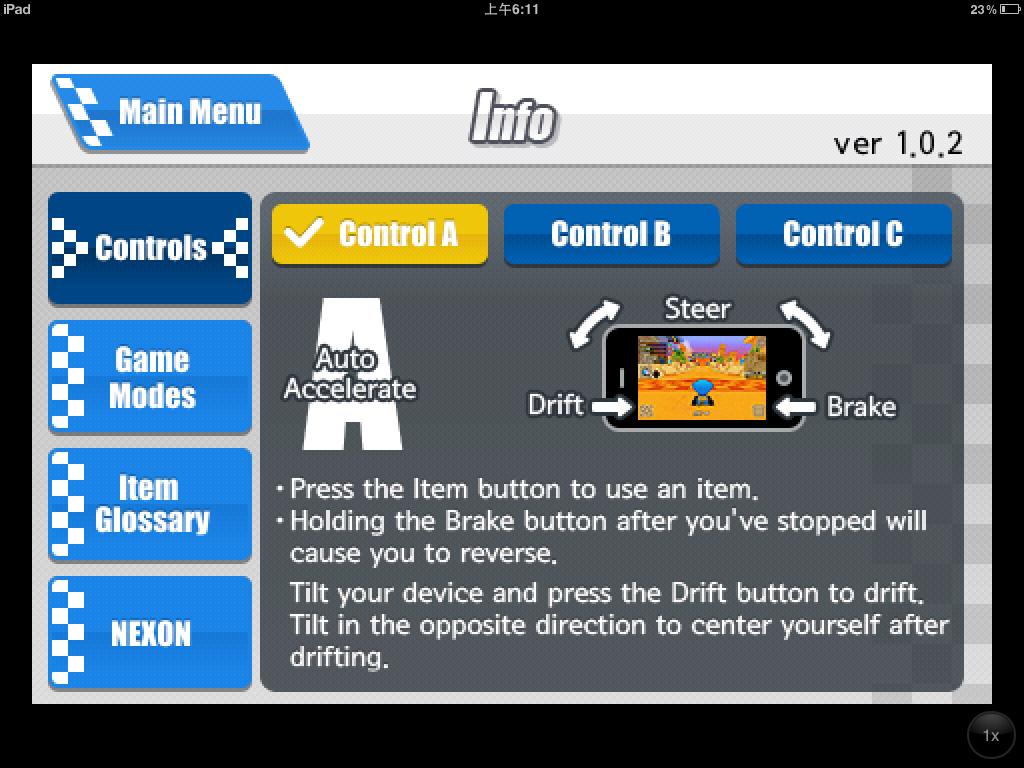
▲▲▼▼There are three built-in control schemes. I prefer Contraol B
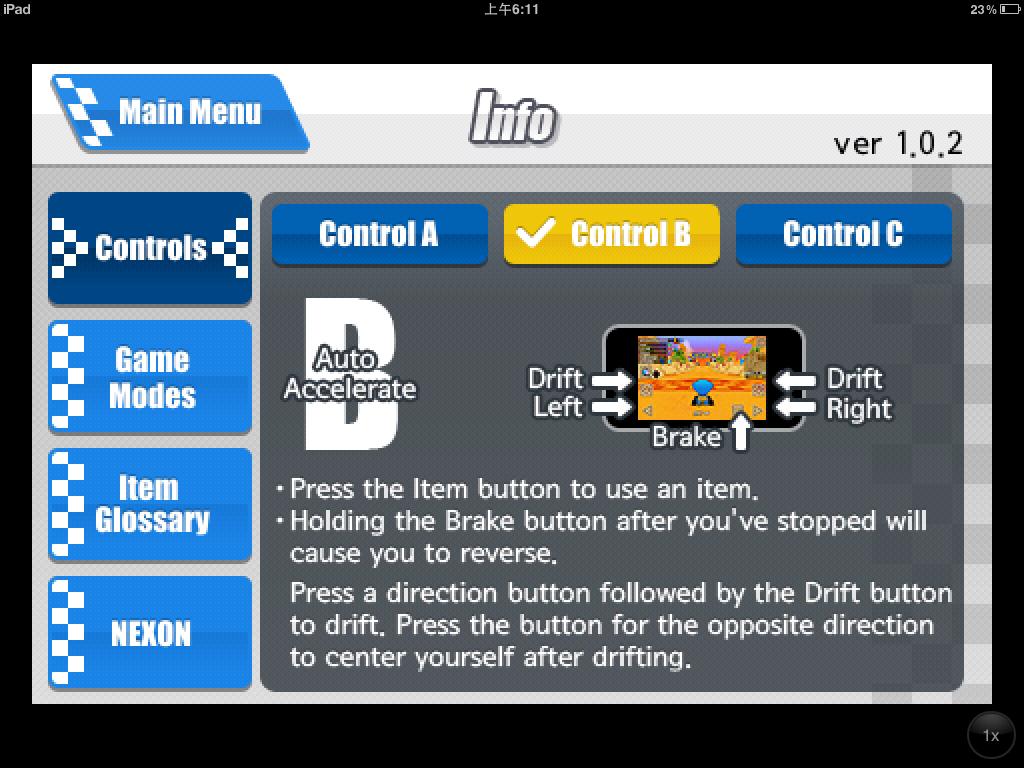
▼▼There are three built-in control schemes
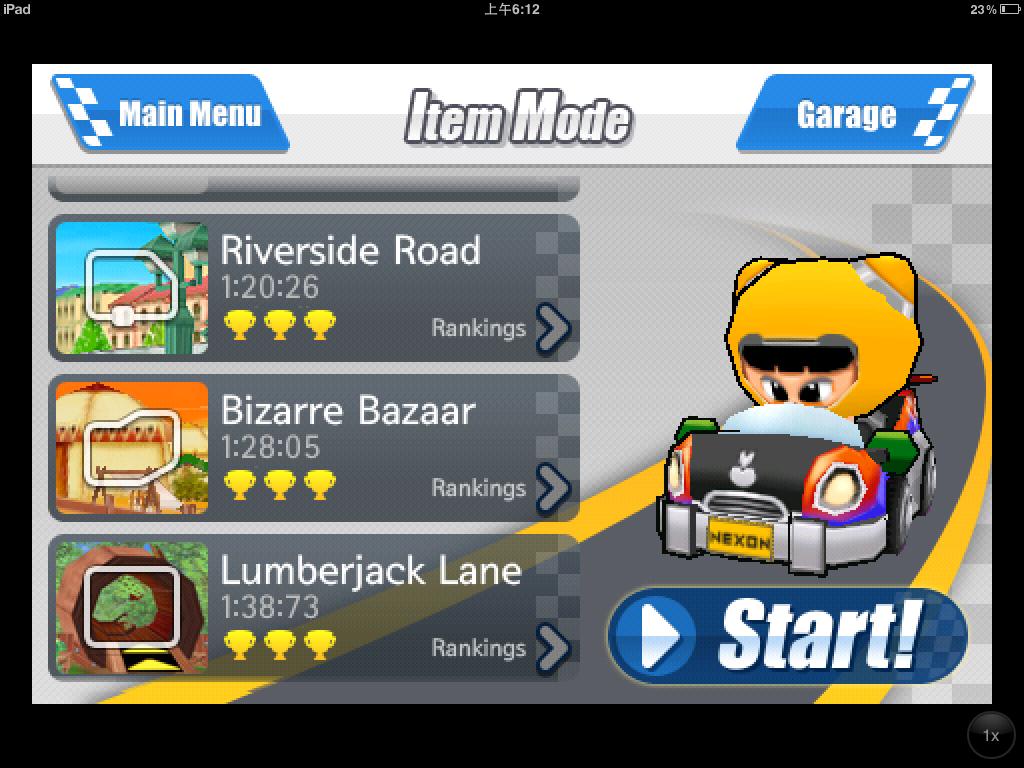
▼▼This is the map selection screen. By default you get three maps, and you’ll gradually unlock more as you play (by completing missions), but many maps have to be bought
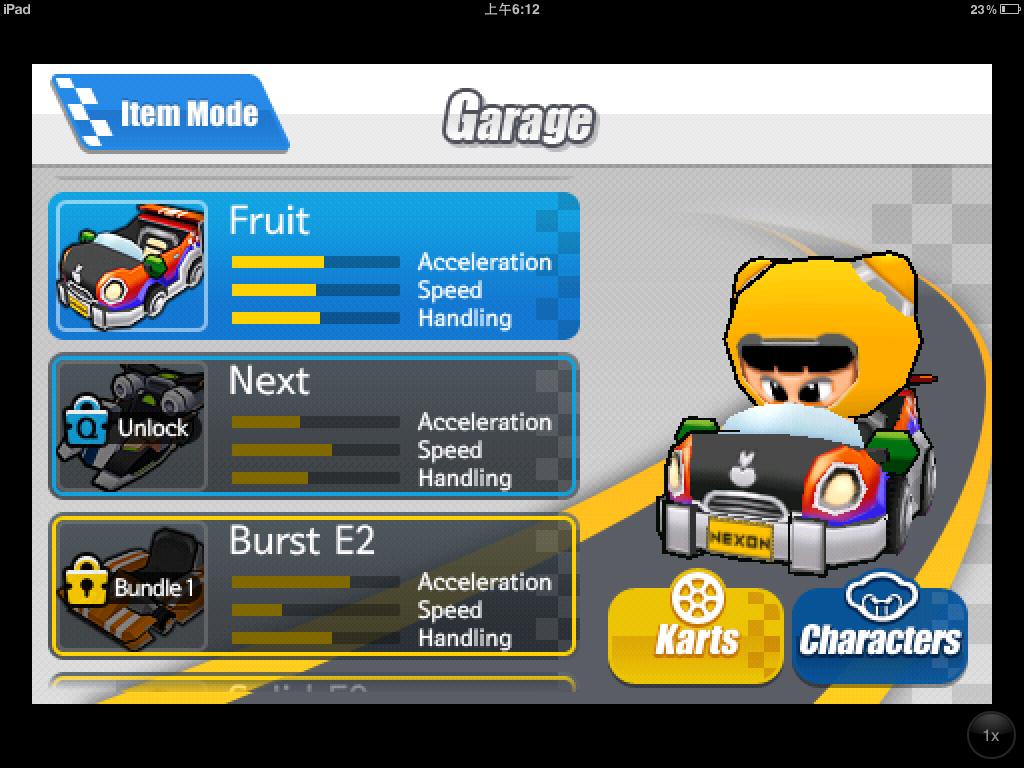
▼▼This is the car selection screen. Unlock means a car you can get by completing missions
▼▼The game is about to start~~
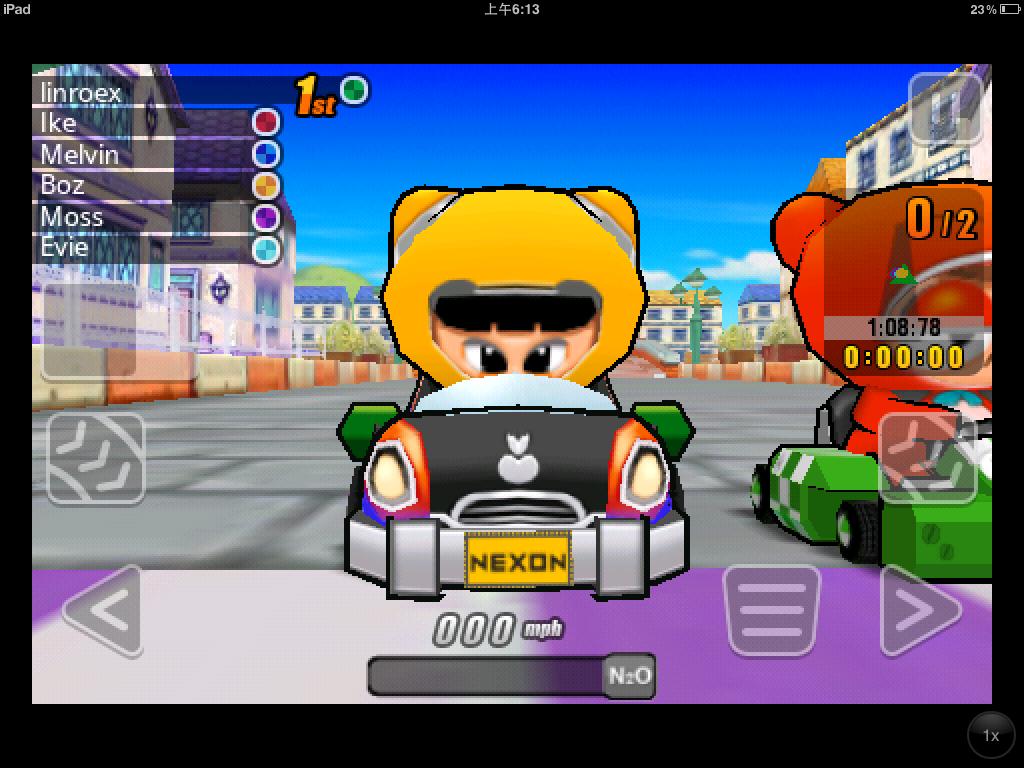
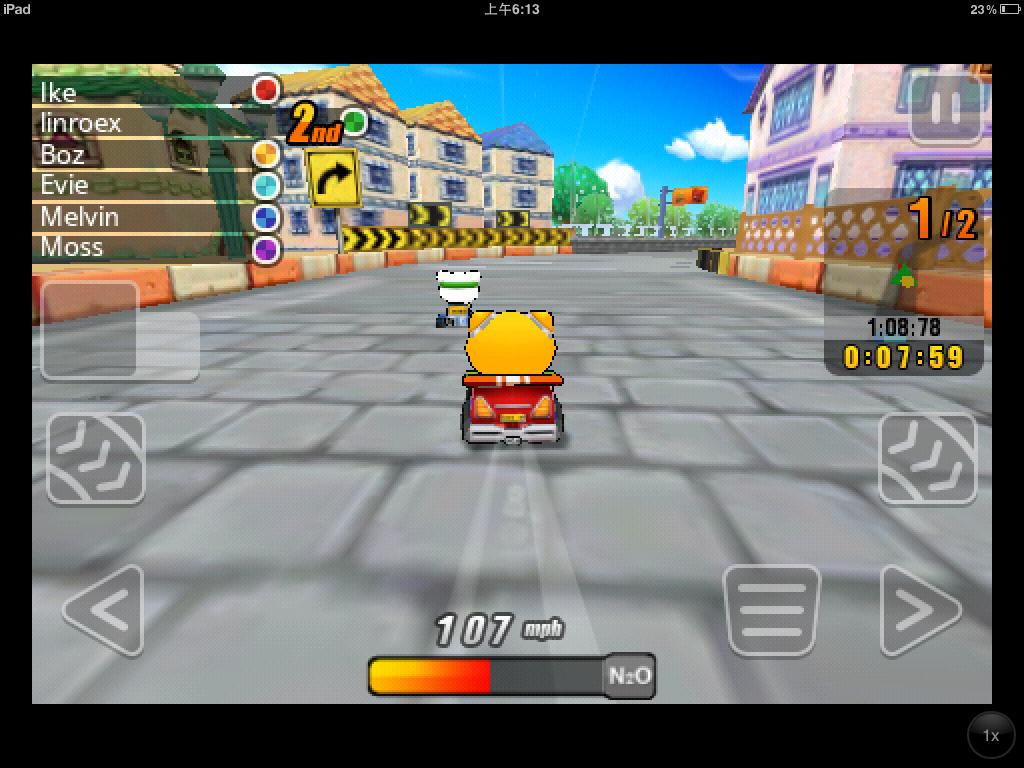
▲▲▼▼The interface is almost the same as the PC version, and you can also drift, accelerate, and charge up boosts
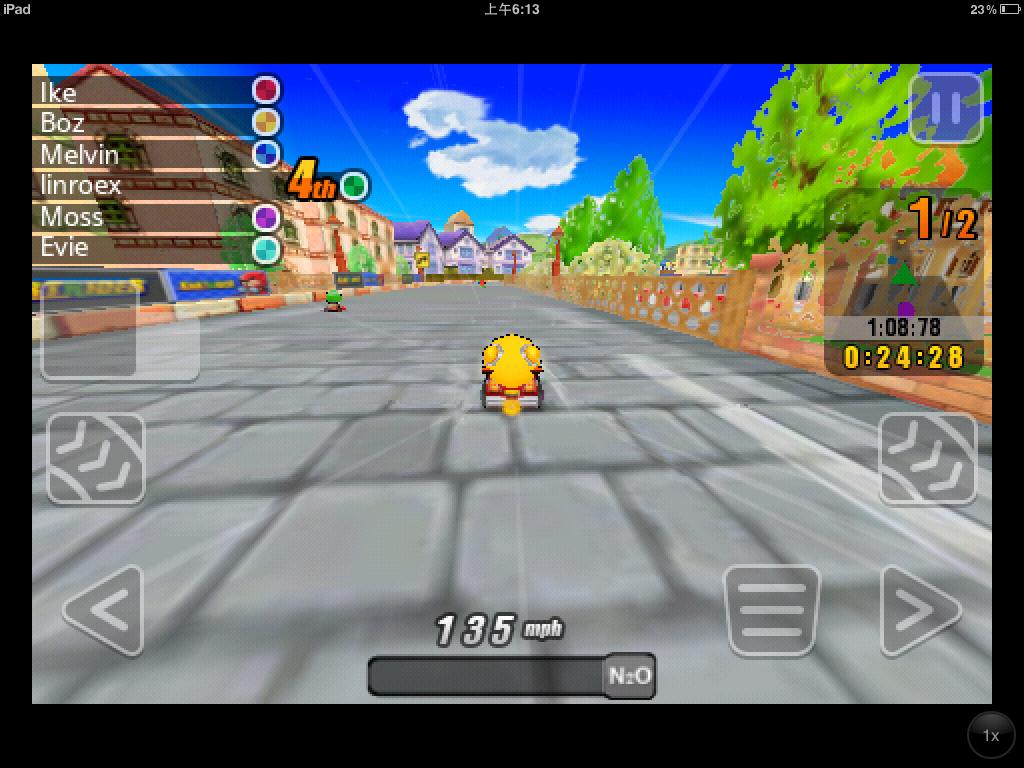
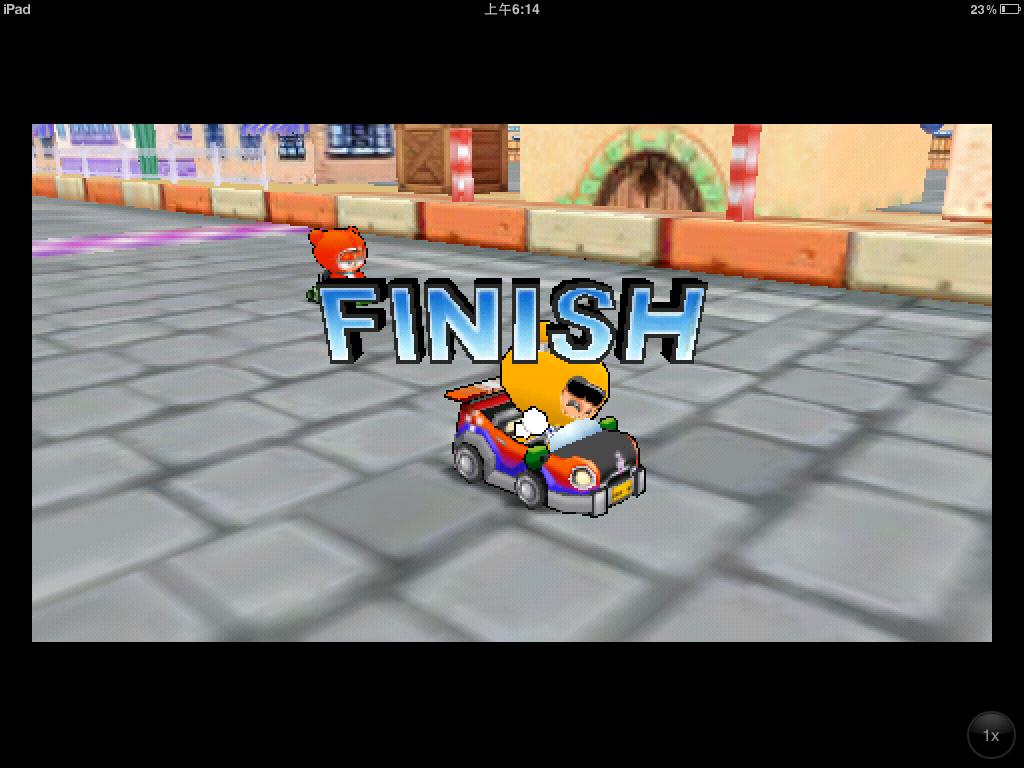
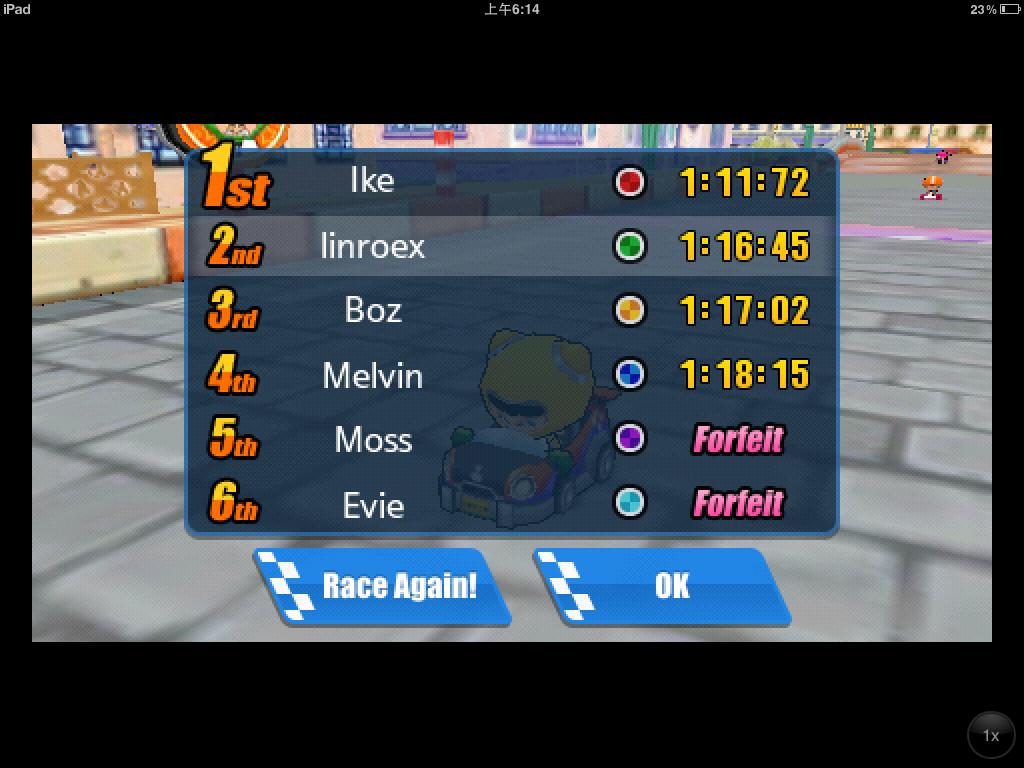
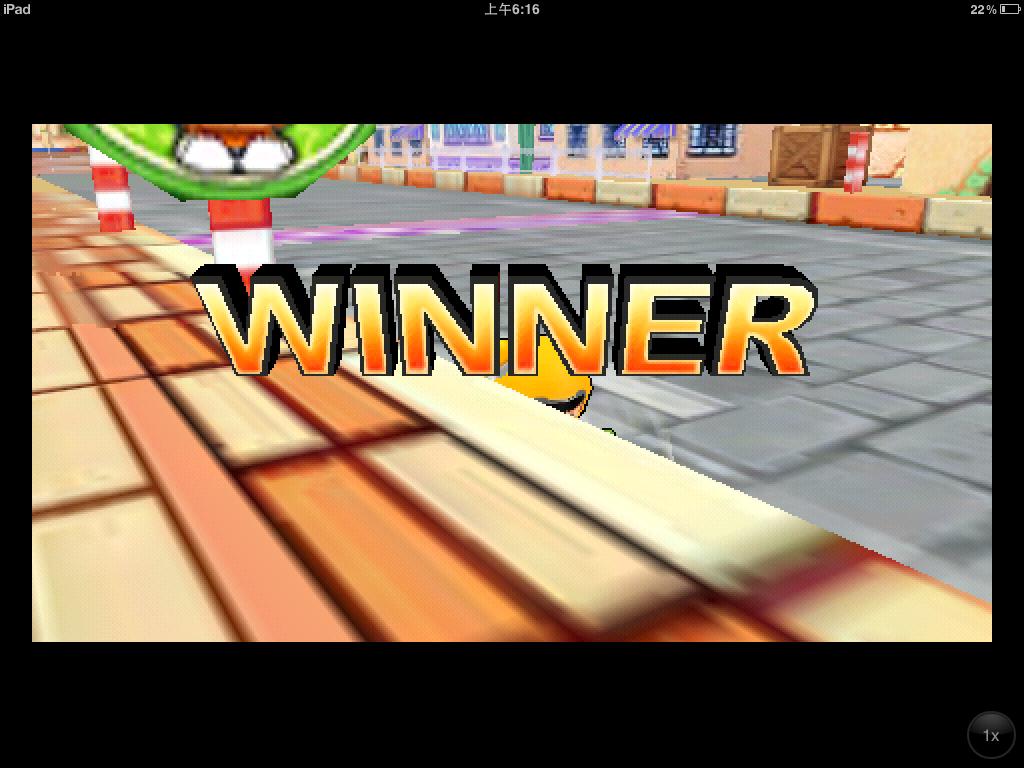
▲▲▼▼If you finish first, you’ll see Winner; otherwise, you’ll see Finish
▼▼Finally, your results and speed are shown