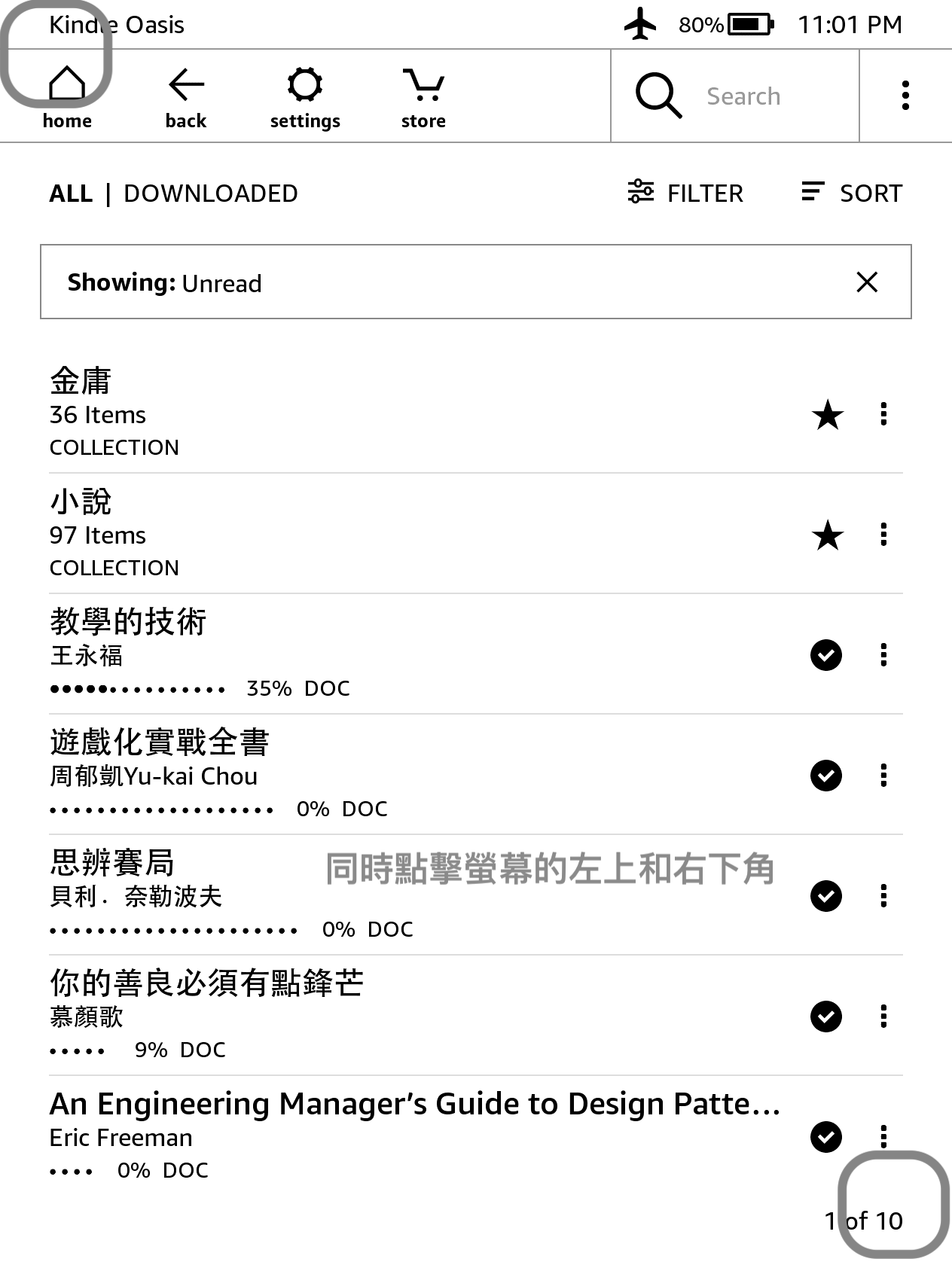
Didn't expect that, right? Kindle actually has a built-in screenshot feature. It has never appeared in any documentation. I stumbled on it by accident while looking for Kindle tips. Just tap the top-left and bottom-right corners of the screen with your finger, and the screen flashes briefly. At that point the screenshot has been taken. The file is saved on the Kindle. Connect a USB cable and you can view the screenshots on your computer. This method works the same on the Kindle, Kindle Paperwhite, and Kindle Oasis. You can take screenshots while reading, or on other screens such as Settings or the home page.
Tapping the top-left and bottom-right corners at the same time may also trigger the Kindle's page-turn function. Don't worry. Once you connect the USB cable, you will see that the page was turned, but the screenshot was still taken successfully.