On Linux systems, for security reasons, every account must have a password. A user must enter the correct password to log in to the system. This article shows you how to change account passwords when you manage a Linux host or a VPS. The same method also applies to jailbroken iPads and iPhones and other iOS devices. iOS’s default password is “alpine,” so if you never change it and your iOS device is jailbroken, it could be attacked.
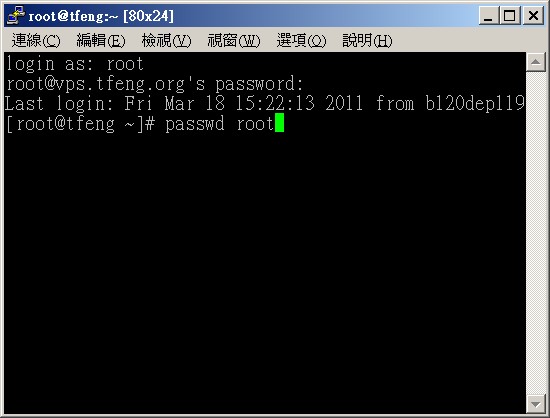
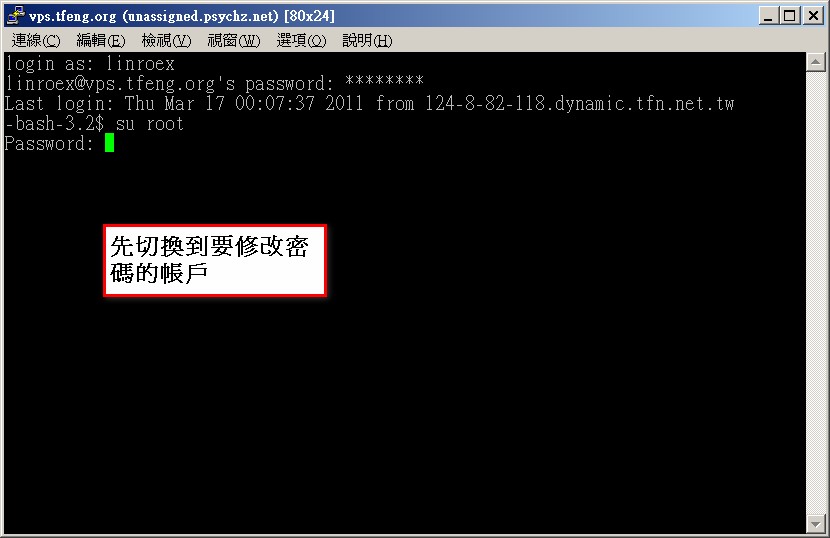
Changing a Linux User’s Password:1.Connect to your Linux host, then switch to the user whose password you want to change. For example, to change root’s password, you must log in as root first.
If you are using an iOS device, to change the password, log in as the root account first. The default password is alpine. Then follow the steps below to change it.
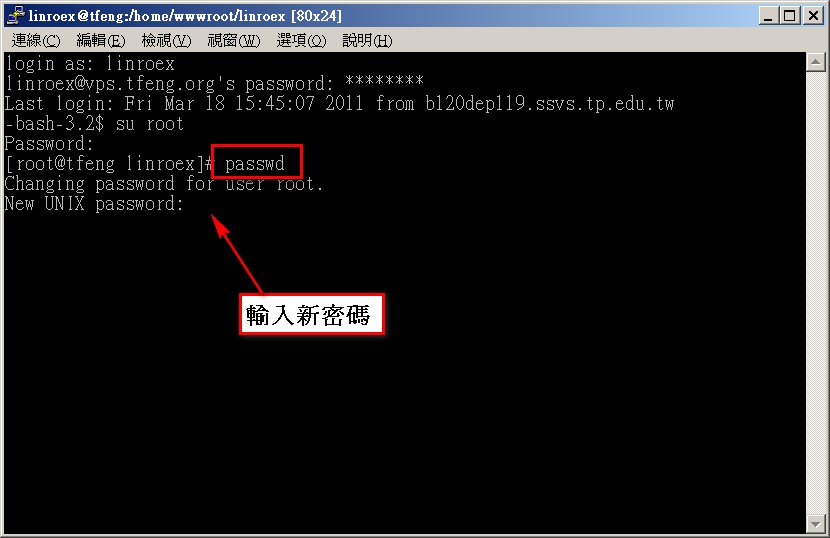
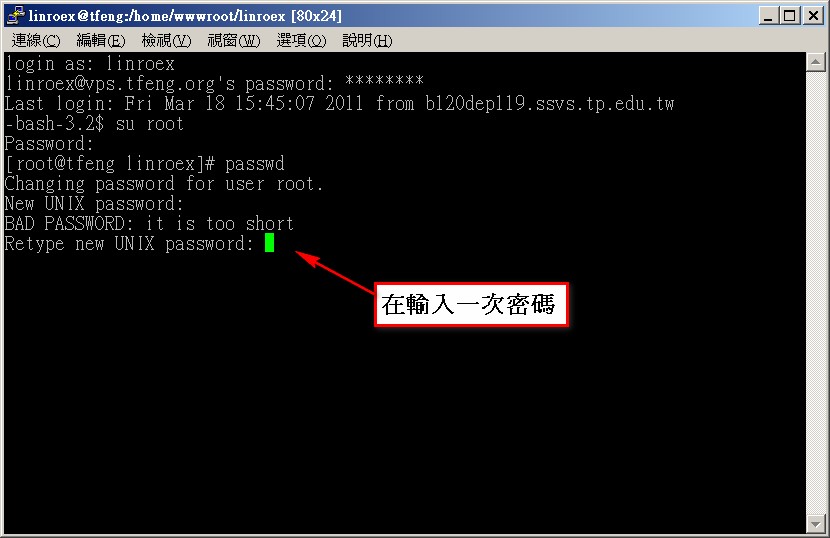
2.Type passwd, then type the new password and press Enter.
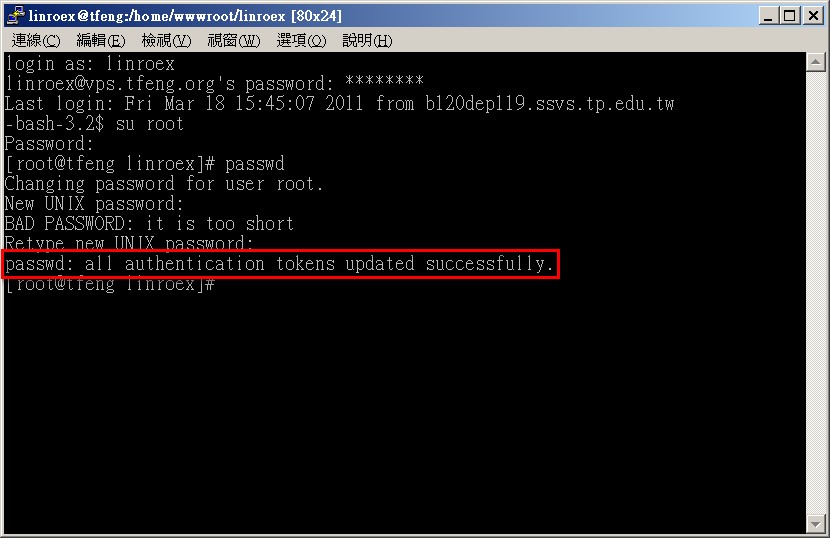
3.Type the password again and press Enter.
4.When you see the following message, the password has been changed successfully.