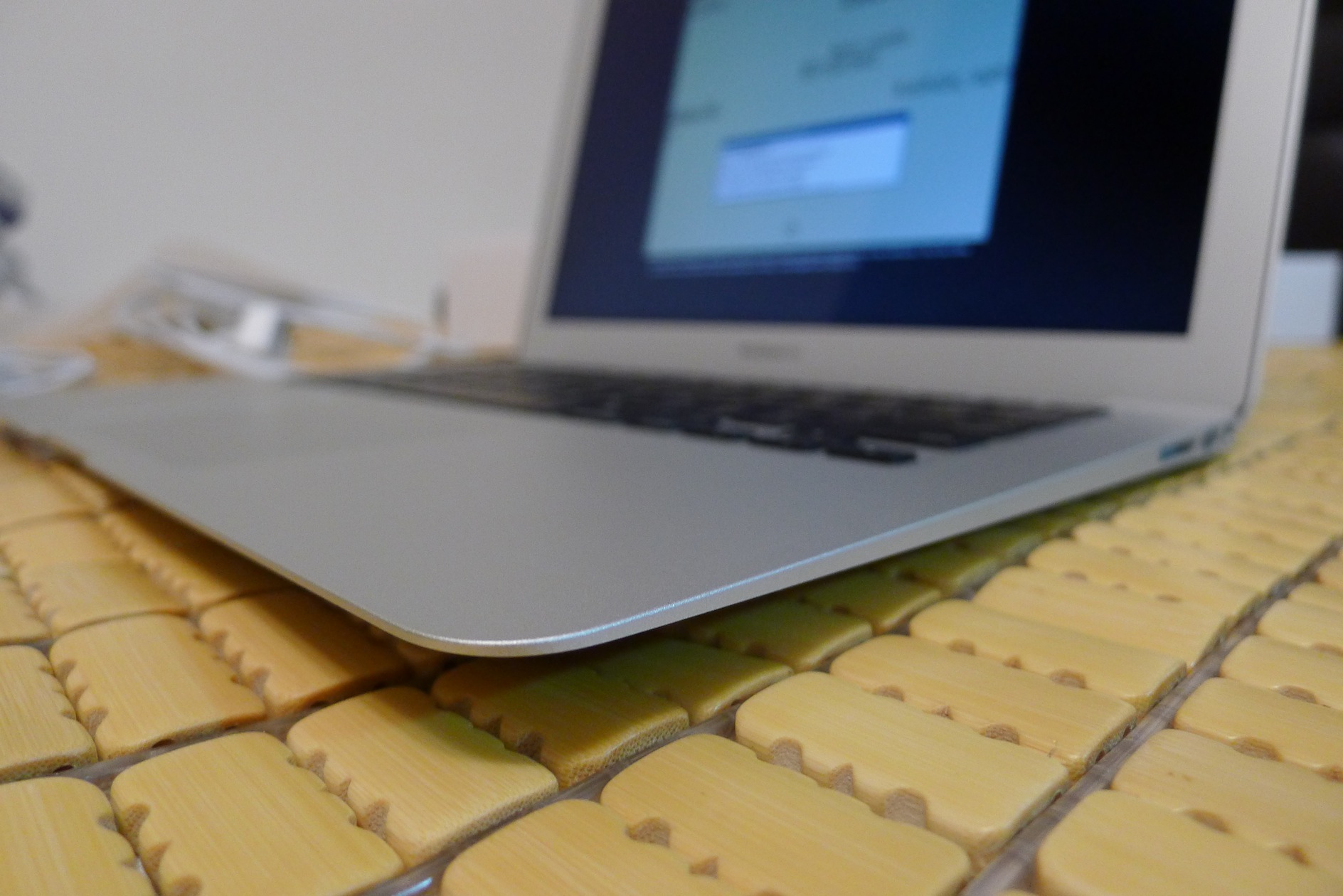
Since I was about to start university, and Apple had just released the new-generation MacBook Air, I couldn’t resist and splurged on one. The biggest highlight of this year’s MacBook Air is its 12-hour battery life. When I saw that line at the launch event, I thought they were joking. But later reviews from overseas confirmed it’s real, and that’s what made me really want to buy it. With such long battery life, I don’t need to bring the power adapter when I go out, and I don’t have to worry about running out of power halfway through. For someone like me who goes out often, that’s very convenient. Besides the long battery life, it has many other updates, such as 802.11ac wireless networking, a super-fast SSD, and the new-generation Intel Haswell processor, among others.
The new MacBook Air also has big improvements in storage. Unlike typical laptops, which use a SATA interface for their drives, the Air uses PCI-E, which was originally the interface for graphics cards. Its transfer speed is very fast, so pairing it with an SSD is a perfect match! Everyone must be curious how Apple achieved 12 hours of battery life. If you look closely, you’ll notice the Air 2013’s CPU clock speed is much lower. That’s the main reason Apple was able to reach 12 hours. But don’t assume a lower clock speed means worse performance~ According to overseas reviews, the Air 2013’s performance is about the same as the previous generation. That’s thanks to the Haswell processor! Because it’s a new-generation processor, performance didn’t drop after the clock speed was lowered, but battery life went up a lot. Many people were also hoping for a Retina display, which didn’t show up in this update. I think that’s understandable. A Retina display would cut battery life significantly, and for an ultra-thin laptop, battery life matters far more than resolution. So not adding Retina makes perfect sense.
The MacBook Air also has many other features worth mentioning. For example, its aluminum alloy shell feels really smooth and isn’t easily scratched. Its thickness and weight are also very appealing: at 1.3 kg, it’s barely noticeable in a bag. Its trackpad is another major highlight. Ordinary laptop trackpads are fairly basic, just a substitute for a mouse. But the MacBook’s trackpad supports multi-touch and lets you perform all kinds of gestures, like switching windows and zooming. A small trackpad makes a big difference!
The MacBook Air 2013 costs about the same as last year’s model, and the ports and exterior design haven’t changed either. The main changes are the internal hardware. For detailed specs, you can check the official website (http://www.apple.com/tw/macbook-air/). Now, on to the unboxing~
MacBook Air 2013 Unboxing
▲▲ Side view of the box
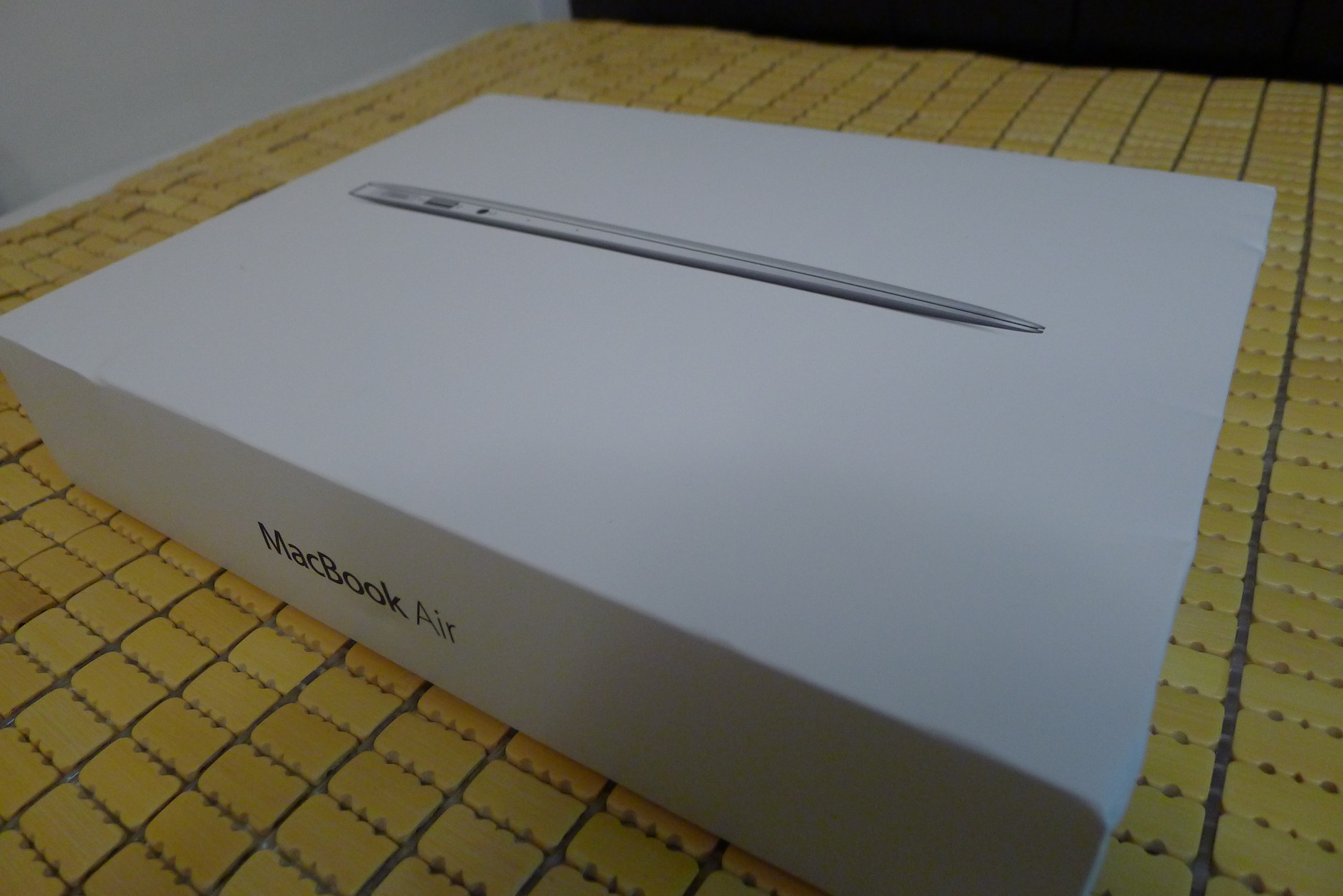
▼▼ Overhead view (?
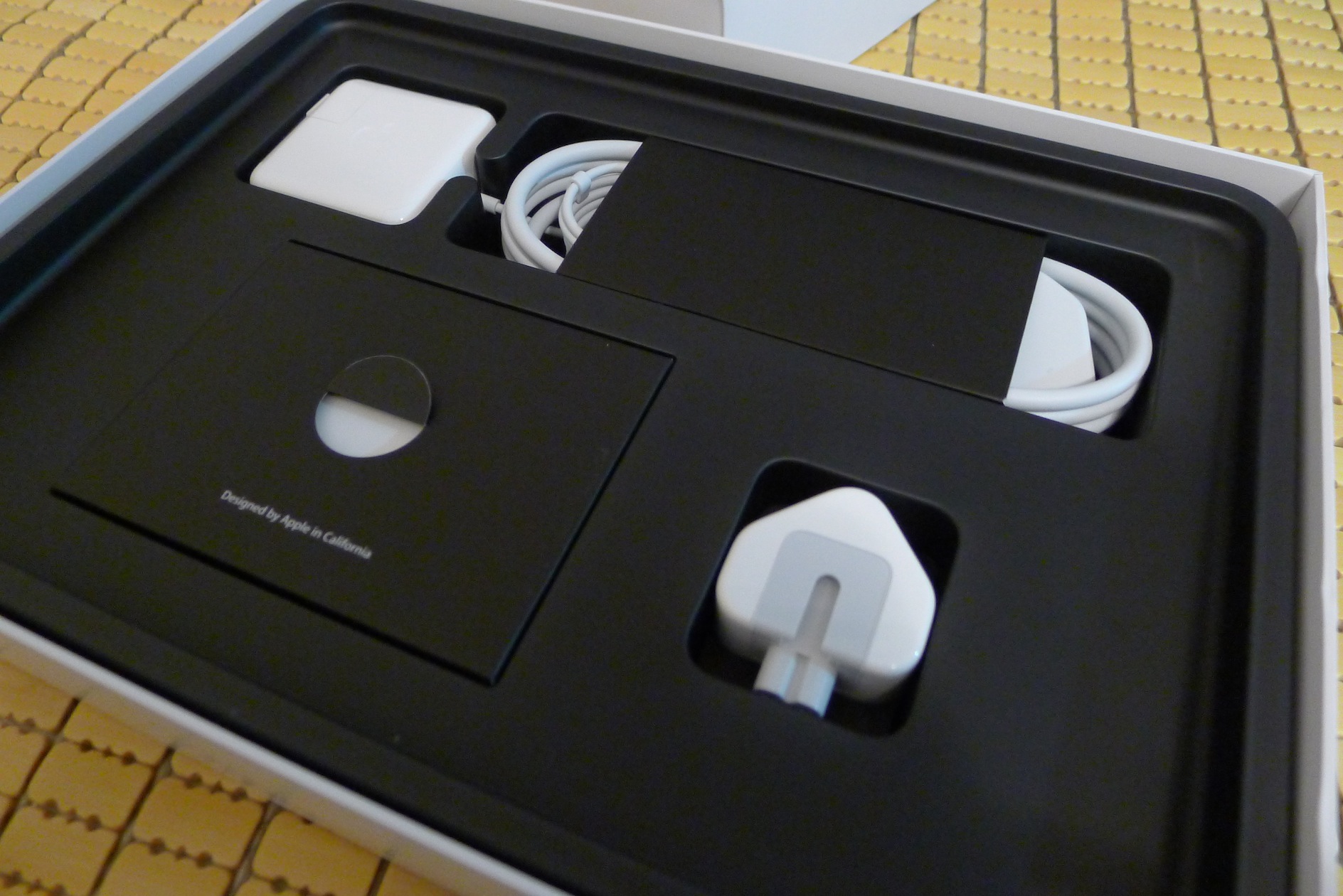
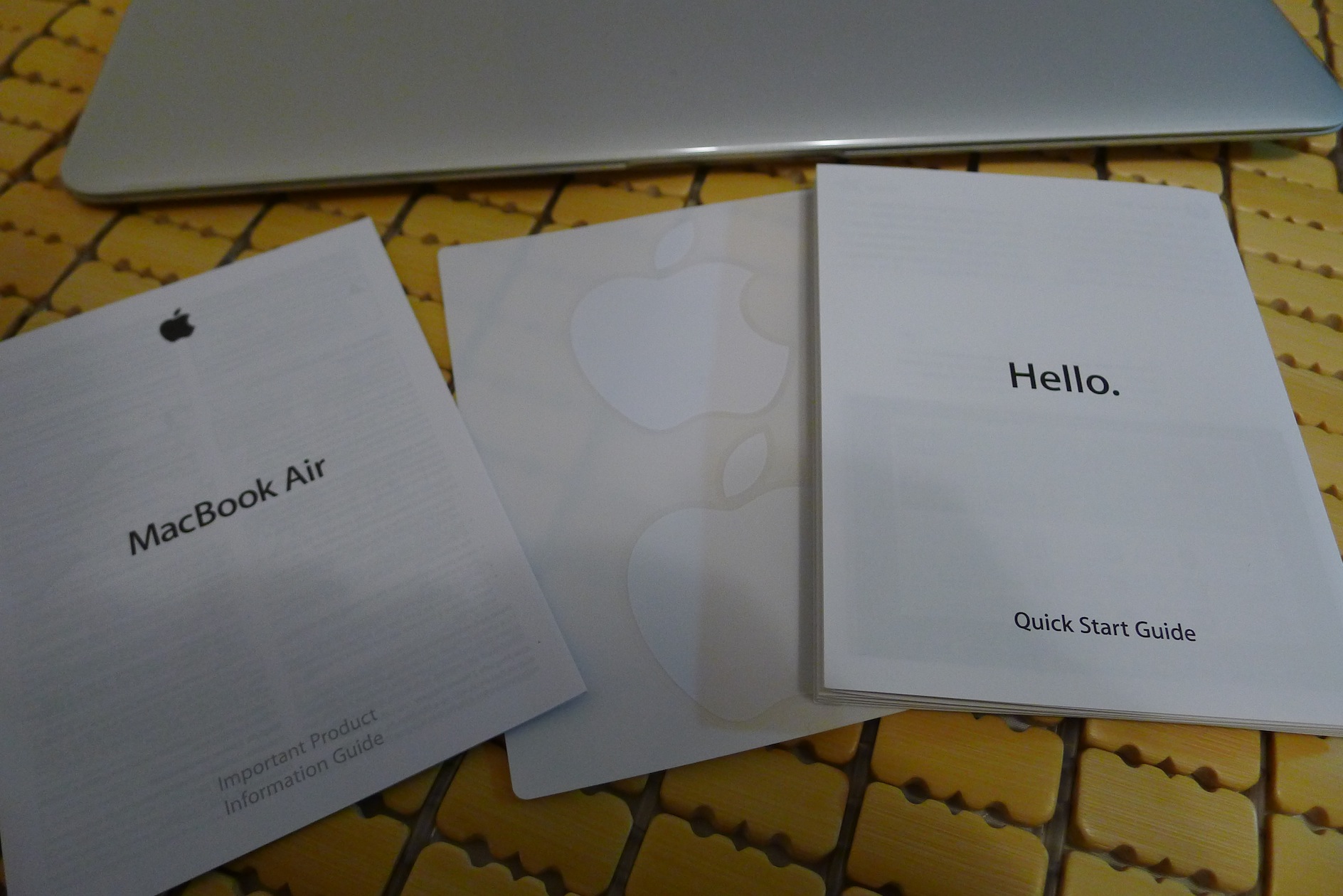
▲▲ The accessories are the same as last year: the charger, an extension cord, and one sticker ▼▼
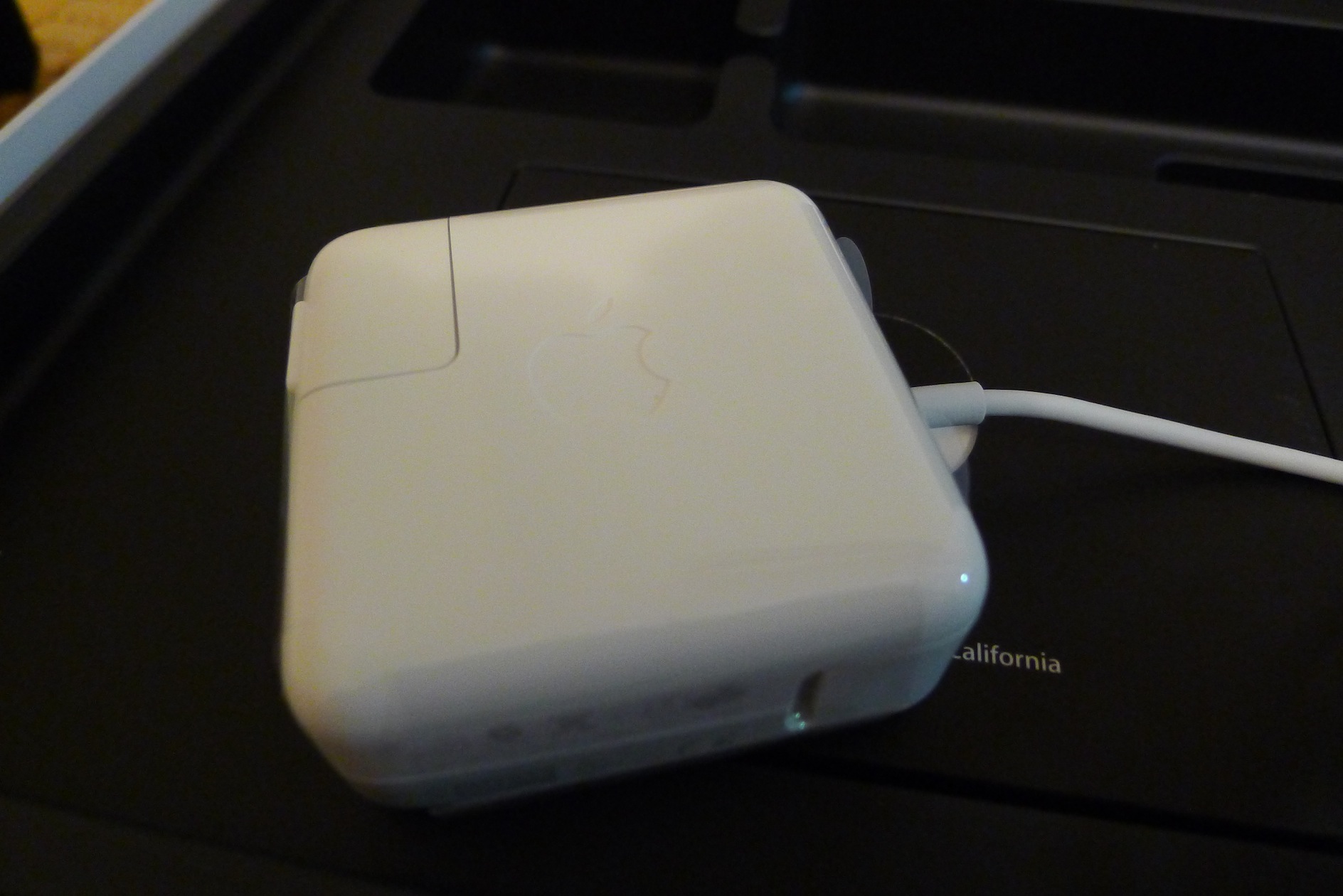
▲▲ The power adapter design is really beautiful, and it has a cable hook for easy storage~
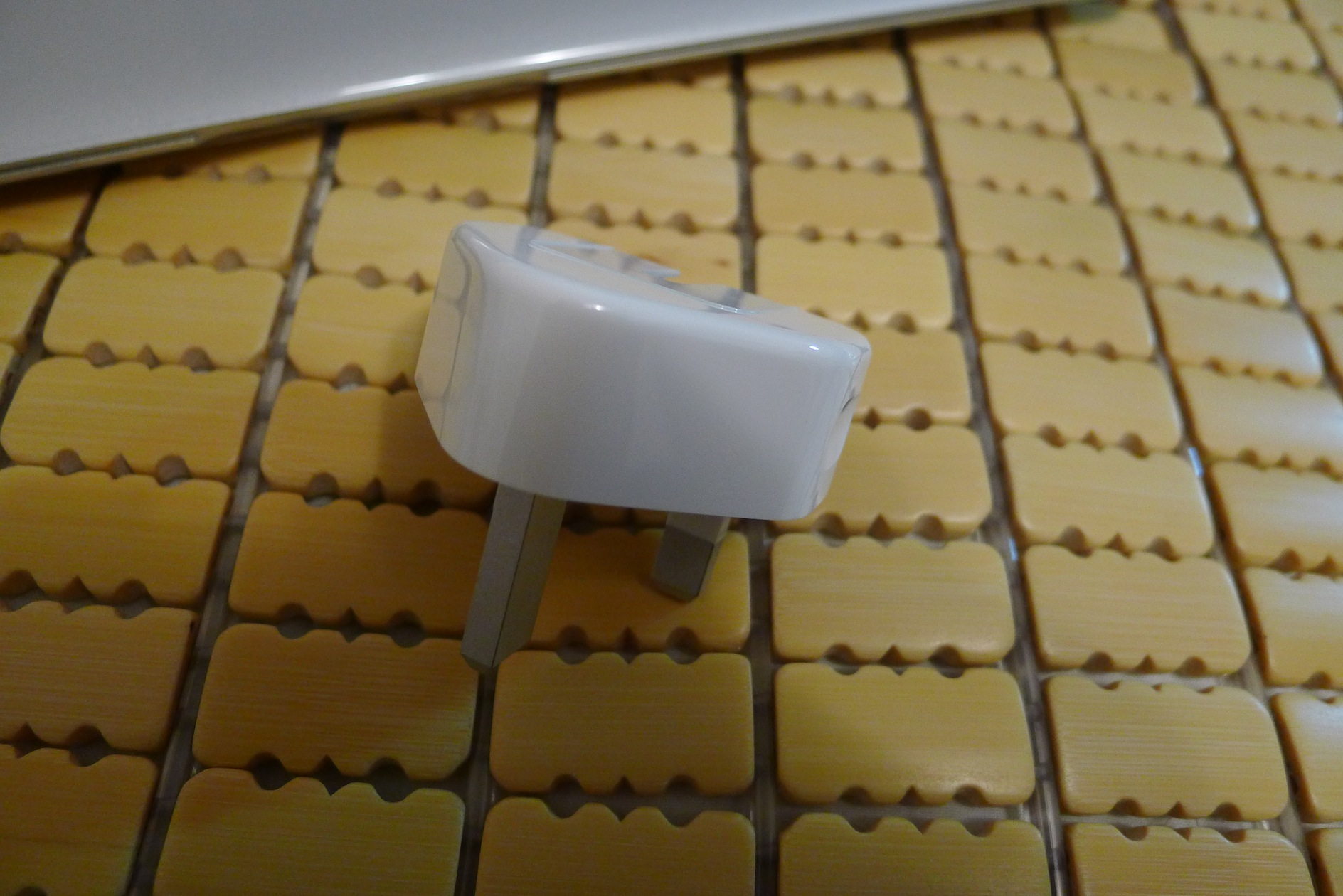
▼▼ Since I bought it in Hong Kong, it came with an international plug adapter
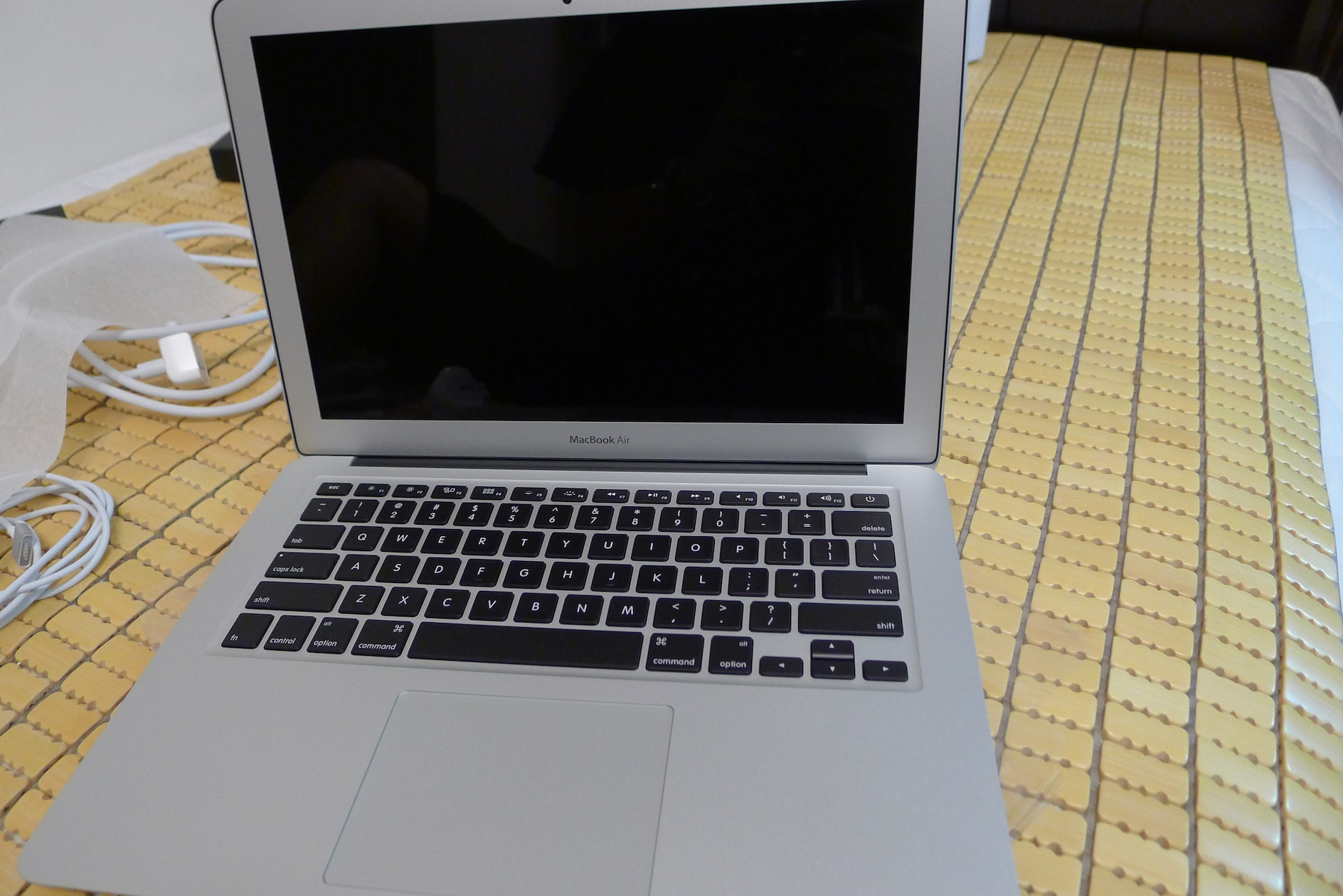
▲▲ Full view of the body. It’s white and gorgeous~
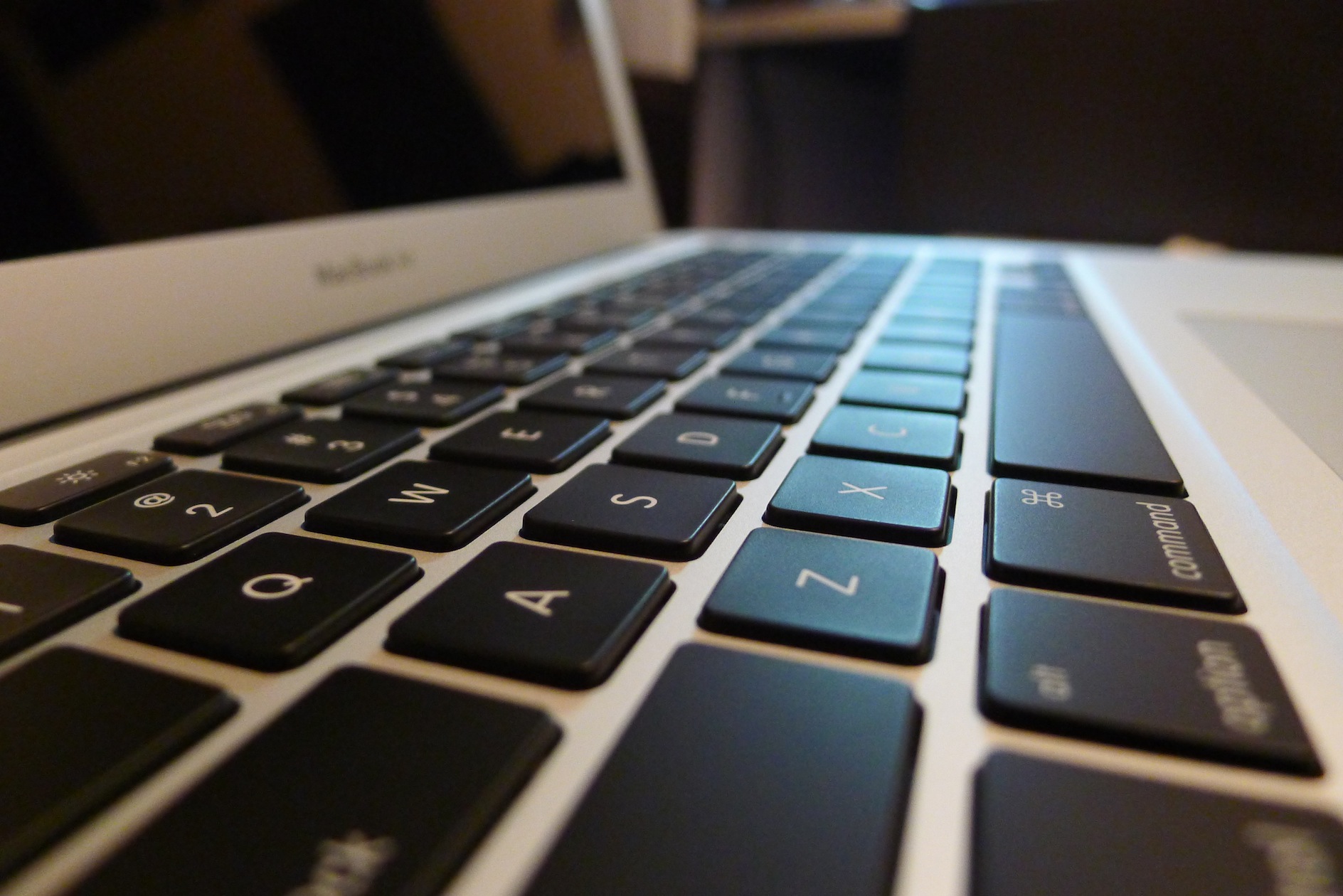
▼▼ Because it’s the Hong Kong version, the keyboard only has English letters. I was worried I wouldn’t get used to it, but I later realized that’s actually a plus. Once you’re used to typing, you don’t need to look at the keys, and a keyboard with only English letters looks clean and beautiful!
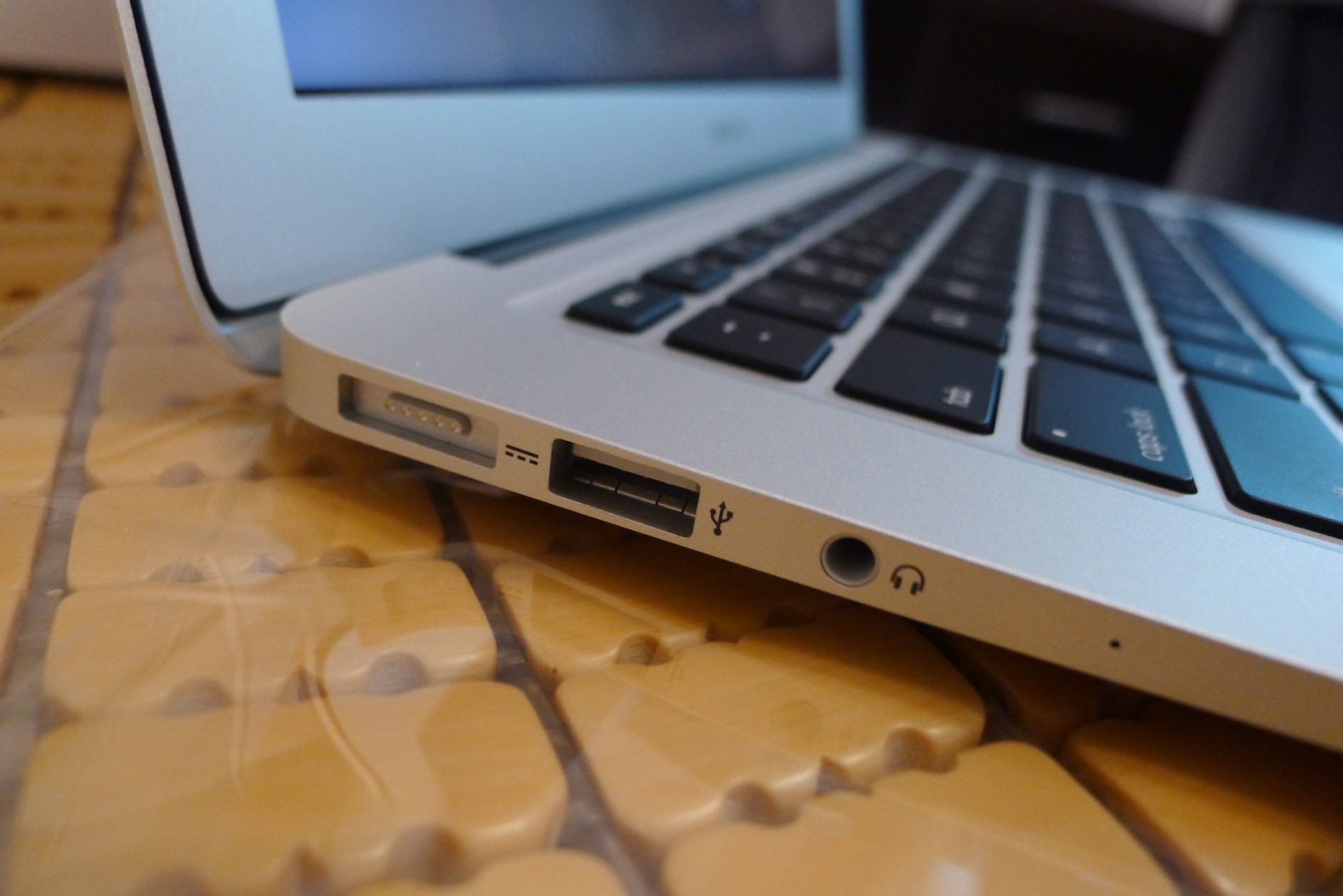
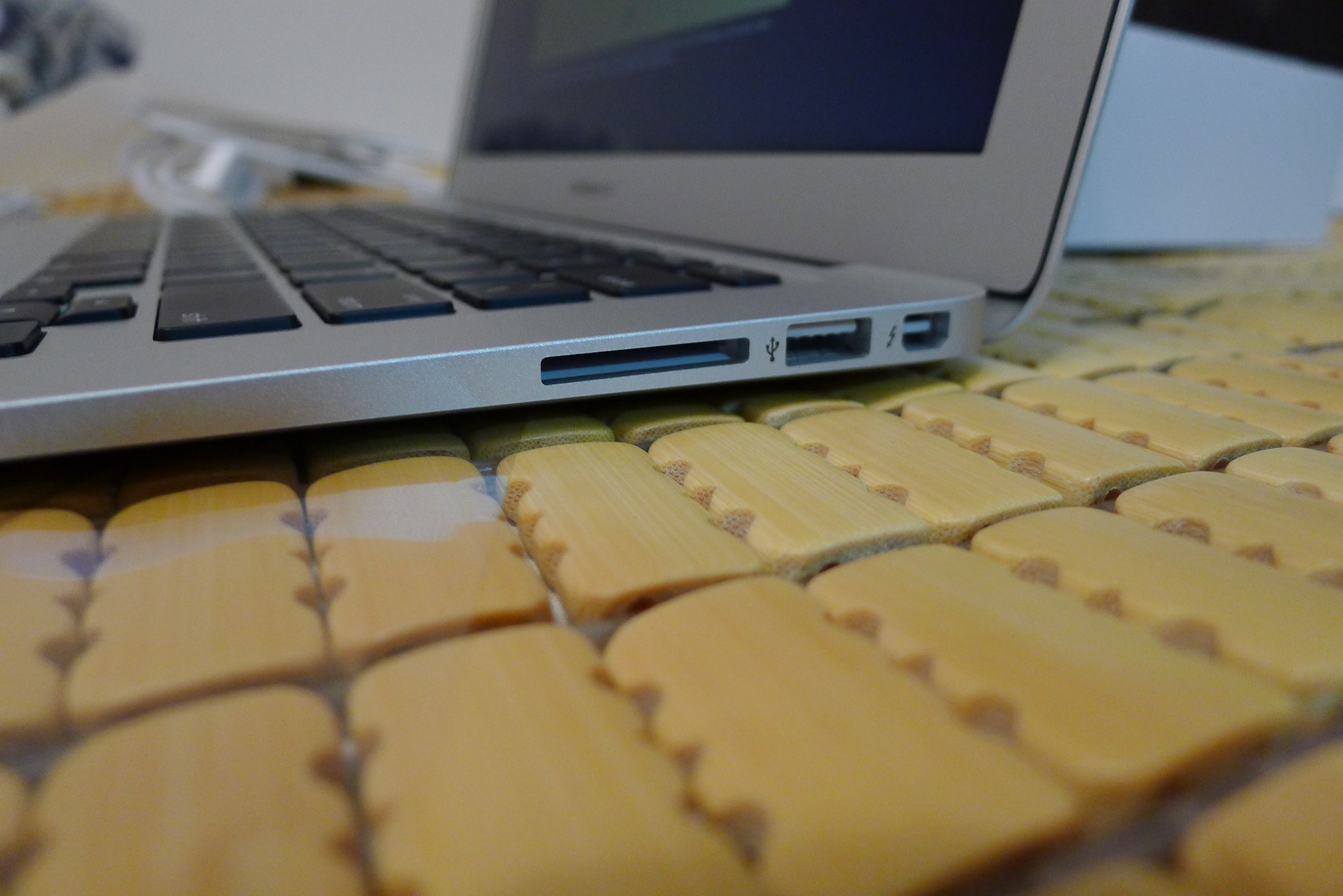
▲▲ The external port design is the same as the previous generation. A USB hub is practically a must-have! ▼▼
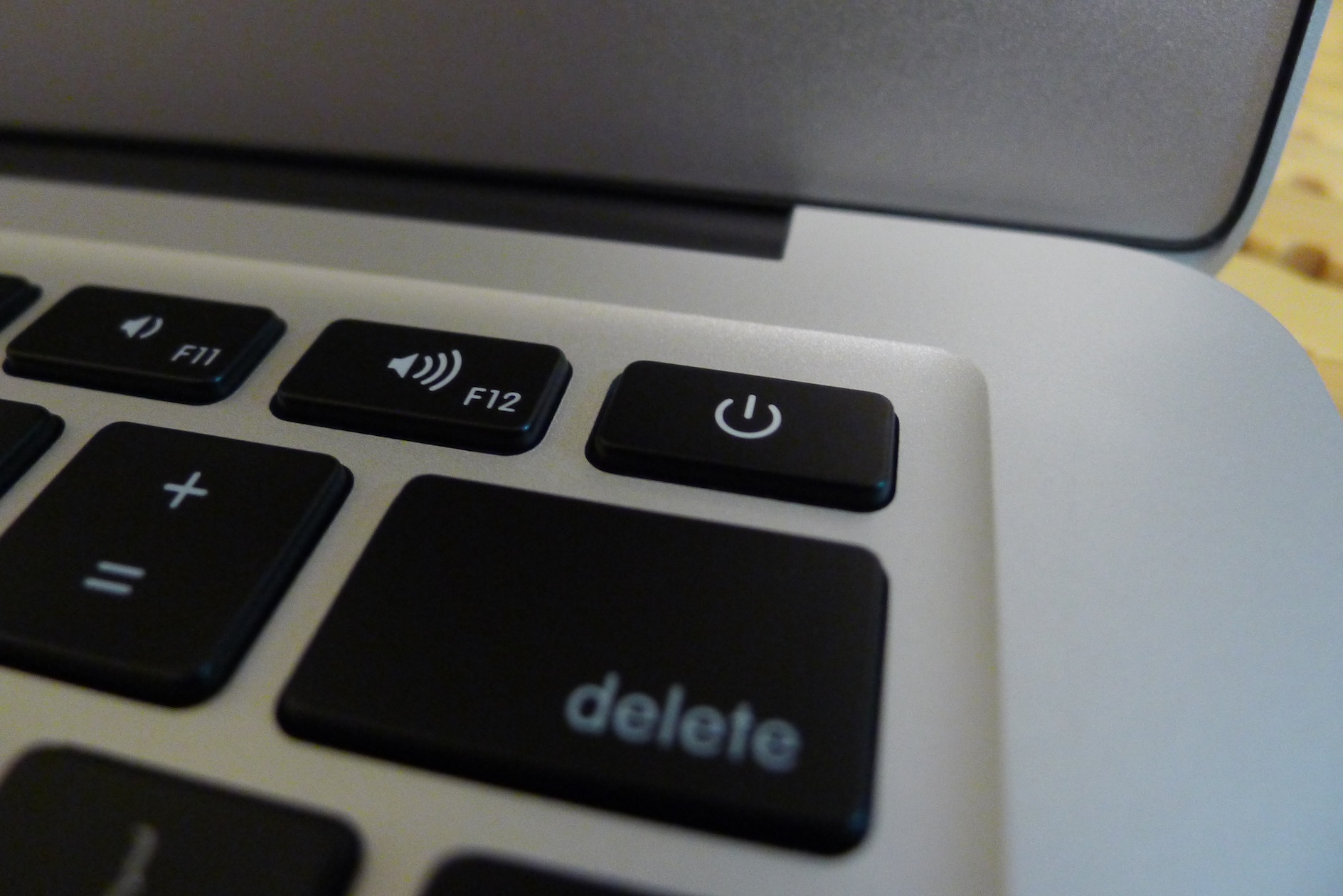
▲▲ The power button is a bit hard to spot. I had to check the manual to find it….
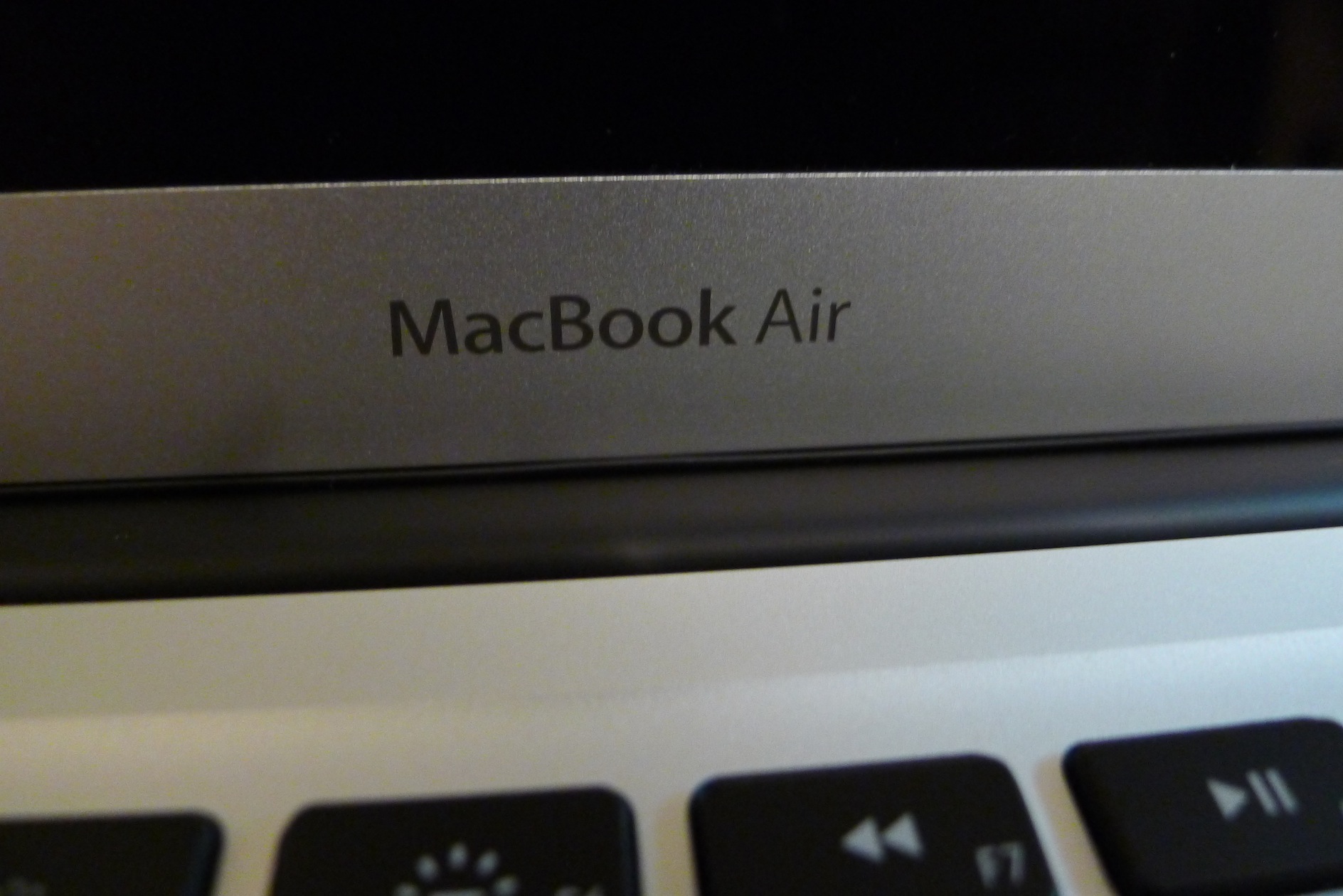
▼▼ There’s a name printed below the screen!!!!
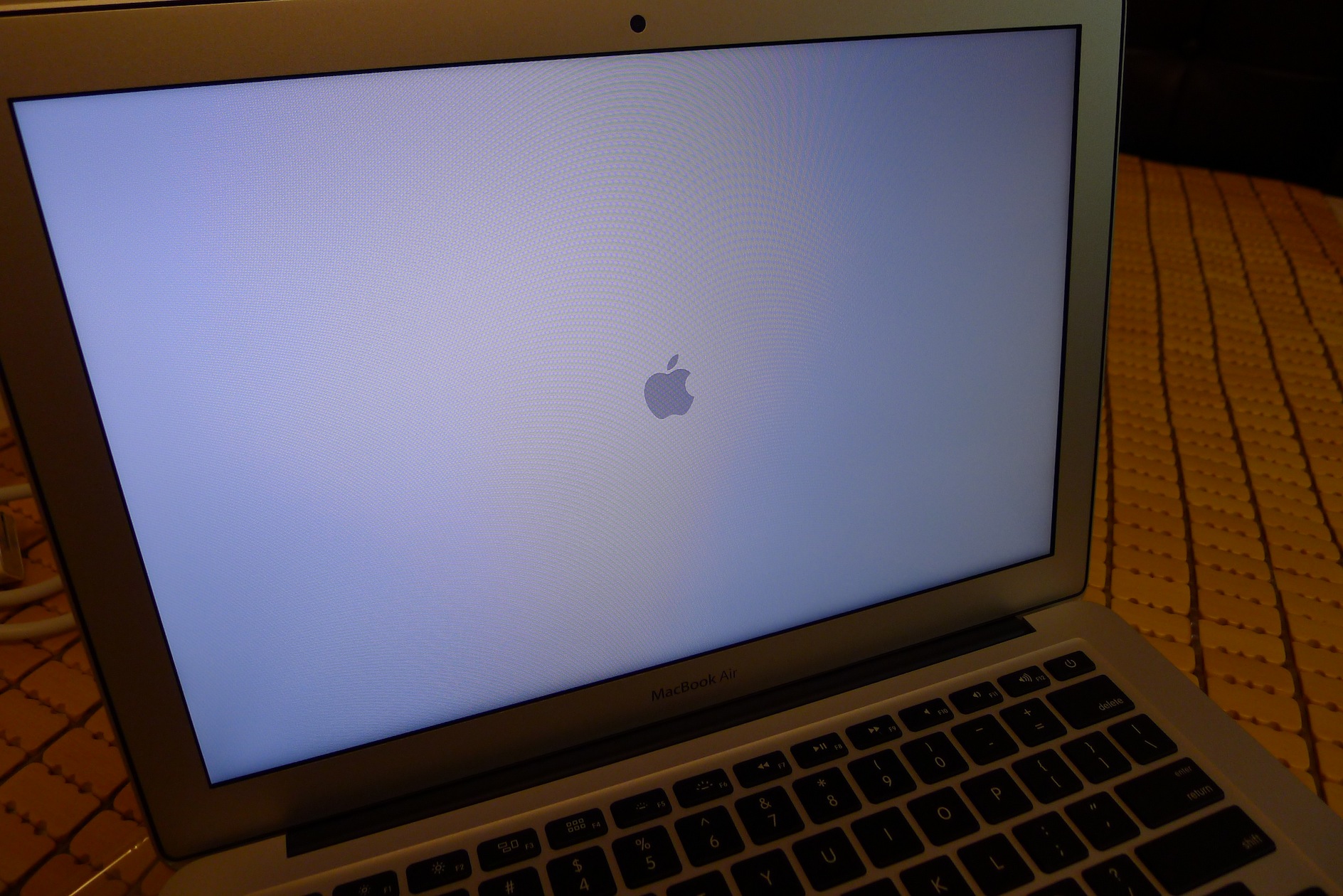
▲▲ The startup screen is just a white Apple logo
▼▼ It’s so thin it’s almost unbearable!
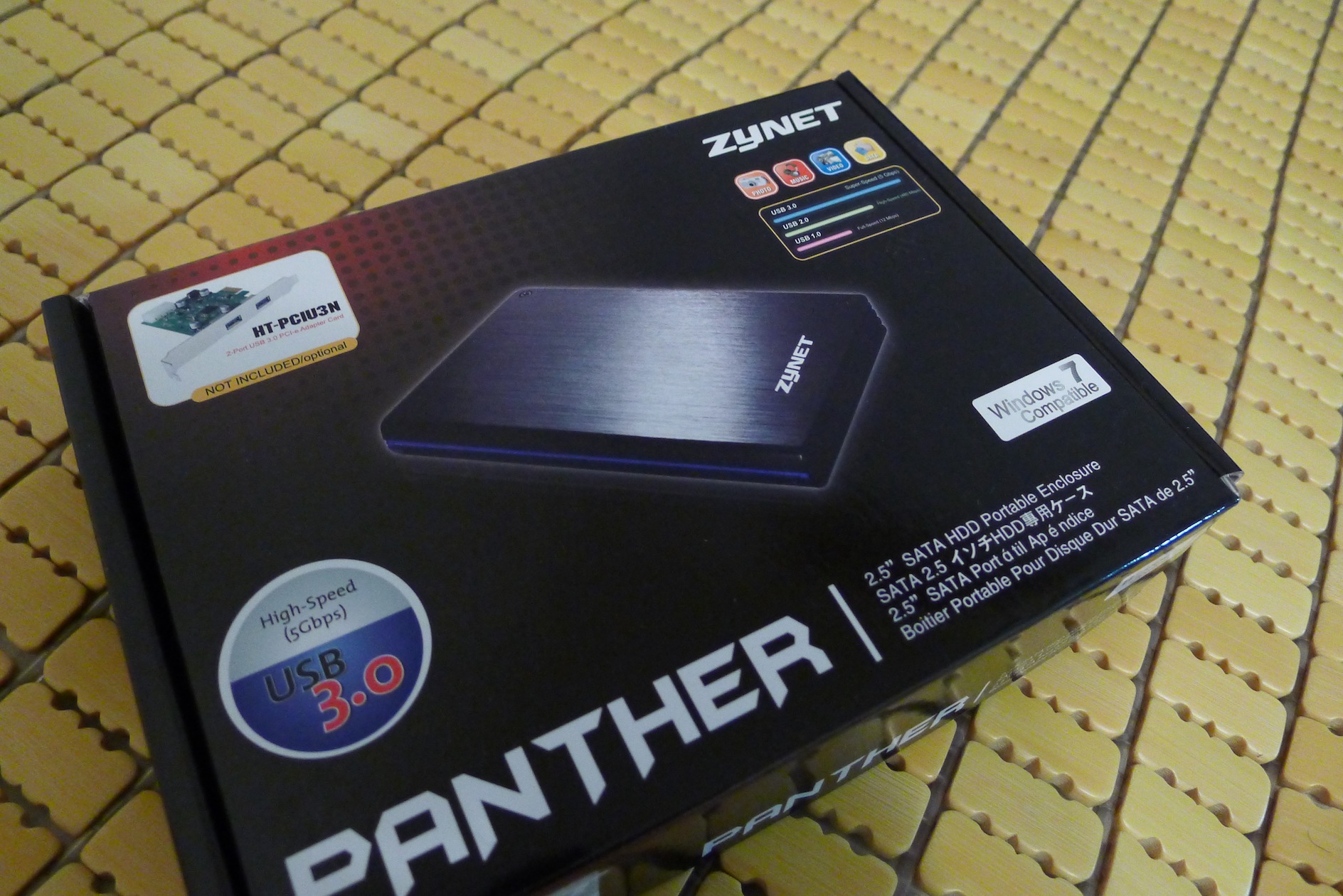
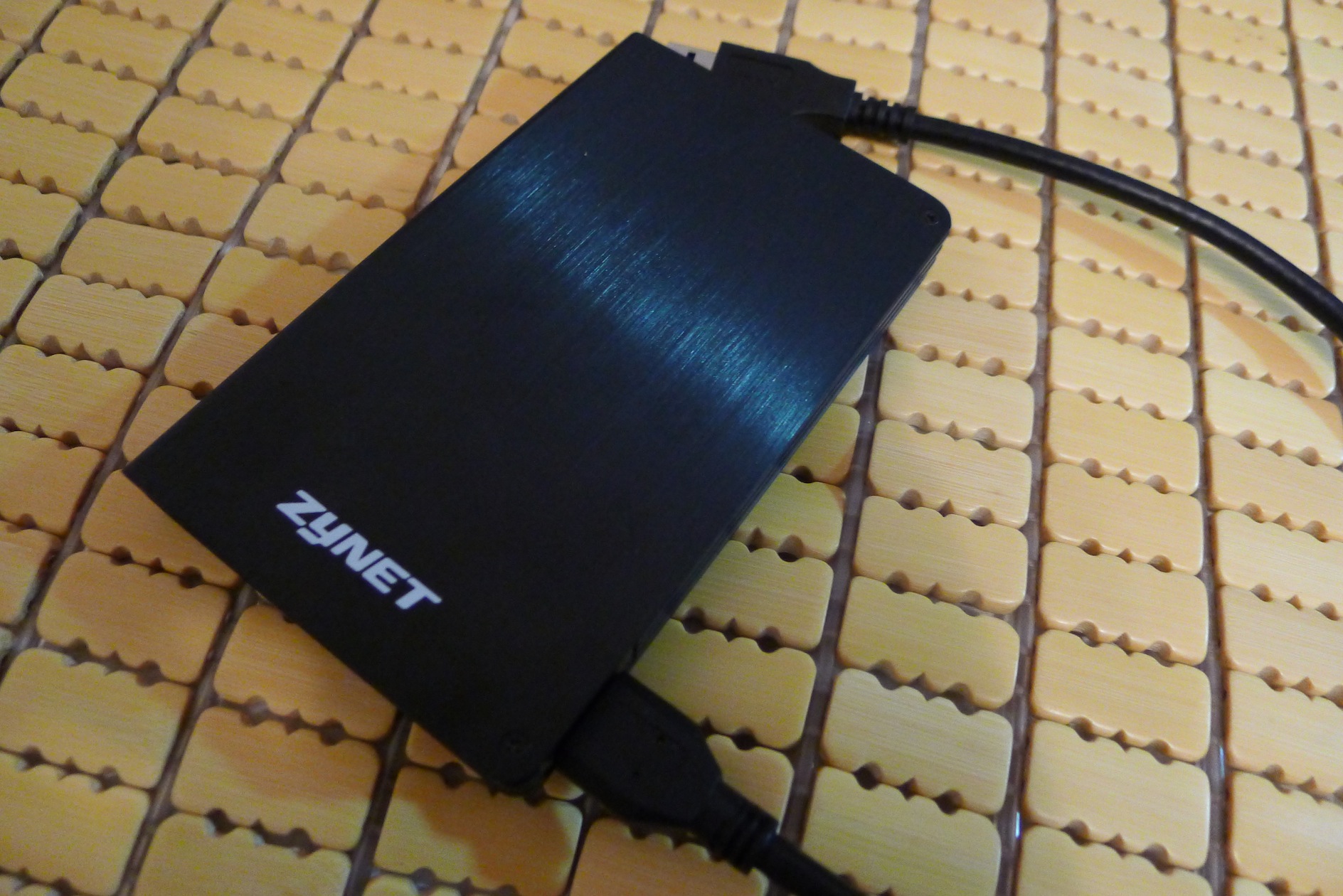
▲▲ The built-in storage is a bit small. I happened to have an extra SSD at home, so I bought an external enclosure to expand it~ ▼▼
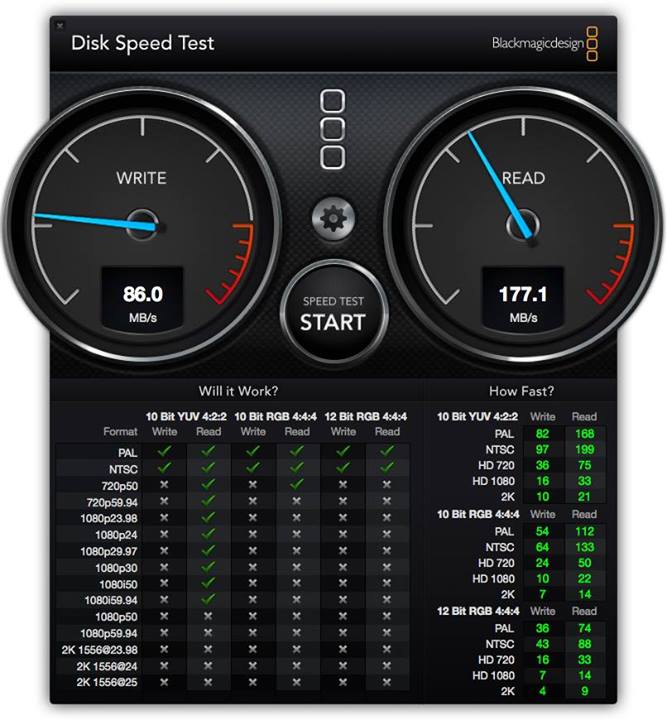
▲▲ Top: speed test of the portable drive, USB 3.0 + Intel SSD
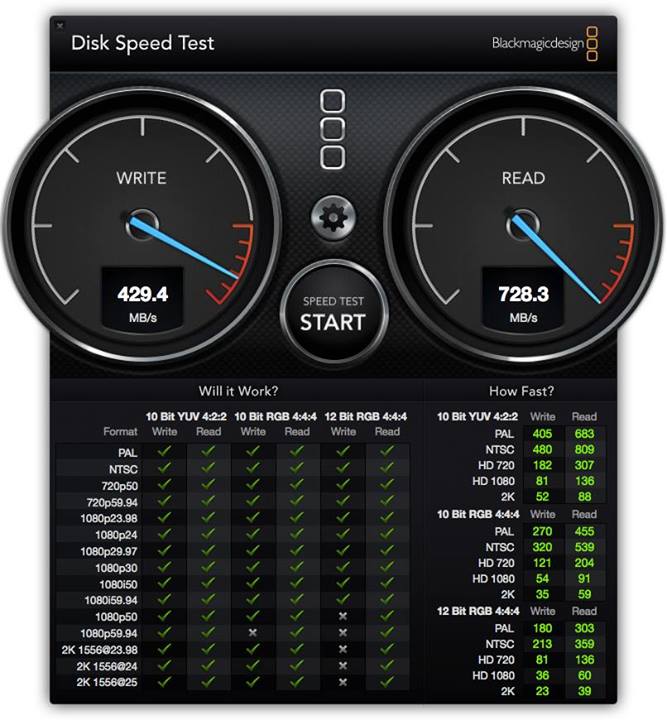
▼▼ Now for the main point: the built-in SSD on the MacBook Air is almost hitting the maximum the benchmark software can measure!
MacBook Air 2013 Impressions:
I'm sure everyone is most curious whether the battery life really reaches 12 hours. In my case, it's about 8 hours. But that's because I bought the i7 version, while the official 12-hour figure refers to the i5 model (overseas reviews reached 13 hours). Although I didn't reach 12 hours, 8 hours is more than enough. I work from 10 a.m. to 5 p.m. with no lunch break, and when I took my laptop to the office to test it, it ran out of battery just as I was leaving! And those 8 hours were continuous use with internet and dual-monitor output. Without dual-monitor output, I think reaching 10 hours would be no problem. That's a lot better than an ordinary Ultrabook. Many laptops claim 8 hours but only give you 6 hours or less in real use. If you often use your computer outside, I recommend getting a MacBook Air! Also, when you buy one, be sure to check whether the store is giving you the 2012 or the 2013 version. Some stores are clearing out old stock and will hand you the 2012 model. It might be a few thousand NT dollars cheaper, but I think paying a bit more for the 2013 version is worth it!I was worried about getting used to Mac OS, but after a week my impression is that it’s acceptable. Some shortcuts are different, such as switching input methods, but you get used to them after a while. Mac OS’s design is really great and can boost your work efficiency a lot. Features like built-in virtual desktops, the Dock, Missing Control, and hot corners are all very useful. Mac OS also comes with powerful built-in apps. For example, the Preview app has built-in image editing that’s enough for basic photo touch-ups, and QuickTime’s built-in screen recording is very handy, among other things. In my view, spending a week getting used to a new operating system in exchange for years of higher work efficiency is a very worthwhile trade! Even after only a week with a Mac, I already wanted to switch my desktop to Mac OS too! As for software compatibility, apart from games, many common programs support Mac OS, such as Evernote, Chrome, Picas, and Filezilla, so you don’t need to worry about having no software to use on a Mac. To sum up in one sentence: I’ve fallen in love with the Mac!!
I’ll write more Mac-related articles when I have time~ The TV drama Anti-Corruption Heroes is about to start, so I’m off