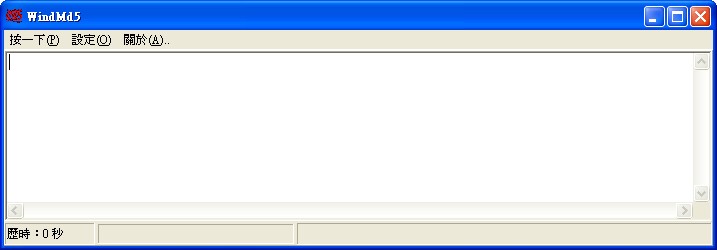
MD5 isn’t really a program. It’s an encryption algorithm. The reason I say MD5 can prevent files from being modified is that it generates an MD5 code for a file. If the file has been changed (for example, by planting a Trojan), its MD5 code changes too. But generating this MD5 code isn’t something a person can do; it has to be done by a program.
Today, I’m going to recommend a program called WindMD5. It can calculate a file’s MD5 code, so you can tell whether the file has been modified. After downloading a program, I suggest using WindMD5 to check whether the file has been modified. (Some websites provide the MD5 code for their files. Compare the MD5 code you generate with the one on the website, and you’ll know whether the file has been changed.)
WindMD5 Info:
- Download: Box.net | 4Share | Xun6
- Virus scan report: Virustotal
WindMD5 Tutorial:
First, open WindMD5, then drag the file you want to check into the program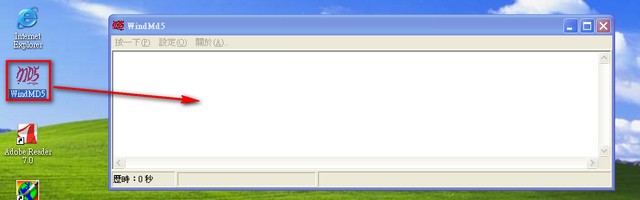
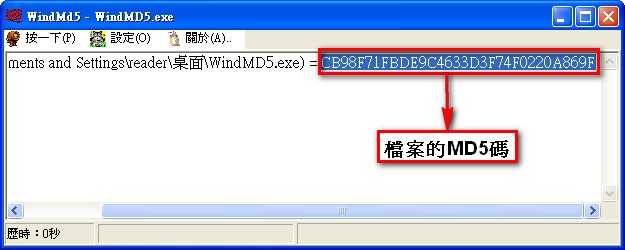
After you drag it in, a string of characters appears. The MD5 code is the letters and numbers after the “=” sign.