Maybe some of you used to download the Office main program from Microsoft’s website and then separate the IME out of it? This time there’s no need for that hassle, because Microsoft officially offers a direct download for the 2010 IME, so you can just go grab it~~~
Microsoft Office IME 2010 Info
- Official website: http://goo.gl/aZpD
- Download link: Official download
- Software type: Free software
- File size: 131MB
- Supported OS: Windows XP SP3 and later (works on both 32&64-bit)
Installing the Microsoft 2010 IME
1. First, download the Microsoft 2010 IME from the link above, then open it.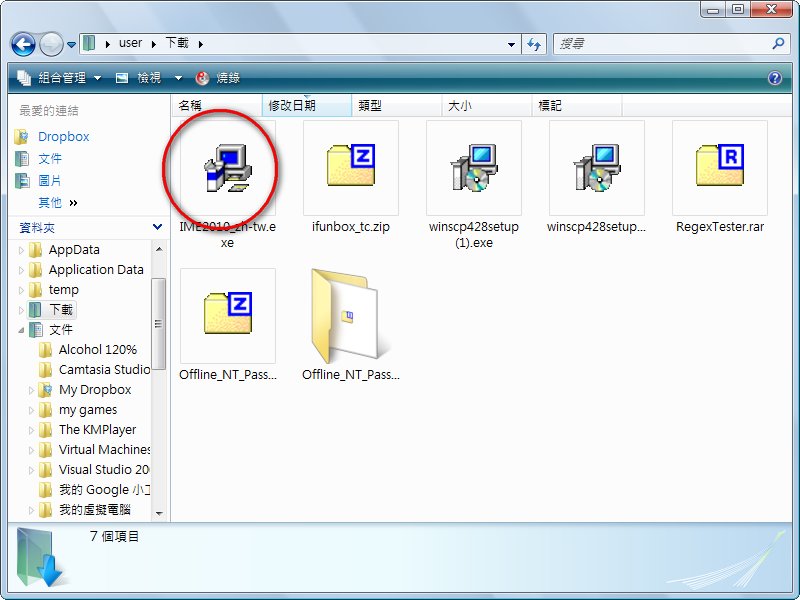
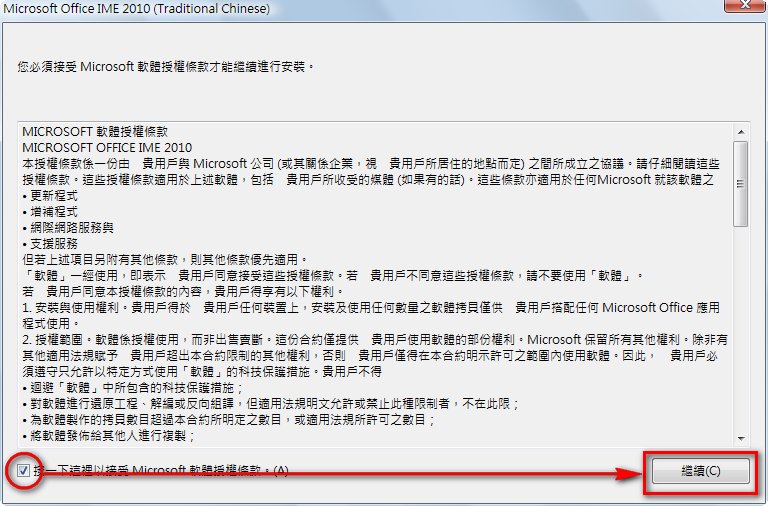
- Check the box for the license agreement, then click Continue.
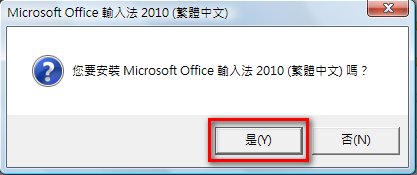
- It asks whether you want to install the Microsoft 2010 IME. Of course, click Yes~
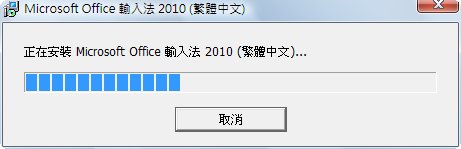
- Then the installation starts…. It’s super simple.
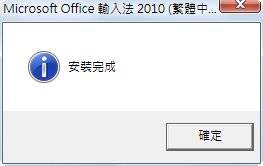
- Installation complete. Click OK, then check your input method. It should be the 2010 version.
Adding Input Methods to the Microsoft 2010 IME
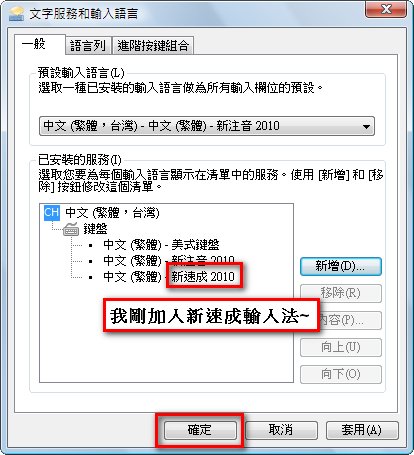
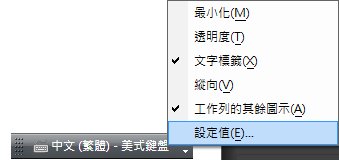
After installing the Microsoft 2010 IME on my laptop, I only had New Phonetic and New Cangjie. So what if I want to use New Quick? Here's how~~- Right-click the input method toolbar and select Settings.
- Click Add, select the input method you want to add, and click OK.
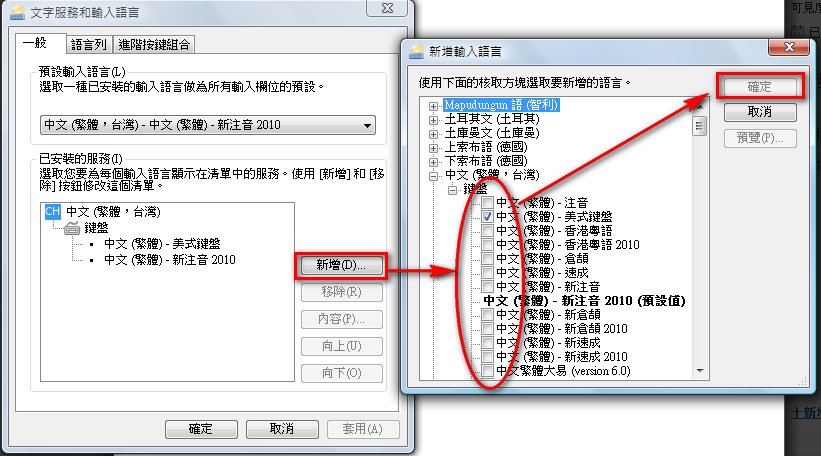
- Click OK to save the changes.