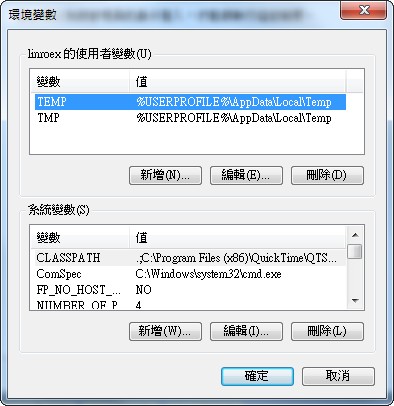
Reading Environment Variables in .NETIn .NET, you read system variables with the Environ function. The function is simple to use, and its format is as follows:
Environ("環境變數名稱")P.S. Note that the environment variable name should be treated as a string, not a variable, so wrap it in double quotes.
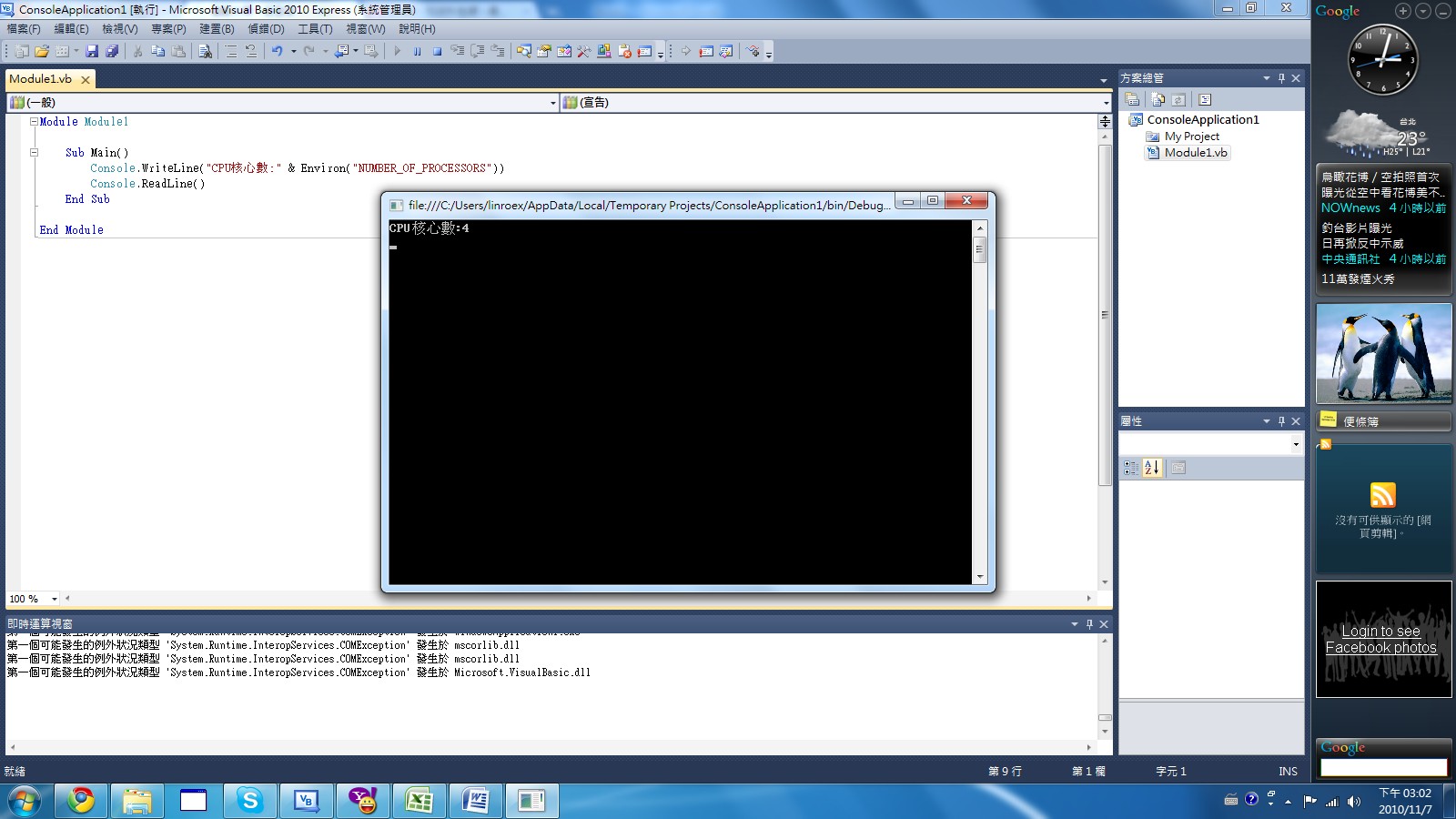
Example (console application):
Module Module1
Sub Main()
    Console.WriteLine("CPU核心數:" & Environ("NUMBER_OF_PROCESSORS"))
    Console.ReadLine()
End Sub
End Module
Common Windows Environment Variable Names
Below are some common environment variable names. They're handy for getting information that differs from one computer to another, such as the number of CPU cores or the user name.| SystemRoot | Location of the operating system root directory | C:WINDOWS |
| ComSpec | Location of CMD | C:WINDOWSsystem32cmd.exe |
| NUMBER_OF_PROCESSORS | Number of CPU cores | 4 |
| TEMP | Location of the system temp folder | C:WINDOWSTEMP |
| HOMEDRIVE | Drive where the current system is located | C: |
| HOMEPATH | Shows the folder location of the current user | useradministrator |
| OS | Name of the operating system in use | Windows NT |
| ProgramFiles | Location of the ProgramFiles folder | C:ProgramFiles |
| USERNAME | Current user name | Administrator |
| COMPUTERNAME | Get the computer name | LINROEX-PC |