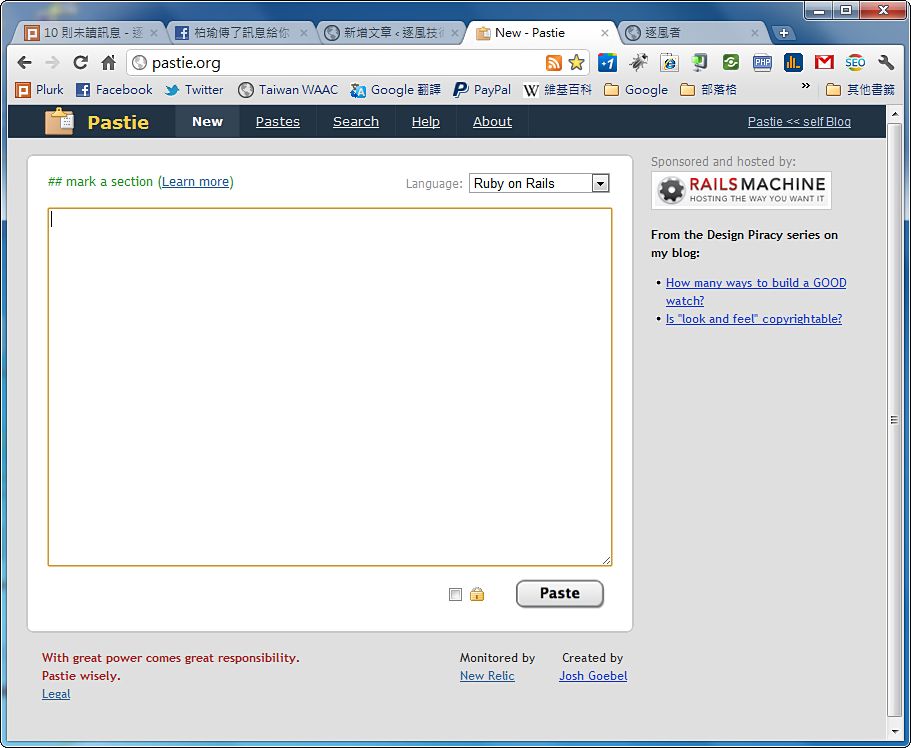
Sometimes you may want to share some code with a friend and ask them to help you debug it. In that case, sending the file directly is the best way. But what if they can’t receive files? That’s when Pastie comes in handy. You paste your code into Pastie, and the site gives you a URL. Just send that URL to the other person, and they can see your code. There are a lot of sites like Pastie these days, but Pastie’s biggest feature is that it can be embedded in external websites~
Website: http://pastie.org
Tutorial
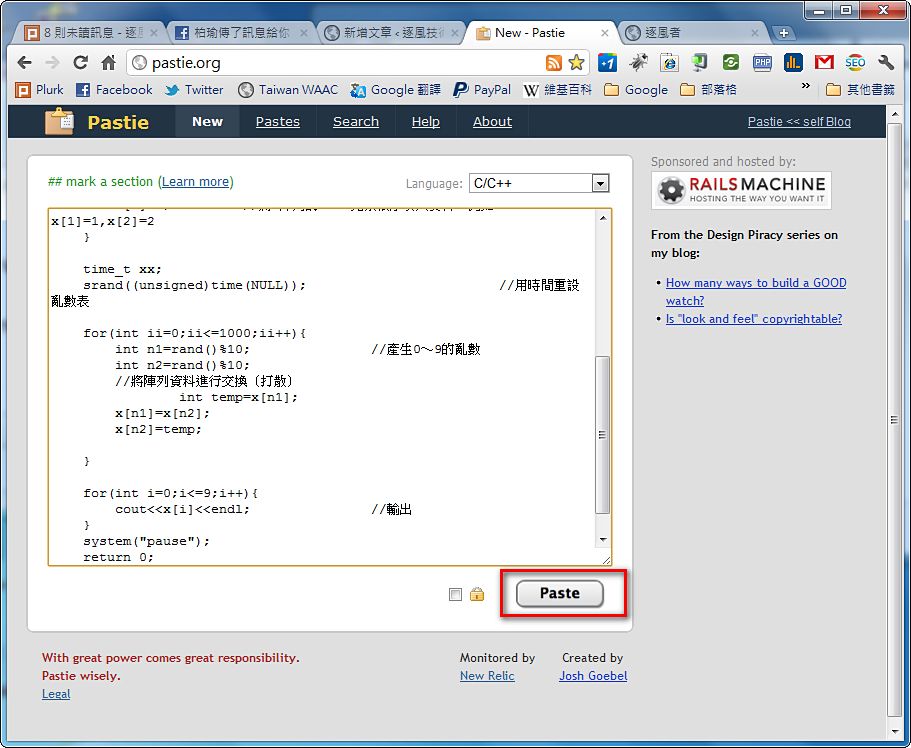
1.Go to the Pastie website and paste your code there.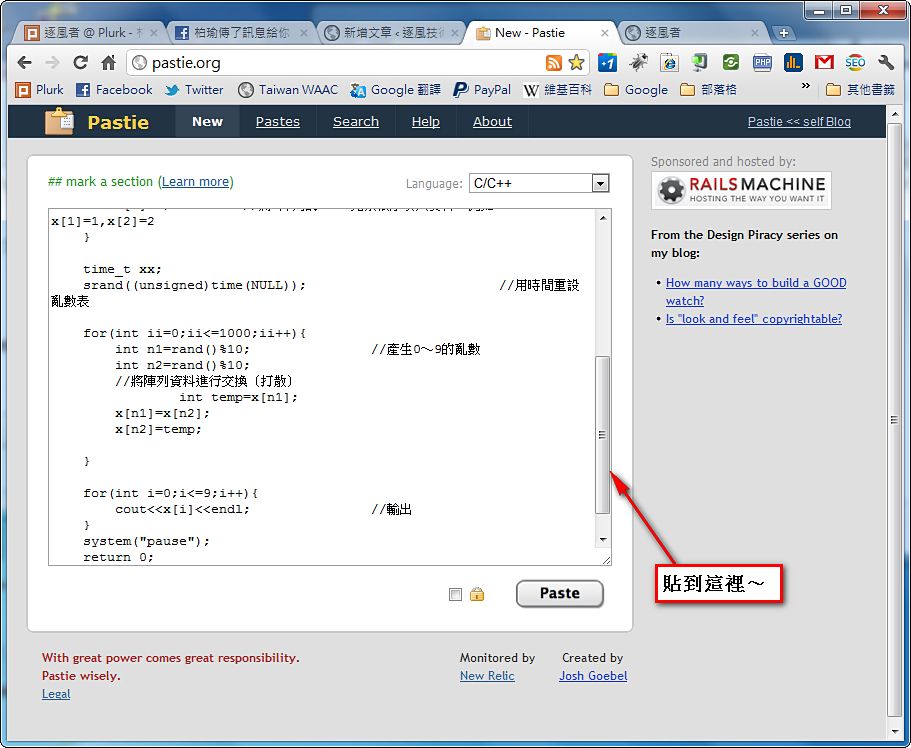
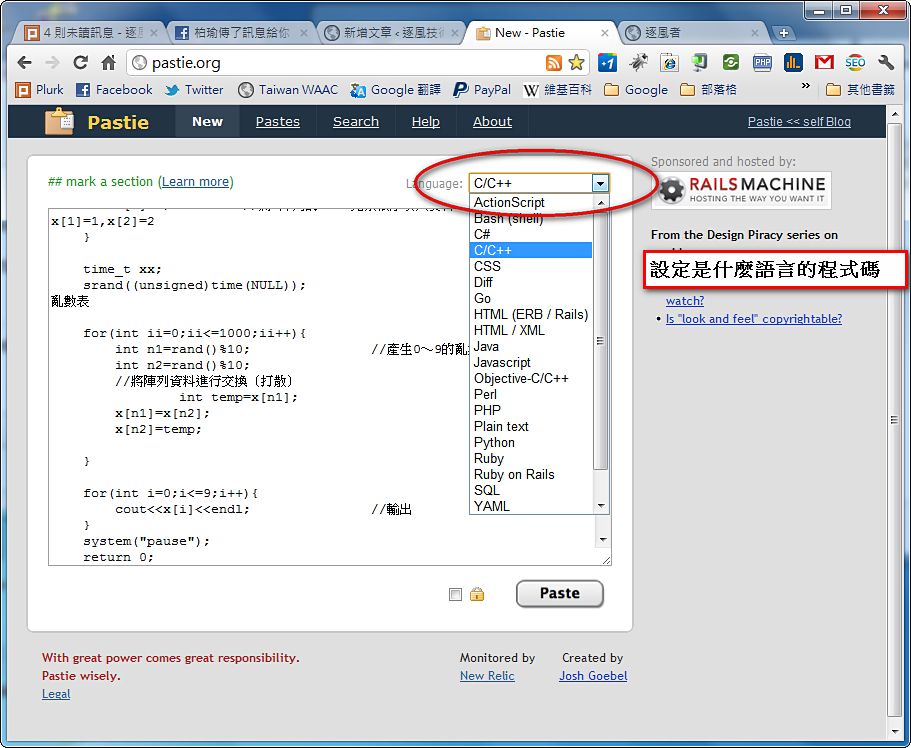
2.Set the format of the pasted content (the programming language).
3.Once that’s set, click the Paste button and you’re done~
4.You can send the URL directly to the other person. Or, if you want to paste the code onto your own website, copy the snippet on the right and paste it into your site.
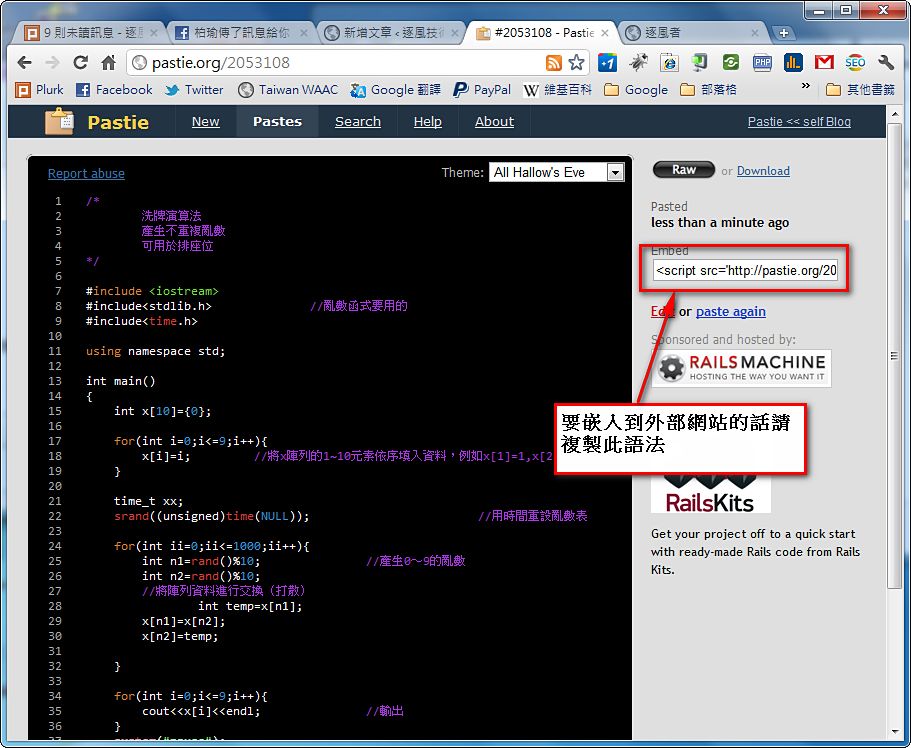
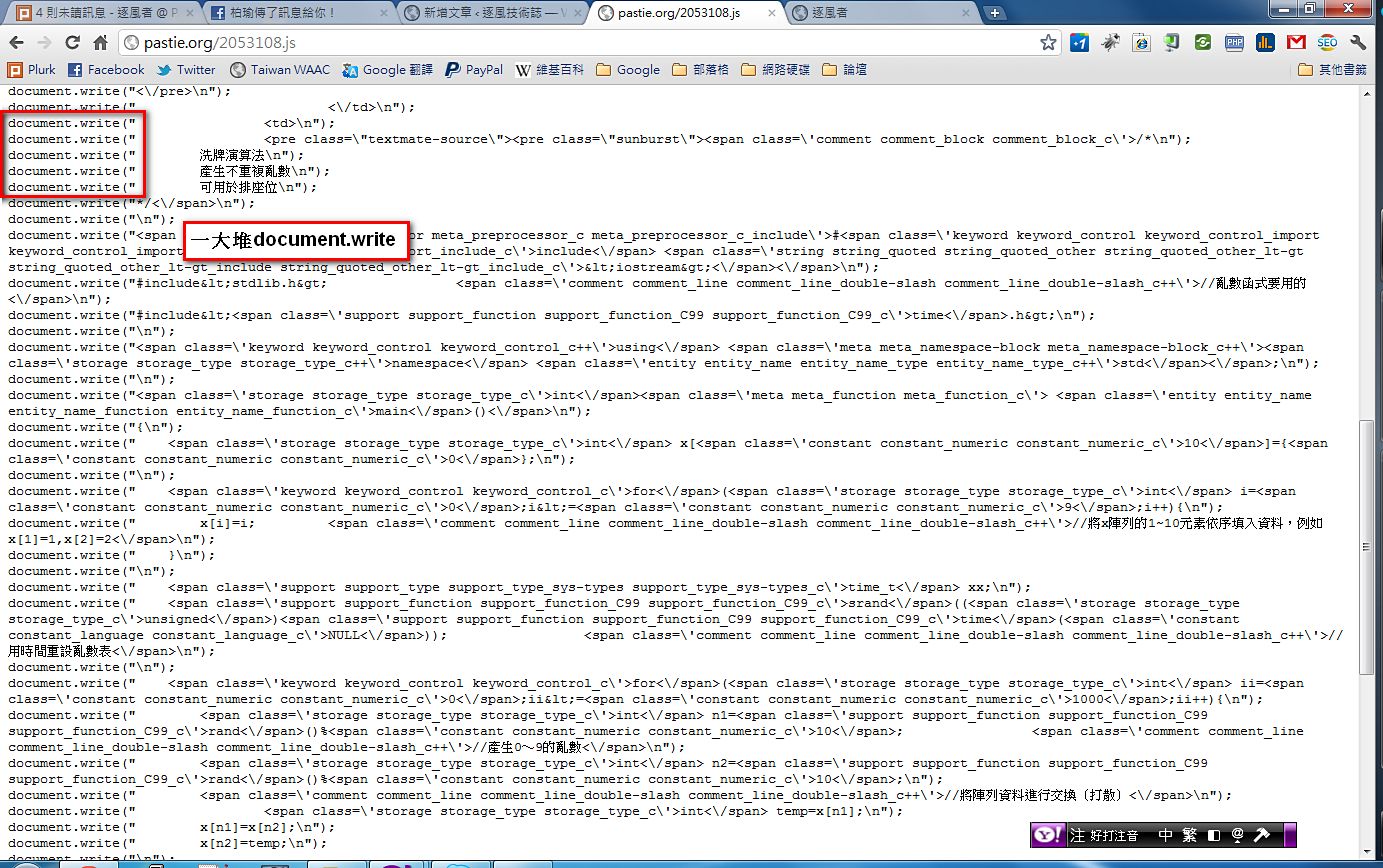
How It Works
If you want to embed the code in your website, you first need to copy a snippet of JavaScript and paste it onto your site. The principle is actually simple. It just uses one JavaScript method, document.write, to output content to the screen. That's how your code gets displayed this way.▼▼The content of the js block is a bunch of document.write calls