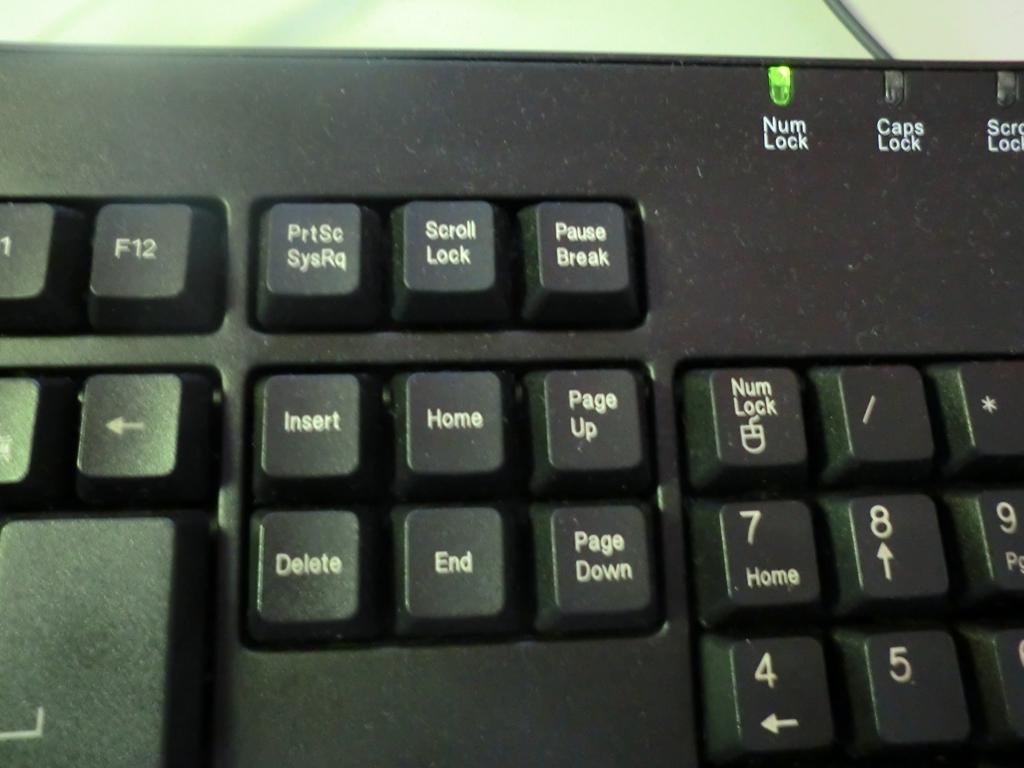
Actually, I first learned these tricks while studying vi, a plain-text editor under Linux. Later, when I tried them in other text editors (basically anywhere you can type text~), I found they worked the same way. These little tricks can speed up how quickly you process documents a lot. Also, I’ve recently been preparing for the TQC Chinese-English typing test, and practicing these tricks has helped my typing to some extent.

I’ve rambled on a lot without saying what the tricks actually are. They’re just keyboard “shortcut” keys, that’s all.

Go to the first character of the line

  • Key on the keyboard: home
Go to the last character of the line
  • Key on the keyboard: end
The following tricks aren't just for editing documents. They're also handy when browsing the web~

Move to the next page

  • Key on the keyboard: PageDown
Move to the previous page
  • Key on the keyboard: PageUp
Move to the bottom of the page
  • Key on the keyboard: Down arrow + End
Move to the top of the page
  • Key on the keyboard: Up arrow + Home

Afterword:

The reason these tricks help with Chinese-English typing is that they make fixing mistakes easier. Sometimes you finish typing a whole line and only then realize the first character is wrong. What do you do? Clicking with the mouse is way too slow! Just press the Home key to go back and fix the first character. That's definitely faster than using the mouse. Especially for typing tests, it's a race against time~ The faster you type, the higher your score xD. Also, not many people actually know these tricks. I only learned them while studying vi, too.