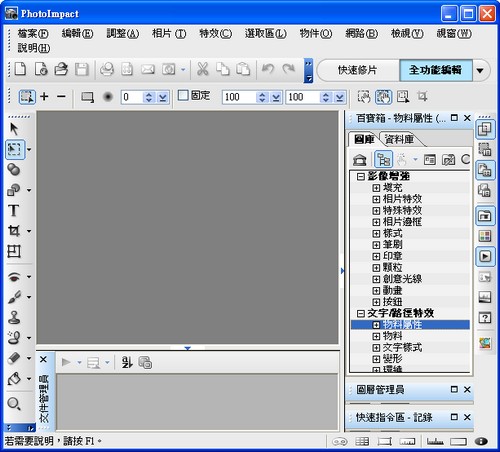
You’re probably all familiar with PhotoImpact, the photo editing software. Did you know it has a hidden feature for making animated buttons? These are the buttons you put on a website that change their background when the mouse moves over them. I find it quite handy. However, if you have another way to make them, I’d recommend not using this one, because the generated code is very long, and it misbehaves when viewed in Firefox. Still, for people who don’t know how to make animated buttons, it’s quite convenient XD
So how do you actually make one? Read on below~~~~~~~
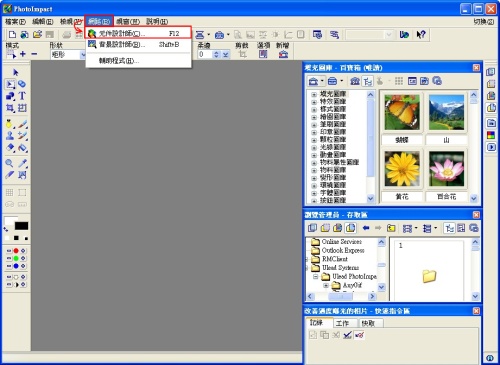
- Open the PhotoImpact main program, then click “Network” and then “Component Designer” in the top toolbar, in that order.
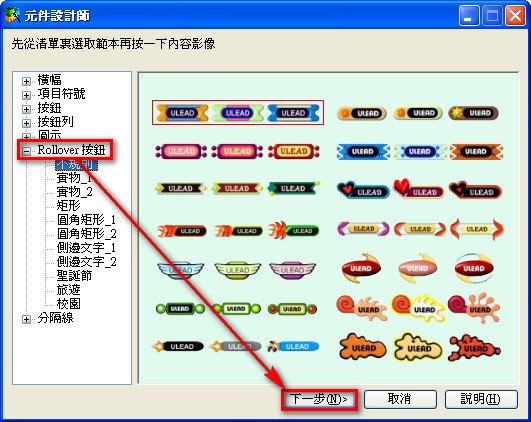
- On the left side of the Component Designer, click “Rollover Button,” choose the button style you want, and then click Next.
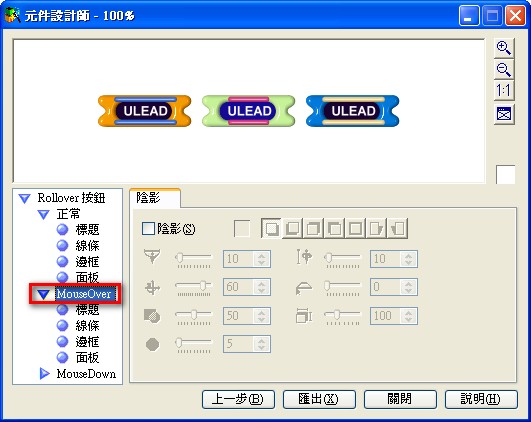
- First, select “Normal” to set what is displayed when the mouse is not over the button.
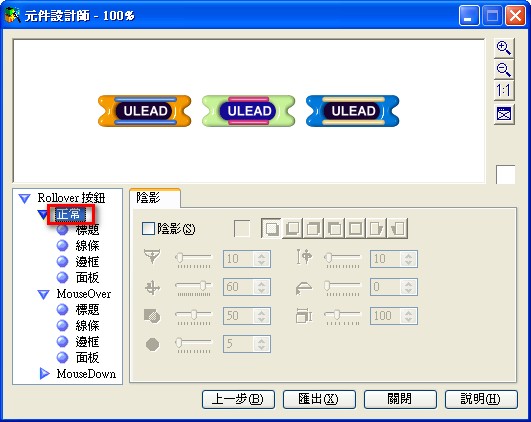
- Next, set up MouseOver (when the mouse is over the button) and MouseDown (when the mouse button is pressed on the button).
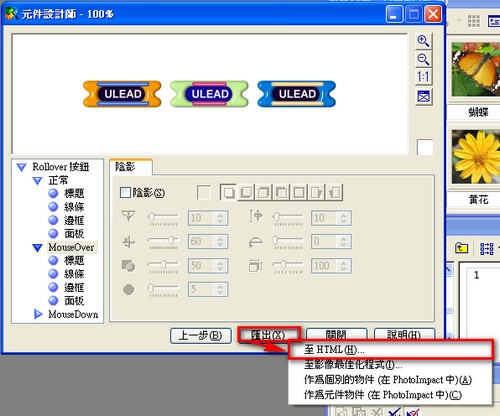
- Once everything is set, click “Export” and then select “To HTML.”
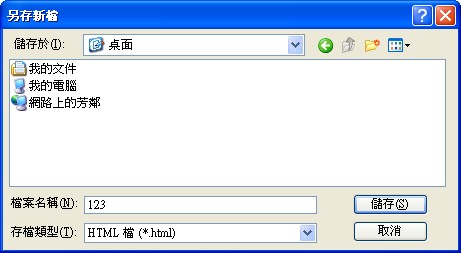
- Set the save location, then save.
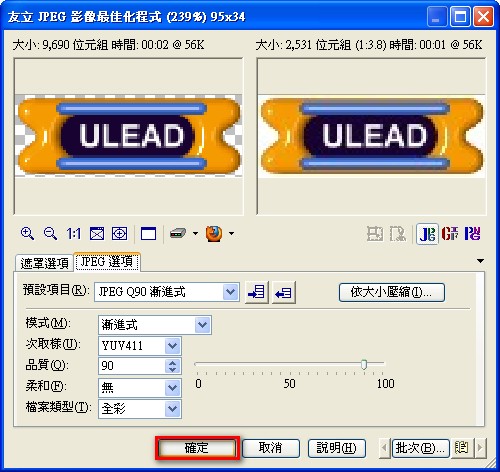
- When the screen below appears, just click OK.
Next, go to the place where you saved the file, and open the file with the .htm extension to see the result.
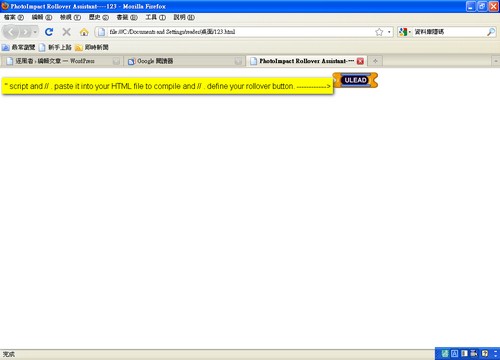
↑↑↑ When viewed in Firefox, an extra block of code appears.
Video: