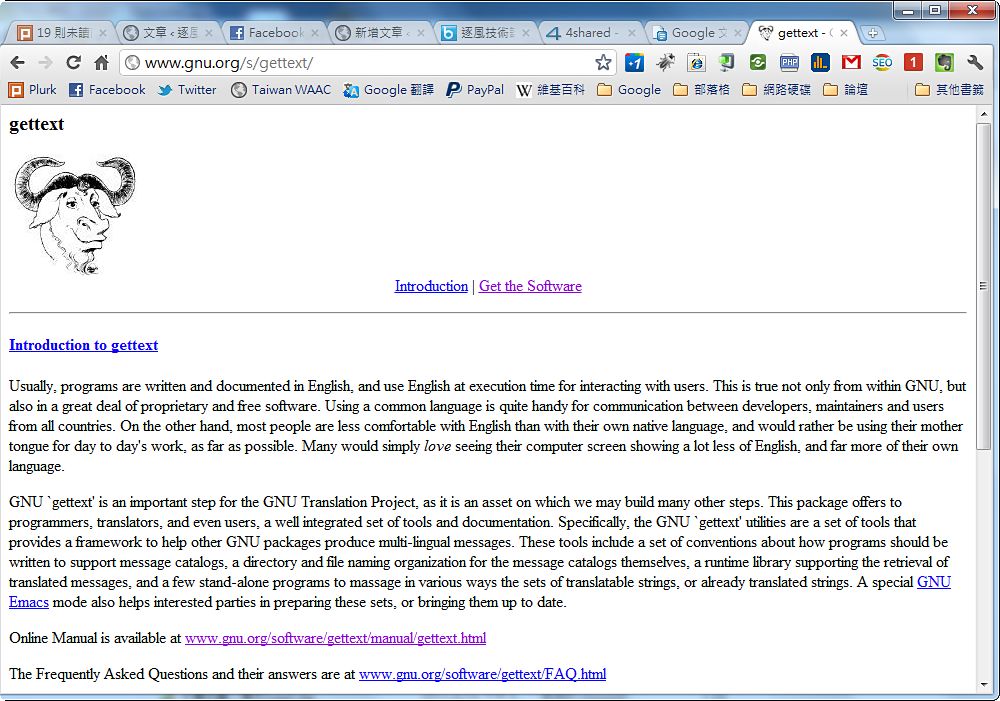
Gettext is a… um, I’m not sure how to describe it. It’s something like a specification, but it’s also a set of libraries. Anyway, it makes it easy to make your program multilingual~ This article is about using Gettext with PHP to develop multilingual programs and websites.
GNU Gettext project URL: http://www.gnu.org/s/gettext/
In the past, if you wanted to make a program multilingual, there were basically two approaches. One was to write your own function that reads external language files and replaces the program’s internal strings, as Imgburn does. The other was to decompile the main program and modify it. The drawback of the first is that you have to write the language-file reader yourself. The drawback of the second is that decompiling is a bit of a hassle… and there are copyright issues too.
Gettext, the subject of this article, works on a principle similar to the first approach: it reads language files to make a program multilingual. Its advantage is that the functions are already written for you~ And its language file format is very popular, so when someone wants to translate your program, they don’t have to study your language file format.
Gettext can be used with many languages, such as C++, Python, Java, and PHP. Many programs support it. For example, the well-known CMS WordPress uses Gettext for multilingual support, although its approach differs from this article: WordPress uses its own functions to read Gettext language files.
P.S. Gettext language files come as .po and .mo files. The .po file is for translators to read, and the .mo file is for the program to read. You can make language files with a program called Poedit. I’ll write a tutorial on that later.
Below, I’ll briefly show how to use Gettext in PHP.
Gettext for PHP
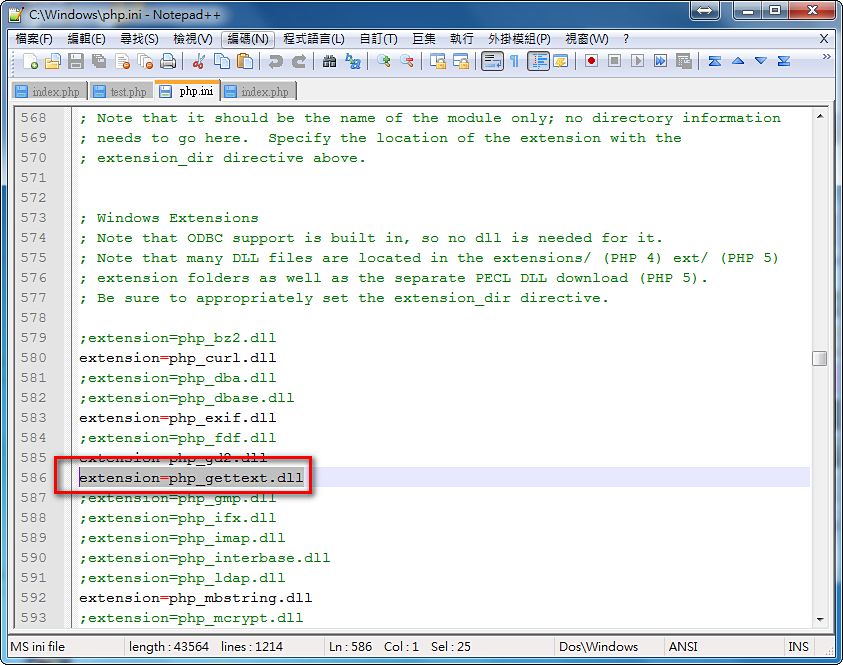
1. First, open your PHP configuration file (php.ini) and enable gettext.Original: ;extension=php_gettext.dll, change to: extension=php_gettext.dll
P.S. Just remove the semicolon at the beginning.
- On your server, create a folder named gettext_demo. Inside that folder, create a file (index.php) and enter the following:
Here is a brief explanation of the syntax above:
- textdomain() sets your project name. You can set it to anything, but the language file names must later match what you set here.
- bindtextdomain() sets where the language files are stored. With the code above, the language files are stored under the Languages folder.
- putenv and setlocale are the two functions that set the "language to display." For example, if I originally developed the program in Chinese and now want to display English, I set en_US. To display Simplified Chinese, I set zh_CN. Just follow the example for the format.
- gettext() is for the text that needs to be multilingual. The gettext function automatically checks the language file. If the file contains a string matching the argument passed to gettext, it displays the string from the language file. If not, it displays the argument as is. In this example, the function checks whether the language file contains translations for the two strings "測試gettext" and "逐風者." If it does, gettext displays the text from the language file; otherwise it displays "測試gettext" and "逐風者" directly.
- _() is a shorthand for gettext(). It's designed for developers' convenience: an underscore stands in for gettext, so you type a lot less when writing code.
The full path looks like this: gettext_demo/Language/en_US/LC_MESSAGES
- Put the language file in ./gettext_demo/Language/en_US/LC_MESSAGES
You can make the language file with Poedit, or use the simple language file I made that is included in the project files.
This article uses an English language file as the example, so it goes under en_US. But if you later want to make a Simplified Chinese version, change it to zh_CN, so the path becomes: gettext_demo/Language/zh_CN/LC_MESSAGES
Also, the “Language” part depends on your bindtextdomain() setting. For example, with Languages($project_name,’lan’);, your language files should go in the lan folder instead of Language. Adjust these yourself as needed.
Finally, here’s something I hadn’t gotten right before. The language files are named after the name you set in testdomain(). For example, with textdomain(‘xxx’), the language files must be named xxx.mo and xxx.po. This naming applies to language files of every language! Because of WordPress, I had always assumed the naming was like zh_TW.po and zh_TW.mo… It wasn’t until a reader pointed it out that I realized it wasn’t so XD
Project file download: Google|4Shared|Box.net|Dropbox
P.S. You can install the project files directly on your server to try them out. Remember to enable the PHP setting first, or it won’t work.