Sometimes you need to write a PHP program that gets a list of the files in a specified folder. For example, I needed this feature when I was making an online hard drive program. Here I’ll introduce three functions that can all do this, though each is used a bit differently: glob, scandir, and readdir.
P.S. Thanks to readers Cang Shixian and Baimu Jie for their corrections :)
1. glob
Personally, I recommend glob. It takes a string containing "wildcard characters" as its argument and returns a file list. For example, if ./temp has five txt files and ten jpg files, and I only want the list of jpg files, I write glob('./temp/*.jpg');. It then returns an Array containing the jpg files. To get all files, the syntax is: glob(./temp/*.*);Format: glob($pattern);
$pattern is a… well, you can think of it simply as a folder path, which can also use wildcards, just as explained above.
Example:
glob('./temp/*.txt');     // only gets files with the .txt extension
glob('./temp/*.jpg');     // only gets files with the .jpg extension
Also, glob’s second parameter can specify how the array is sorted. For more details, check the official website: http://php.net/manual/en/function.glob.php
2. scandir
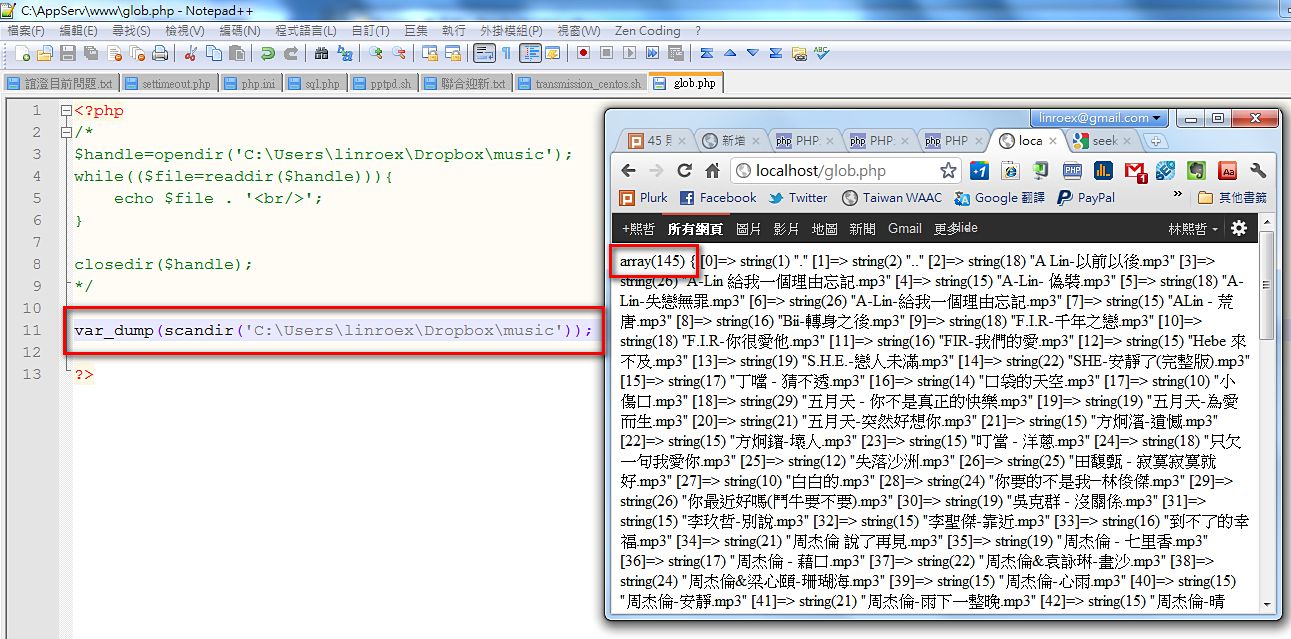
scandir is also a pretty useful function. Its return value is also an Array. The first item in the return value is "." (the current folder), and the second item is ".." (the parent folder). However, it can't filter by file type the way glob can. The format of scandir is:scandir($dir_address);Example:scandir('./temp');
/*
Gets everything under ./temp, including 10 jpg files and 5 txt files
*/
3. readdir
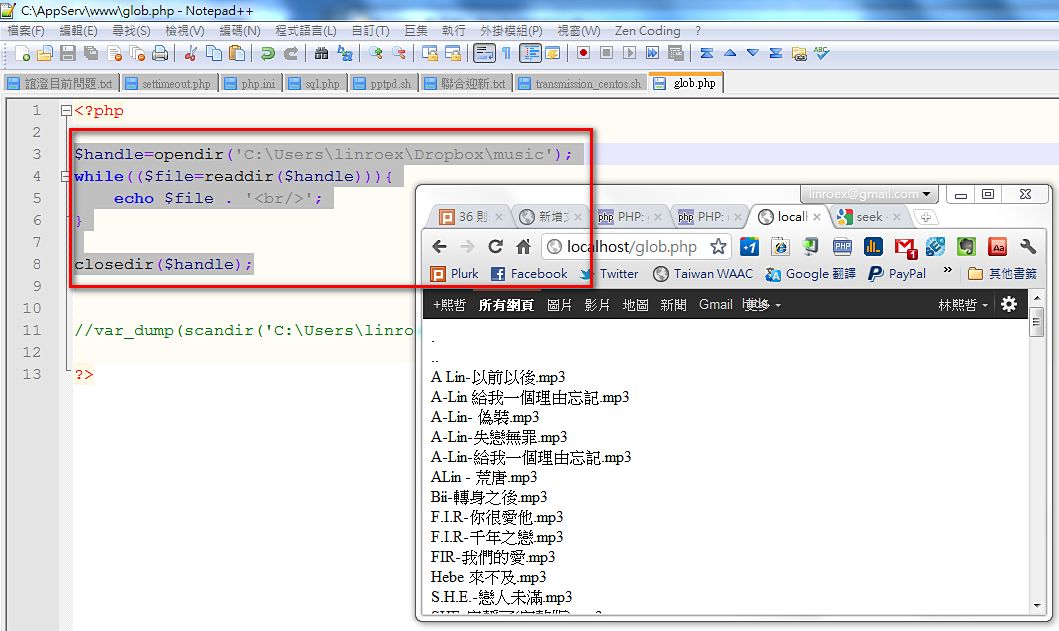
For a while, readdir made me wonder whether it was even needed. It's cumbersome to use, and its features aren't as powerful as glob's. You have to open the folder with opendir first, then pass the handle to readdir before you can use it, and you have to call closedir when you're done. Beyond that hassle, its return value is a String, and each call reads one entry: the first call gets the first file's data, the second call gets the second, and so on. It works the same way as mysql_fetch_row. Its return value format is otherwise the same as scandir's: the first item is "." and the second is "..".Official documentation: http://php.net/manual/en/function.readdir.php
Example:
$handle=opendir('C:UserslinroexDropboxmusic');
while(false!==($file=readdir($handle))){
	echo $file . '';
}

closedir($handle);