PuTTY is a well-known SSH client, and it’s very easy to use. But it has a drawback: it’s in English, and when you connect over SSH with PuTTY, you can’t type Chinese characters. That’s very inconvenient for users in Taiwan, which is why Pietty was born~ In short, Pietty is PuTTY with Chinese input and a Chinese interface. Pietty also offers many helpful extras, such as transparent windows and SFTP transfers.
Pietty Info
- Official website: http://ntu.csie.org/~piaip/pietty/
- Download: Official download|Box.net|4Shared
Pietty Tutorial
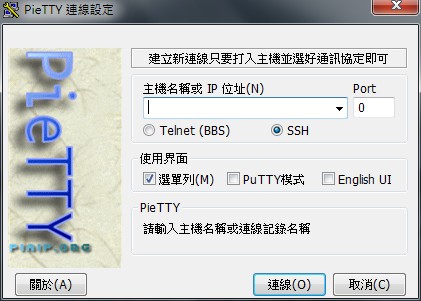
1.Open Pietty, then choose whether to connect using SSH or Telnet, and set the host address. What makes Pietty convenient is that it supports both SSH and Telnet, so you can use it to get on a BBS or to manage a website.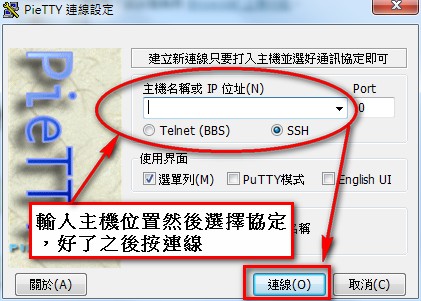
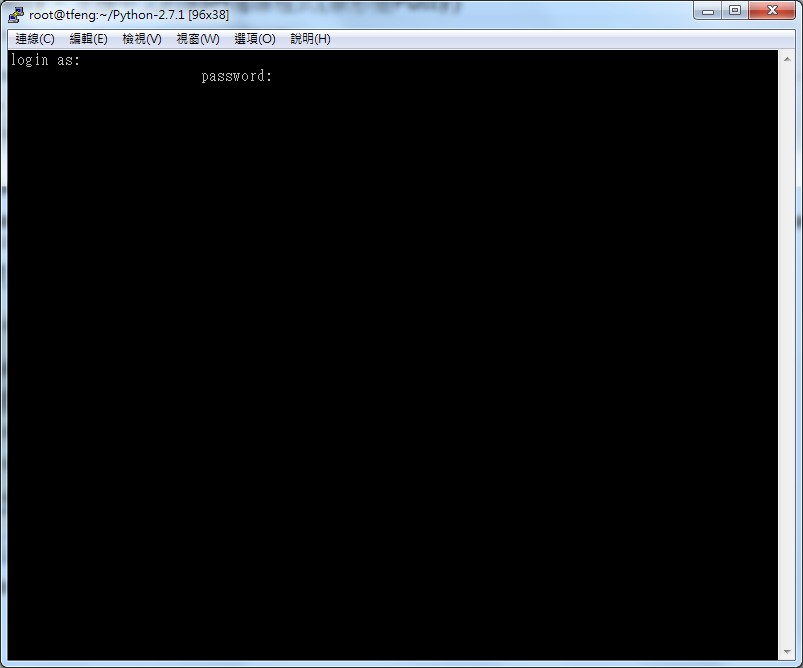
2.After you log in, you may be asked for your username and password. Just enter them~ Then you can start working.
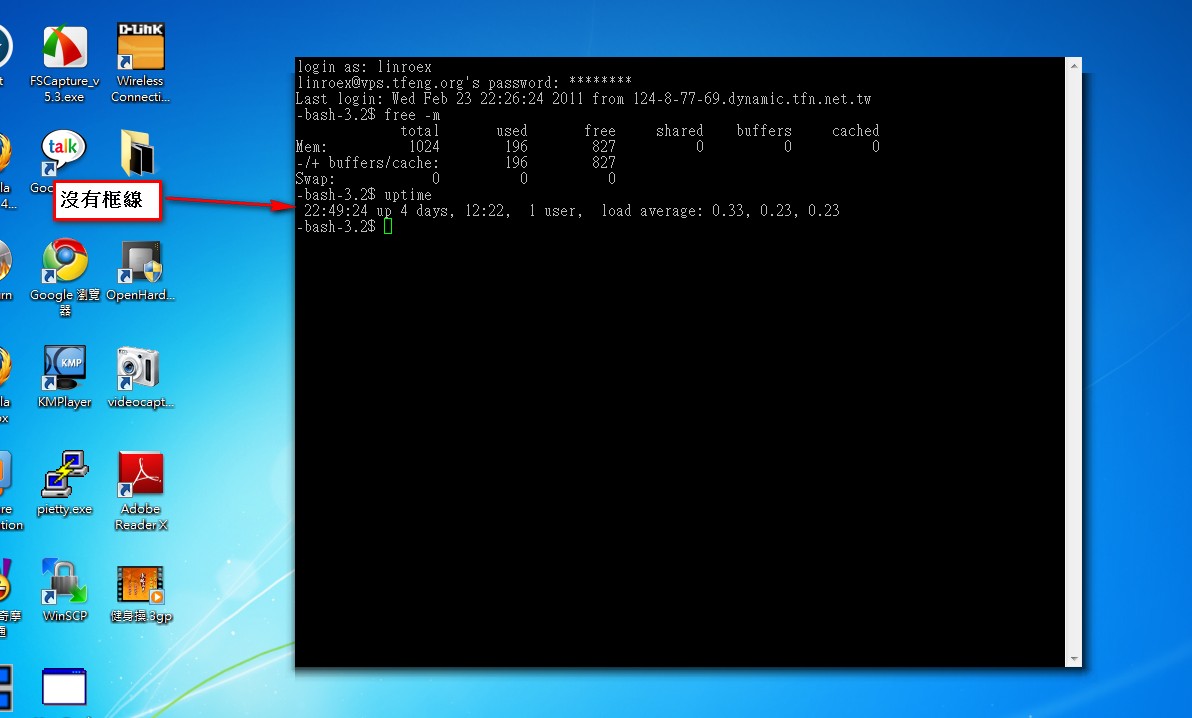
3.Connecting is fairly simple. Next is a feature I personally really like: borderless windows. Click View → Open quickly as borderless window.
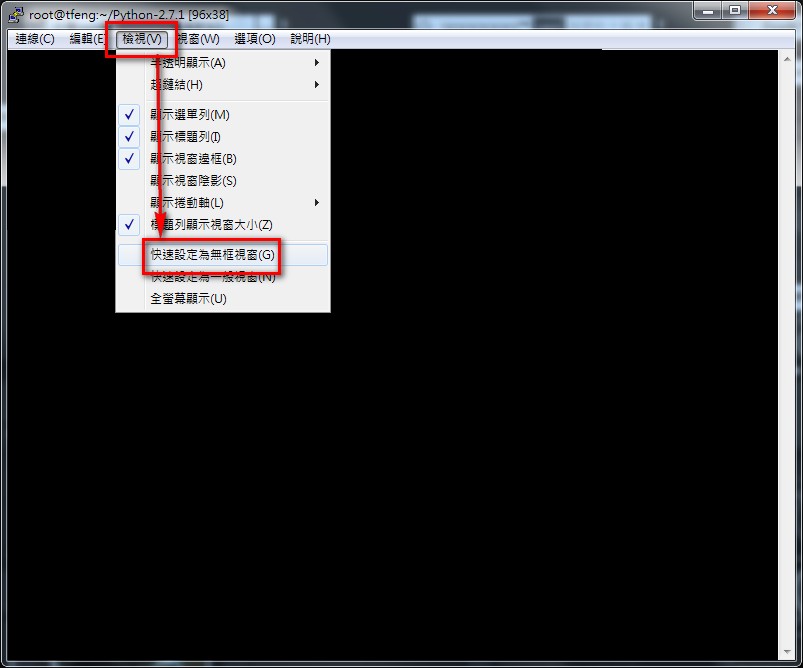
4.Here’s what the borderless window looks like. Combined with full screen, it gives a really special feel~