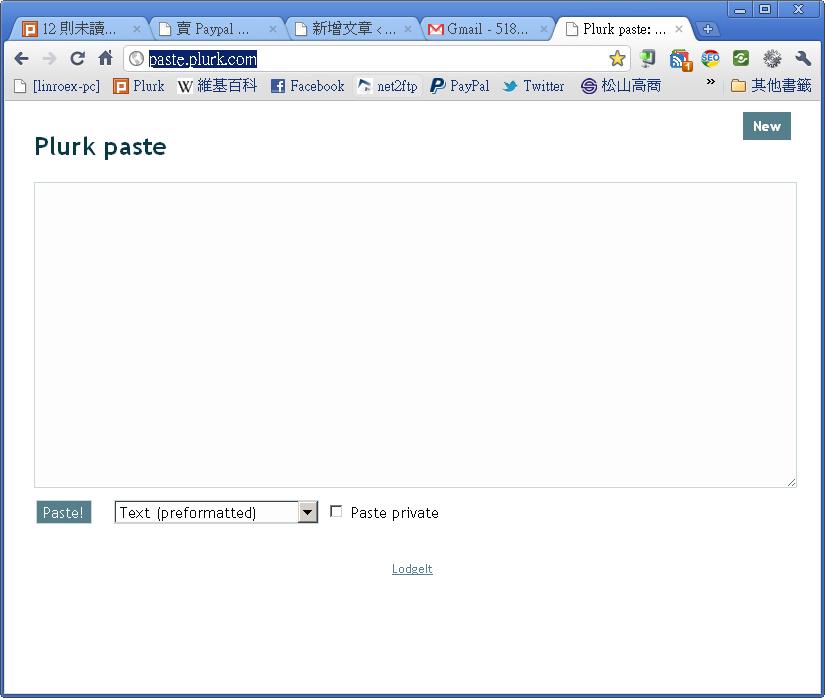
Plurk Paste lets you paste articles, stories, code, and other content onto its site. It then gives you a URL, and all you need to do is paste that URL into Plurk. I’m not sure whether this site is run by Plurk itself. The interface is clean and there are no ads at all. And if you post code, it automatically processes the code, which makes it easier for readers.
Plurk Paste Tutorial
1.Go to the Plurk Paste site and paste the message you want to share into the big box. If you're pasting code, choose the code's language from the drop-down menu. If your language isn't in the drop-down, choose Text(preformatted), not Text, or your code formatting will get messed up.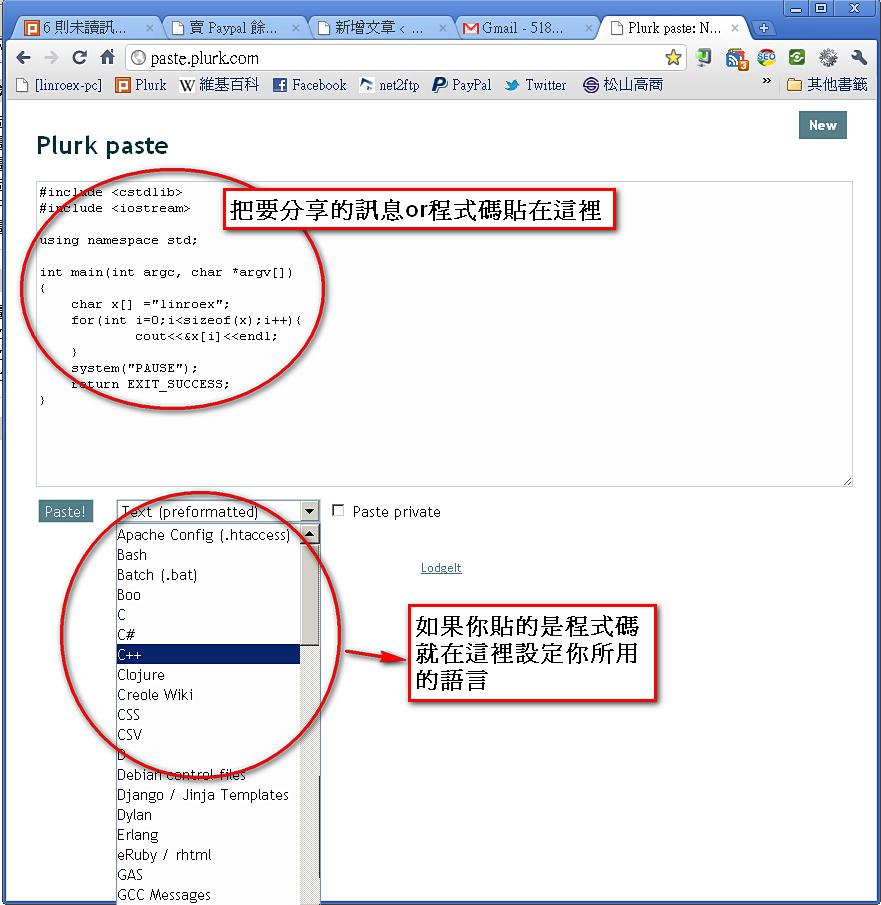
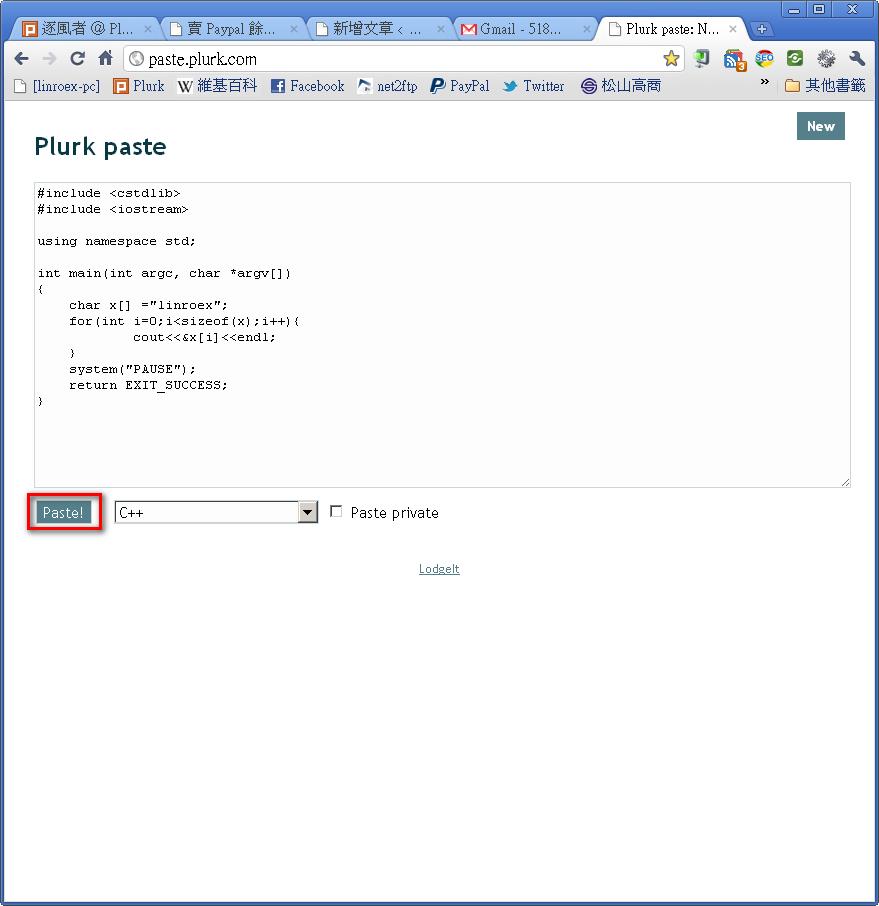
2.Once you’ve set things up and pasted your content, click the Paste button.
3.It will take you to another page. Copy that page’s URL and paste it into Plurk, and you’re done.
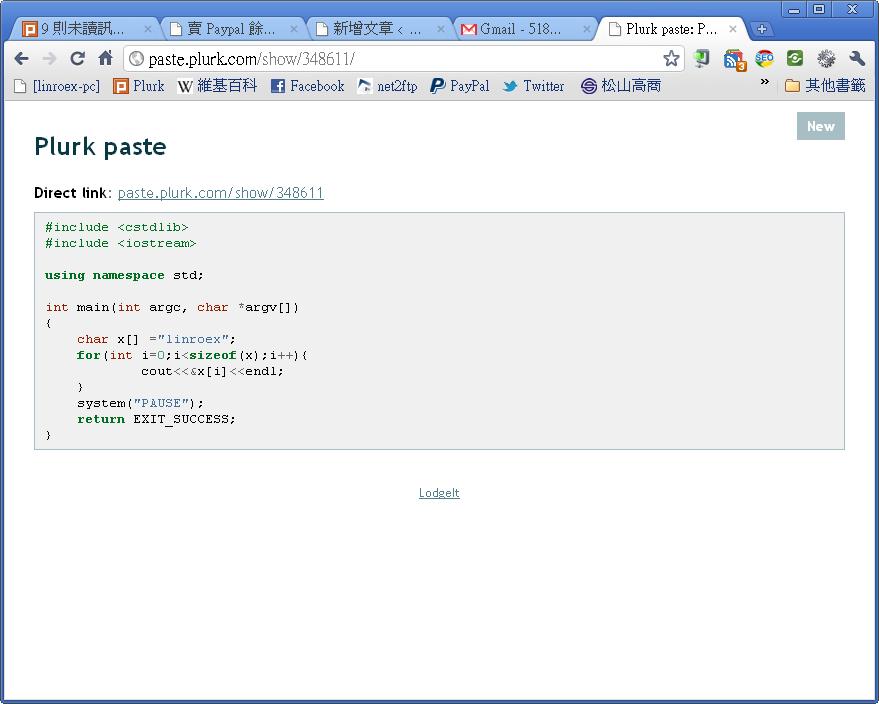
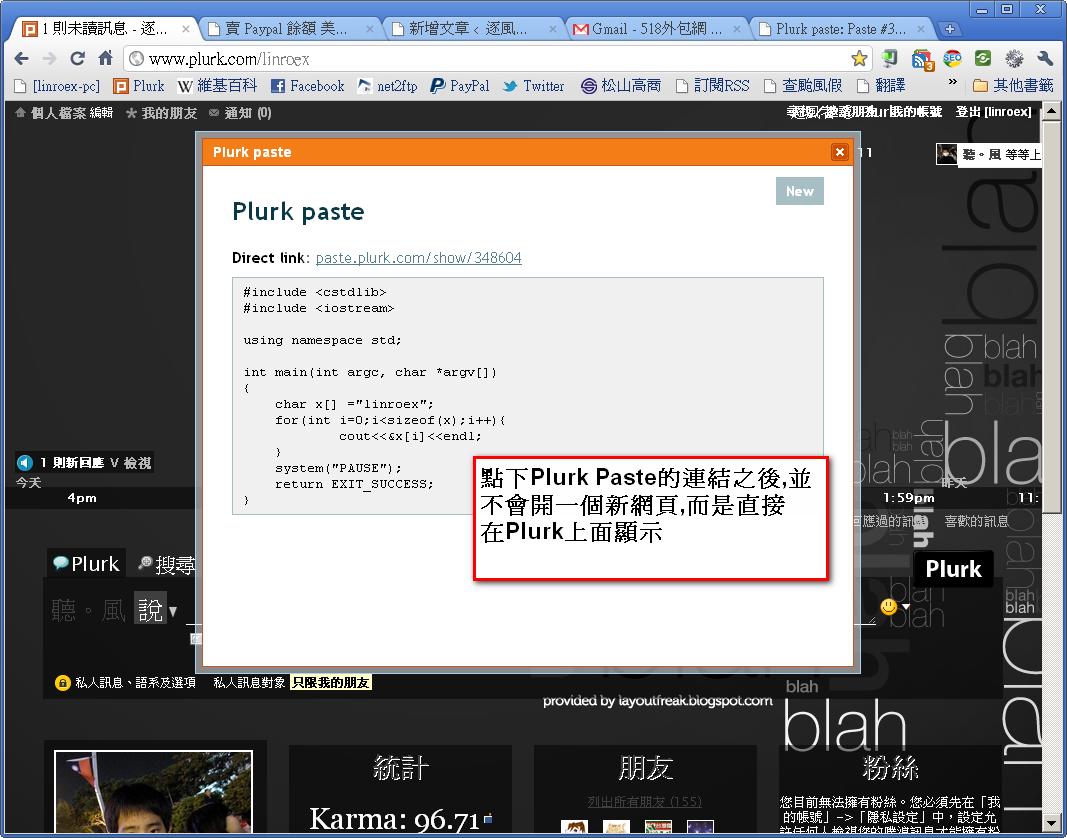
4.Here’s what Plurk Paste looks like in action. When you click a Plurk Paste link, it doesn’t open a new web page. Instead, the content is displayed right on Plurk.