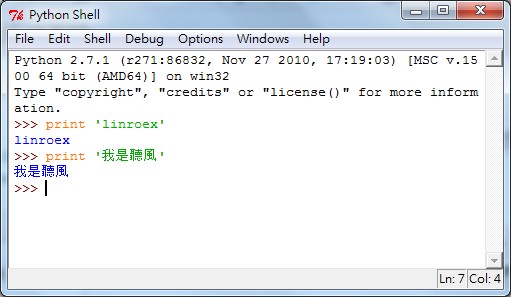
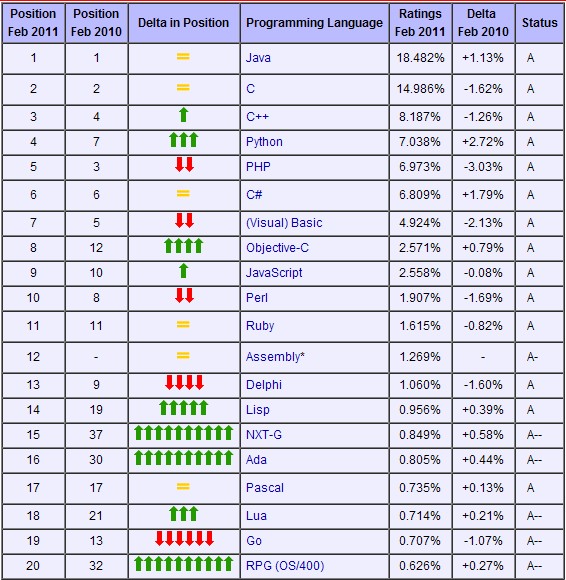
However, as I mentioned earlier, Python is just as loose as VB, or to be blunt, even looser than VB… It doesn’t force you to declare variables or types. VB6 didn’t force declarations either, but VB.NET does XD. Even so, plenty of big companies use it to develop software. For example, Google has many programs written in Python, and GAE (Google App Engine) also requires Python or Java for development. So don’t think it’s weak!! Also, according to TIOBE’s statistics, Python has entered the top four most widely used programming languages, beating PHP, and its growth rate is quite high too.
By the way, the latest version of Python is Python 3, which some people call Python 3k or Python 3000. However, Python 2.x code is more common online. GAE, for example, is developed with Python 2.x. The differences between Python 3.x and 2.x are quite significant, so before you start learning Python, decide which version you want to learn. Don’t try to learn both at once.
Python Info:
- Official website: http://www.python.org
- Interpreter download page: http://www.python.org/getit/
Python Features:
- Uses indentation to determine where loops and selection structures end
- Can be combined with C, Java, and .NET for development; the most common implementation on the market is CPython
- No need to declare variables or types
- Concise syntax
Installing Python
Below I'll cover Python 3.0. Installing Python 2.x works in a similar way. Also, if you're installing Python on Linux, don't use yum. From my experience, the Python version that yum installs is very old, something like 2.4....- First, go to the Python download page and download the installer. The official site offers interpreters for several operating systems, including Windows, Mac, and Linux. Here I’ll only cover installing on Windows.
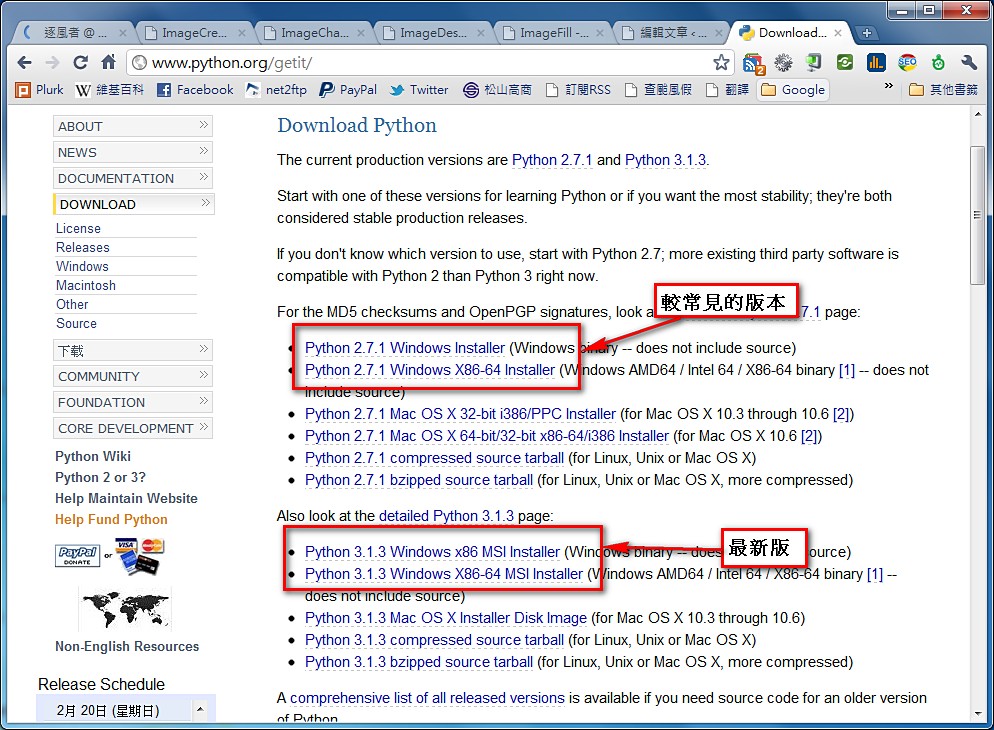
- Run the installer
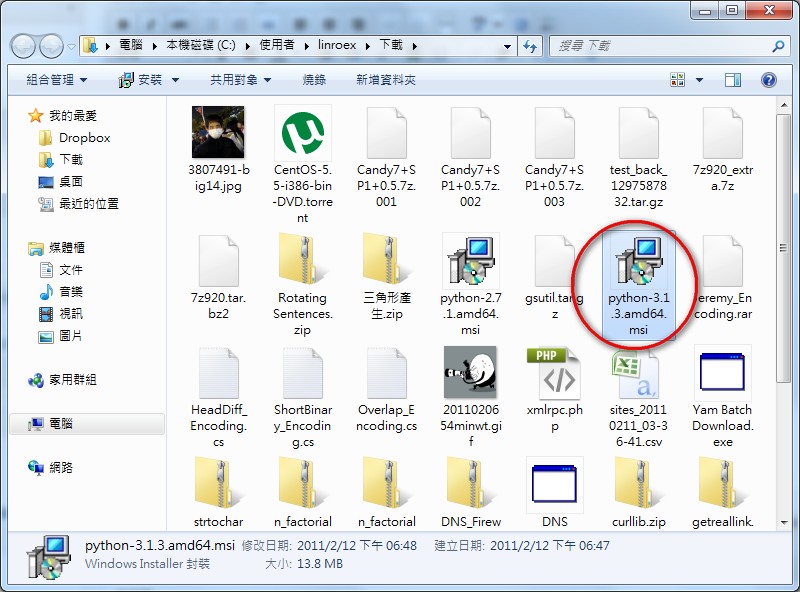
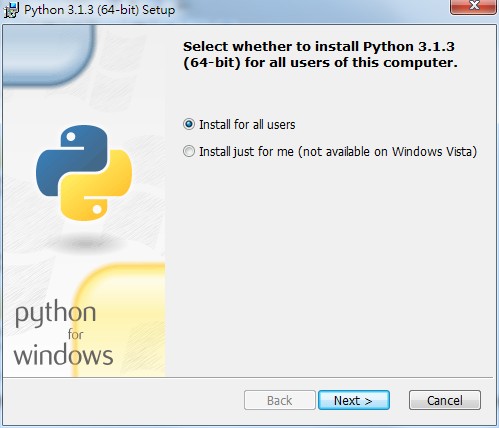
- This step asks whether you want to install Python for all users of this computer or only for your own account. If your computer is shared by the whole family and you don’t want them to know which programs you use, choose 【Install just for me】→【Next】
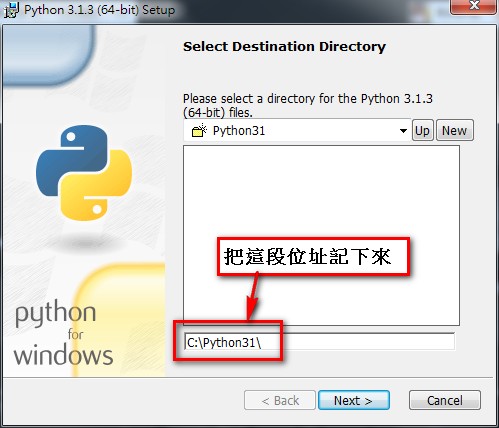
- This step sets where Python will be installed. I recommend keeping the default, and make a note of the installation location.
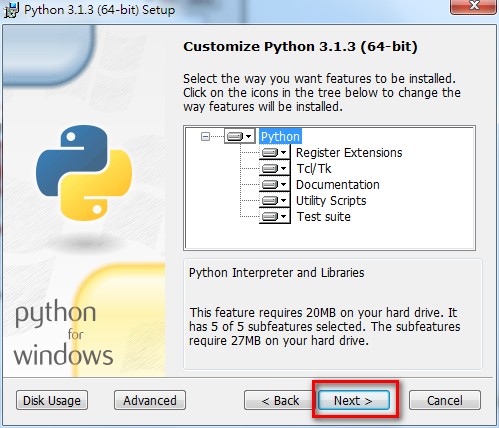
- Just click 【Next】
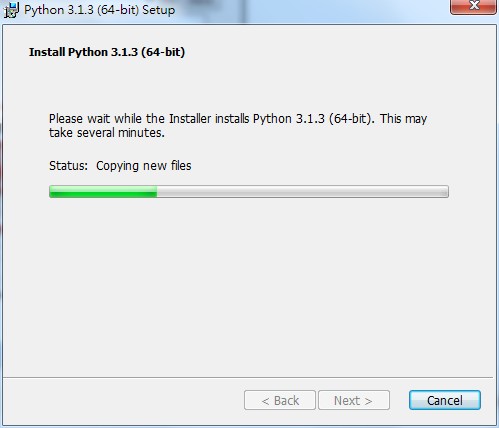
- Installing, please wait~
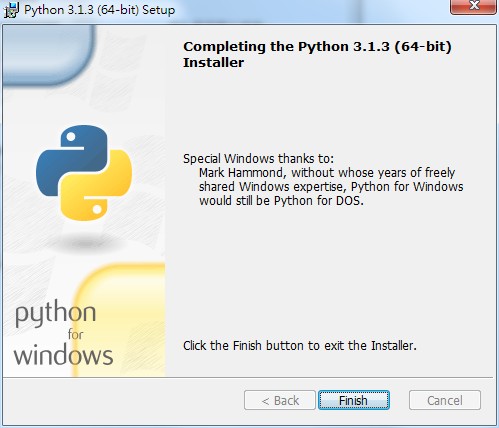
- Installation complete~
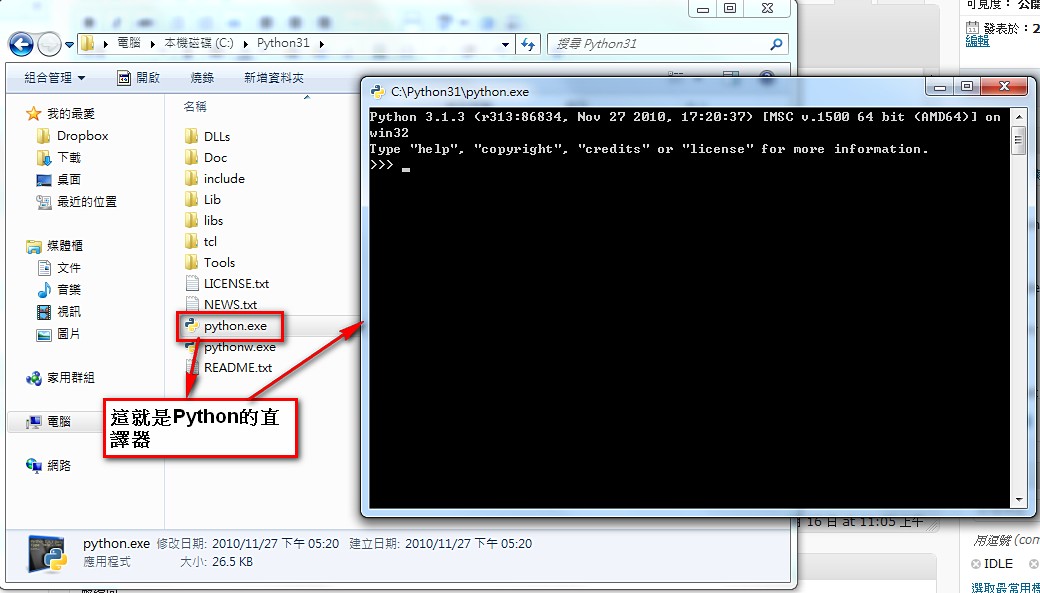
- Now go to the folder where Python was just installed, the same path you noted in step 4.
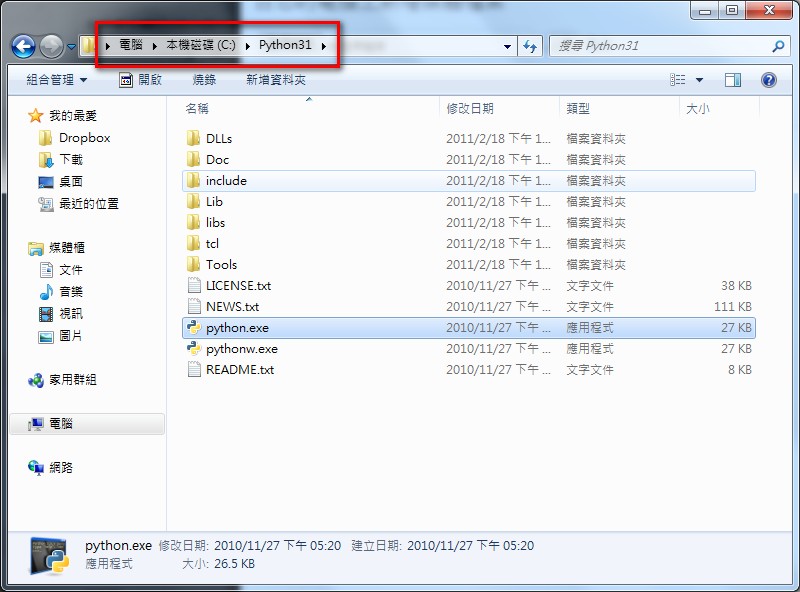
- Run 【python.exe】 and you can start writing code~