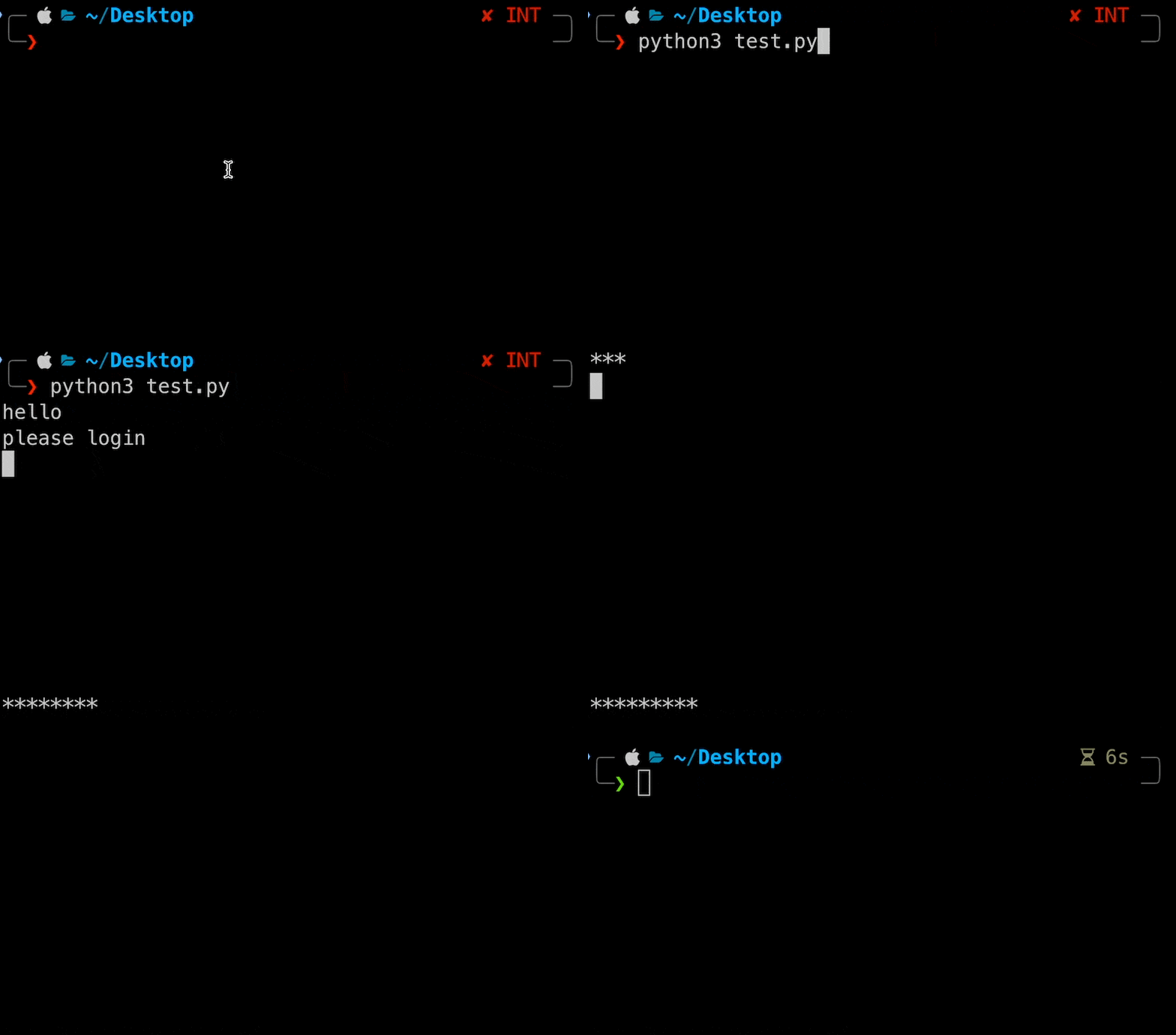
A little trick I picked up a while ago while developing the checkout tool for our lab's snack corner. If you want something like a progress bar in the Terminal, that is, "print text in place and remove the old text," you can refer to this article (the same principle applies to other languages).
This effect can be used in many places, such as showing download progress, or whenever you don't want the output to look too cluttered and want to remove previously printed text.
Normally, if you print something with print, it starts a new line (or continues right after the previous output).
for i in range(10):
    print("*", end="")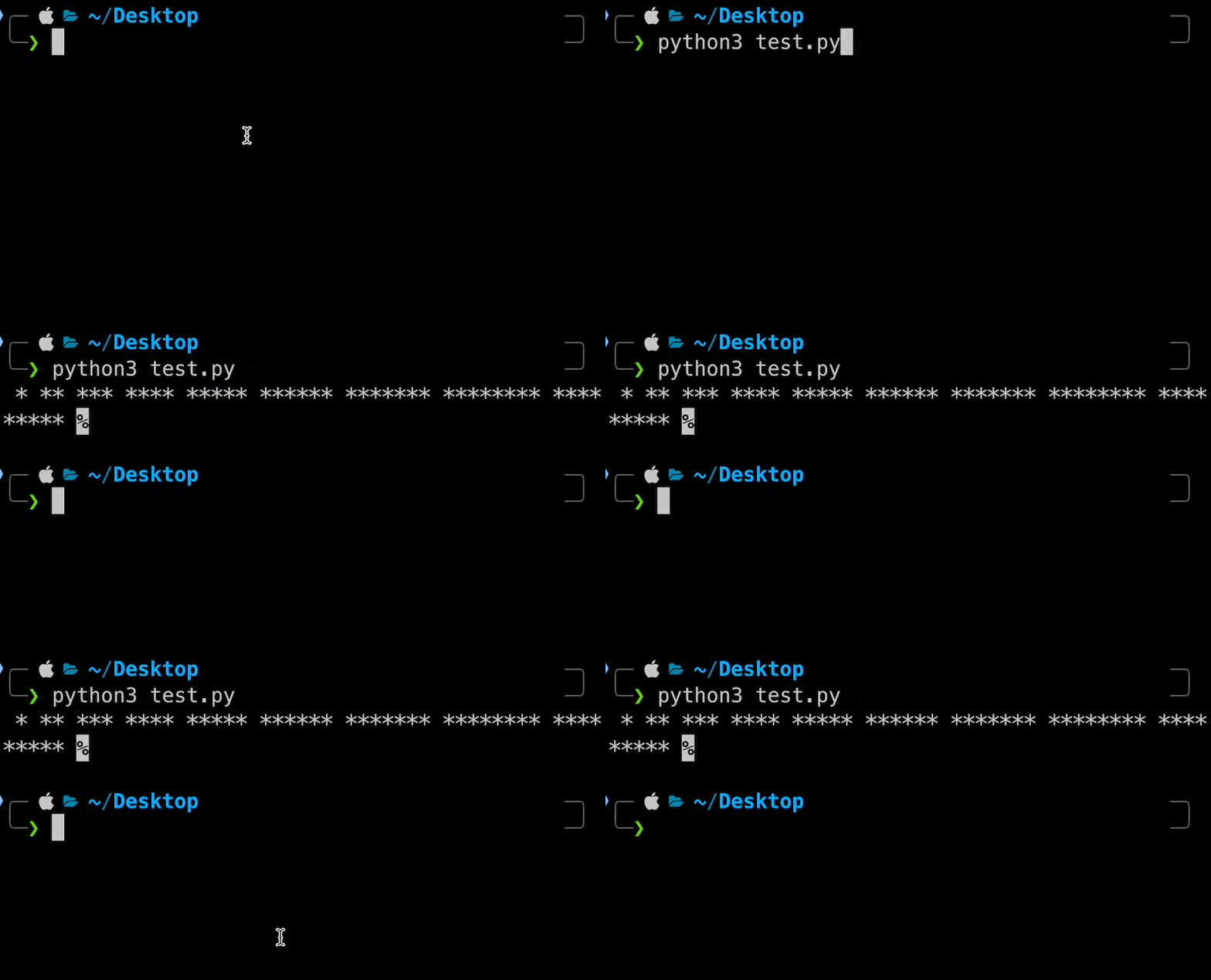
But with the special character \r in the shell, you can move the Terminal cursor to the first character of the current line and overwrite the output in place.
print("hello")
print("\rhi")
As you can see, the output becomes hillo. Because hello was printed without a newline, the cursor moves back to the first character, and printing hi overwrites the first two characters, he.
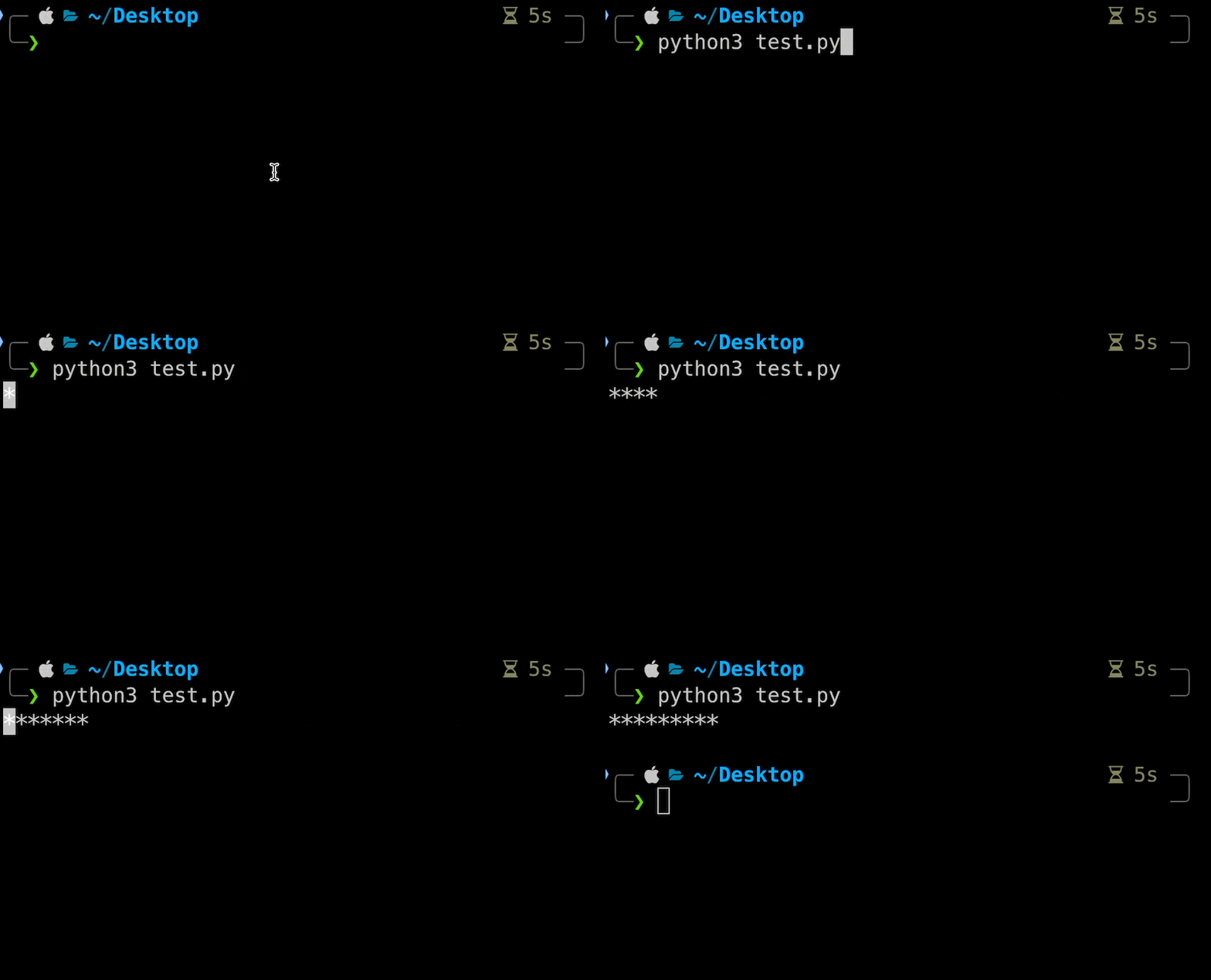
Using this principle, you can create a progress-bar-like effect:
from time import sleep
for i in range(10):
print("\r", end="")
print("*" * i, end="")
sleep(0.5)
Actually, \r isn't the only option. If you want to clear the whole screen before each output, you can use the clear command (or cls on Windows). I was working on the checkout program, and because the screen was getting messy, I wanted the previous operation log to disappear so that only the current one showed. After looking it up, I realized the answer had been right in front of me all along.
from os import system
from time import sleep
print(“hello”)
print(“please login”)
sleep(1)
for i in range(10):
system(“clear”)
print("*" * i)
sleep(0.5)