After a long wait, I finally received a Google Wave invitation. I’m sure many of you have heard of Google Wave. It’s a new service Google is about to launch, combining email with many other Google services. It’s a bit like MSN (because it’s real-time). Honestly, I don’t fully understand what Google Wave is about, so I’ll quote someone else’s article below. Google Wave is still in testing, and you need an invitation to use it. I’d been asking for invitations on various forums, and I finally got one.
Here are some Google Wave pictures for you XD. I’m still figuring out how to send invitations to other people~
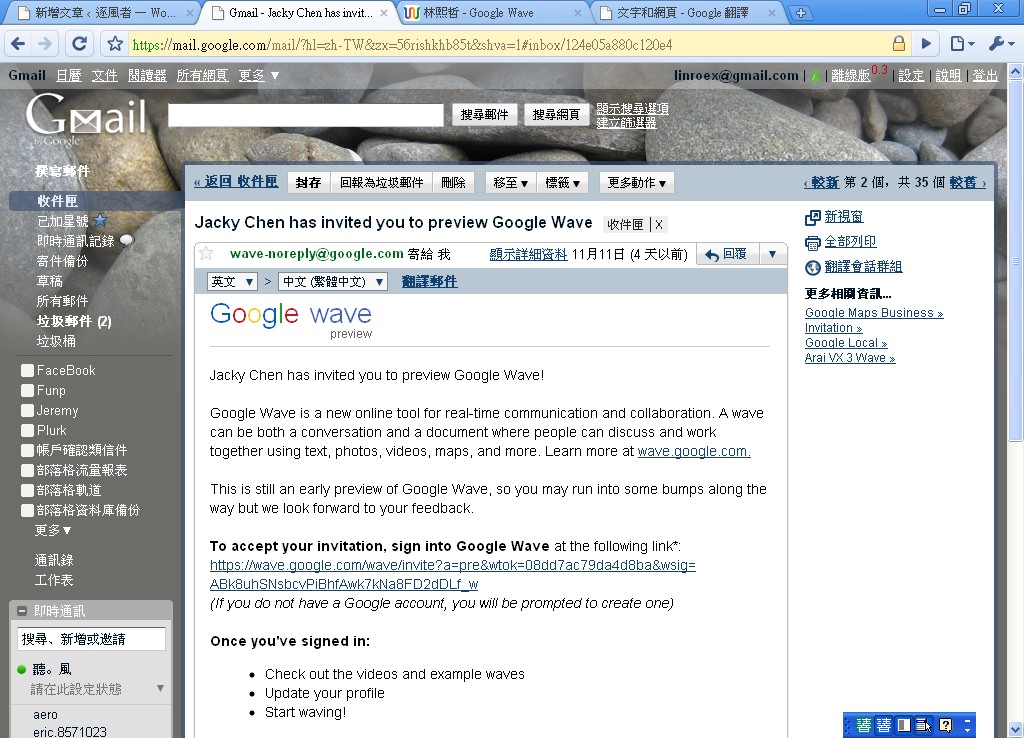
↑↑↑↑ What the Google Wave invitation looks like
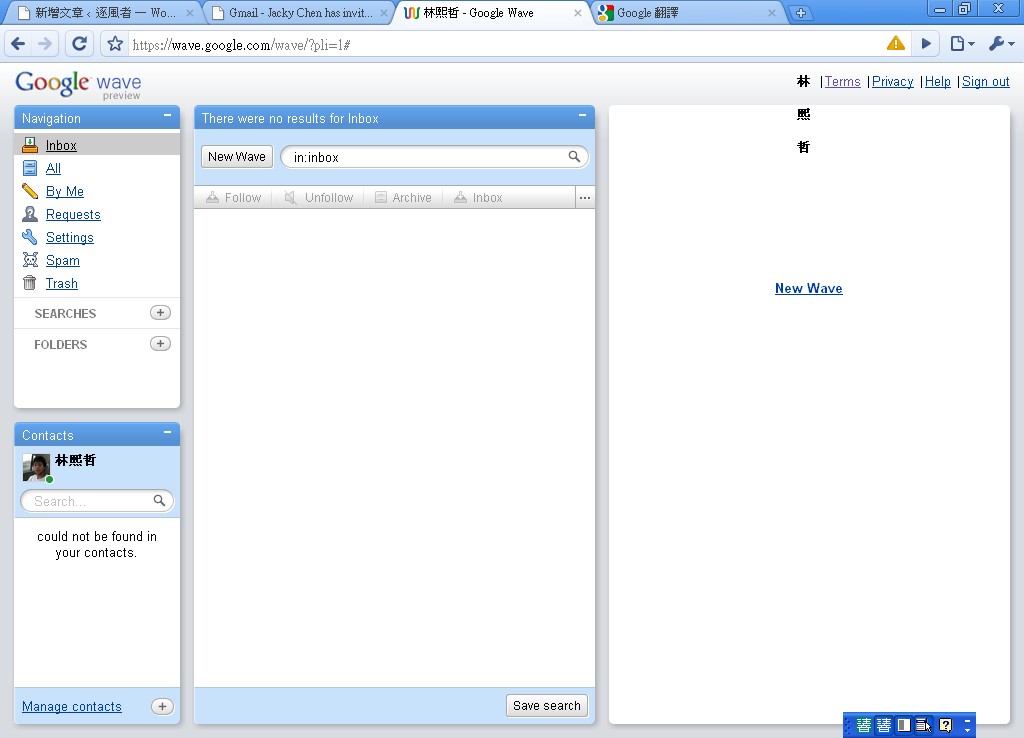
↑↑↑↑ Inside Google Wave
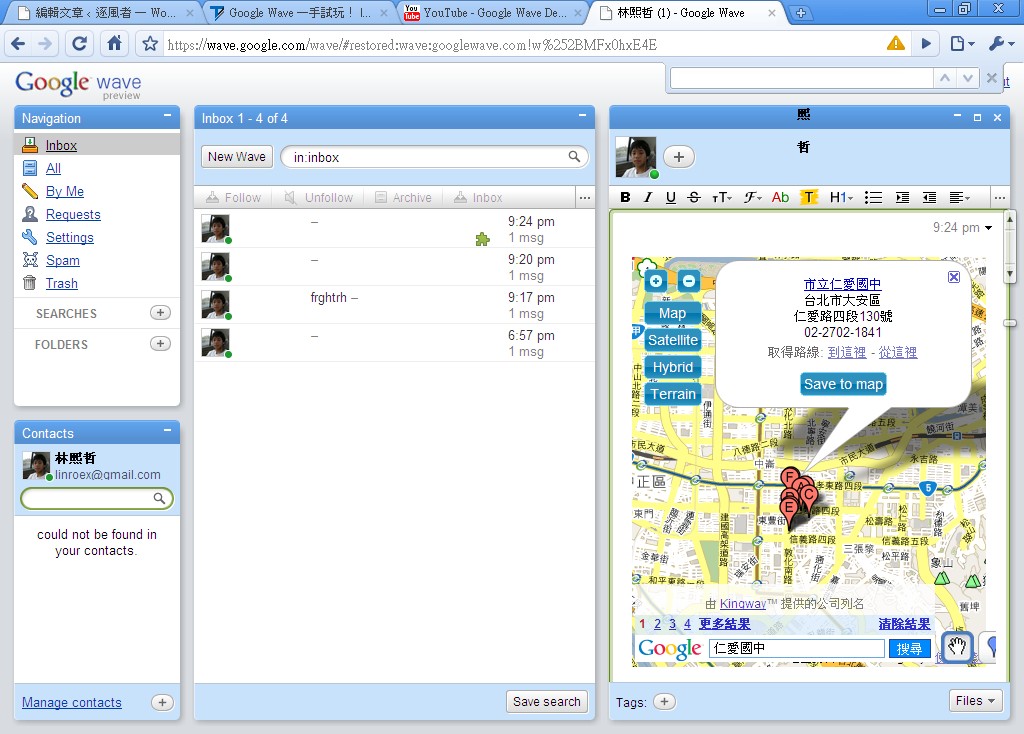
Inserting a map in Google Wave ↑↑↑↑
Google also made a video about Google Wave. I’m still exploring Google Wave’s features. I’ve heard there are games you can play inside it, but I haven’t been able to find any. Also, how do you send invitations to friends??
Quoted from http://www.techbang.com.tw/?p=12417Google Wave has the following features:
- Real-time: Any message can be seen by all participants character by character, just like in an instant messaging app.
- Multiple participants: Like email, you can add many people to a message, and adding people is very easy. Just drag their avatars.
- People can join midway and still see everything before: With regular IM or email, you can also add people partway through a discussion, but latecomers can't see the whole history of the conversation. Google Wave doesn't have this problem. Latecomers can still see the entire discussion thread.
- Everyone can edit: Much like a wiki, everyone can edit the content of the discussion. Edit history is kept and marked with colored blocks. When several people edit at the same time, you can also see which part each person is editing, all in real time.
- You can fast-forward and rewind like a video to see how each message in the thread came to be.
- The concept of "attachments" gets an update: the silly habits of attaching files to email, or sharing photos on Twitter through twitpic links, will go away. To share a file, just drag it into the thread. For example, if you want to share a photo of a cute girl, just drag it into the discussion, with no need to save it to an image host and paste a link. Files work the same way: drag one in, and everyone in the discussion sees the same file, with no more version mismatches.
The current trial version doesn't implement file uploads yetFiles can now be inserted directly into a wave.- Embeddable in other web pages: Data can be exchanged through an API, and you can even sync the content and progress of a discussion thread on a blog, on Twitter, or on other sites.
- Adding bots: Bots are programs that automatically respond in various ways, and you can add them to a thread as if they were participants. Add whichever bot you need to the discussion, and you can get up to all sorts of naughty things. For example, if you add a Twitter bot to a thread and post a new message in it, that message becomes a tweet on Twitter, and later replies are synced back. If you add a Blogger bot, your thread becomes a new post on the blog, and even readers' comments are synced in real time! There's even a translation bot that instantly translates what you're typing, character by character, into a foreign language for others to read!
Adding gadgets: iGoogle gadgets can be dragged straight into a Google Wave thread, so a bunch of people can play Sudoku together, run simple polls, add annotations on Google Maps, and enjoy many other fun interactions, all with real-time responses!