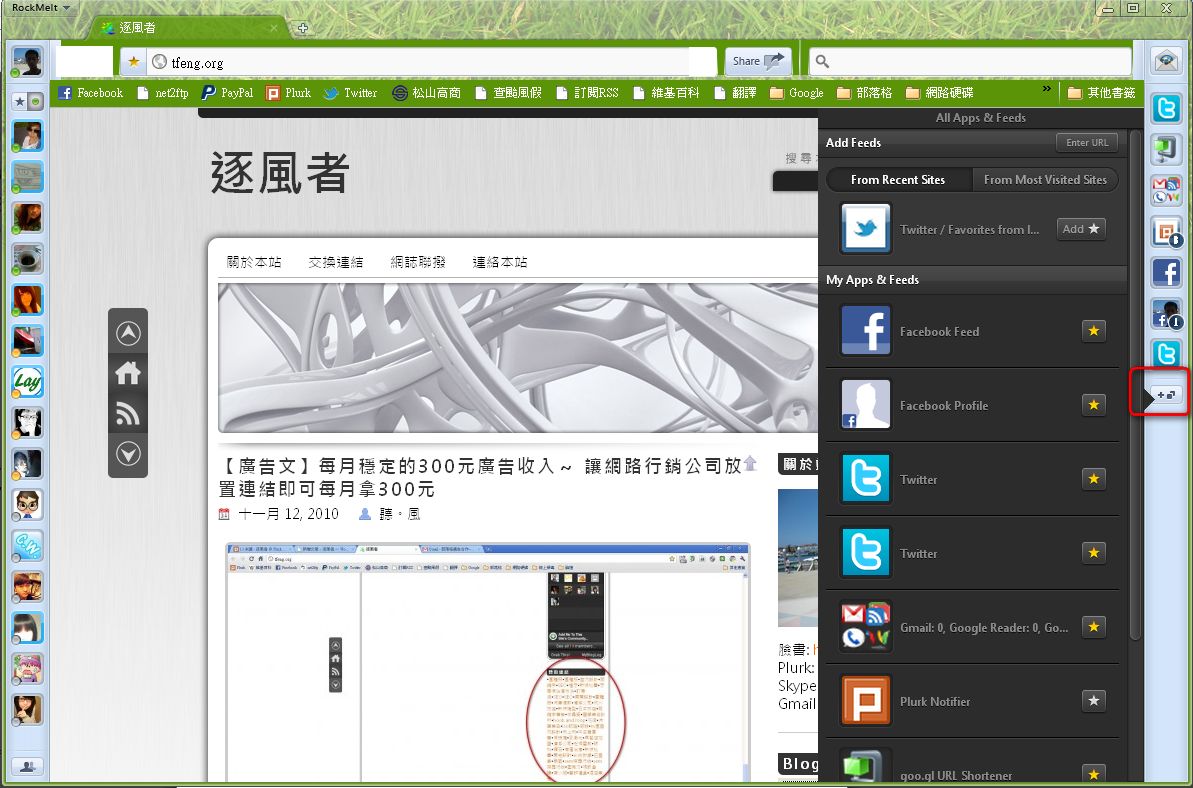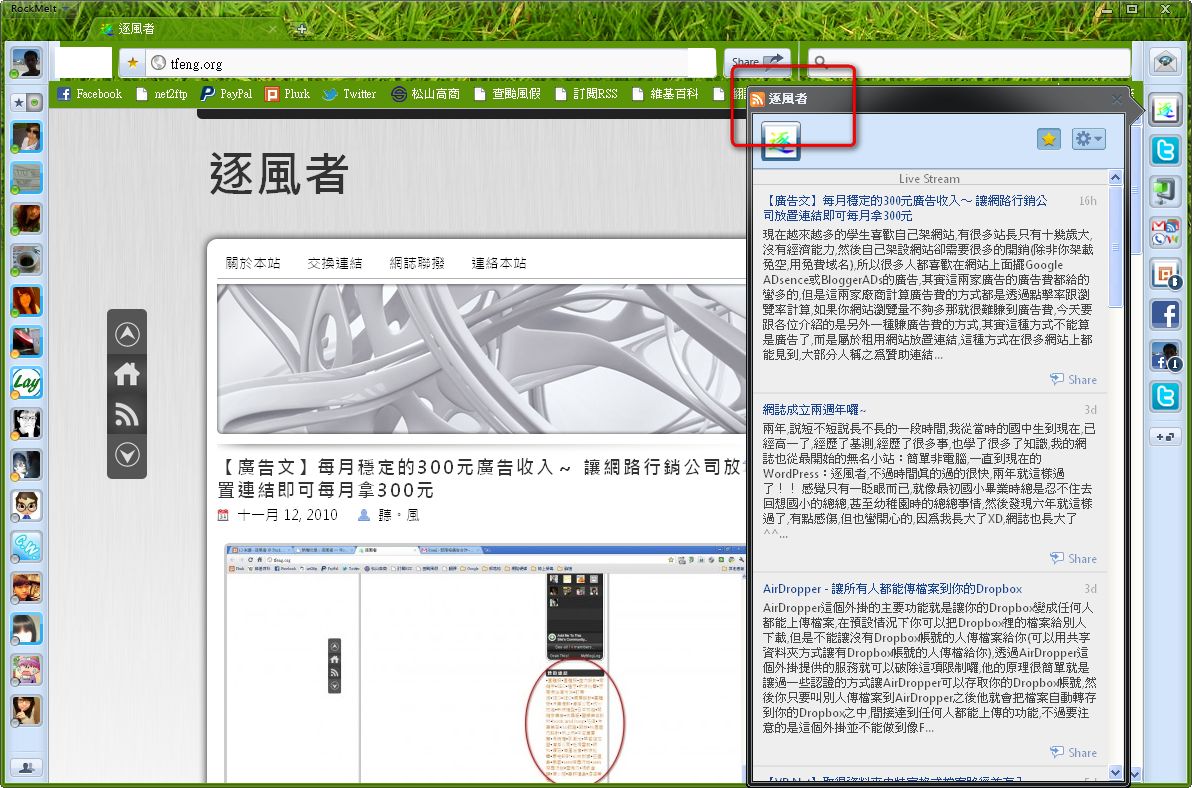
Today’s RockMelt is a social browser built on the Chromium core. You can think of Chromium as basically Chrome, with no big difference between them. What sets RockMelt apart is that it’s a social browser: it’s integrated with Facebook and Twitter, so you can use those two social tools right inside the browser. Because it’s built on Chromium, it has almost all of Chrome’s features too. For example, extensions and themes work. However, RockMelt doesn’t support sync, which is a major shortcoming.
RockMelt is still in beta, so you need an invitation to use it. It also has to be linked to a Facebook account, so even if you download the installer directly, you can’t use RockMelt. Below I’ll give a brief introduction to this browser. If you’ve received an invitation, come take a look. If you haven’t, you can still look at the pictures to satisfy your curiosity XD.
RockMelt Info
Official website: http://www.rockmelt.com/RockMelt Official Introduction Video
RockMelt Features:
1. Interface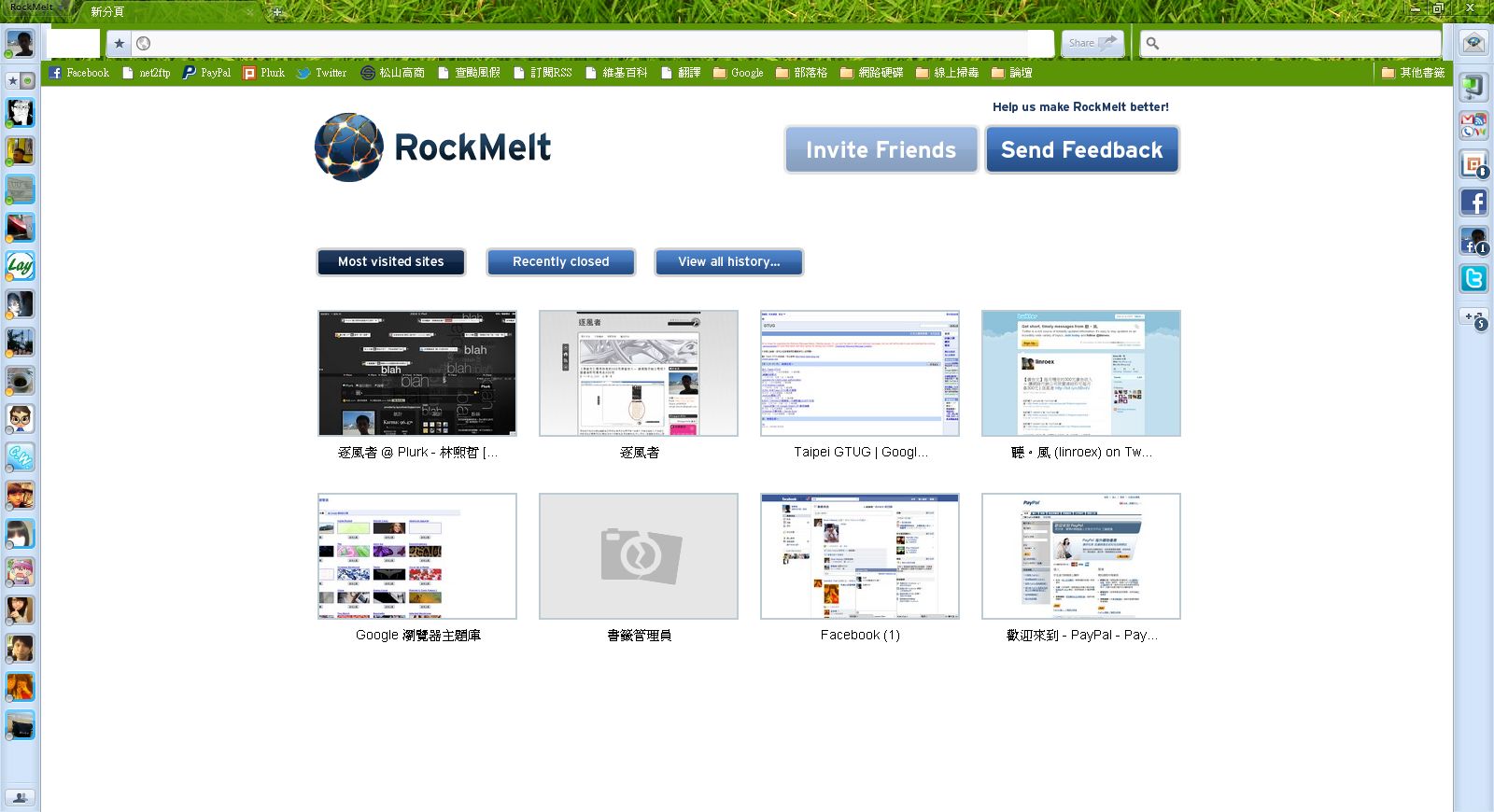
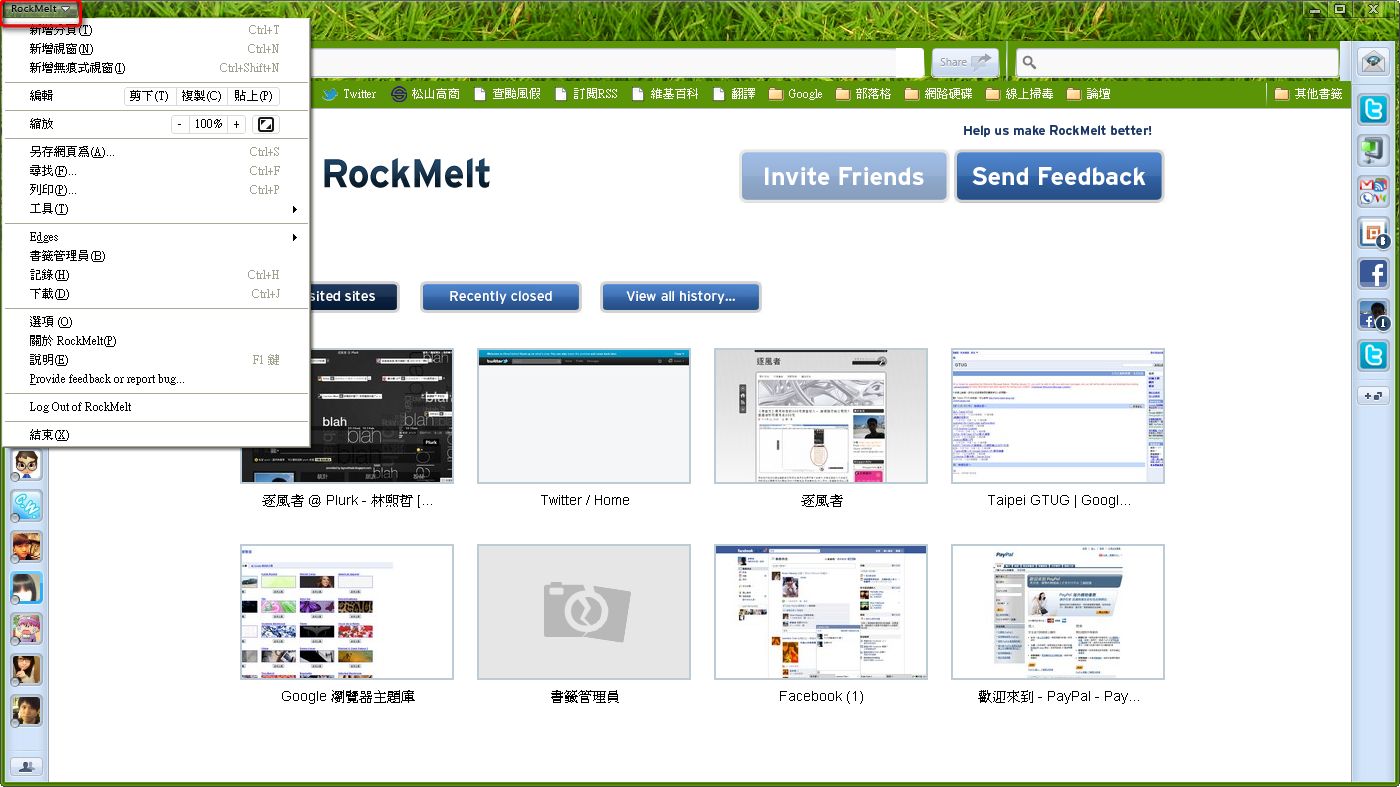
The wrench-icon menu button from Chrome has been moved to the upper-left corner.
- Built-in Facebook chat
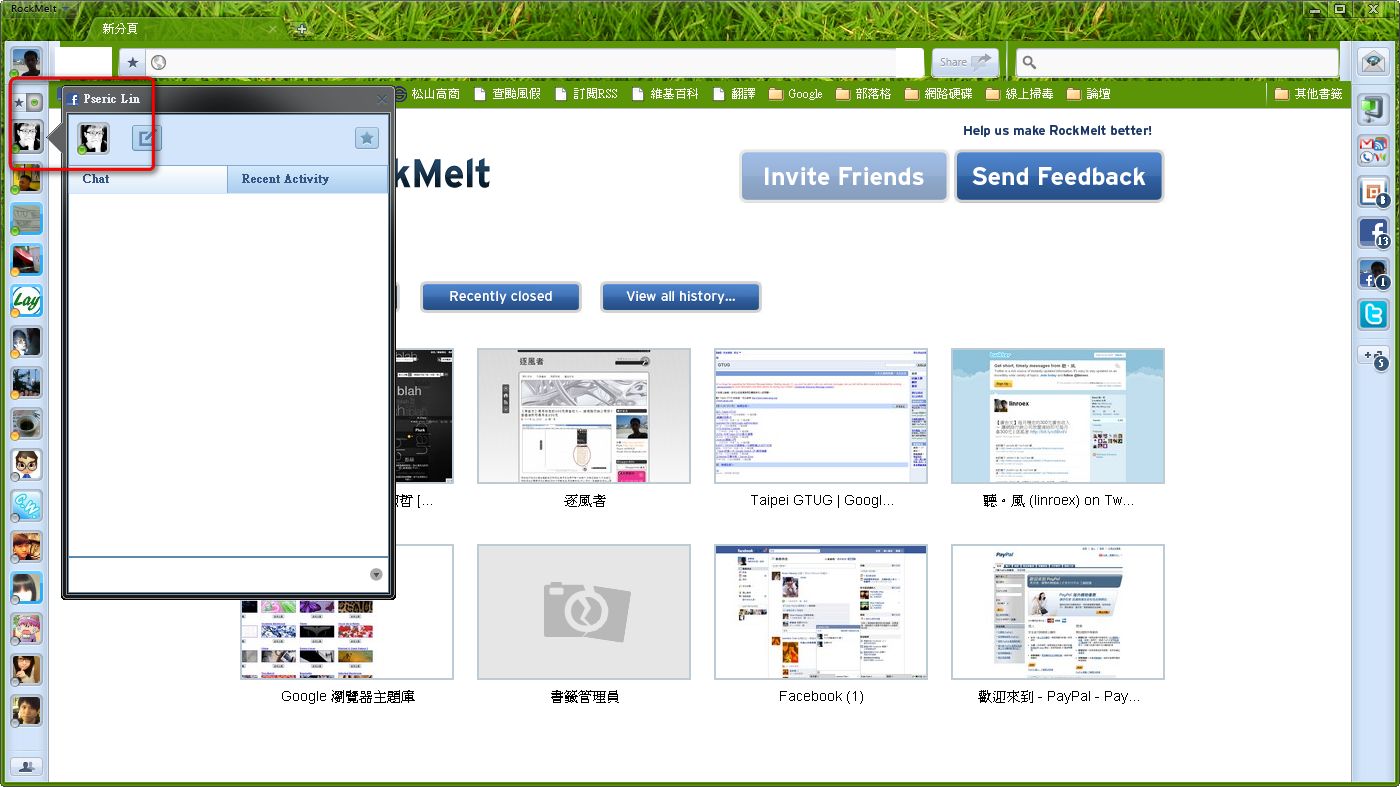
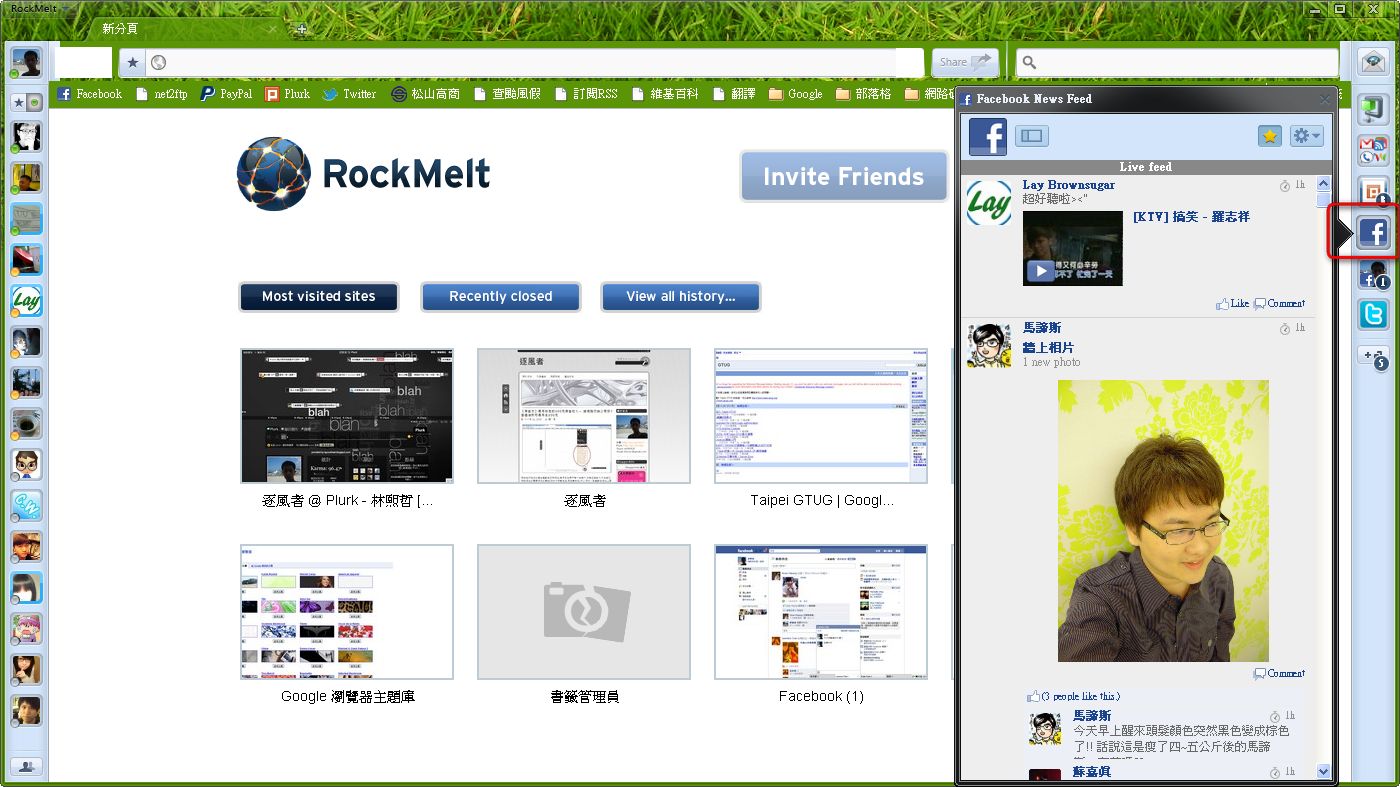
- You can see Facebook’s latest updates directly on the right side
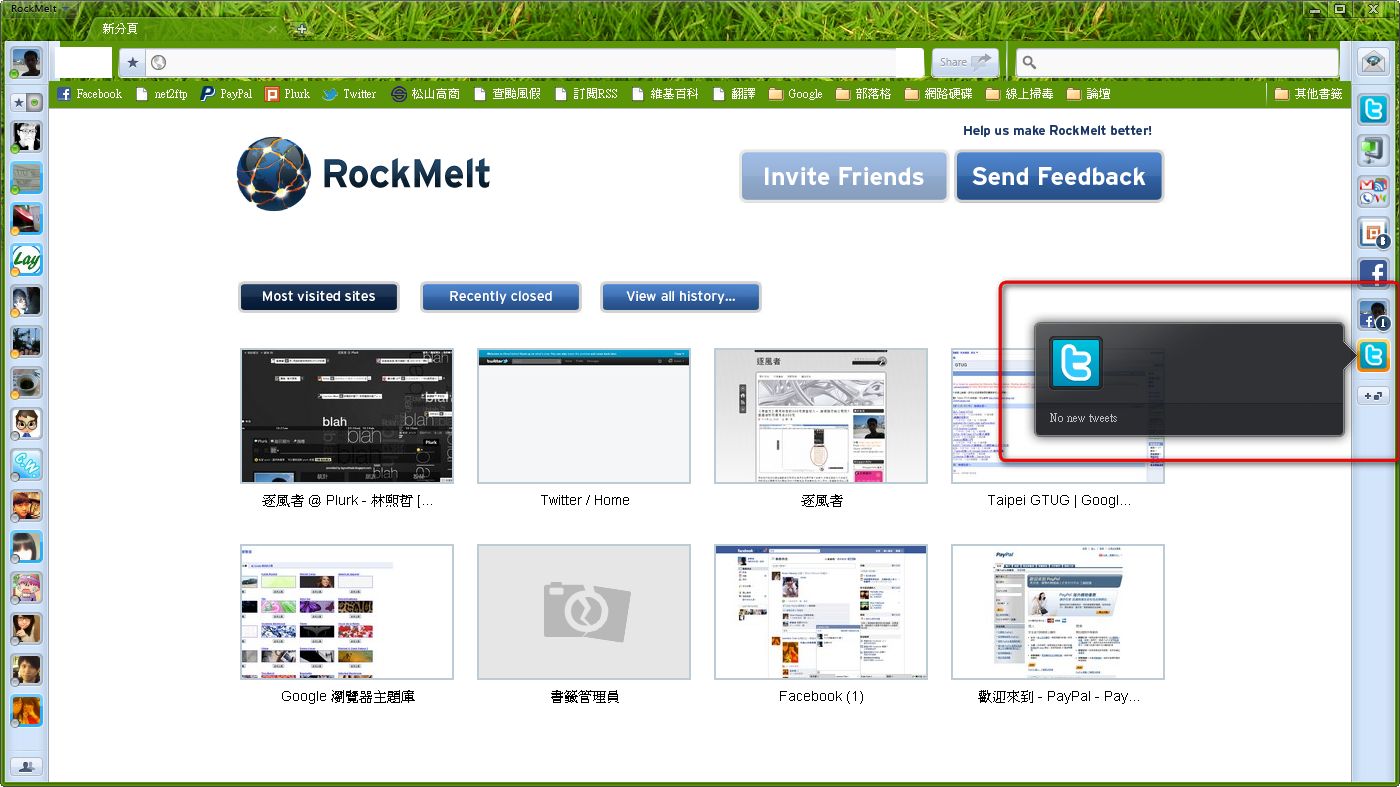
- You can also see Twitter messages on the right side
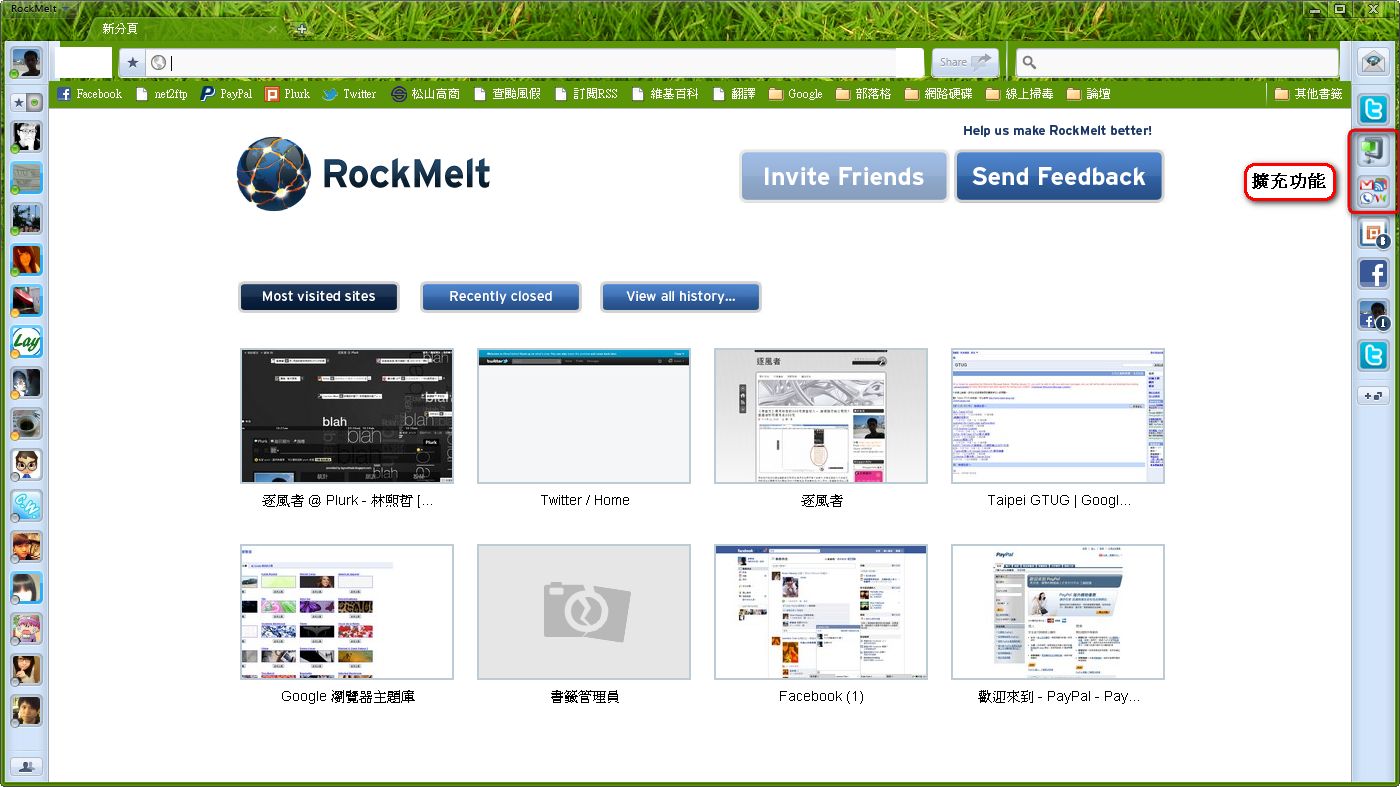
- All the extension buttons have been moved to the right side
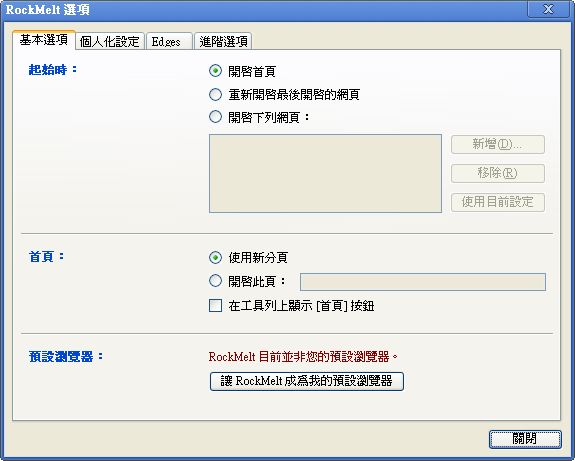
- The settings interface is the same as Chrome’s, except it lacks sync and has an extra “edges” tab
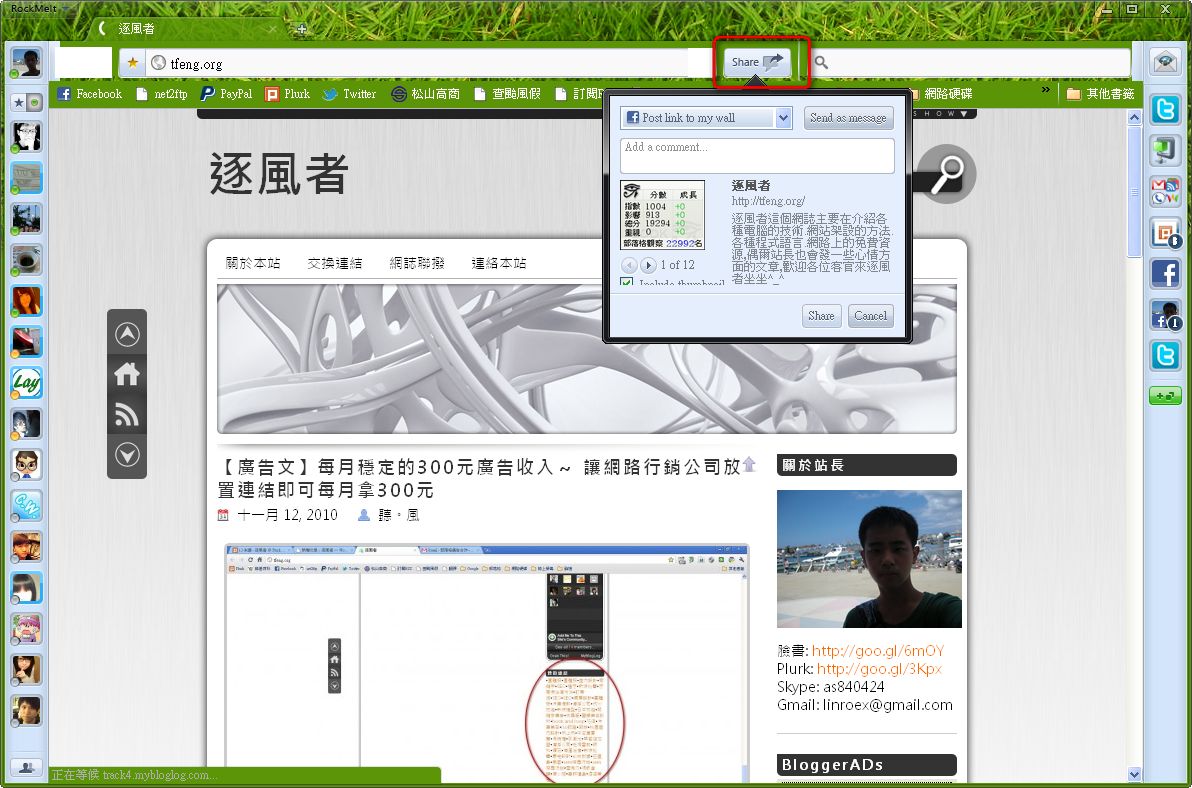
- The Share button next to the address bar lets you post the page you’re currently viewing to Facebook
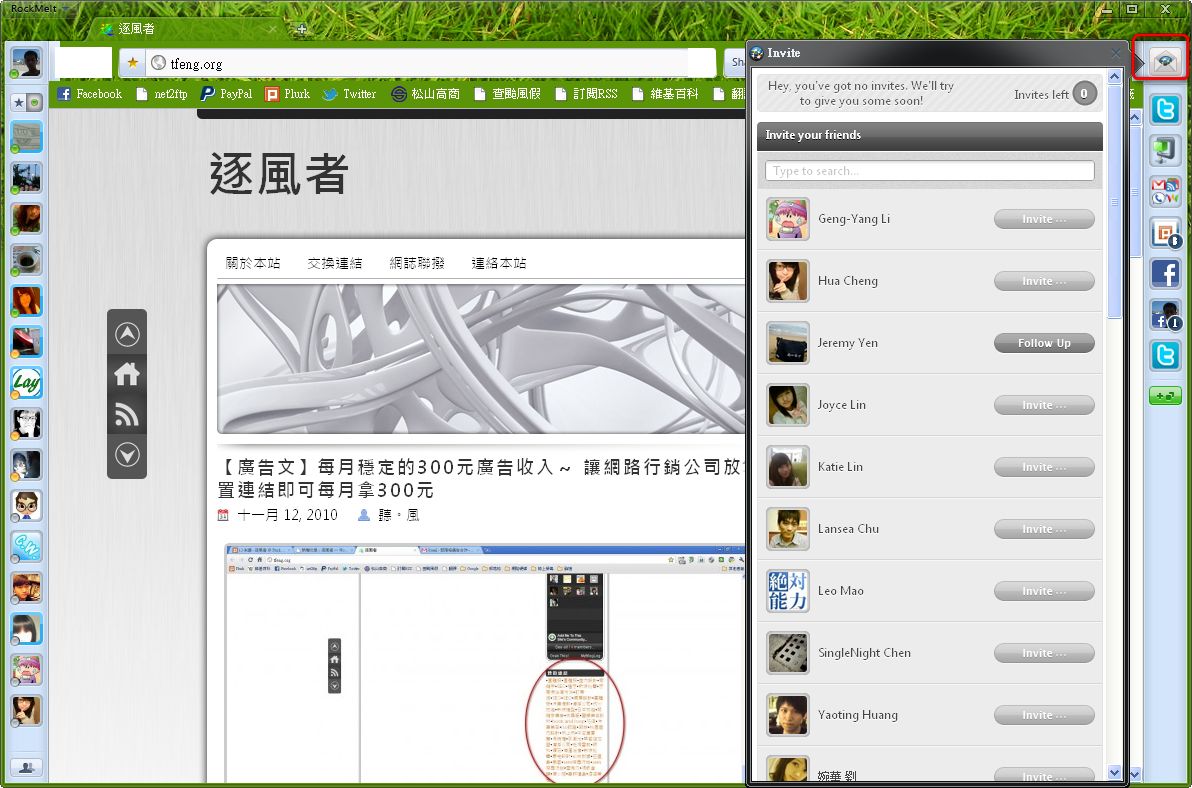
- The envelope icon in the upper-right corner of the window lets you send invitations
- You can add websites that offer RSS to the sidebar on the right. Click a site’s button to see its latest updates