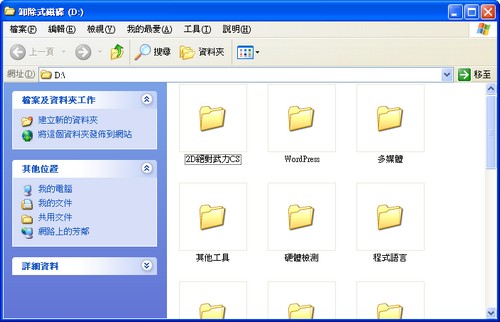
Did you know that USB drives break down easily? If you always pull them out without ejecting (hot-unplugging, like I do, XD), your drive may not last very long. If you remove a drive while it’s still reading or writing data, the data on it can easily be damaged. You might not notice right away, but after a while you’ll suddenly see strange files, such as filenames turning into gibberish or files that can’t be deleted… When that happens, be careful, because the drive is warning you. I’m the kind of person who loves hot-unplugging, because it’s really convenient. But yesterday, while using a USB drive, I suddenly found a pile of garbled files = =
So what is safe removal, exactly? You don’t need to install any program for it. Windows has it built in.
Close all programs that have files open from your USB drive.
Left-click the USB drive icon in the lower-right corner of the window.

- Select “Safely Remove USB Mass Storage Device - Drive (D)”

P.S. The drive letter may differ from computer to computer.