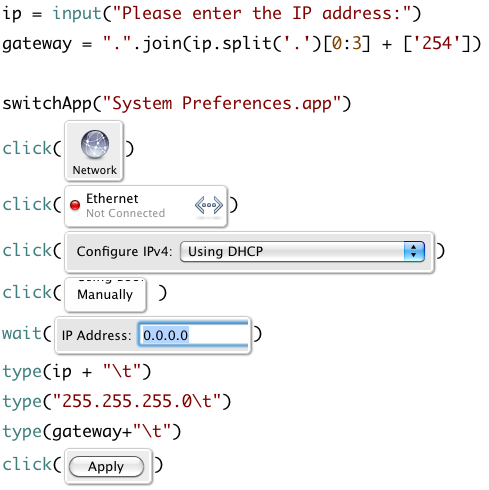
Right now, Sikuli Script is mainly used for writing scripts, such as automatically logging into games or instant messengers (IM). Since Sikuli Script has only been around for a short time, its features are not fully developed yet. However, it already supports basic features such as if statements and loops, so you can still write a fairly complete program. Also, if you’re interested in studying Sikuli Script further, you can look into Python, the programming language, because according to the official site, Sikuli Script is developed in Python. The way loops and conditional statements work in Python is almost exactly the same as in Sikuli Script.
Sikuli Script Information:
- Official website: http://sikuli.org/
- Author's blog: http://blog.vgod.tw/
- Download links: Windows version | Mac 10.5 version | Mac 10.6 version | Linux version
- Tutorial: http://goo.gl/PV6D
- Requirements: It can be used on any operating system, but the computer needs JRE 6+ installed. In addition, this programming language currently only supports x86 CPUs.
- Personal download links (Windows version): Xun6 | 4Shared | Box.net
- Virus scan report: VirusTotal
- MD5: 9b8cd09164195cdafb295f3a06953095
P.S. All examples in this article use Windows XP.
- First, download the installer from the official SIKULI website. Then make sure your computer has JRE installed, and open the SIKULI installer.
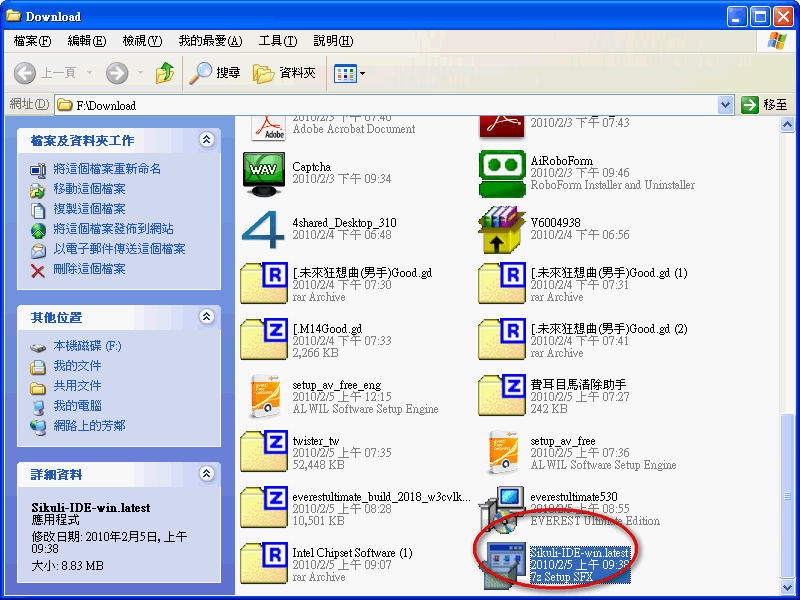
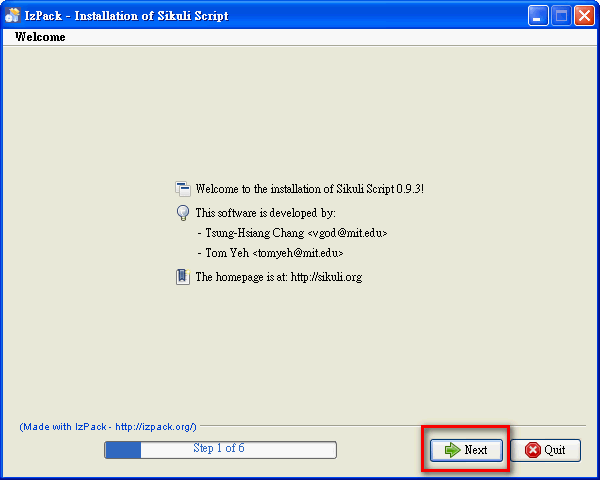
- Click [Next]
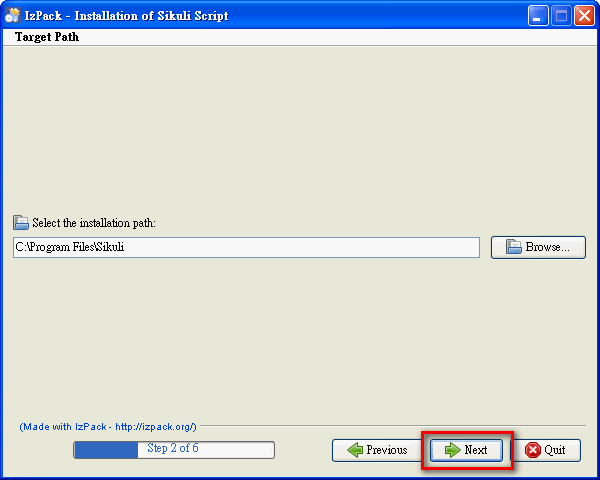
- Set the installation location for SIKULI, then click [Next]
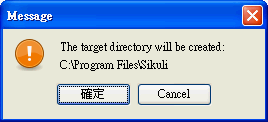
The program will ask you to confirm that you really want to install into the folder you set. Click [OK].
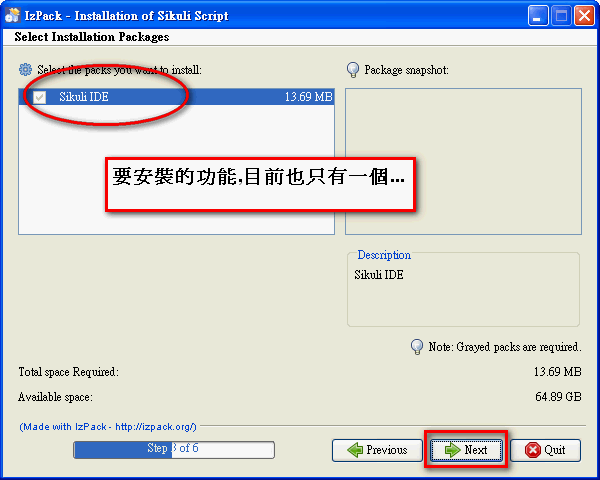
- Click [Next]
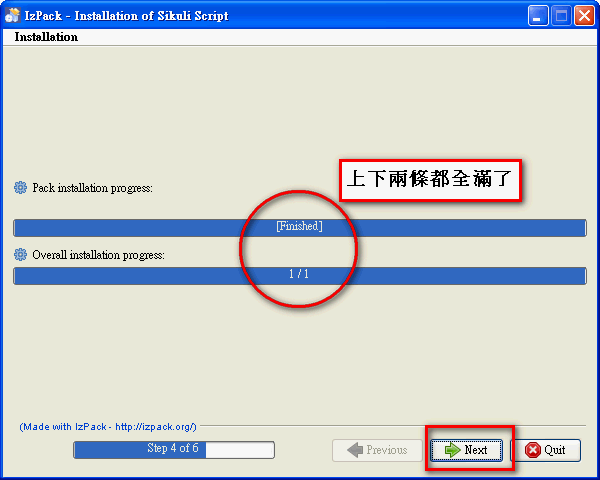
- Installation starts. When both the top and bottom progress bars are complete, click [Next]
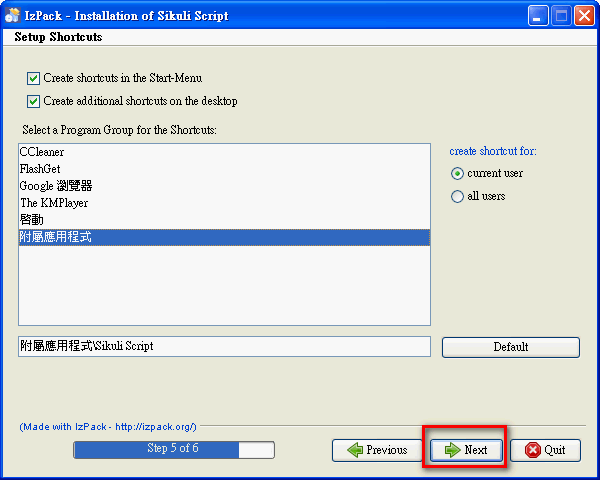
- Click [Next] directly
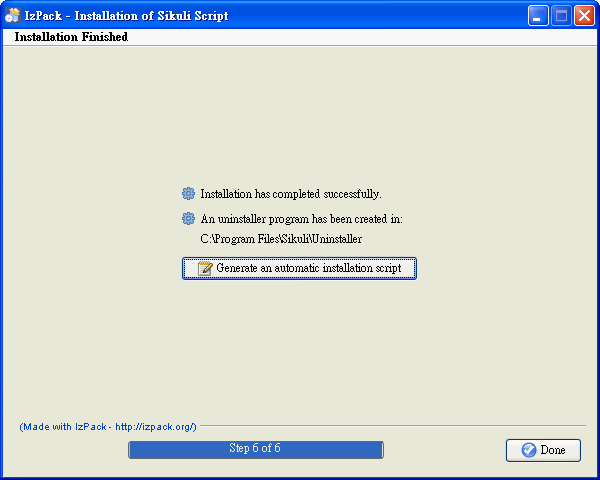
- Done
Writing a Simple Little Program with SIKULI
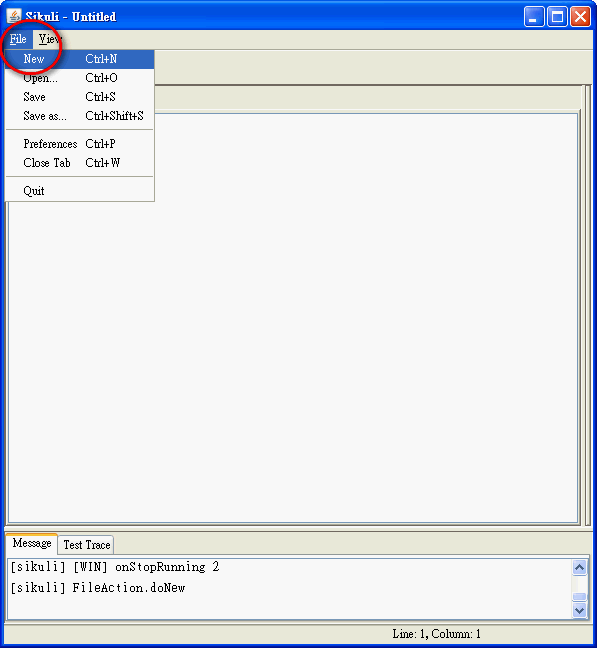
Next, we'll use SIKULI to write a small program that automatically logs into an instant messenger. Just follow the steps.- Open the main Sikuli program, then click [File] → [New] to create a new project.
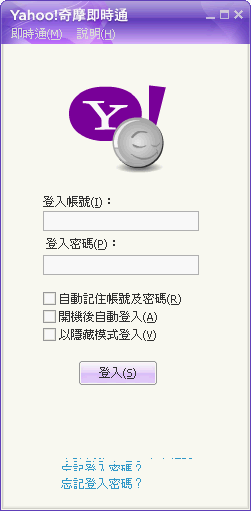
- Open the instant messenger’s main program, but don’t log in yet (and don’t minimize it)
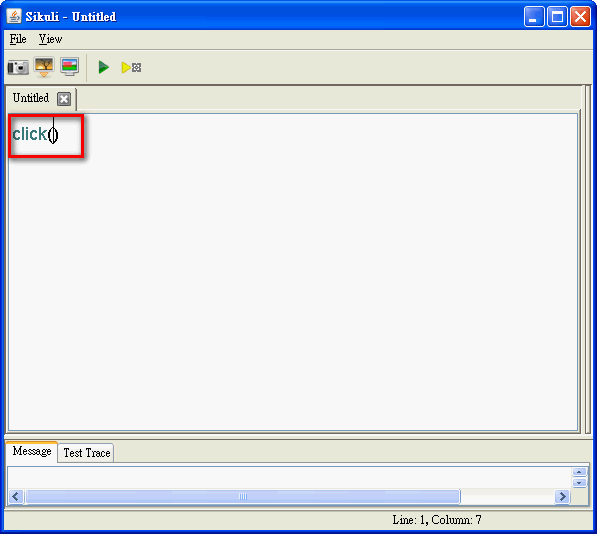
- In the code area, type click() and place the cursor between the parentheses ()
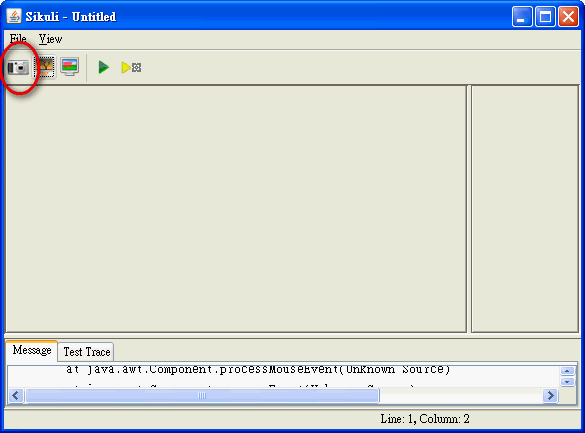
- Click the camera button in the upper-left corner of the SIKULI program
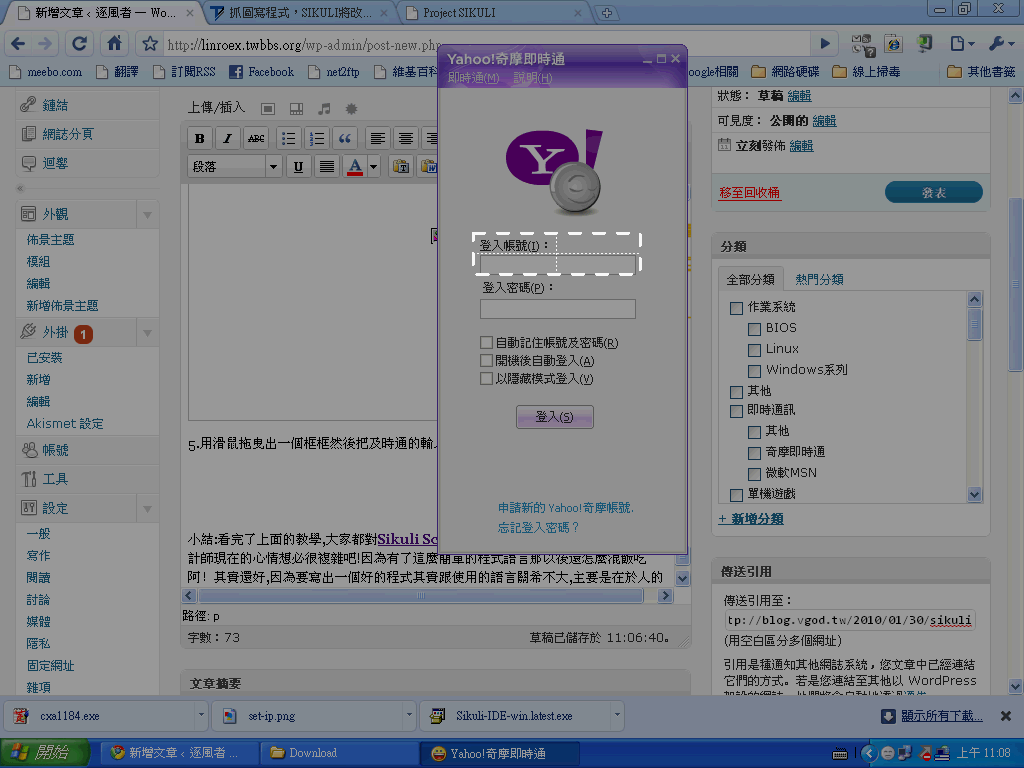
- Drag the mouse to draw a box around the account input field of the instant messenger
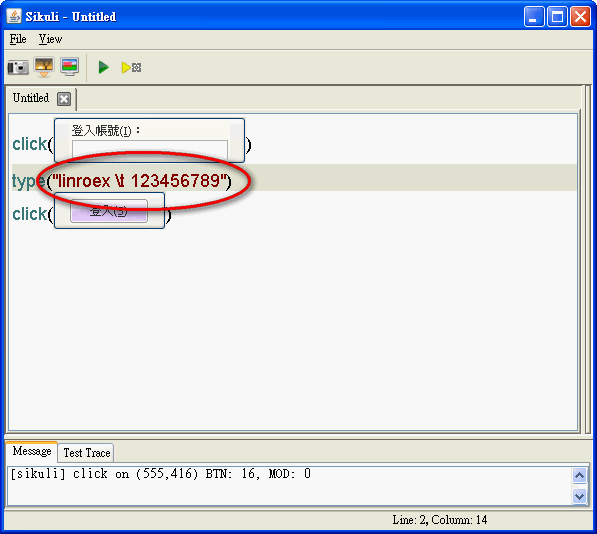
- You’ll automatically return to the code editor. On a new line, type type(“你的帳號t你的密碼”)
For example: type(“linroext12345689”)
This step makes the program enter your account, then automatically start a new line and enter your password.
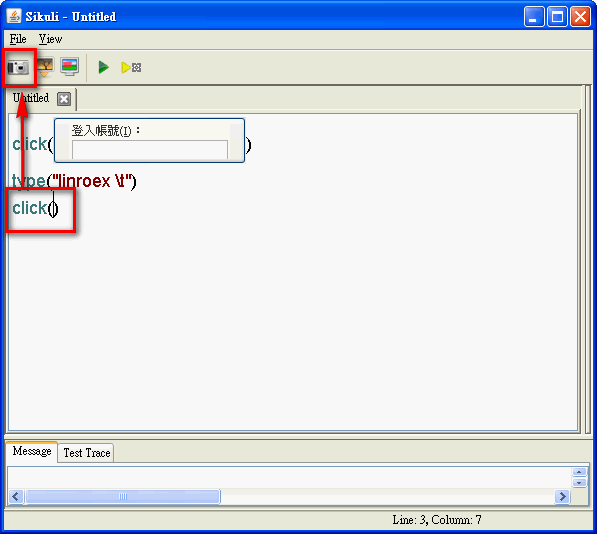
- Again, start a new line and type click(), keeping the cursor inside the parentheses, then click the camera button
- Again, drag the mouse to draw a box around the login button
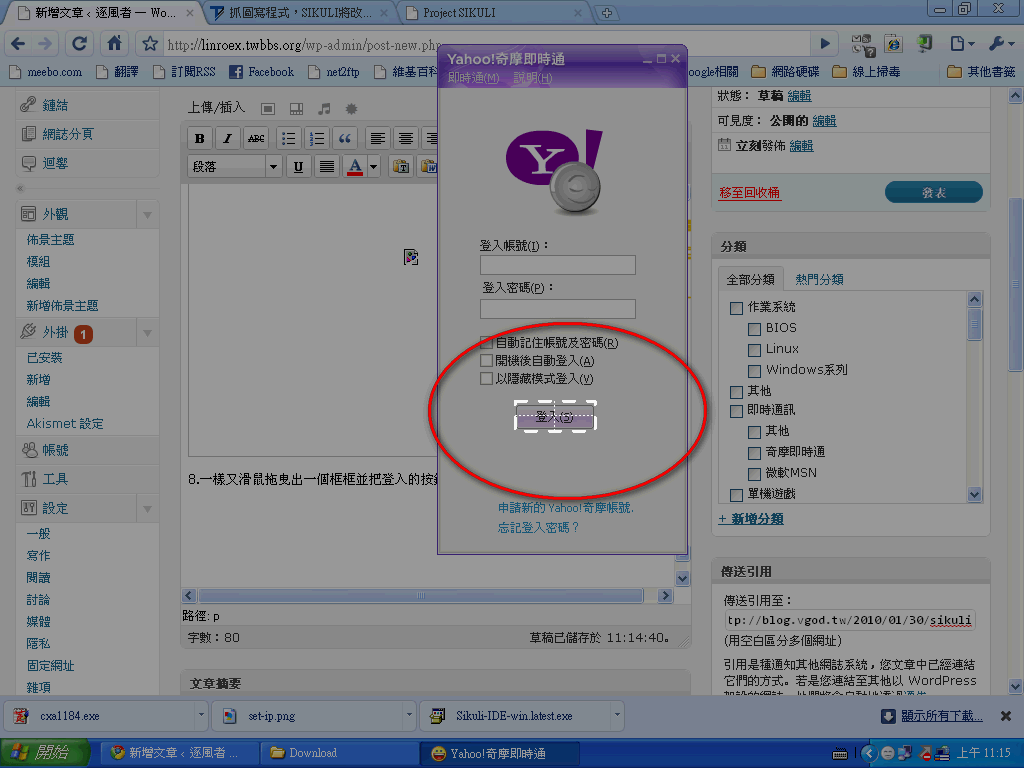
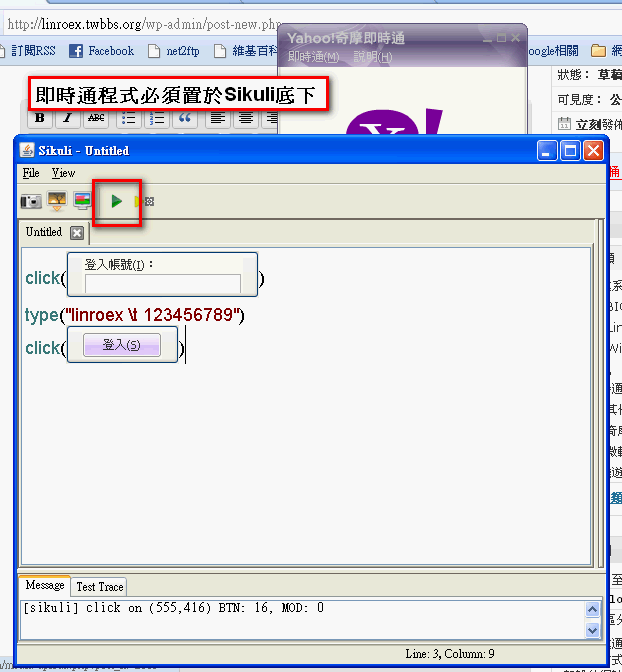
- That should just about do it. Check that your code matches mine. If it does, open the instant messenger program first, then click the green triangle button to start running
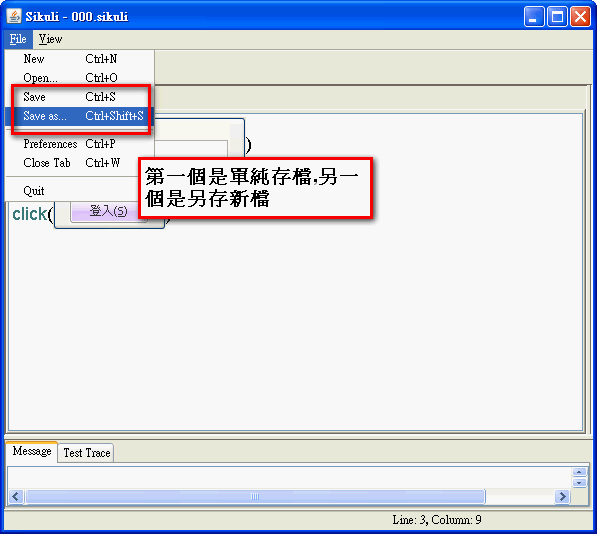
- After you finish writing, you can save your program. However, in my testing, it can’t currently be saved as an exe file, only as a project file. When you want to use it, open the Sikuli main program and run it. I hope it can be saved as an exe file in the future.
Notes on Using Sikuli:
- Sikuli is case-sensitive. For example, openapp and openApp are different.