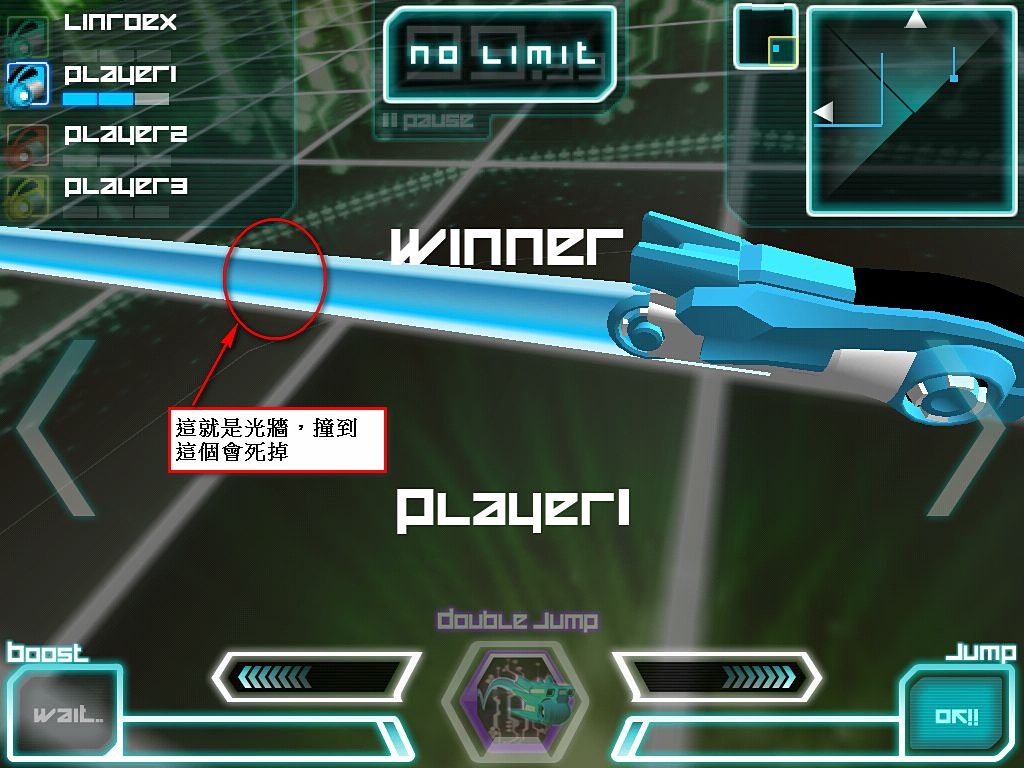
Have you seen TRON: Legacy? You’ll remember the scene where the main character enters the virtual world and gets thrown into an arena battle. Recently my younger brother introduced me to an iOS app called LightBike 2. It’s available for both iPhone and iPad, and you can play online~ It’s technically a racing game, but its gameplay is very fresh and almost identical to the movie. In LightBike, the bike you’re riding leaves a light wall behind it on the ground. If an opponent crashes into a light wall, they’re out. LightBike has two modes: one where the first player to win three rounds wins, and another where you get three lives and whoever keeps their lives the longest wins.
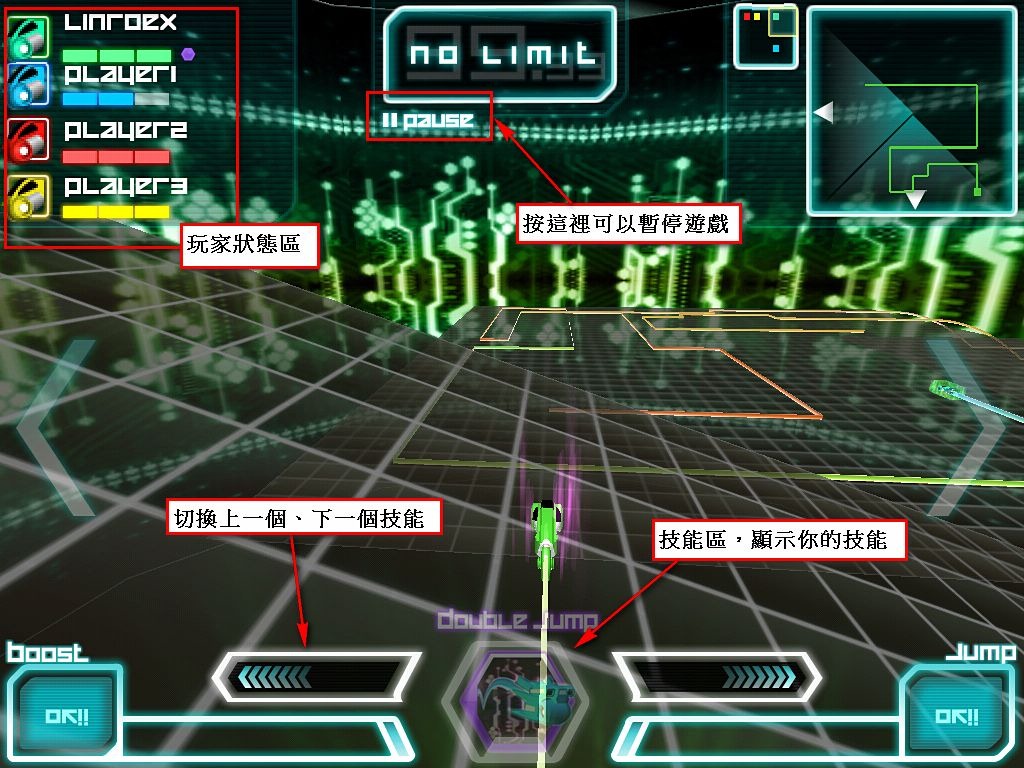
LightBike also supports online matches and Bluetooth battles. My brother and I had a lot of fun playing it together. It also has special abilities, such as super jump and boost. I’m not sure how the abilities are designed. They seem to be item-based: when you win a game, you get a “skill item,” and once you use it up, it’s gone. I once noticed that my favorite “infinite jump” ability was missing, and after winning a few more games it came back, which is why I suspect it works with skill items.
TRON: Legacy Clip
There's a racing scene at around the 1:17 mark~LightBike Clip
About LightBike 2
- Official website: http://iphone.pankaku.com/
- App Store link: http://itunes.apple.com/us/app/lightbike-2/id373778227
- Publisher: Pankaku, Inc
- Price: Free
Game Tutorial~
Of course you can't miss the game tutorial~ XDWhen you start the game, it plays an intro animation. Wait a few dozen seconds and it will be ready.
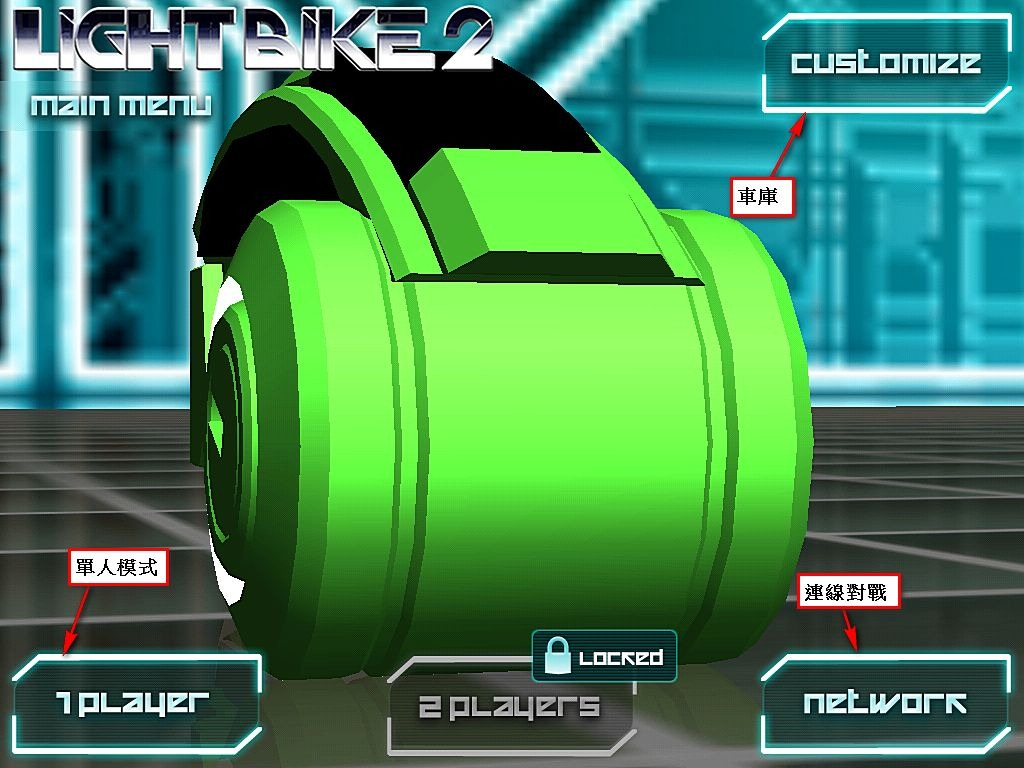
Once you’re in the game, the “Customize” button in the upper right is your garage, where you can customize your bike: change the seat, swap vehicles, change the tires, change the color, and more. Below it, “1 Player” is single-player mode. “2 Players” is locked, probably requiring payment to unlock. But don’t assume you have to pay to play against someone~ Look next to “2 Players” and you’ll find a “network” option, and that’s where you can play online. It seems to offer both a local network and the internet. My brother and I took a shortcut through Network XD
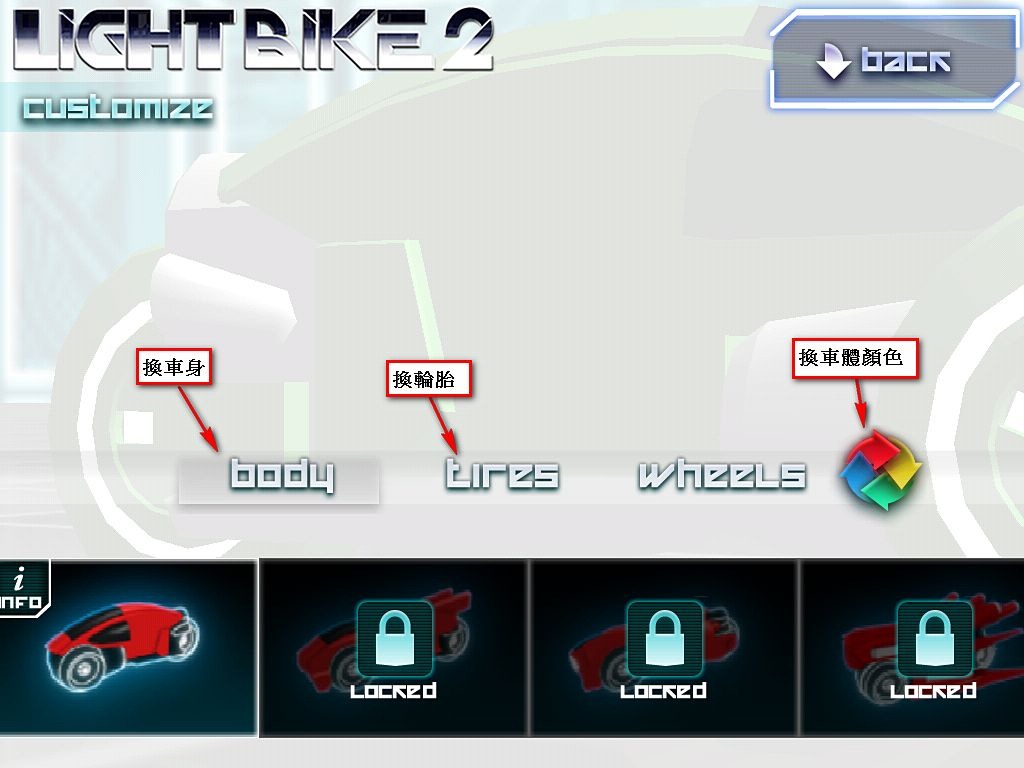
Tap “Customize” to enter the garage, where you can change the color, the body, the tires, the bearings, and more~ Tap “back” in the upper right to return to the previous screen.
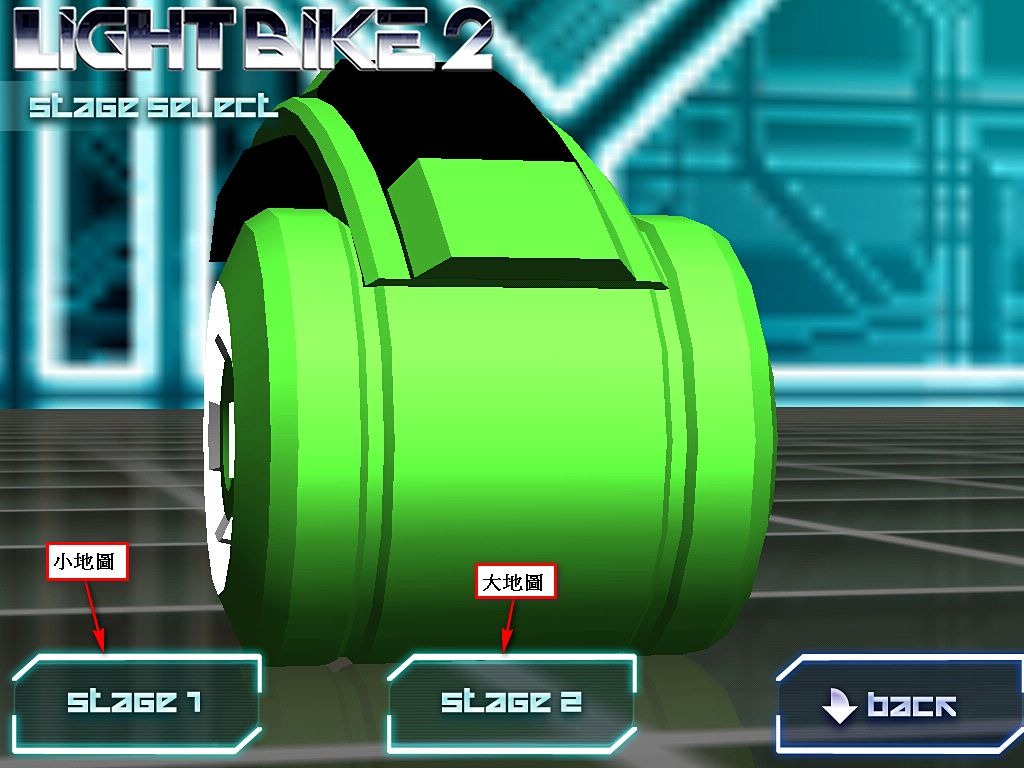
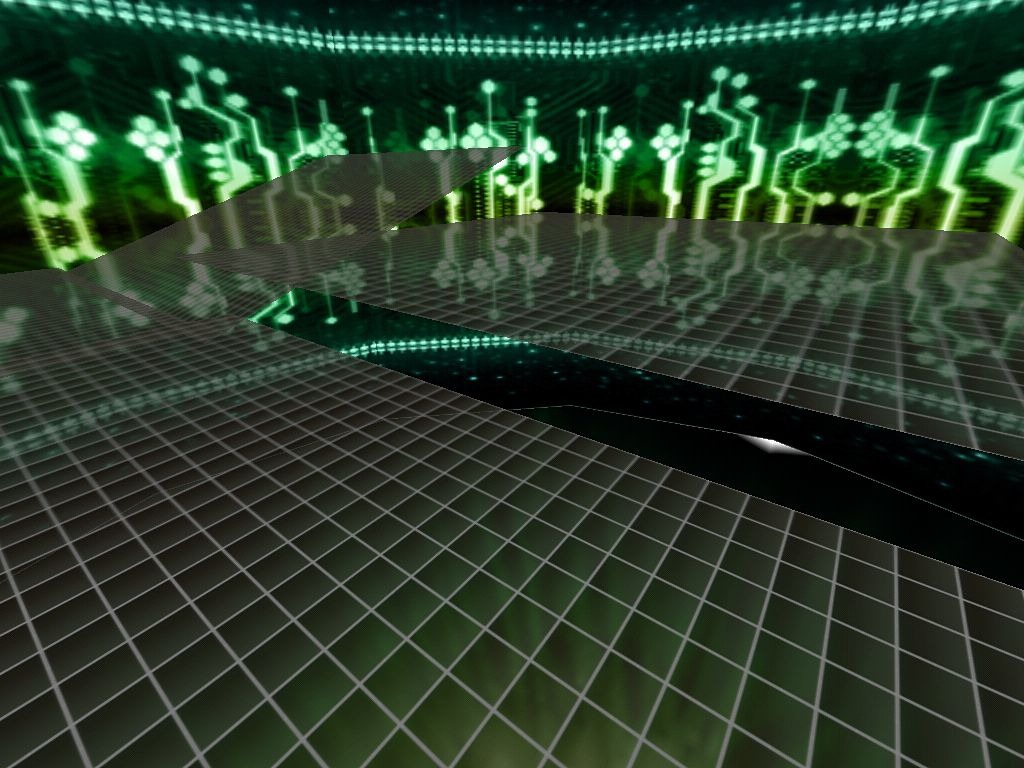
After you enter “1 Player,” it asks you to choose a map size. “Stage 1” is a small map, and “Stage 2” is a large map made up of four small maps~
▼▼ This is the large map
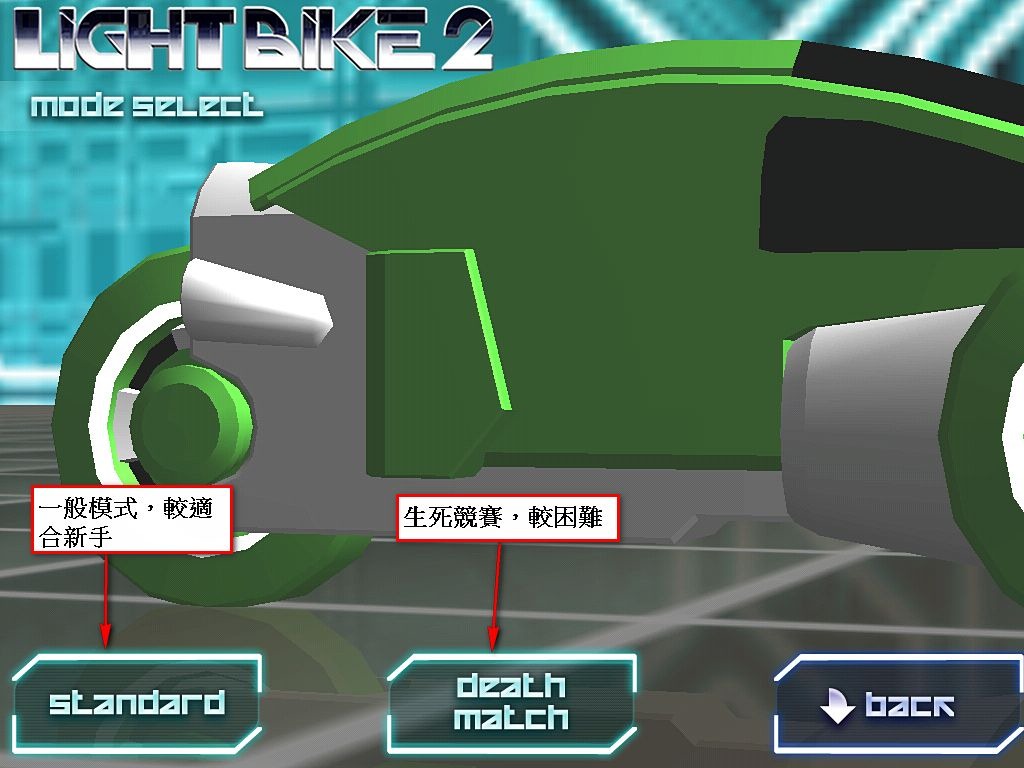
After you choose the map size, it asks you to pick a game mode. If you’re new, I recommend “Standard.” Here’s a brief explanation of the two modes.
Standard: This is the regular mode. The first player to win three rounds wins. It’s good for beginners because it’s turn-based. If you die, a new round starts, and the light walls that other players created disappear and reset.
Death Match: This is a deathmatch. The computer gives you three lives, and whoever dies three times loses. Unlike Standard, in this mode, even if you die and respawn, the light walls other players created remain. That means you might respawn only to be boxed in by walls and die right away. This mode usually ends quickly, so it’s better suited to experts~
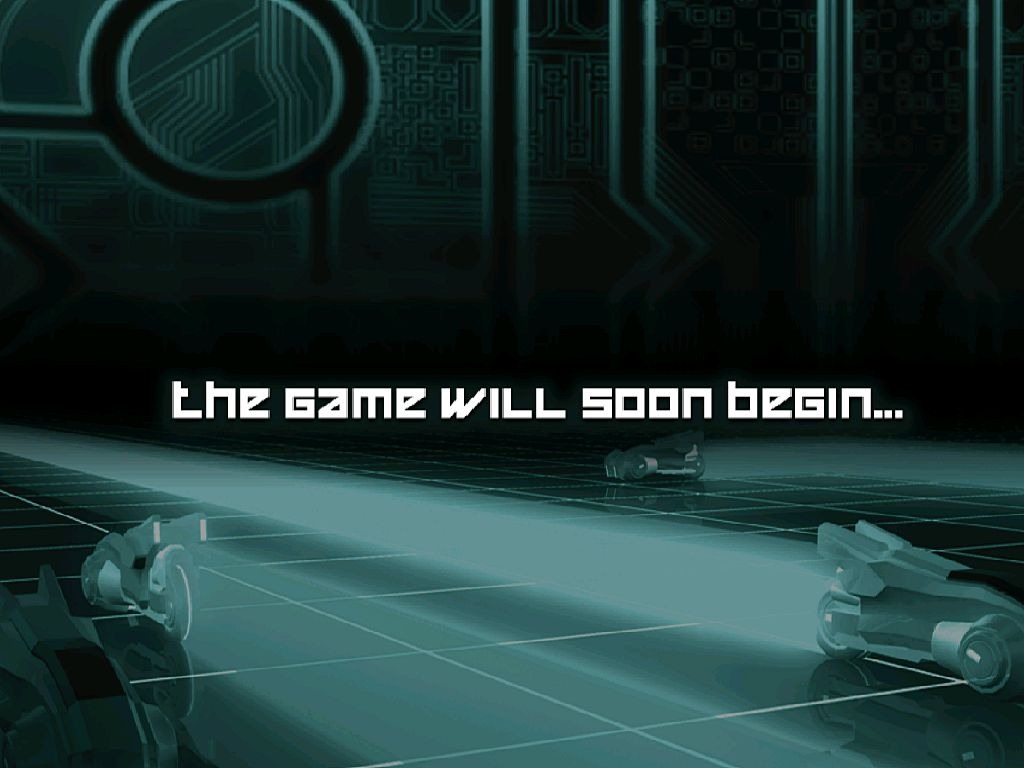
Once you pick a mode, this screen appears, which means the game is about to start~
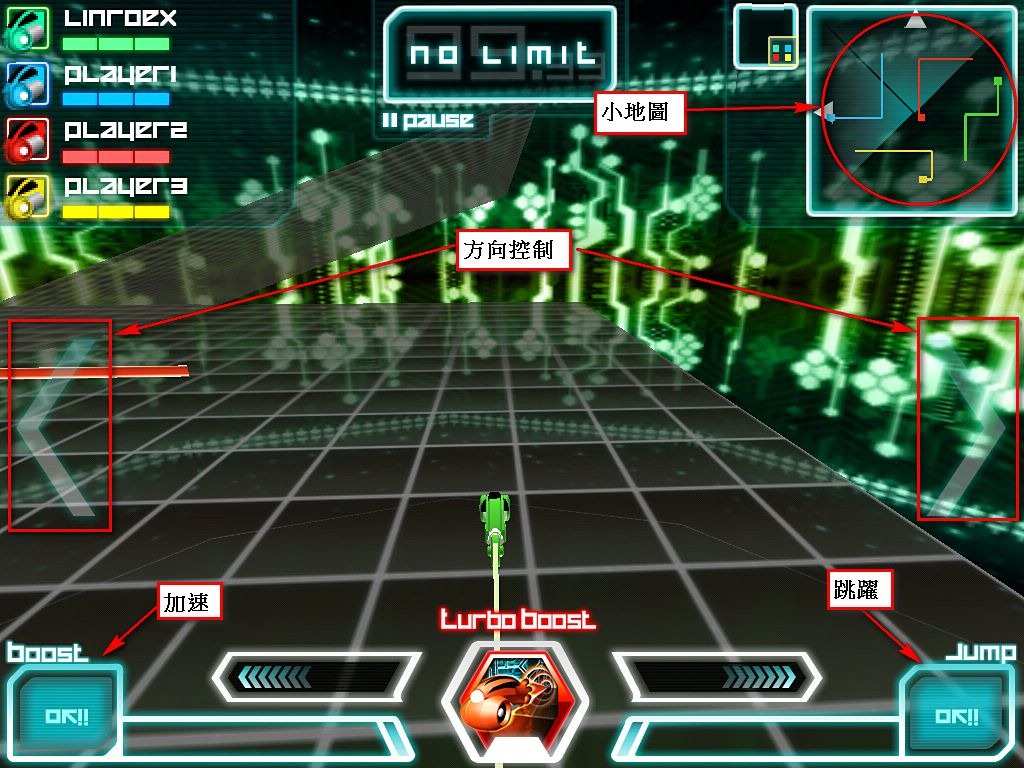
This is the control screen. There’s a button on each side for steering. There are no brakes. In the lower left and lower right are boost and jump. If you hit someone else’s light wall, you can press jump, but after each jump you have to wait a moment before you can use it again.