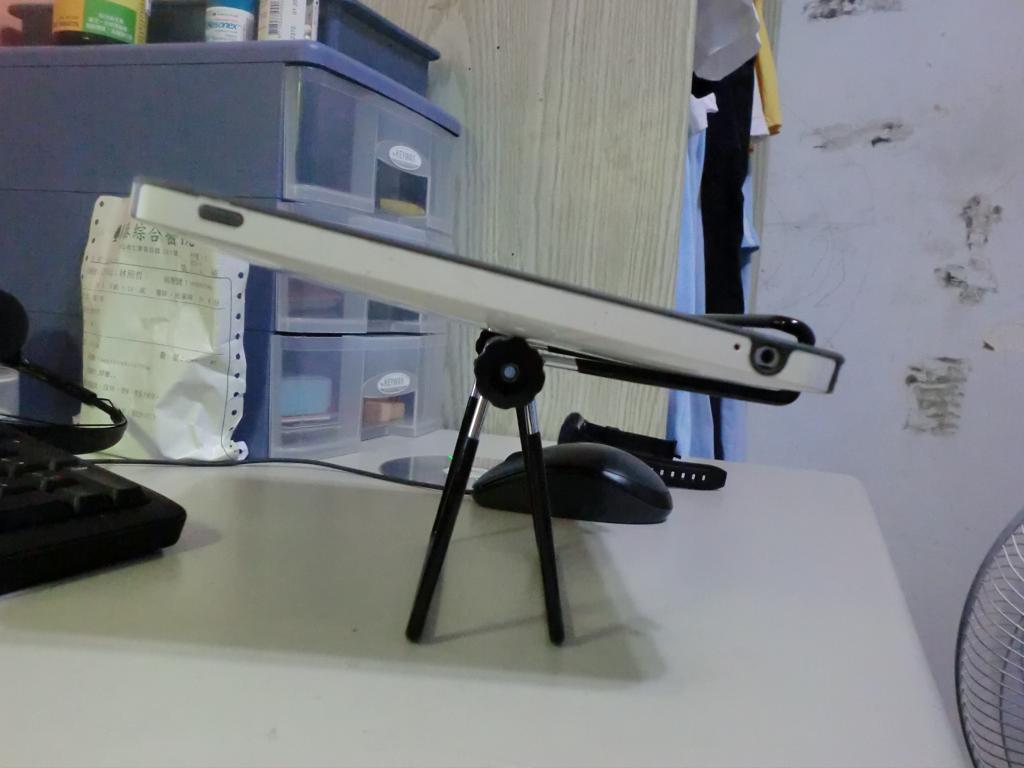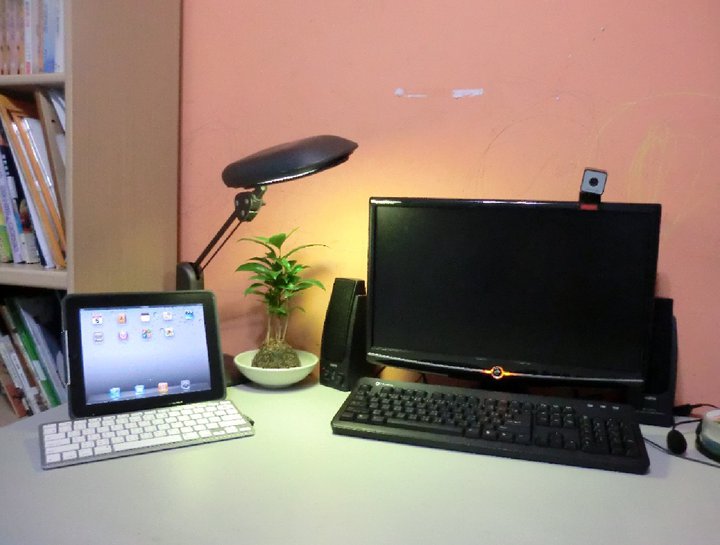
Actually, this post was supposed to go up on 7/4. That day I went with some netizen friends to visit the multimedia expo at the World Trade Center in Taipei, and I saw a few things and…. ended up buying them without really planning to. I felt a little heartbroken, but I didn’t feel I’d lost out, since the things are really practical and I didn’t overpay. So what did I buy? The answer: a Bluetooth keyboard and a stand for the iPad.
So why did I want these two things? The main reason is that I want the iPad to really take over most of the work I do on my computer. I spend a lot of time on my computer chatting and browsing the web, but I can do that kind of work on an iPad. So why keep the computer? The problem is that the iPad doesn’t stand up by itself. You have to hold it in your hands, and after using it for a while, your hands and neck get sore. The built-in virtual keyboard isn’t that great either… It’s fine compared with a regular phone, but it’s far behind a computer. Typing for chat in particular is too slow and really uncomfortable! So if you want to use an iPad in place of a computer, you need two accessories. One is a stand that can hold the iPad steady upright, ideally one that is light and easy to carry. The other is a physical keyboard, and among those, a Bluetooth keyboard is the most convenient because there are no cables. As for these two things, the stand is fairly cheap, and you can get one for a few hundred NT dollars. But a Bluetooth keyboard is different. Apple’s official Bluetooth keyboard costs 2300 NT dollars, just for that Apple logo and its all-aluminum body! I’m not rich enough for that kind of luxury. I’d rather spend the money on books, so I waited a long time and kept looking for a cheap Bluetooth keyboard. Then at the multimedia expo, perhaps by fate (a thunder-and-fire kind of coincidence?), I happened to find both a so-called “knockoff Bluetooth keyboard” and iPad stands within 50 steps of each other. The keyboard was only 1300 NT dollars. I tried it out, and it felt pretty good. The typing was smooth enough. The shell is electroplated and looks a lot like aluminum, but as soon as you pick it up you know it’s fake, because the weight is different. But that doesn’t really matter. As long as it works, why care about the material~~ So, for this simple reason, I ended up spending 1500 NT dollars within 50 steps… I didn’t have enough cash when I bought the keyboard, so I shamelessly borrowed money from my netizen friends…
I didn’t use them much when I first got them. It wasn’t until yesterday, when I took them along to the H4 event, that I really started using them. Their total weight is under 1 kg, so I brought them to the gathering. On site, it took only 30 seconds to put them together. I can honestly say that it wasn’t until yesterday that I truly felt the thrill of an iPad meeting a Bluetooth keyboard!
Alright, enough of the rambling. Now for the unboxing. These are no-name products, so please don’t ask me which manufacturer made them… because I’ve forgotten myself (lol)
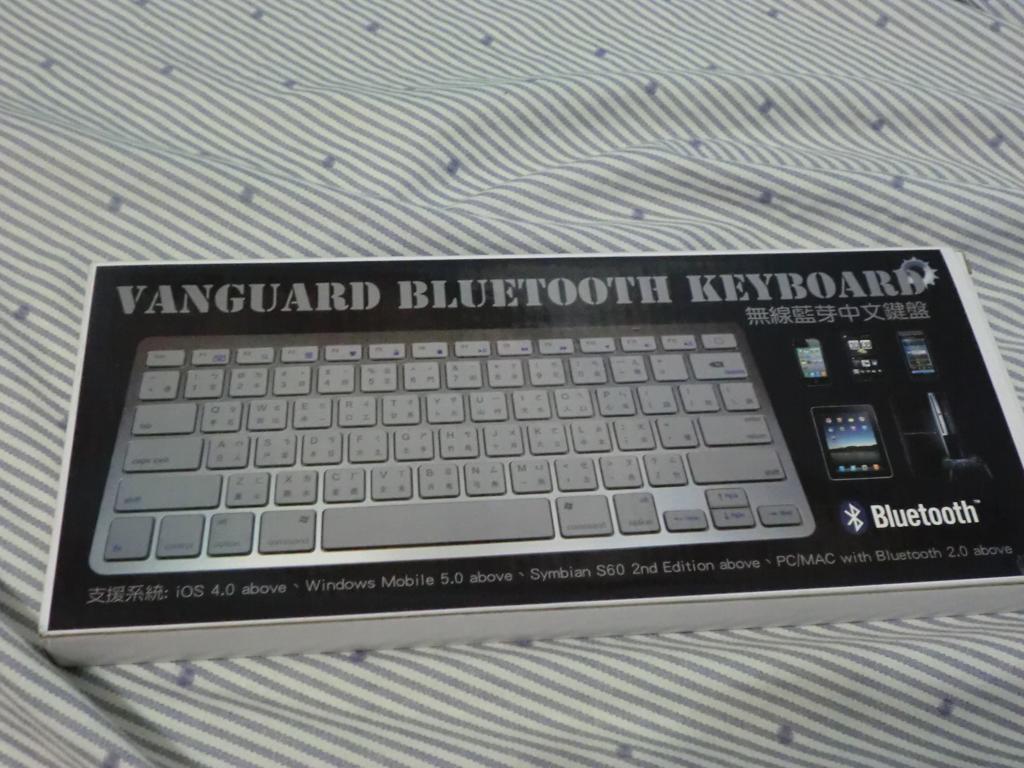
▲▲▼▼The packaging is simple and laid-back (in other words, pretty careless…
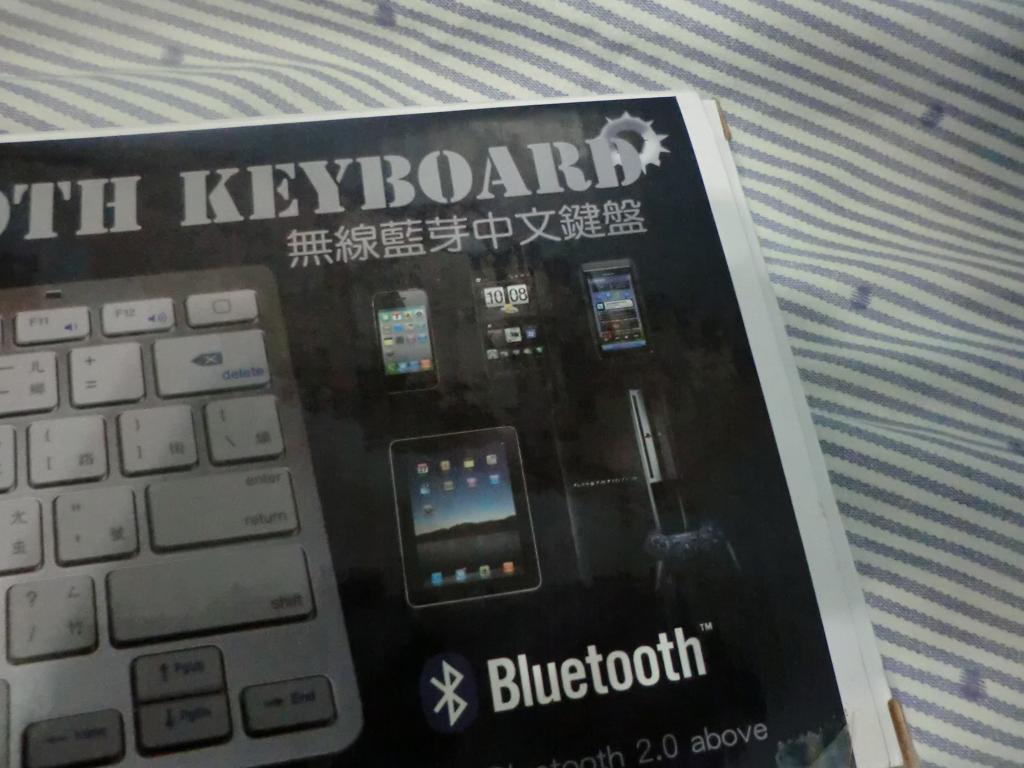
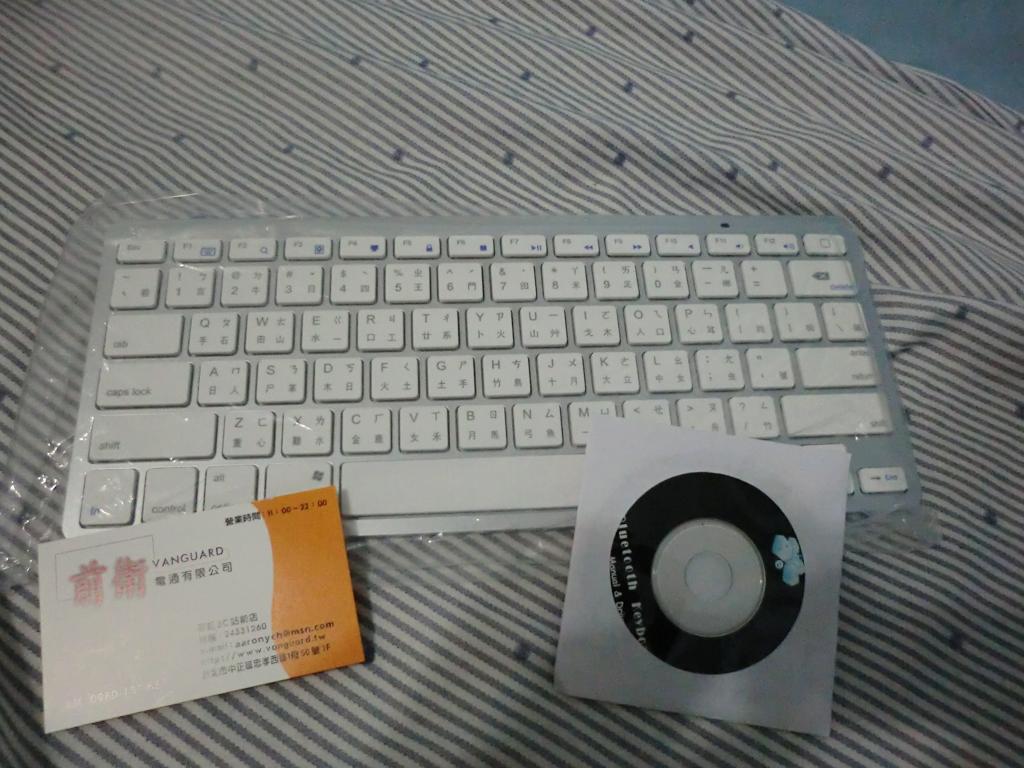
▲▲Contents. The CD holds the user manual, so don’t think it’s a driver XD
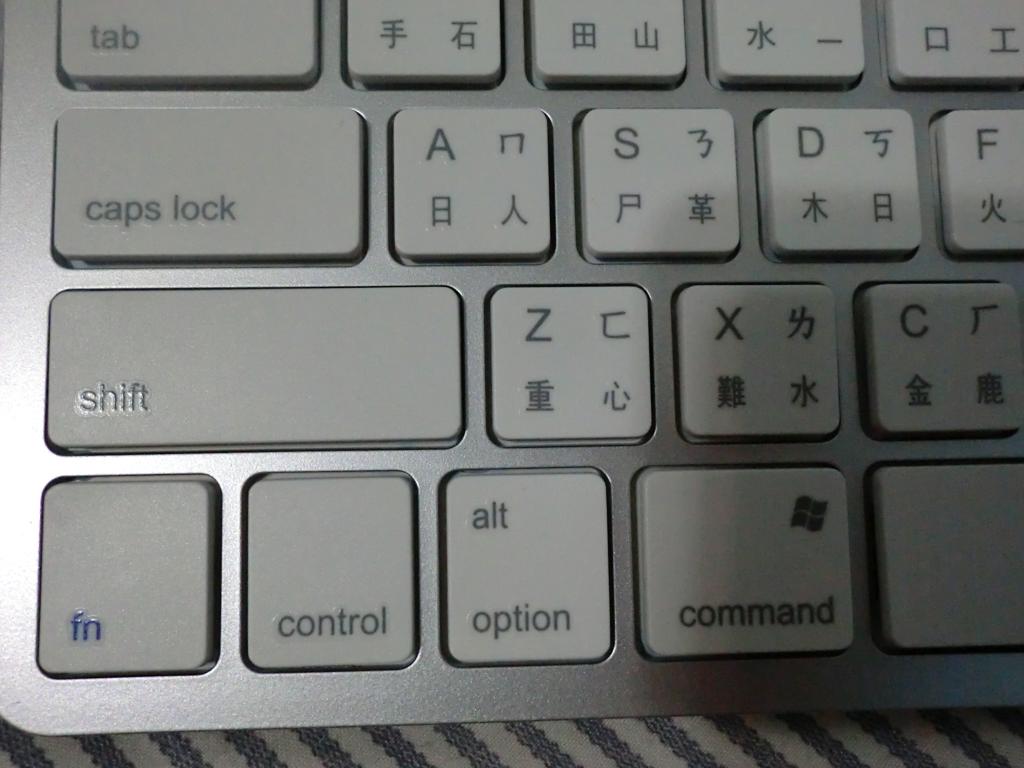
▲▲It has the three important keys: Fn, Option, and Windows key~
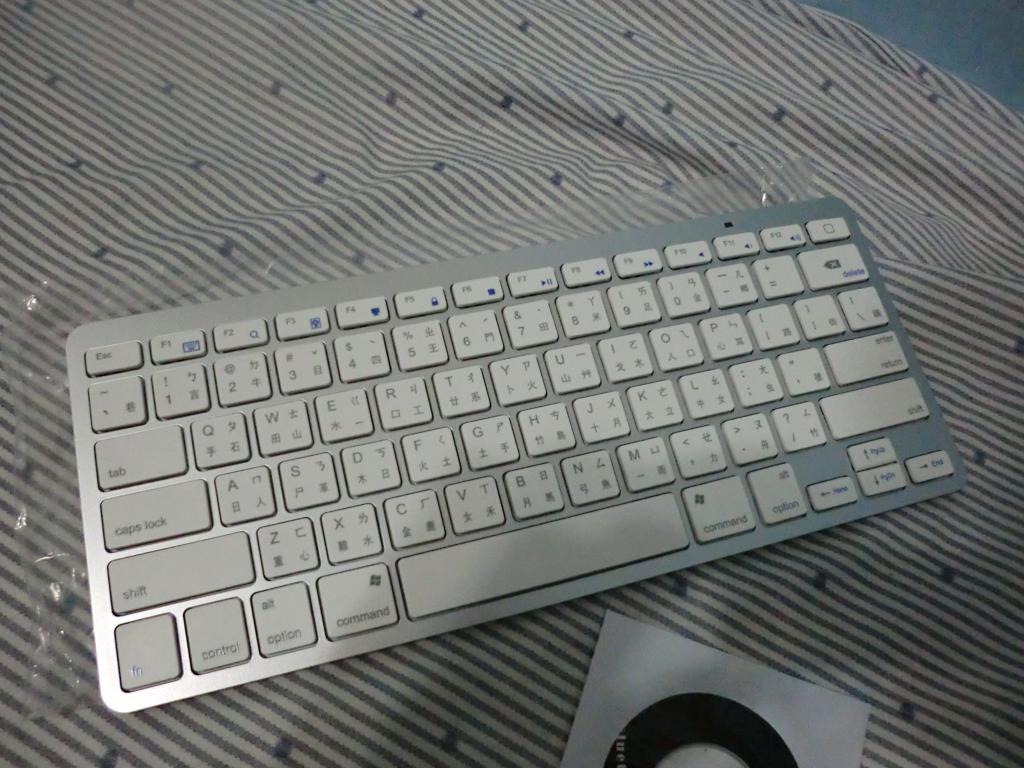
▲▲Overall photo of the keyboard. It looks a lot like Apple’s Bluetooth keyboard!?
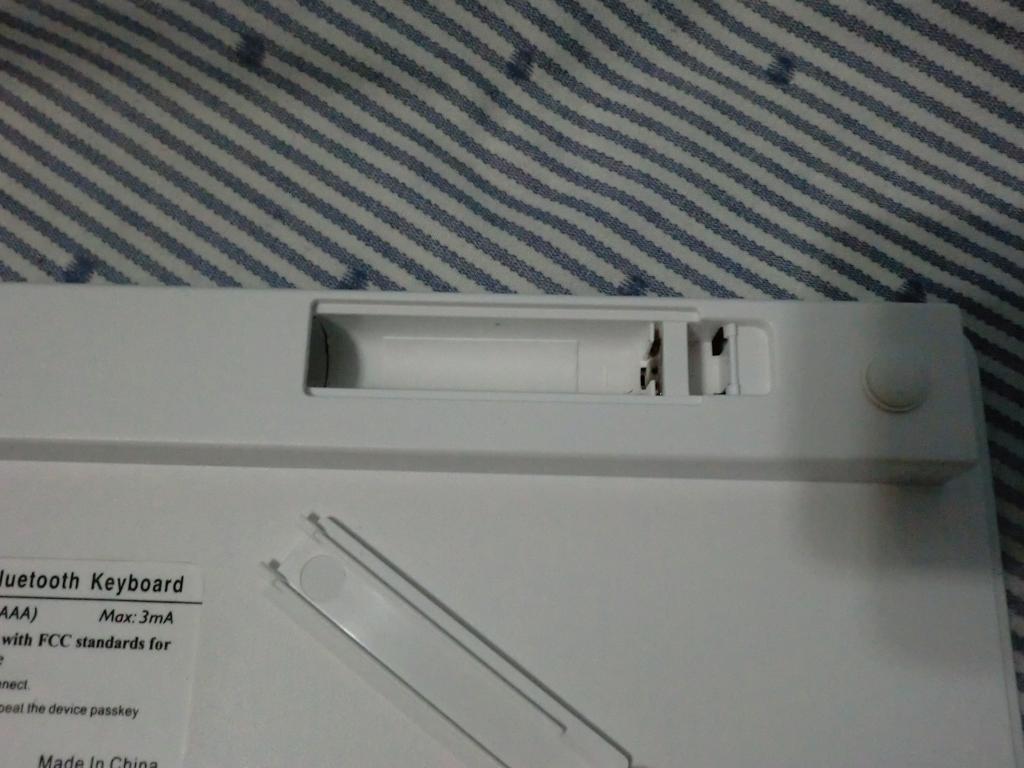
▲▲It needs two AAA batteries to work. I’m not sure how long the battery will last, but it still had power after 4 days of use, which is pretty good~ Just remember to turn the power off when you’re not using it.
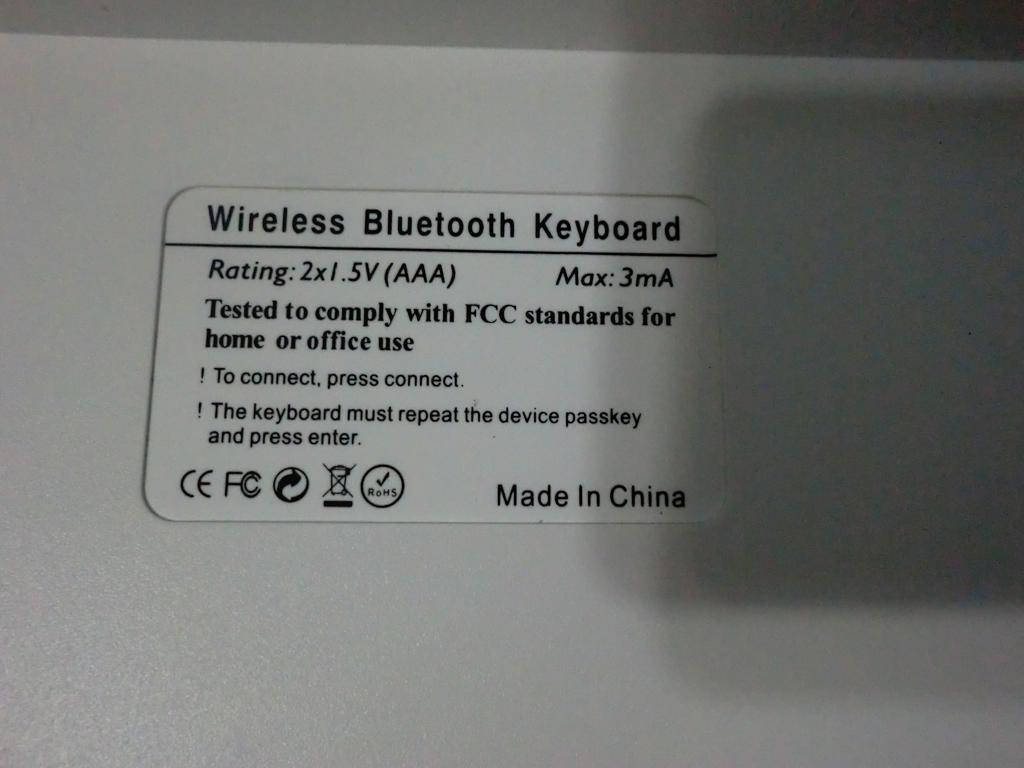
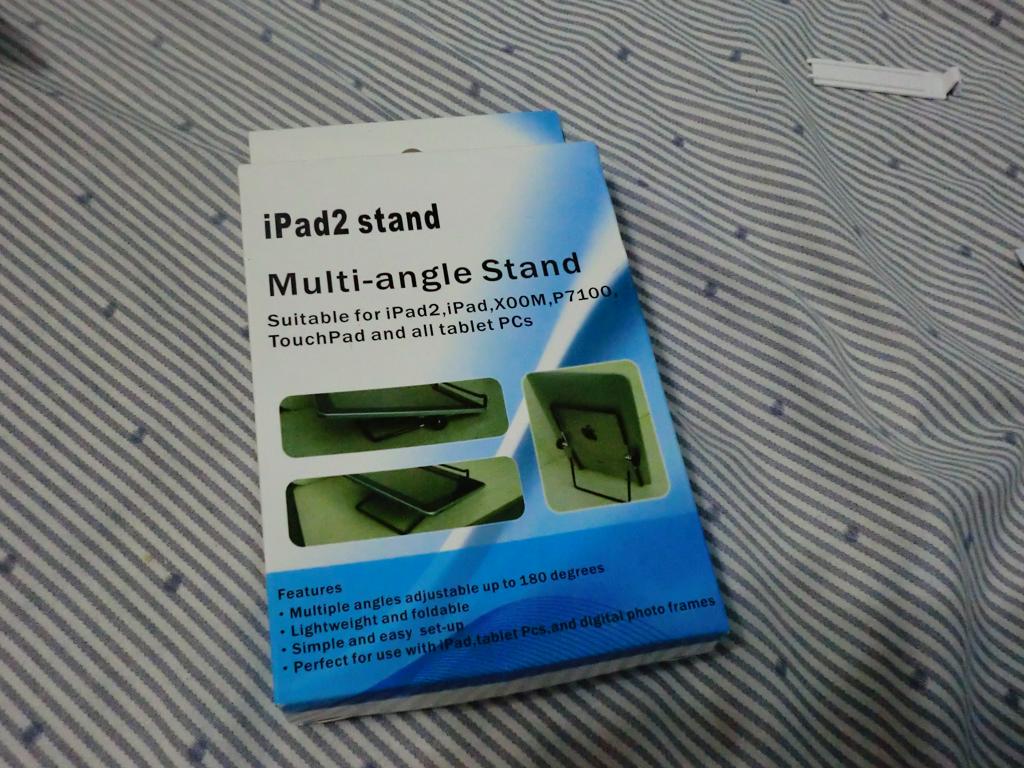
▲▲The outer packaging of the iPad stand is just as careless…
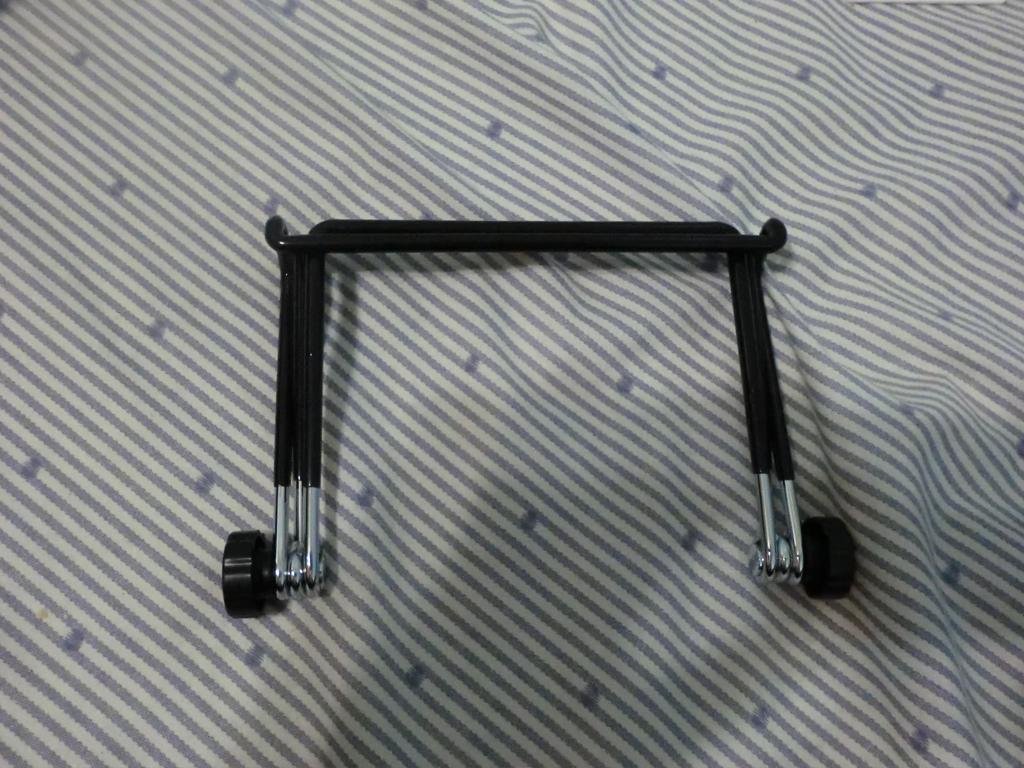
▲▲When folded up, the stand forms an ㄇ shape. It takes up very little space and is very light~
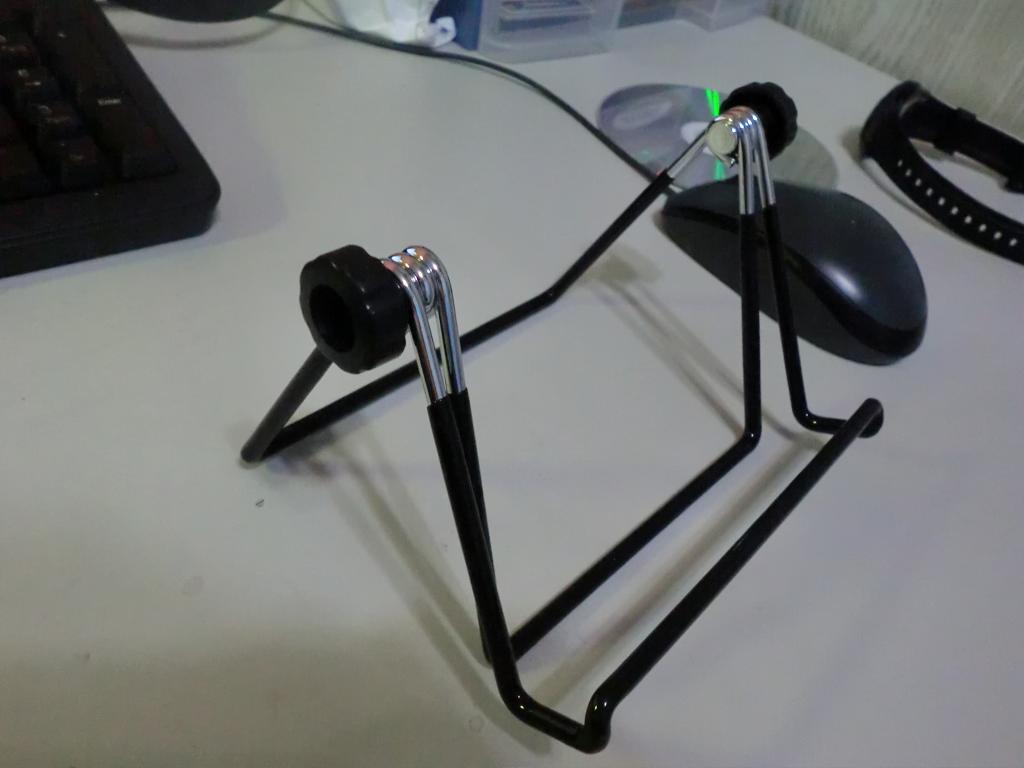
▲▲The groove at the front is for holding a tablet. It’s not just for the iPad; tablets from other brands can stand up on this stand too~
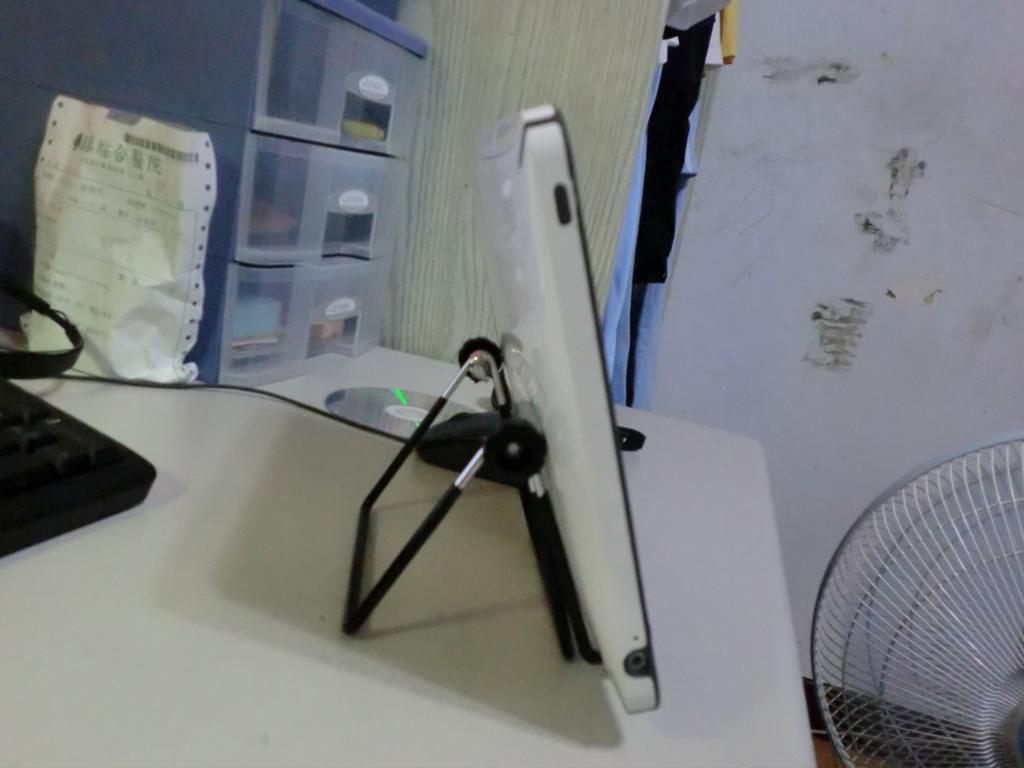
▲▲▼▼You can change the angle for easier use or reading~