Some friends installed Unity without any problems, but when they opened it they ran into the error message “Eorror loading page couldn’t read a file ://file”. My guess is that this error happens because the user name contains Chinese characters, which causes a problem when Unity tries to load the license key on its first run. The fix is actually easy: just import the license key into Unity manually. You can follow the tutorial below to do it.
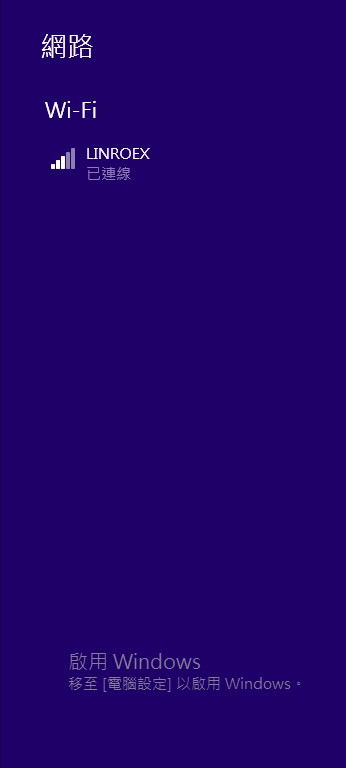
- First, turn off your internet connection. Don’t be confused: this is so that Unity switches to manual activation mode instead of web activation.
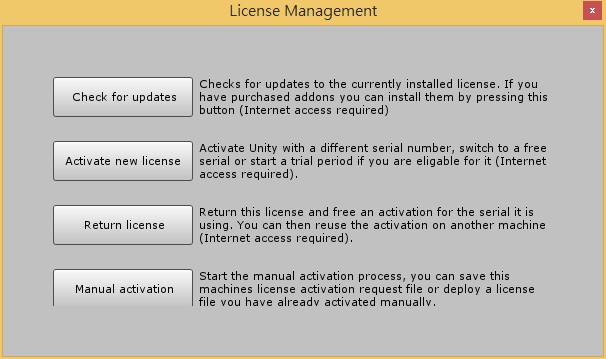
- Start Unity. This time you won’t see the error message. Instead, you’ll see a page like the one below, which is the page for manually managing your license. Click “Manual Activation,” and then click “Save License.”
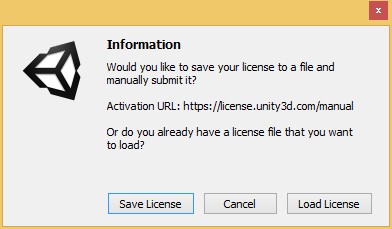
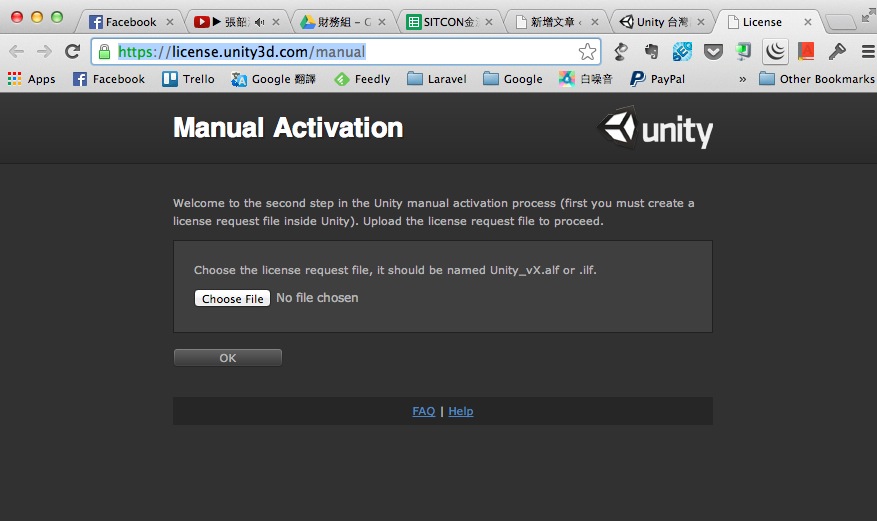
- Go to the manual activation page (https://license.unity3d.com/manual) and upload the file you just saved.
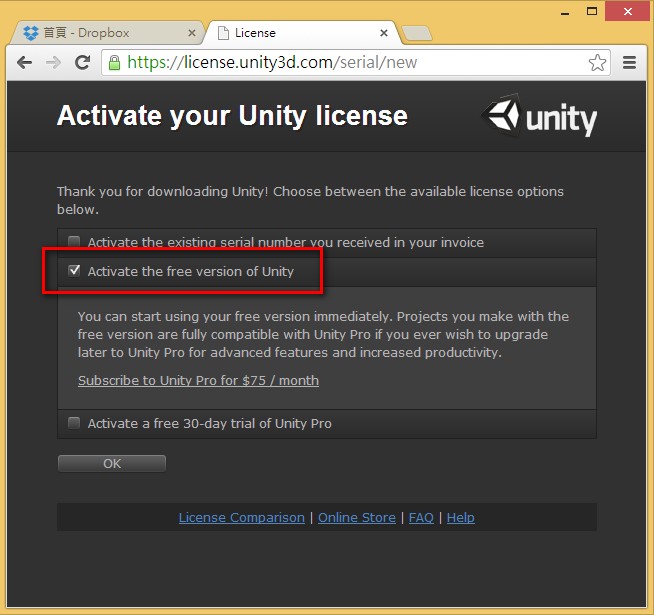
 4. Select “Activate the free version of Unity”
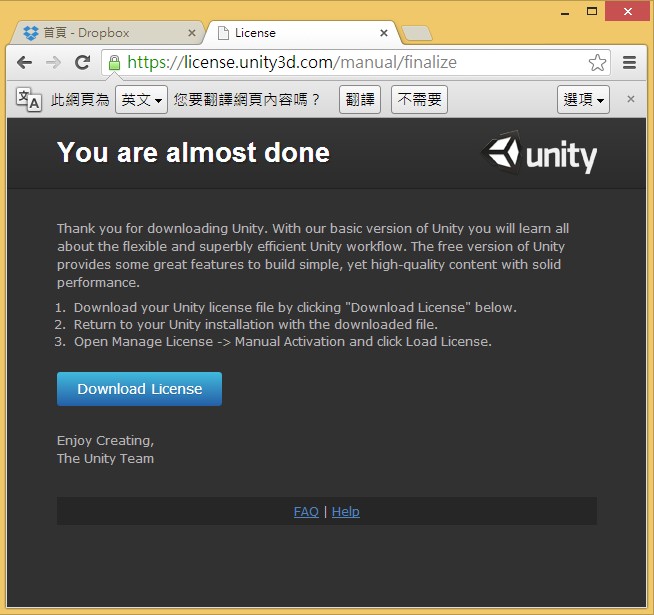
- Click “Download” to download the license key file.
- Turn off your internet connection again, then open the Unity main program. As in step 2, click “Manual Activation,” then click “Load License” and select the file you just downloaded.
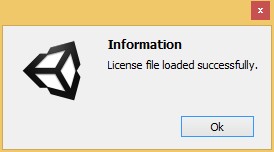
When you see the screen below, you’ve succeeded! Next, restart Unity and enjoy it!