Uptime is the amount of time each month that a server is running normally. The higher the uptime, the more stable the server, and the more your website can build an audience. Think of a museum that spends a third of its first month after opening under repairs, so visitors can’t come in for that time. Would you still want to visit that museum later? So if you want your website to get a lot of traffic, uptime is a key factor.
Uptime Robot Information
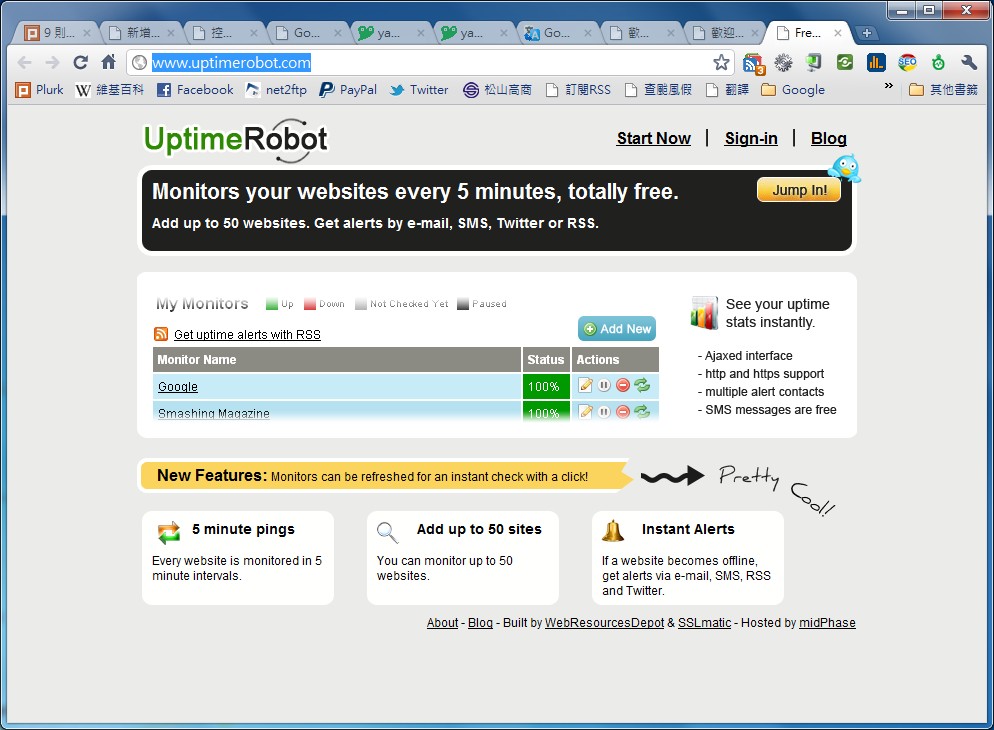
Website: http://www.uptimerobot.com/How to Use Uptime Robot
1. Go to the official Uptime Robot website, click [Start now], enter your name (or nickname), email, username, password, and other details, then click [Register] to finish signing up.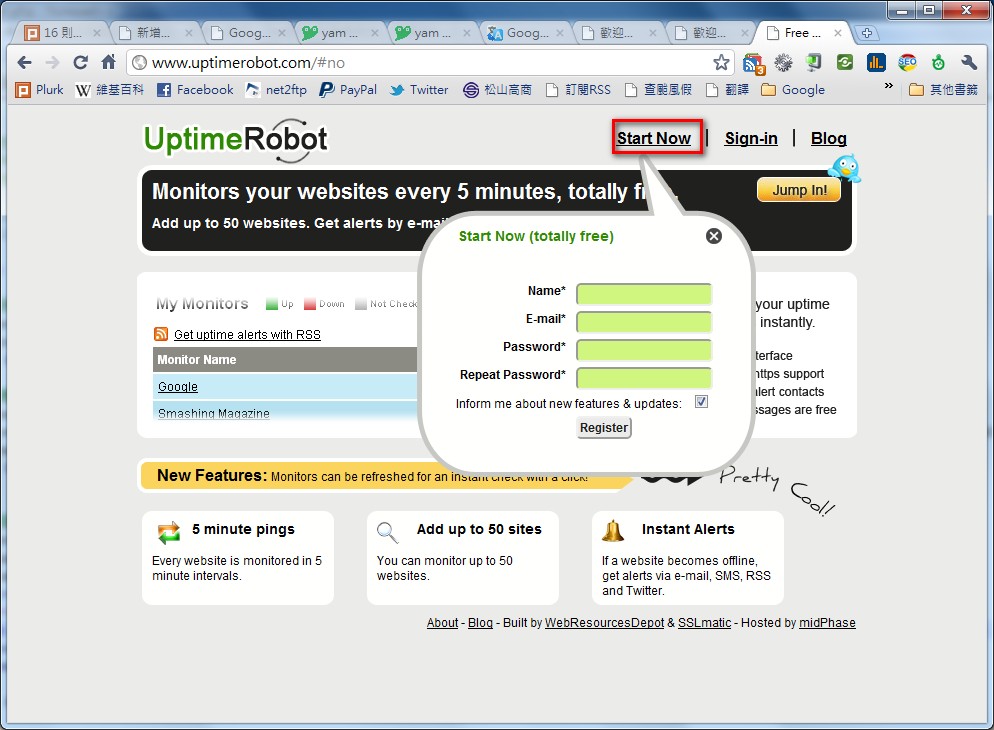
- When the message below appears, it means your registration was successful.
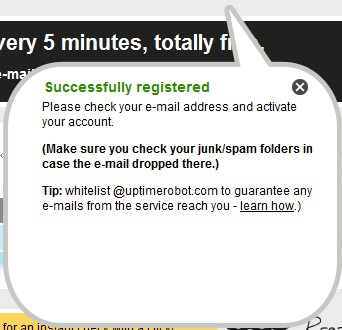
- Next, check your email and click the confirmation link.
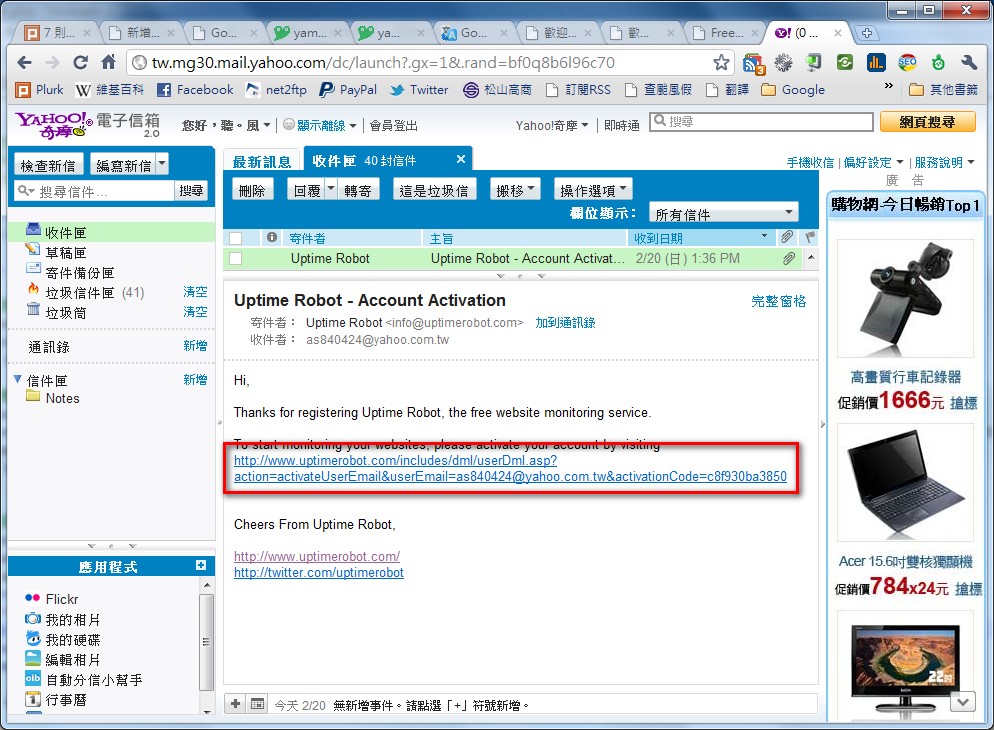
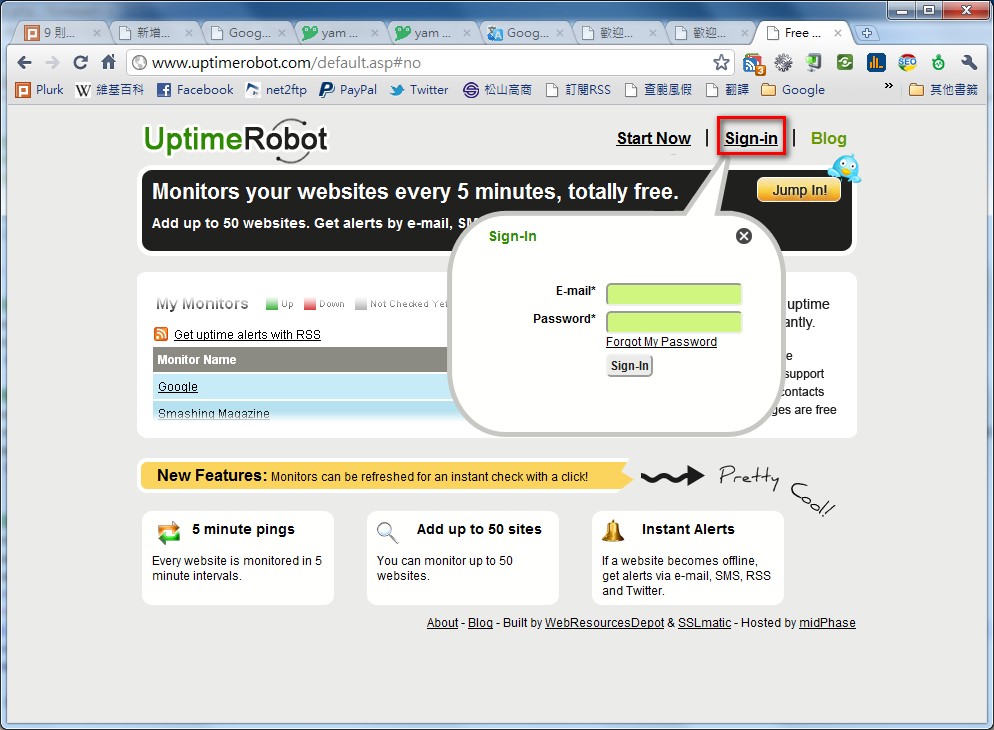
- After clicking the confirmation link, click [Sign In], then enter your email and password.
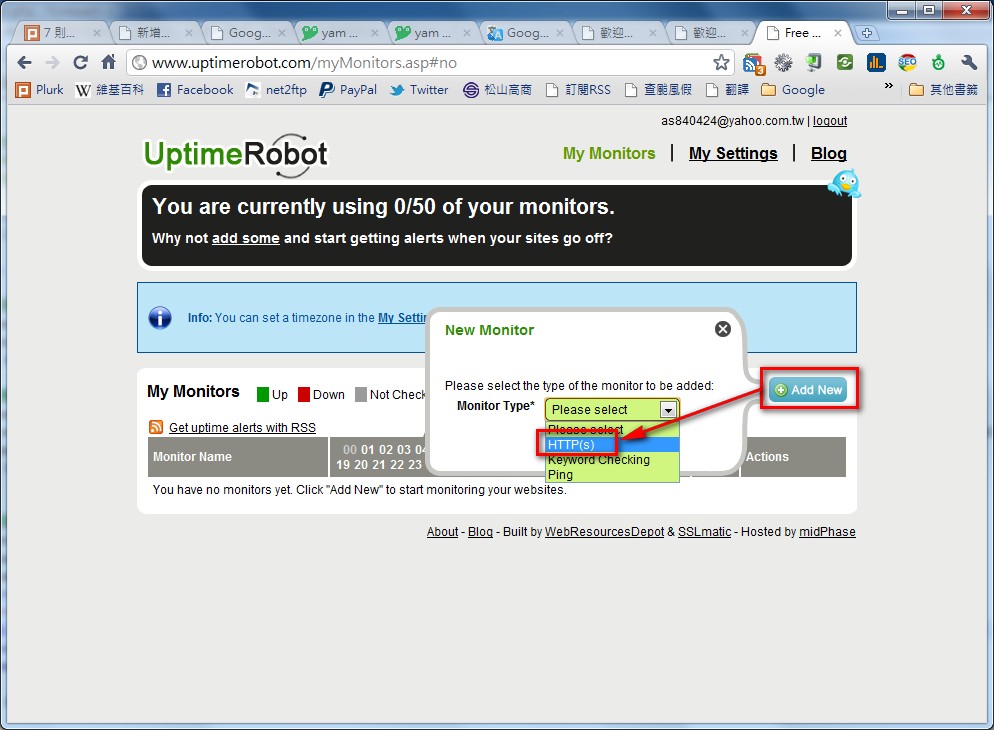
- Once you’re in the Uptime Robot dashboard, click the [Add new] button, then choose the check type you want to use: HTTP, KeyWord, or Ping. I personally recommend HTTP because it’s more accurate. Sometimes the server itself is fine but the web server running on it has a problem, and in that case Ping is useless.
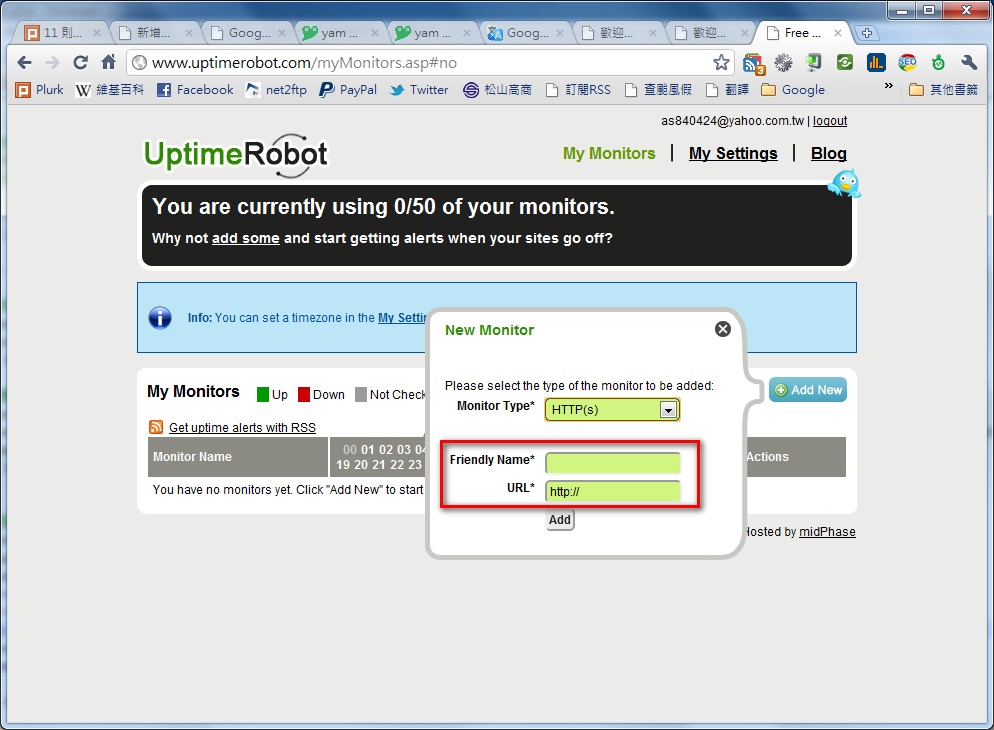
- After selecting HTTP, you’ll see [Friendly Name] and [URL] fields to fill in. Enter the URL of the site you want to check in the URL field, and enter a name for that URL in the Friendly Name field. When you’re done, click [Add].
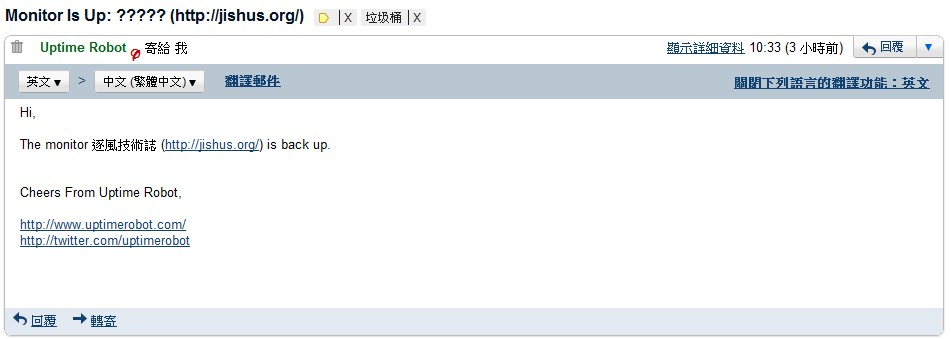
- If the website becomes unreachable later, Uptime Robot will send you an email to let you know.