Software stores have been catching on lately. Apple has the App Store, Google has the Android Market and the Chrome Web Store. But none of these stores are exclusively for Windows. The App Store, for example, is for iOS. And now, even Intel couldn’t hold back, launching the Intel AppUp Developer Program (hereafter IADP). Intel AppUp is different from the others. It’s a software store made specifically for the “Windows” and “MeeGo” operating systems. Through AppUp, programmers can turn their ideas into products and upload them there. If the idea is good, getting rich isn’t hard! The most important thing is that IADP is currently free. Normally, software stores charge an annual fee. AppUp was going to charge too, at 99 US dollars a year. But since IADP is brand new, Intel generously offered a free first year. Right now, IADP members are still free, but I don’t know when this offer will end.
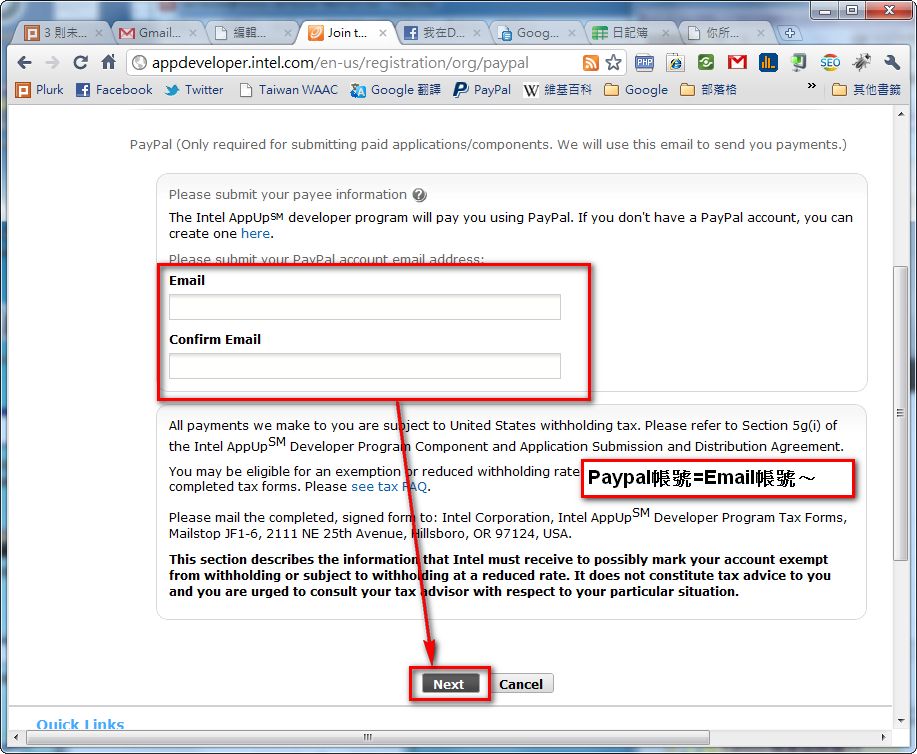
I’ve briefly introduced IADP above. Next, I’ll show you how to apply for an IADP account. One thing to keep in mind: IADP pays you through PayPal, an online bank. So I recommend setting up a PayPal account before applying for IADP. You don’t have to apply for PayPal right away, though, because Intel AppUp lets you add a PayPal account later. The reason I’d like you to do it first is that during registration, IADP automatically links to a PayPal account using the email you registered with. That way, you can skip one step later.
- IADP official website: http://www.appup.com/
- Join IADP: http://appdeveloper.intel.com/en-us/join
IADP Account Application Guide
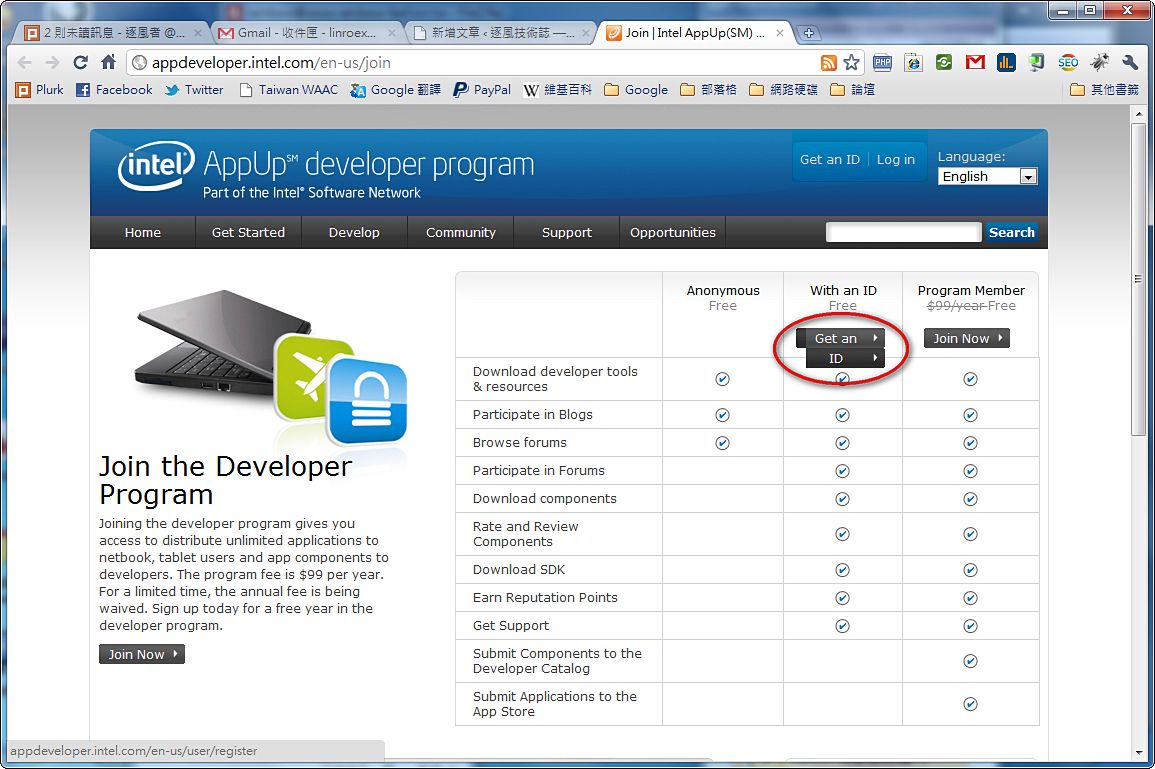
1.First, go to the IADP account application page, then select "Get an ID" under "With an ID."http://appdeveloper.intel.com/en-us/join
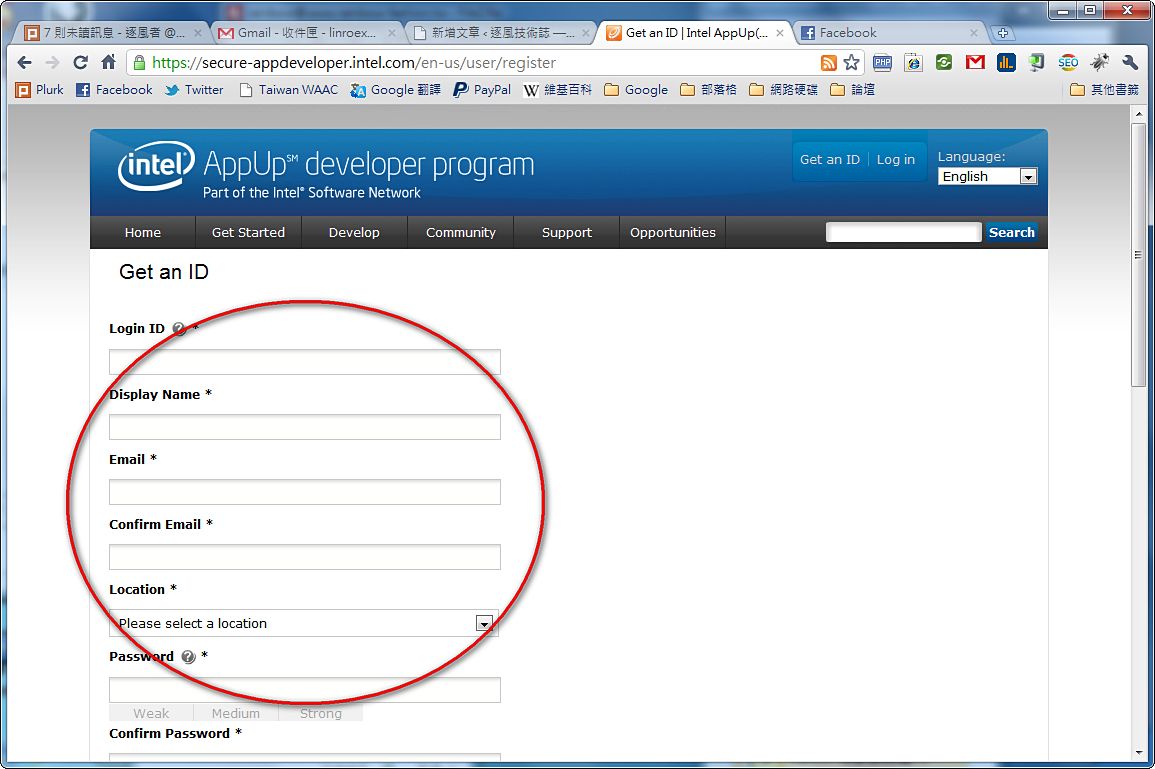
2.Enter the required information (username, email, password, etc.)
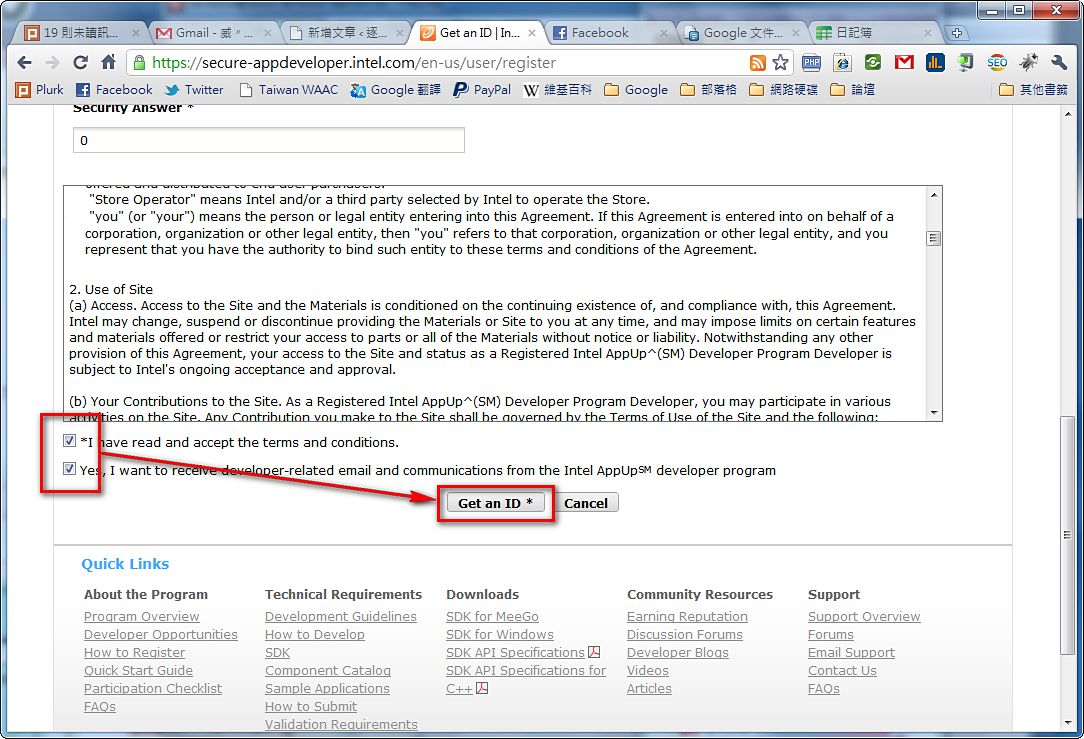
3.Check the two options at the bottom of the page, then click Get an ID.
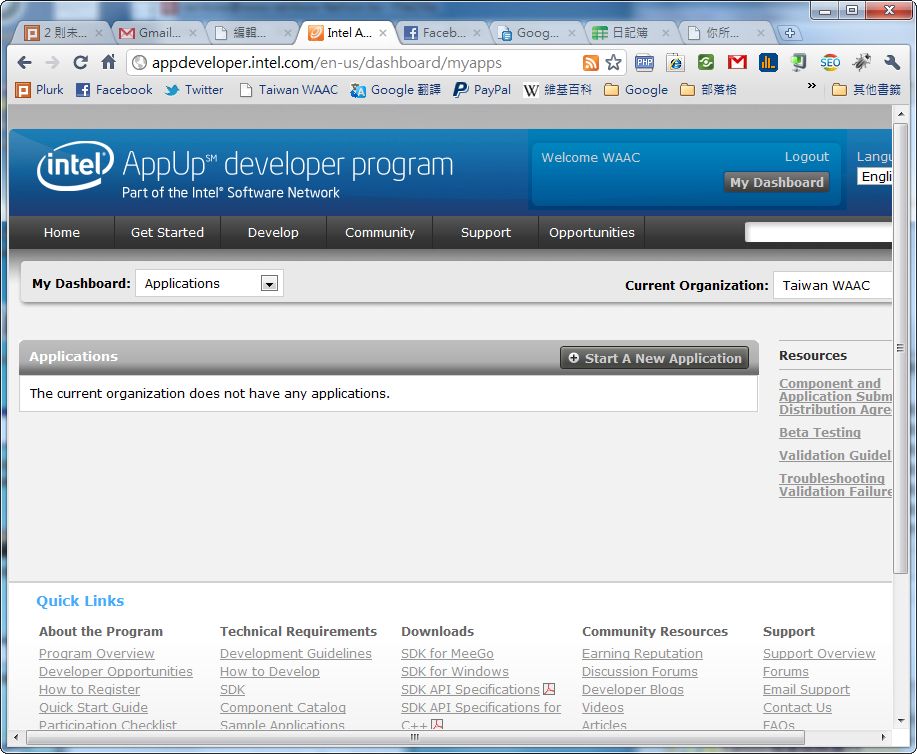
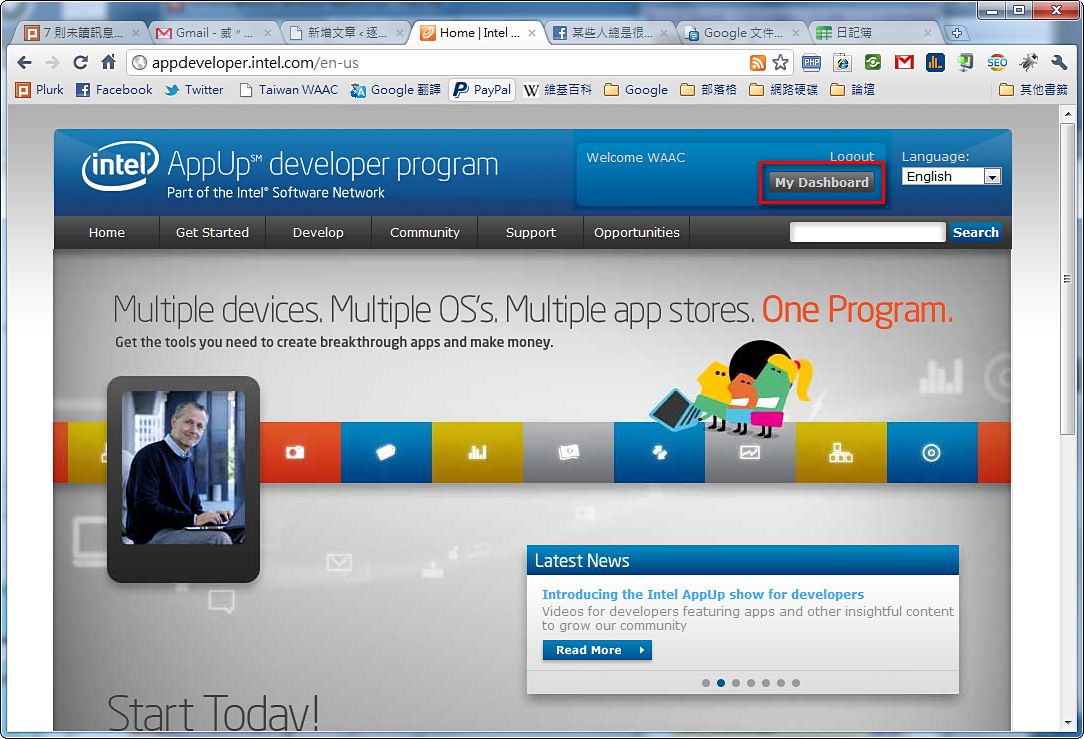
4.If everything goes well and you’ve entered your information correctly, it will redirect you to another page. Don’t panic. Click “My Dashboard” in the upper-right corner.
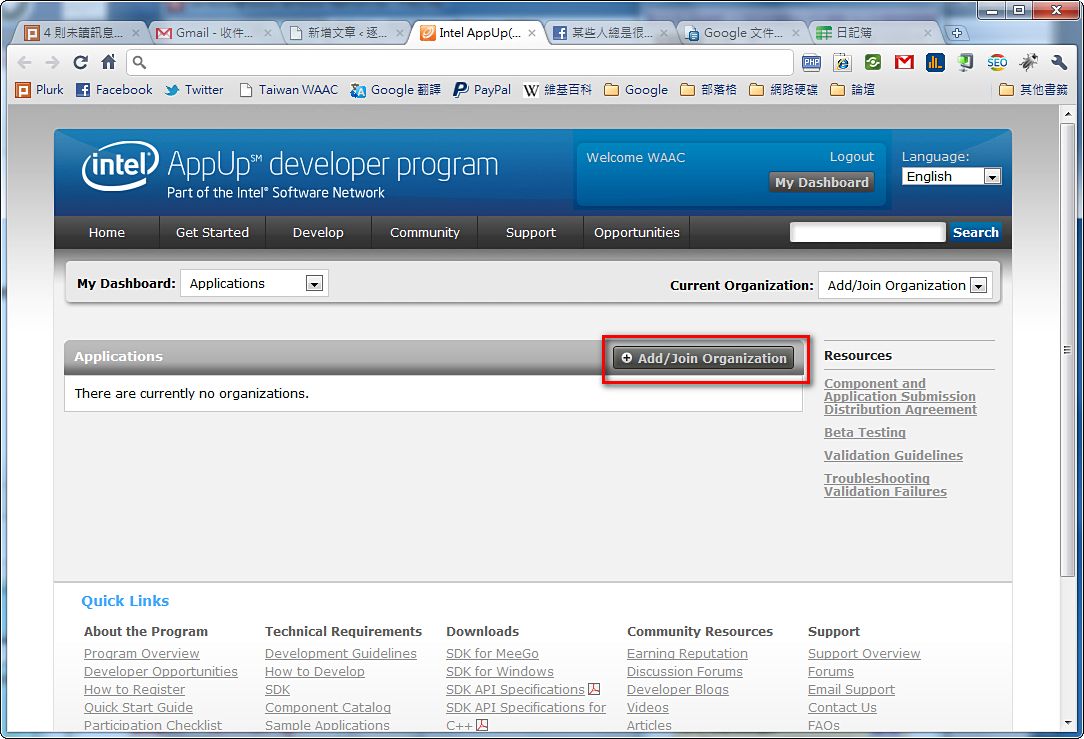
5.Click “Add/Join Organization.”
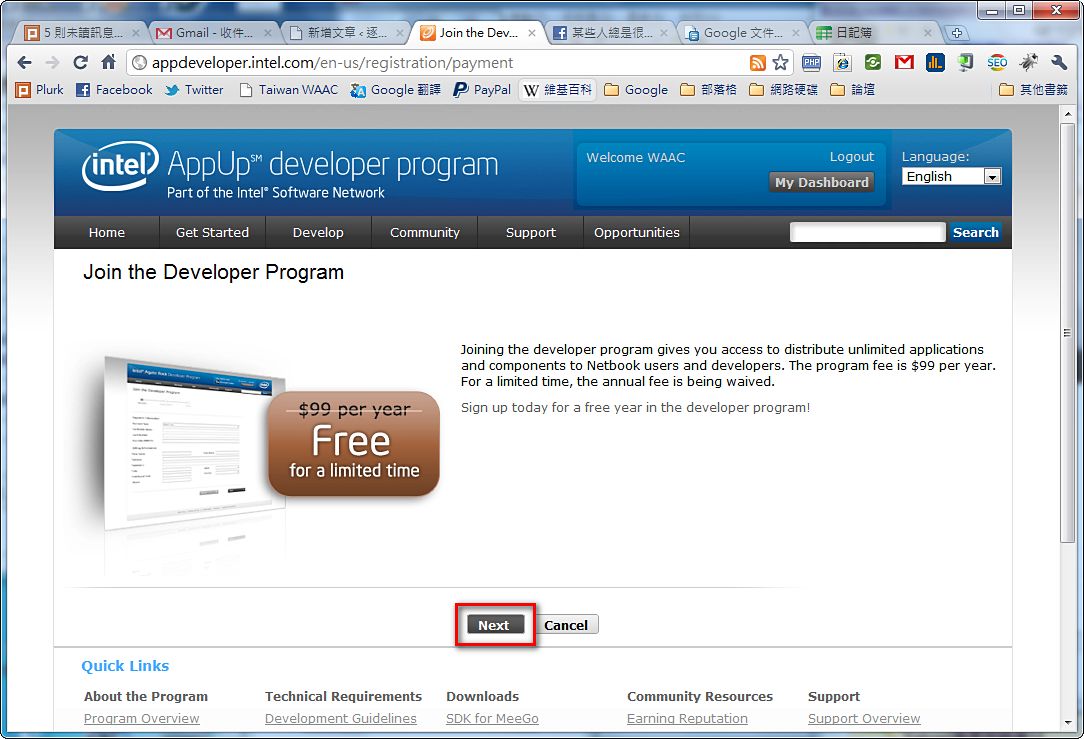
6.This page tells you that joining IADP is currently free~. Click “Next.” It may become paid in a few months…
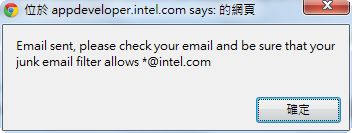
7.Click Go. This sends a verification code to your email to confirm that your email address is correct.
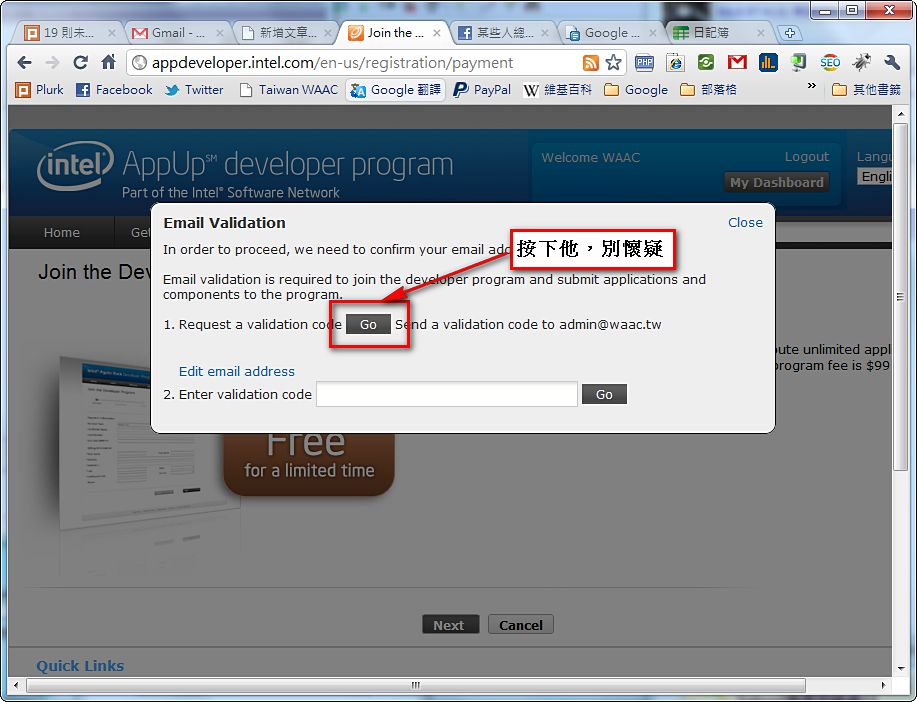
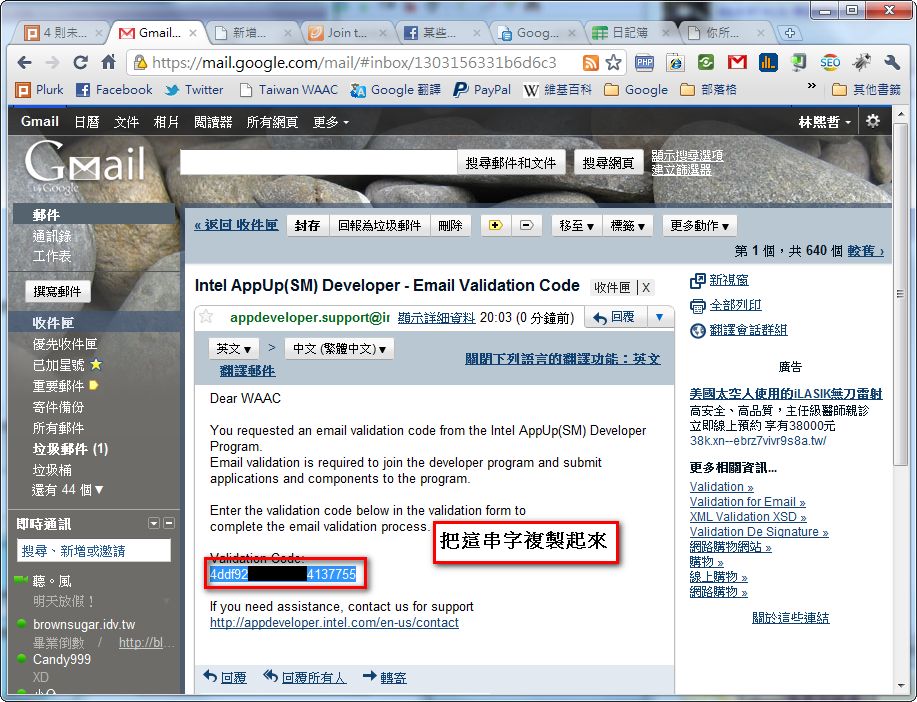
8.After you receive the email, copy the “Validation Code:” and paste it into the AppUp page you were just on.
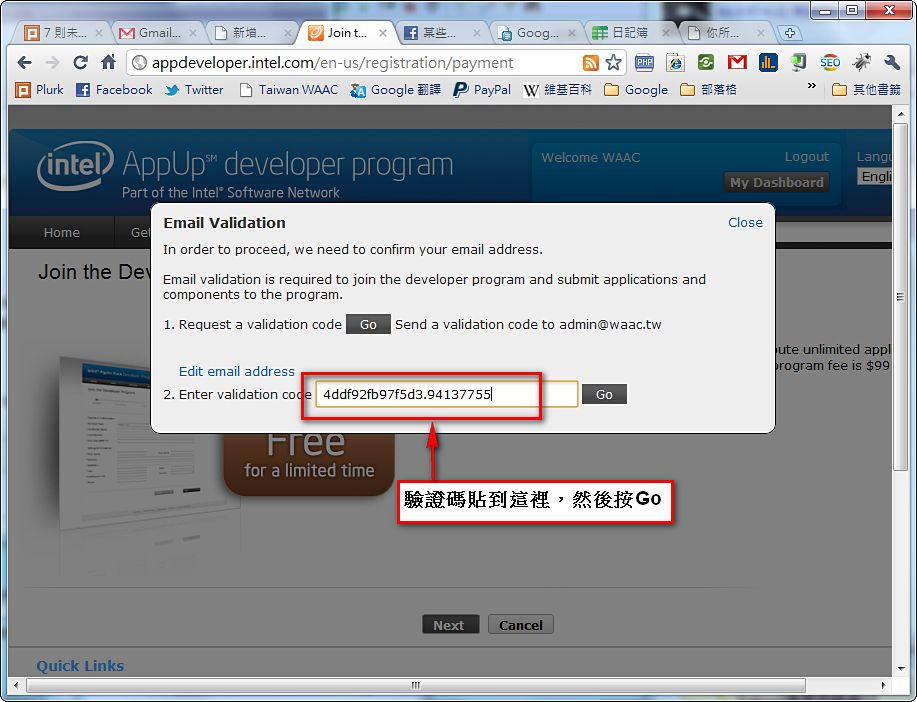
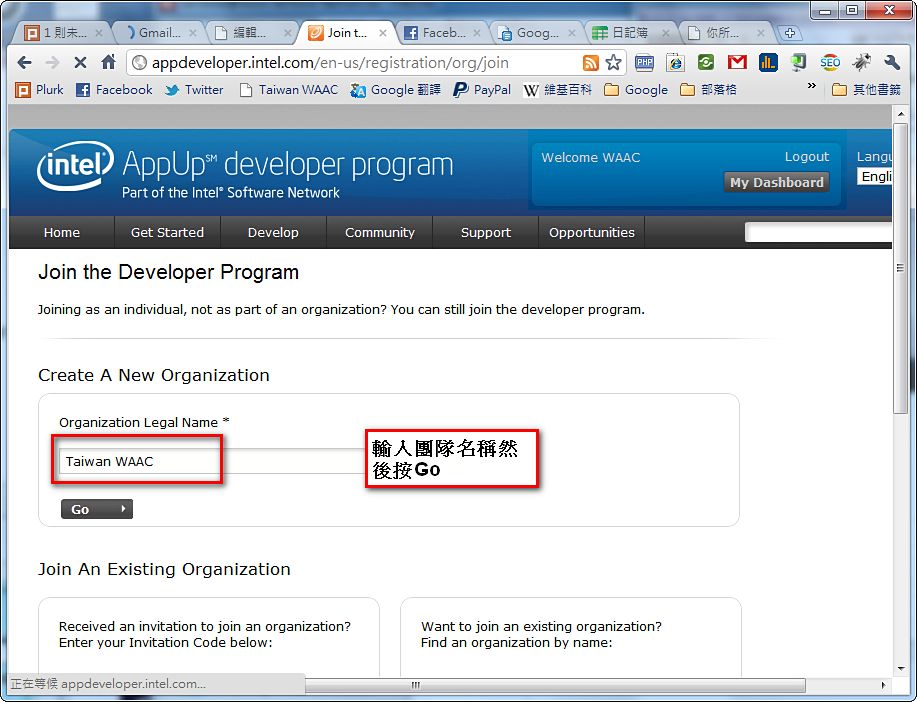
9.After verifying your email, it will ask you to create a team. IADP uses teams as its unit of organization, so even if you’re the only developer, you must create a team.
To create a new team, enter the team name in the “Organization Legal Name *” field, then click “Go.”
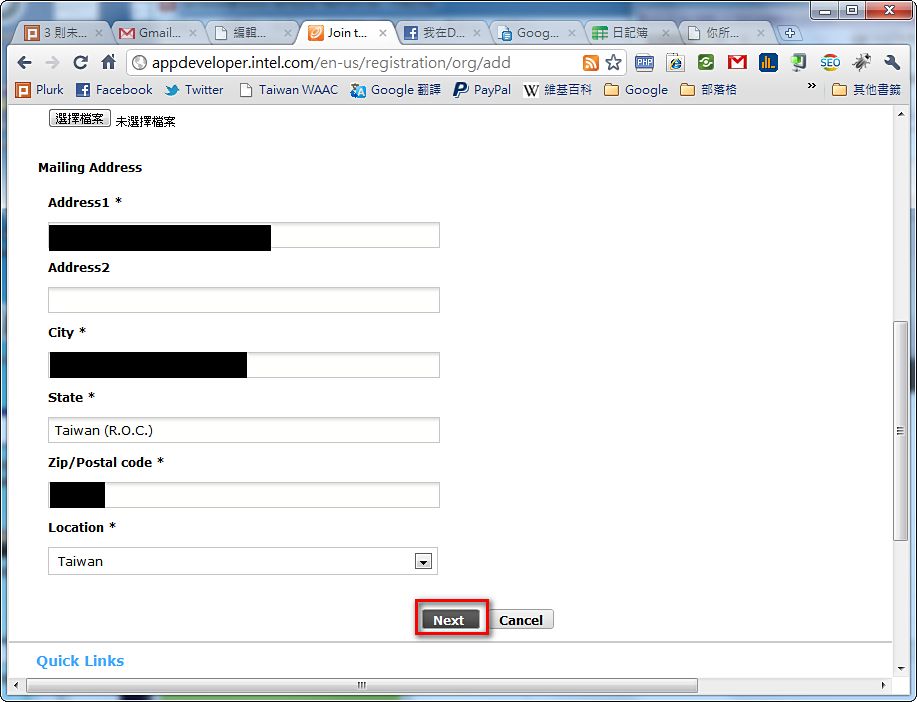
10.Here you set the team’s information, such as the team URL and logo. Some fields are required and some are optional~. After setting them, click “Next.”
11.This is where you set up PayPal~ Enter your PayPal account. If you don’t have one, click “Cancel.”
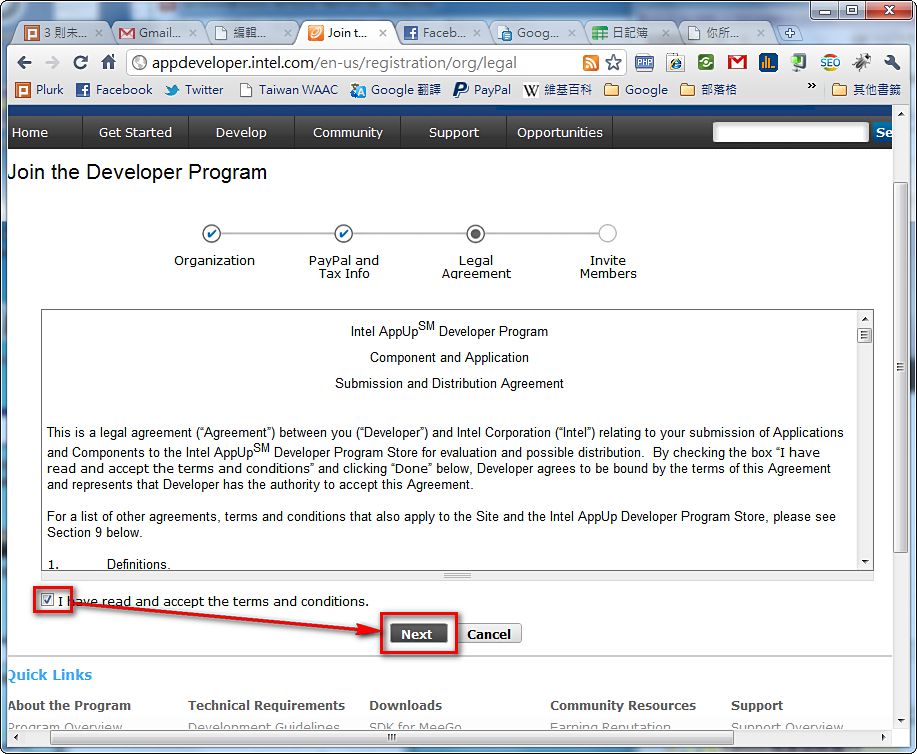
12.This page is the license agreement. Check “I have …. " and then click “Next.”
13.At this point, you’re basically done. But if your team has many people, you can also send invitations here to invite your teammates to join your team.
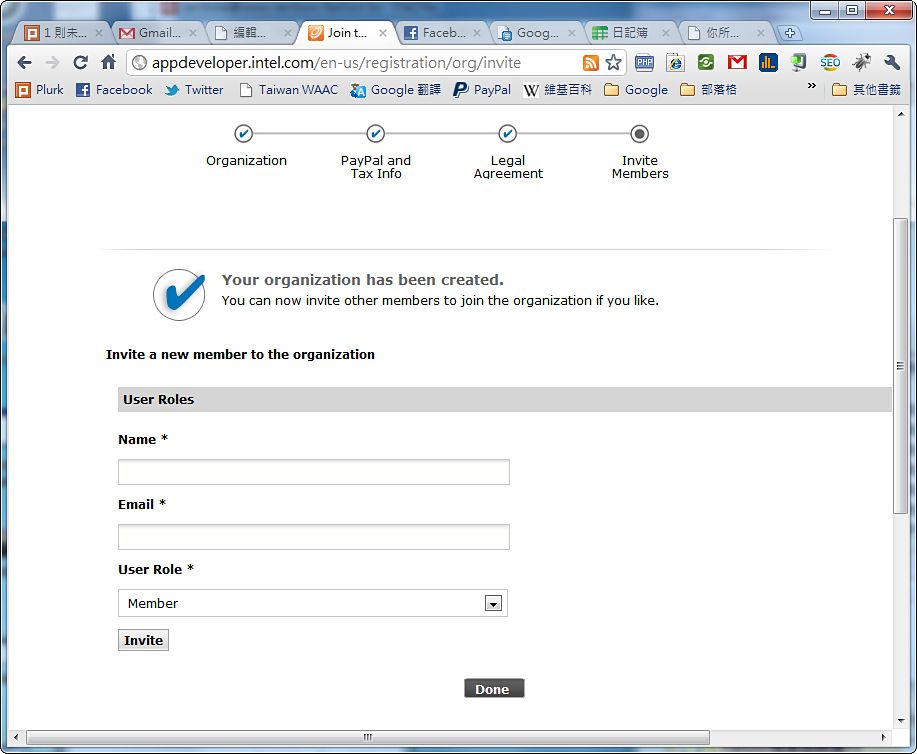
14.Setup complete~~