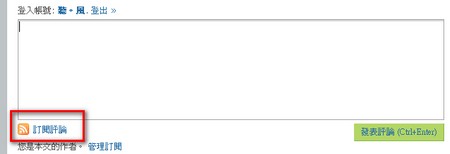
Today I want to introduce a plugin called Subscribe To Comments. It can automatically tell commenters that their comment has been replied to, so they don’t have to come back and check for themselves. Subscribe To Comments was recommended to me by Brother Sausage, and since I think it’s pretty useful, I’m sharing it with everyone.
Subscribe To Comments Info:
- Download: Xun6 | 4Shared | Box.net | WordPress
- Virus scan report: VirusTotal
Subscribe To Comments Tutorial:
1. Upload the subscribe-to-comments main program and the Chinese localization file to /wp-content/plugins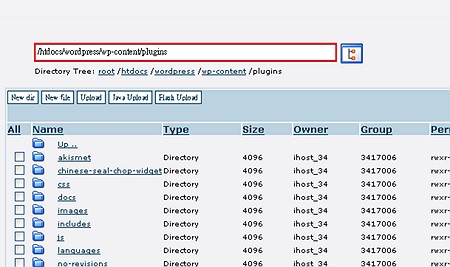
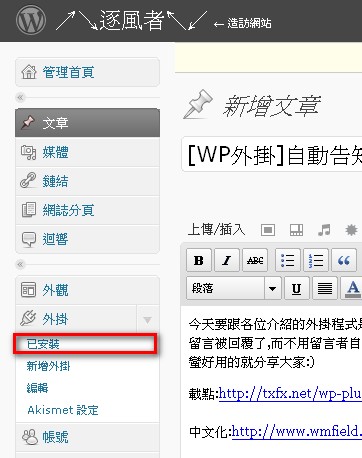
- Go into the WP admin backend, and click Plugins - Installed (already installed) in order
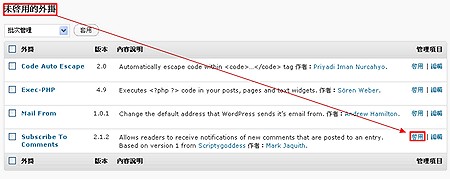
- Scroll the browser down to the “Inactive Plugins” section, then click “Activate” after subscribe-to-comments
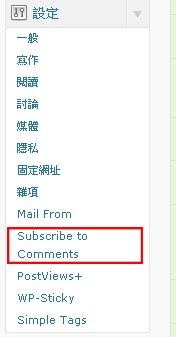
“subscribe to comments” option under Settings to start configuring the various parameters
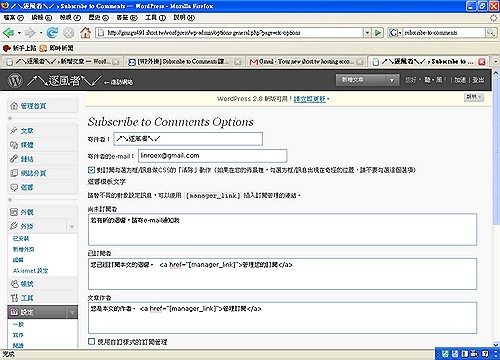
Here you can set the name and email, etc. that you want to show when emails are sent out
That’s it! From now on, as soon as you reply to someone’s comment, they’ll receive a notification